
1. Introduction and Product Overview
The Red-Dot S107E 5 Hole Rectangular Weatherproof Box is designed to protect wiring devices, switches, electronic components, and terminal blocks in various environmental conditions. Constructed from durable aluminum, this box ensures safe wiring and provides robust protection against moisture and other elements. Its accessible wiring chamber facilitates easy installation, maintenance, and splicing of conductors.
This manual provides essential information for the safe and correct installation, operation, and maintenance of your Red-Dot S107E weatherproof box.
2. Safety Information
WARNING: Electrical work can be hazardous. Always consult a qualified electrician if you are unsure about any part of the installation process. Failure to follow these instructions may result in electrical shock, fire, or serious injury.
- Always turn off power at the circuit breaker or fuse box before beginning any electrical work.
- Ensure all local and national electrical codes are followed during installation.
- Use appropriate personal protective equipment (PPE), such as safety glasses and insulated gloves.
- Verify that the product is suitable for the intended application and environment.
- Do not modify the product in any way.
3. Components and Features
The Red-Dot S107E weatherproof box typically includes the following features:
- Durable aluminum construction for corrosion resistance.
- Five threaded conduit hubs for versatile wiring configurations.
- Machined surfaces for secure and weatherproof sealing.
- Designed for use in dry, damp, and wet locations.
- Mounting tabs for secure installation.

Figure 1: The Red-Dot S107E Weatherproof Box as supplied in its retail packaging, showing product details and a diagram of its components.
4. Setup and Installation
Follow these steps for proper installation of the Red-Dot S107E weatherproof box:
- Prepare the Installation Site: Ensure the mounting surface is clean, dry, and structurally sound. Mark the desired mounting locations for the box.
- Turn Off Power: Before making any electrical connections, ensure that the power supply to the circuit is completely disconnected at the main service panel. Verify with a voltage tester.
- Mount the Box: Secure the weatherproof box to the mounting surface using appropriate fasteners through the pre-drilled mounting tabs. Ensure the box is level and firmly attached.
- Install Conduit and Fittings: Thread conduits into the desired hub openings. Use appropriate weatherproof fittings (not included) to ensure a watertight seal at all entry points. Tighten all connections securely.
- Wire Connections: Pull conductors through the conduits into the box. Make all necessary electrical connections according to local and national electrical codes. Ensure all splices are properly insulated.
- Install Device/Cover: Once wiring is complete, install the intended wiring device (e.g., outlet, switch) or a blank cover plate (sold separately) onto the box. Use a weatherproof gasket and screws to ensure a tight, weatherproof seal.
- Restore Power: After verifying all connections are secure and the box is properly sealed, restore power at the circuit breaker.
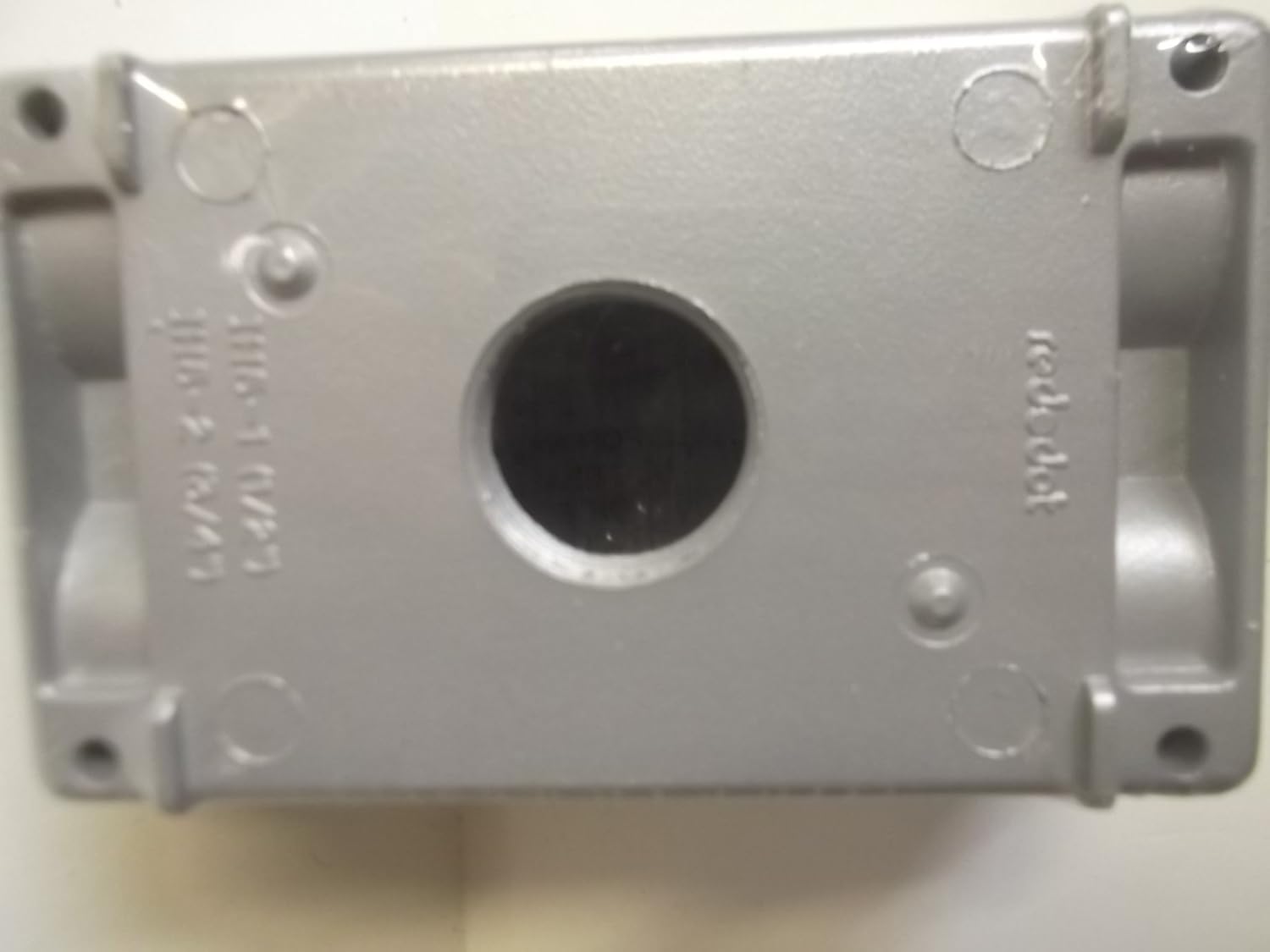
Figure 2: Bottom view of the Red-Dot S107E Weatherproof Box, illustrating the robust aluminum construction and the central conduit opening.
5. Operating Principles
The Red-Dot S107E weatherproof box functions as a protective enclosure for electrical components. Its primary purpose is to:
- Protect from Environmental Elements: Shield internal wiring and devices from rain, snow, dust, and other outdoor conditions.
- Ensure Electrical Safety: Prevent accidental contact with live electrical parts and contain potential electrical faults.
- Provide Wiring Space: Offer an accessible chamber for making secure wire connections and splices.
Proper installation with weatherproof gaskets and fittings is crucial for maintaining the integrity of its protective function.
6. Maintenance
To ensure the continued performance and safety of your Red-Dot S107E weatherproof box, periodic maintenance is recommended:
- Visual Inspection: Regularly inspect the box for any signs of damage, corrosion, or loose fittings. Check for cracks, dents, or compromised seals.
- Cleanliness: Keep the exterior of the box clean from dirt, debris, and excessive moisture buildup. Use a damp cloth for cleaning; avoid abrasive cleaners.
- Seal Integrity: Periodically check the integrity of all weatherproof gaskets and seals around covers and conduit entries. Replace any worn or damaged seals immediately to maintain weatherproof protection.
- Tightness of Connections: Ensure all screws and conduit fittings remain tight. Loose connections can compromise both electrical safety and weatherproof integrity.
7. Troubleshooting
Most issues related to a weatherproof box stem from improper installation or compromised seals. Consider the following if problems arise:
- Water Intrusion: If water is found inside the box, immediately disconnect power. Inspect all conduit entries, cover seals, and mounting points for proper sealing. Replace any damaged gaskets or fittings. Ensure conduit hubs are properly tightened.
- Loose Connections: If electrical devices within the box are intermittent or not functioning, ensure all wire connections are secure and properly terminated. Always turn off power before inspecting.
- Corrosion: While the aluminum construction is corrosion-resistant, extreme environments can still cause issues. Ensure the finish is intact. If significant corrosion occurs, consider replacement or additional protective measures.
If you are unable to resolve an issue, contact a qualified electrician.
8. Specifications
| Feature | Detail |
|---|---|
| Model Number | S107E |
| Brand | Red-Dot |
| Material | Aluminum |
| Dimensions (L x W x H) | 6 x 3 x 3 inches (approximate) |
| Weight | 4.94 ounces (approximate) |
| Number of Hubs | 5 |
| Finish Type | Powder Coated |
| Environmental Rating | Suitable for dry, damp, and wet locations |
9. Warranty and Support
For information regarding the warranty of your Red-Dot S107E Weatherproof Box, please refer to the documentation provided with your purchase or contact Red-Dot customer support directly. Specific warranty terms and conditions may vary.
For technical assistance or further inquiries, please visit the official Red-Dot website or contact their customer service department. Always provide your product model number (S107E) when seeking support.


