
Taylor 755841932B
Taylor Digital Scale User Manual
Model: 755841932B
Product Overview
The Taylor 7558 Digital Scale is designed for accurate body weight measurement with a sleek, modern aesthetic. Its durable tempered glass platform and instant-on technology provide a hassle-free weighing experience. The large LCD display ensures easy readability of your measurements.

Image: The Taylor 7558 Digital Scale featuring its black tempered glass platform and clear LCD display.
Key Features
- Durable Tempered Glass Platform: 11.8" x 11.8" black finish for a sleek look.
- High Capacity: Measures up to 400 lb (180 kg) in precise 0.2 lb (0.1 kg) increments.
- Large LCD Readout: 3.21" x 1.56" display for easy visibility.
- Step-On Auto Technology: Instant readings without tapping or waiting.
- Low Battery Indicator: Alerts you when batteries need replacement.
- Included Batteries: Comes with 2 AAA batteries for immediate use.
- 5-Year Warranty: Ensures long-term reliability and support.
Setup
Battery Installation
- Locate the battery compartment on the underside of the scale.
- Open the battery compartment cover.
- Insert the 2 AAA batteries (included) into the compartment, ensuring correct polarity (+/-).
- Close the battery compartment cover securely.
Initial Placement
- Place the scale on a hard, flat surface. Avoid carpets or uneven flooring, as this may affect accuracy.
- Ensure the scale is stable and does not rock.
Operating Instructions
Taking a Measurement
- Gently step onto the scale platform. The scale will automatically turn on.
- Stand still on the platform, distributing your weight evenly.
- Your weight will be displayed on the LCD screen. The display will flash or stabilize to indicate the final reading.
- Step off the scale. The scale will automatically turn off after a few seconds to conserve battery life.

Image: The Taylor Digital Scale displaying '0.0' on its LCD screen, ready for a measurement.
Understanding Your Scale
The Taylor scale is designed for consistent and accurate readings. It may take a moment to stabilize your weight, especially if you shift your position. The auto-on and auto-off features make it convenient for daily use.
Video: An official Taylor brand video showcasing the precision and innovative designs of Taylor measurement products, including scales and thermometers.
Maintenance
- Cleaning: Wipe the scale surface with a damp cloth and mild detergent. Avoid abrasive cleaners or submerging the scale in water.
- Storage: Store the scale in a dry place at room temperature. If storing for extended periods, remove the batteries.
- Battery Replacement: Replace batteries when the low battery indicator appears on the display.
Troubleshooting
| Issue | Possible Cause / Solution |
|---|---|
| No display / Scale won't turn on | Check battery installation and polarity. Replace batteries if low. |
| Inaccurate readings | Ensure scale is on a hard, flat, stable surface. Avoid moving the scale between measurements. Recalibrate by stepping on and off quickly. |
| "Lo" or "Err" message | "Lo" indicates low battery; replace batteries. "Err" indicates an overload or measurement error; step off and try again. |
Specifications
| Feature | Detail |
|---|---|
| Model Number | 755841932B |
| Product Dimensions | 12.6 x 1.1 x 12.2 inches |
| Weight | 3 Pounds |
| Capacity | 400 lb / 180 kg |
| Increments | 0.2 lb / 0.1 kg |
| Display Type | LCD |
| Power Source | 2 x AAA Batteries (included) |
| Manufacturer | Lifetime Brands Inc. |
Warranty and Support
The Taylor 7558 Digital Scale comes with a 5-year warranty from the date of purchase. This warranty covers defects in materials and workmanship under normal use.
For warranty claims, technical support, or additional product information, please visit the official Taylor website or contact their customer service department. Keep your proof of purchase for warranty validation.
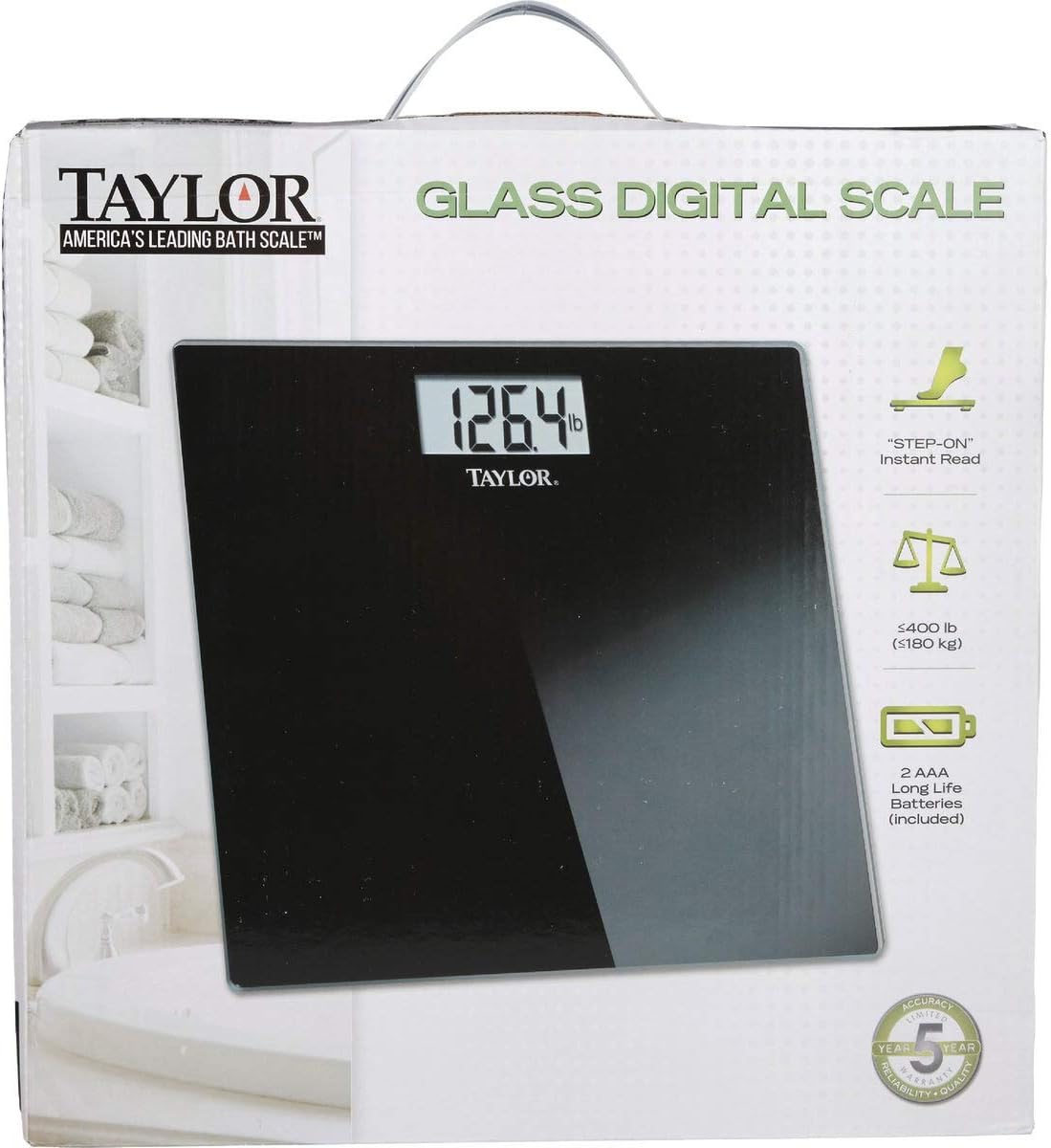
Image: The Taylor Digital Scale as packaged for retail, highlighting its features and brand.
For more products and information, visit the Taylor Store on Amazon.
Ask a question about this manual
Ask about setup, troubleshooting, compatibility, parts, safety, or missing instructions. Manuals+ will review the question and use this page’s manual context to help answer it.