Introduction
Thank you for choosing the Hunter Fan Builder Deluxe Ceiling Fan. This manual provides comprehensive instructions for the safe and efficient installation, operation, and maintenance of your new ceiling fan. Please read all instructions carefully before beginning installation to ensure proper function and safety.
Important Safety Information
Always follow basic safety precautions when installing and operating this appliance to reduce the risk of fire, electric shock, and personal injury.
- WARNING: To avoid possible electrical shock, before installing your fan, disconnect the power by turning off the circuit breakers to the outlet box associated with the wall switch location.
- WARNING: All wiring must be in accordance with national and local electrical codes. If you are unfamiliar with wiring, use a qualified electrician.
- WARNING: To reduce the risk of personal injury, do not bend the blade brackets when installing the brackets, balancing the blades, or cleaning the fan.
- WARNING: Do not insert foreign objects between rotating fan blades.
- Ensure the mounting structure can support the fan's weight (8.3 kg / 18.3 lbs).
- Maintain a minimum clearance of 7 feet from the floor to the bottom of the fan blades.
Package Contents
Verify that all components listed below are included in your package before beginning installation:
- Fan Motor Assembly
- 5 Reversible Fan Blades
- Light Kit with Glass Bowl
- 2 x 9W Light Bulbs
- 3-inch Downrod
- Pull Chain for Fan Speed Control
- Pull Chain for Light Control
- Mounting Hardware Kit
- Instruction Manual (this document)
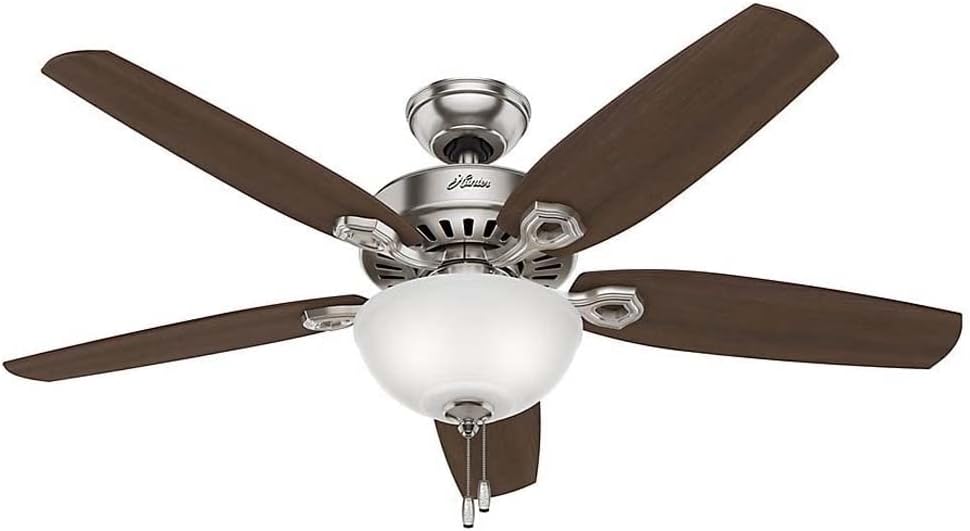
Image: The Hunter Fan Builder Deluxe Ceiling Fan, showcasing its polished nickel finish and five reversible blades, with the integrated light kit and pull chains visible.
Setup and Installation
Follow these steps for proper installation of your ceiling fan:
- Turn Off Power: Before starting, ensure power is disconnected at the circuit breaker.
- Install Mounting Bracket: Securely attach the mounting bracket to the ceiling outlet box. Ensure the outlet box is directly supported by the building structure.
- Assemble Downrod: Insert the downrod through the canopy and connect it to the fan motor assembly.
- Hang Fan: Carefully lift the fan assembly and hang it on the mounting bracket.
- Make Electrical Connections: Connect the fan's electrical wires to the household wiring according to the wiring diagram provided in the separate wiring guide (if applicable) or standard electrical practices (e.g., black to black, white to white, green/bare to ground).
- Secure Canopy: Slide the canopy up and secure it to the mounting bracket.
- Attach Fan Blades: Secure each of the five reversible blades to the blade holders, then attach the blade holders to the motor. Ensure all screws are tightened.
- Install Light Kit: Connect the light kit wiring and attach the light kit assembly to the bottom of the fan motor housing. Install the included 9W light bulbs.
- Attach Glass Bowl: Secure the glass bowl to the light kit.

Image: The Hunter Fan Builder Deluxe Ceiling Fan elegantly installed in a living room, demonstrating its suitability for interior spaces.
Operating Instructions
Your Hunter Fan Builder Deluxe fan is designed for ease of use with convenient pull chain controls.
Fan Speed Control
The fan features a 3-speed WhisperWind motor. Locate the pull chain for fan speed control (typically the longer chain). Pull the chain repeatedly to cycle through the speed settings:
- First pull: High speed
- Second pull: Medium speed
- Third pull: Low speed
- Fourth pull: Off
Light Control
The integrated light kit is controlled by a separate pull chain (typically the shorter chain). Pull the chain to turn the light on or off.

Image: A close-up view of the pull chains extending from the fan's light kit, used for controlling fan speed and light.
Reversible Motor Function
Your fan has a reversible motor for year-round comfort. A small switch on the fan motor housing allows you to change the direction of blade rotation:
- Summer Mode (Counter-clockwise): Airflow creates a cooling breeze.
- Winter Mode (Clockwise): Airflow pushes warm air down, recirculating heat.
To change direction, ensure the fan is off and the blades have stopped completely before flipping the switch.
Maintenance
Regular maintenance ensures the longevity and optimal performance of your Hunter Fan.
- Cleaning: Dust the fan blades and motor housing periodically with a soft, lint-free cloth. Do not use abrasive cleaners or solvents, as they may damage the finish.
- Light Bulb Replacement: Ensure power is off before replacing bulbs. Use only bulbs of the specified wattage (9W LED or equivalent).
- Tighten Screws: Periodically check all screws on the fan blades and mounting hardware to ensure they are secure. Loose screws can cause wobbling or noise.
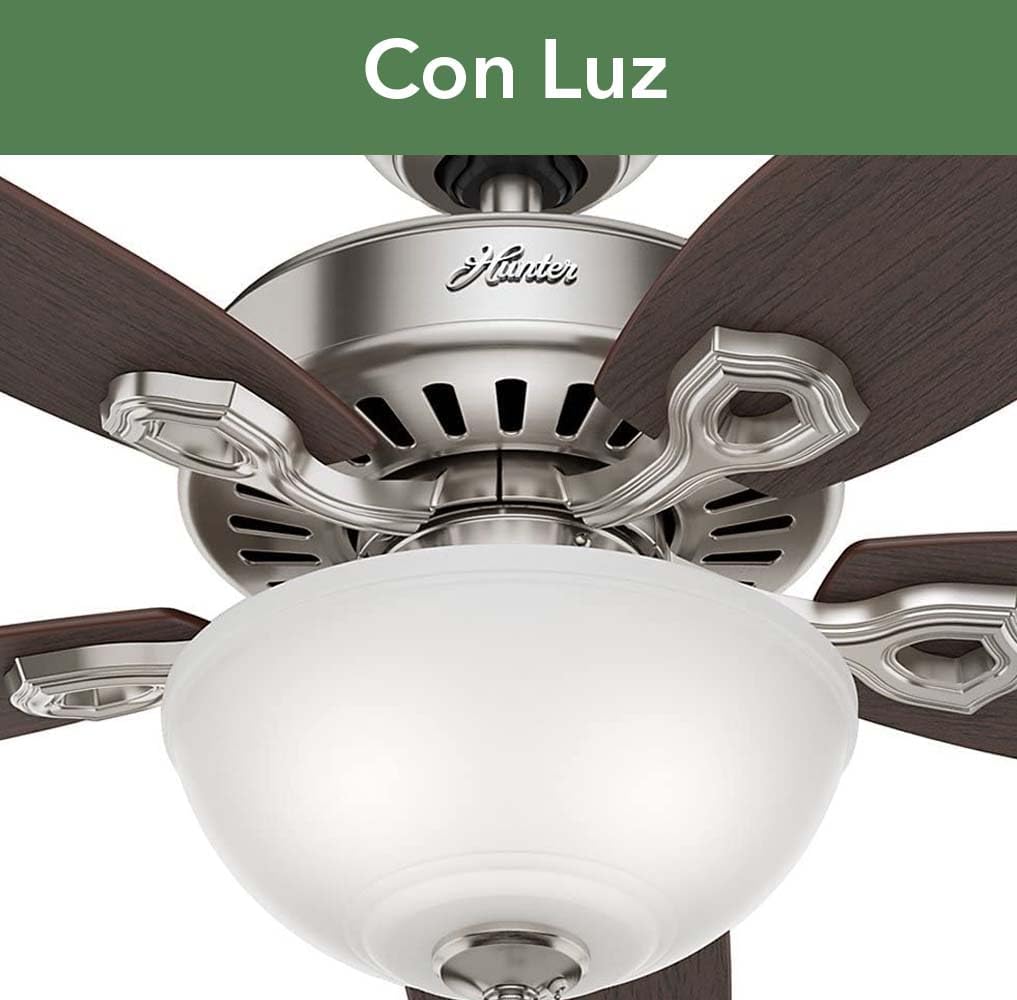
Image: A detailed view of the fan's light kit, featuring the frosted glass bowl, which houses the light bulbs.
Troubleshooting
If you experience issues with your fan, refer to the following common problems and solutions:
| Problem | Possible Cause | Solution |
|---|---|---|
| Fan will not start | No power to fan; Loose wire connections; Motor switch not engaged. | Check circuit breaker; Verify all wire connections are secure; Ensure pull chain is in the 'on' position. |
| Fan wobbles | Loose blade screws; Unbalanced blades; Loose mounting bracket. | Tighten all blade screws; Use a balancing kit (not included) if necessary; Ensure mounting bracket is securely fastened. |
| Light not working | Loose wire connections; Faulty bulb; Light kit switch off. | Check light kit wiring; Replace bulb; Ensure light pull chain is in the 'on' position. |
| Noisy operation | Loose screws; Fan not level; Bearings need lubrication (rare for sealed bearings). | Tighten all screws; Ensure fan is mounted level; Contact customer support if noise persists after checking connections. |
Specifications
| Feature | Detail |
|---|---|
| Manufacturer | Hunter Fan |
| Model Number | 53090 |
| Size | 52 inches (132 cm) diameter |
| Color | Polished Nickel |
| Style | Traditional |
| Material | Alloy Steel |
| Power Source | Corded Electric |
| Voltage | 120 Volts |
| Wattage (Fan) | 64 watts |
| Airflow Capacity | 5110 Cubic Feet Per Minute |
| Light Bulb Type | Electric (2 x 9W included) |
| Number of Blades | 5 (Reversible) |
| Special Features | 3 speeds, WhisperWind motor, Pull Chain Control |
| Weight | 8300 Grams (18.3 lbs) |
| Dimensions (LxWxH) | 132.1 cm x 132.1 cm x 42.6 cm |
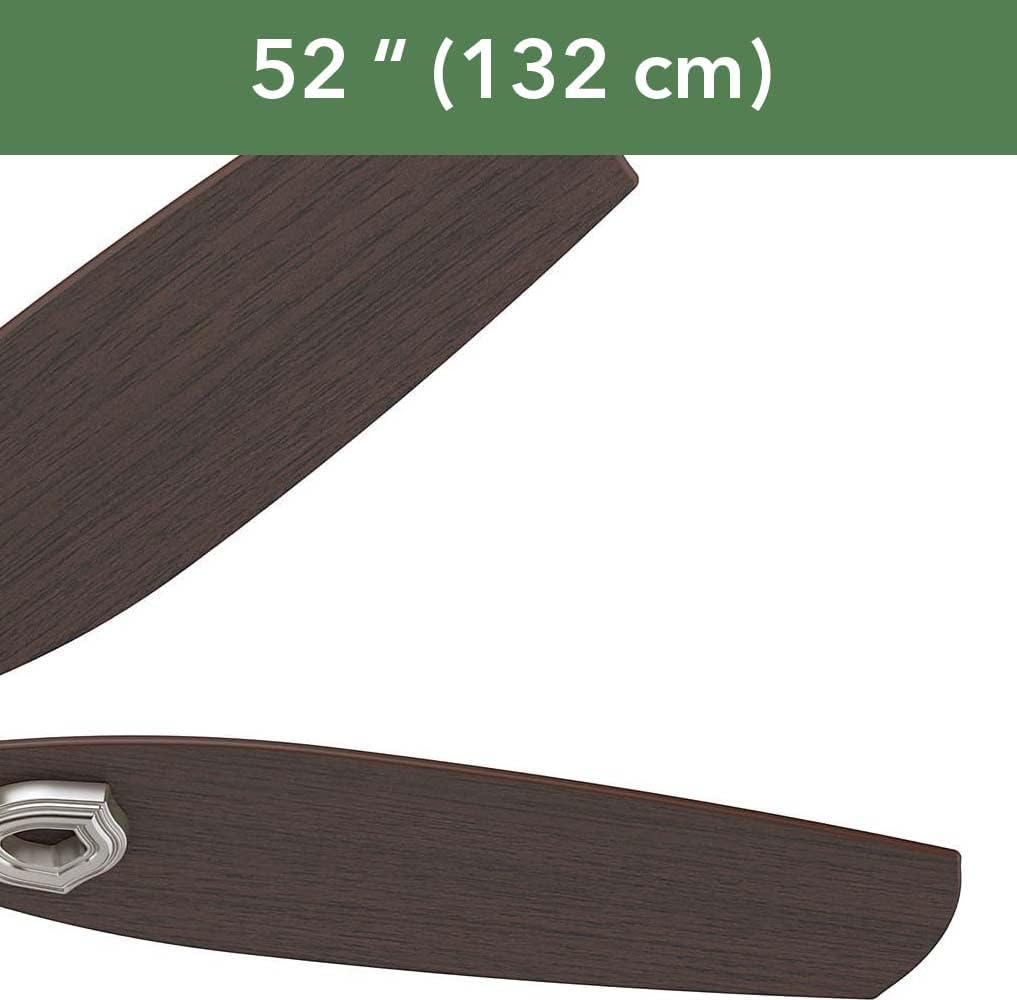
Image: A visual representation highlighting the 52-inch (132 cm) diameter of the fan, indicating its size.
Warranty and Support
Hunter Fan Company stands behind the quality of its products.
Warranty Information
This Hunter Fan Builder Deluxe Ceiling Fan comes with a limited lifetime motor warranty, ensuring peace of mind regarding the fan's core functionality. Please refer to the warranty card included in your original packaging for full terms and conditions.
Customer Support
For technical assistance, replacement parts, or warranty claims, please visit the official Hunter Fan website or contact their customer service department. Have your model number (53090) and purchase information ready when contacting support.
Online Support: www.hunterfan.com/support
Phone Support: Refer to the contact information on the Hunter Fan website for your region.


