
LUXPRO LP600C
LUX-PRO LP600C Tactical Flashlight User Manual
Model: LP600C | Brand: LUXPRO
Introduction
This manual provides comprehensive instructions for the safe and effective use of your LUX-PRO LP600C 350 Lumen Tactical Flashlight. Please read this manual thoroughly before operation and retain it for future reference.
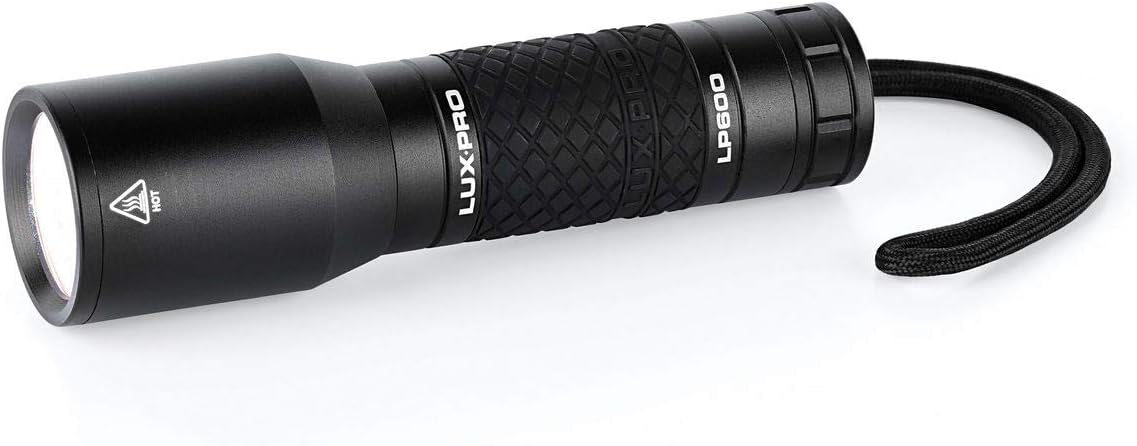
Image: The LUX-PRO LP600C Tactical Flashlight, a black, cylindrical device with a textured grip and a wrist strap, viewed from a slight angle showing the lens and the "LUX-PRO LP600" branding.
Product Features
- Lumen Output: 350 Lumens on HIGH mode (3.5 hours runtime), 120 Lumens on LOW mode (8 hours runtime).
- Output Modes: HIGH, LOW, and STROBE.
- Optics & LED: Utilizes LPE Optics and CREE LED Technology for efficient light output.
- Design: Strong aluminum body with a diamond-patterned rubber grip for enhanced control.
- Water Resistance: O-Ring sealed for IPX6 water resistance, protecting against powerful water jets.
- Power Source: Preloaded with 4 AAA Alkaline Batteries.

Image: A diagram showing the LUX-PRO LP600C flashlight with its key features and dimensions (5.5 inches length, 1.5 inches width) highlighted, along with text detailing its 350 lumens, High/Low/Strobe modes, LPE Optics, CREE LED, 4 AAA batteries, rubber grip, and IPX6 water resistance.
Setup
Battery Installation
- Unscrew the tail cap of the flashlight by turning it counter-clockwise.
- Insert four (4) AAA alkaline batteries into the battery compartment, ensuring the correct polarity (+/-) as indicated inside the compartment.
- Screw the tail cap back on clockwise until it is securely tightened. Do not overtighten.
Note: The flashlight comes preloaded with batteries. This step is for replacement or initial setup if batteries are not pre-installed.
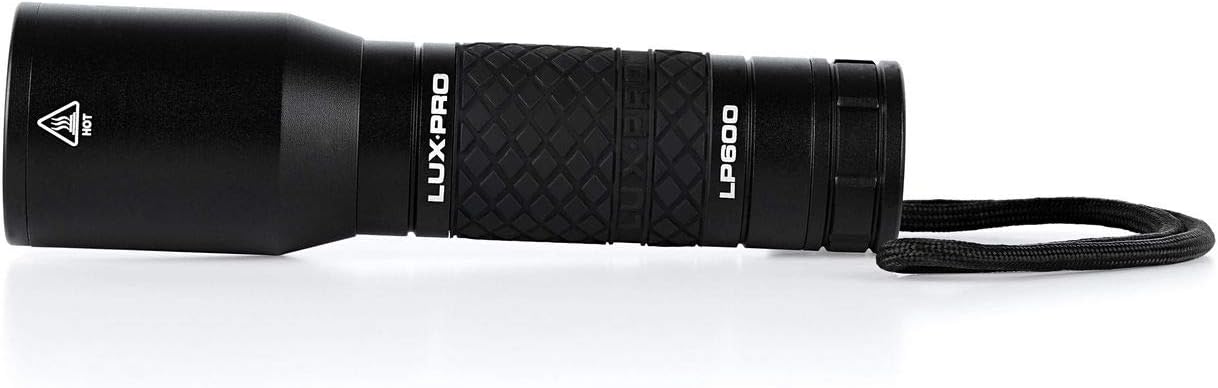
Image: The LUX-PRO LP600C flashlight with its tail cap unscrewed, showing the internal battery compartment ready for battery insertion.
Operating Instructions
Power On/Off and Mode Selection
The LP600C flashlight features a single button operation located on the tail cap.
- To Turn On: Press the tail cap button firmly until it clicks. The flashlight will activate in HIGH mode.
- To Change Modes: While the flashlight is on, lightly press the tail cap button (without clicking) to cycle through the modes: HIGH → LOW → STROBE.
- To Turn Off: From any mode, press the tail cap button firmly until it clicks again.
- Memory Function: The flashlight will always return to HIGH mode when turned off and then back on.
Using the Wrist Strap
The integrated wrist strap can be used to secure the flashlight to your wrist, preventing accidental drops and providing easy access.

Image: The LUX-PRO LP600C flashlight shown with its black braided wrist strap attached to the tail cap, ready for use.
Maintenance
- Cleaning: Wipe the flashlight body with a soft, damp cloth. Do not use abrasive cleaners or solvents.
- Battery Replacement: Replace all four AAA batteries simultaneously when the light output diminishes. Do not mix old and new batteries or different battery types.
- O-Ring Maintenance: Periodically inspect the O-rings (located near the tail cap threads) for wear or damage. Apply a thin layer of silicone grease to the O-rings to maintain water resistance.
- Storage: If storing the flashlight for an extended period, remove the batteries to prevent leakage and potential damage to the device. Store in a cool, dry place.
Troubleshooting
| Problem | Possible Cause | Solution |
|---|---|---|
| Flashlight does not turn on. |
|
|
| Light output is dim or flickers. |
|
|
| Cannot change modes. |
|
|
Specifications
| Model Number | LP600C |
| Brand | LUXPRO |
| Lumen Output (High) | 350 Lumens |
| Lumen Output (Low) | 120 Lumens |
| Runtime (High) | 3.5 Hours |
| Runtime (Low) | 8 Hours |
| Battery Type | 4 x AAA Alkaline Batteries (included) |
| Material | Aluminum |
| Water Resistance | IPX6 (Water Resistant) |
| Dimensions (L x W x H) | 1.5 x 1.5 x 5.5 inches (3.81 x 3.81 x 13.97 cm) |
| Weight | 181 g |
Warranty and Support
Warranty Information
LUXPRO products are designed for durability and performance. For specific warranty details, please refer to the warranty card included with your product or visit the official LUXPRO website. Typically, LUXPRO offers a limited lifetime warranty on their LED flashlights, covering defects in materials and workmanship.
Customer Support
If you encounter any issues or have questions regarding your LUX-PRO LP600C flashlight, please contact LUXPRO customer support. You can usually find contact information on the product packaging or the official LUXPRO website. Please have your model number (LP600C) and purchase date ready when contacting support.
For more information, visit the official LUXPRO website: www.luxpro.com
Related documentsLP600C


Ask a question about this manual
Ask about setup, troubleshooting, compatibility, parts, safety, or missing instructions. Manuals+ will review the question and use this page’s manual context to help answer it.