Introduction
The Philips NC1 Noise Cancelling Headphones are designed to provide a high-fidelity audio experience with effective noise cancellation. Featuring optimized 40-mm neodymium drivers, these headphones deliver clear and balanced sound across a wide dynamic range. Their compact, multi-way folding design ensures portability, making them suitable for travel. The noise cancellation feature is specifically tuned to maintain optimal sound performance in various environments, allowing for an immersive listening experience.

Image: Philips NC1 Noise Cancelling Headphones shown with the detachable audio cable, USB charging cable, and airline adapter.
What's in the Box
Carefully unpack the contents of your Philips NC1 Noise Cancelling Headphones package. The box should contain the following items:
- Philips NC1 Noise Cancelling On-Ear Headphones
- Audio cable with microphone and in-line control for hands-free calling
- USB charging cable (for charging only)
- Travel case
- Quick start guide
- Airline adapter

Image: A diagram illustrating the Philips NC1 headphones and their accompanying accessories, including cables, travel case, and adapter.

Image: The Philips NC1 headphones are shown compactly folded and stored within their elegant hard travel case, alongside the audio cable and airline adapter.
Product Overview
Familiarize yourself with the various components of your Philips NC1 headphones:
- Feedforward microphone: Used for active noise cancellation.
- 3.5mm audio input jack: For connecting the audio cable to your device.
- Active Noise Cancelling (ANC) on/off button: Activates or deactivates the noise cancellation feature.
- Microphone and in-line control: For hands-free calling and music control.
- Micro USB charging port: For connecting the USB charging cable.
- Charging indicator: Displays the charging status.
- ANC power indicator: Shows the status of the active noise cancellation.
- Feedback microphone: Used for active noise cancellation.
The headphones feature deluxe memory foam cushions for long-wearing comfort and optimal sound performance. The outer cushion is a combination of fabric and soft protein leather, designed for reduced ear surface pressure and heat build-up.
Setup
Charging the Headphones
Before initial use, ensure your headphones are fully charged. Connect the supplied USB charging cable to the Micro USB charging port (5) on the headphones and to a powered USB port (e.g., computer, USB wall adapter). The charging indicator (6) will illuminate during charging and turn off once fully charged.
Connecting to an Audio Source
Connect the detachable audio cable to the 3.5mm audio input jack (2) on the headphones. Plug the other end of the audio cable into the 3.5mm headphone jack of your audio device (e.g., smartphone, tablet, MP3 player).
Operating Instructions
Active Noise Cancellation (ANC)
To activate the noise cancellation feature, slide the ANC on/off button (3) to the 'on' position. The ANC power indicator (7) will illuminate. To deactivate, slide the button to the 'off' position. Noise cancellation is effective in reducing ambient low-frequency sounds, enhancing your listening experience in noisy environments.
Music Playback
Once connected to your audio source, begin playing music. Adjust the volume directly from your audio device. The 40-mm drivers are designed to deliver rich, detailed sound.
Hands-Free Calling
The in-line control and microphone (4) allow you to manage phone calls when connected to a smartphone. Press the button on the in-line control to answer or end a call. The integrated microphone ensures clear communication.
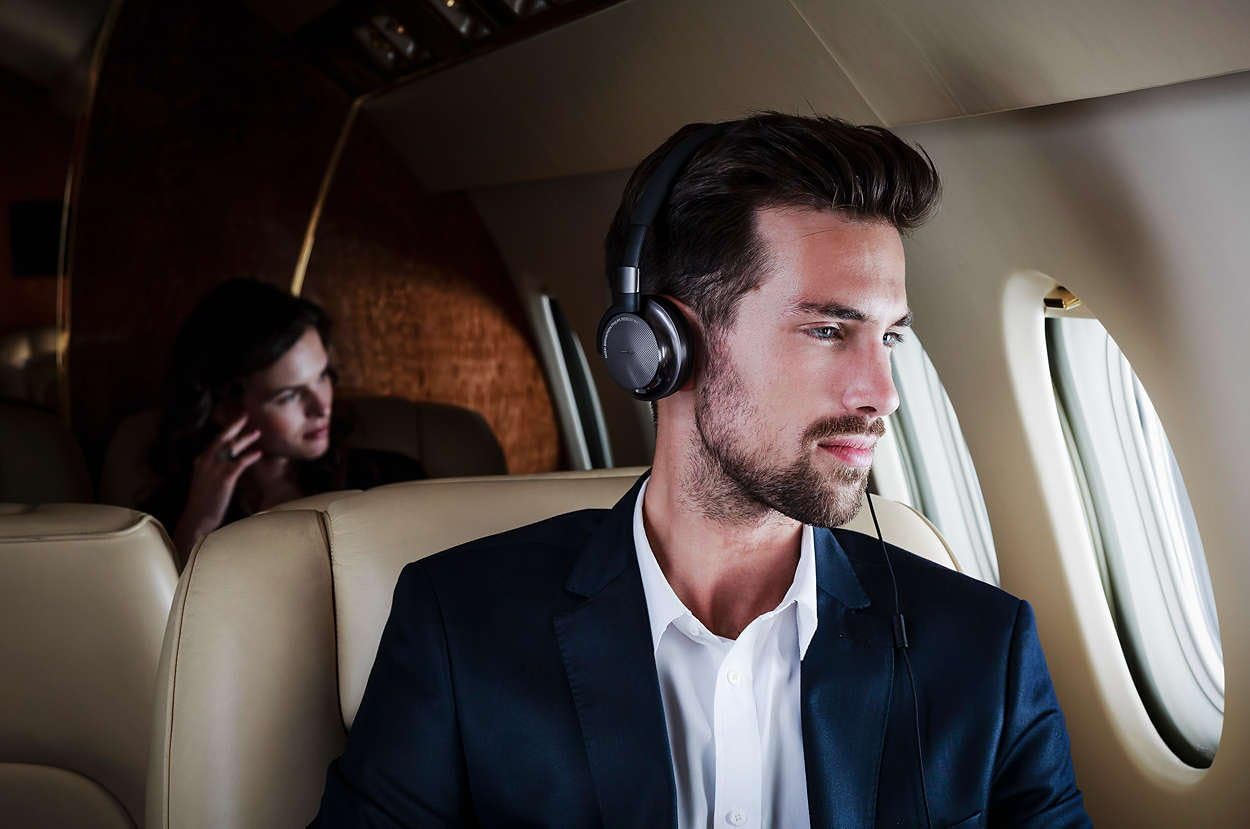
Image: A user wearing the Philips NC1 headphones while traveling on an airplane, demonstrating their use in a common noisy environment.
Maintenance
To ensure the longevity and optimal performance of your Philips NC1 headphones, follow these maintenance guidelines:
- Cleaning: Use a soft, dry cloth to clean the headphones. Avoid using abrasive cleaners or solvents.
- Storage: When not in use, store the headphones in their provided travel case to protect them from dust, scratches, and impacts.
- Cable Care: Handle the audio and charging cables gently. Avoid sharp bends or excessive pulling to prevent damage.
- Avoid Moisture: Keep the headphones away from water and excessive humidity.
Troubleshooting
If you encounter issues with your Philips NC1 headphones, refer to the following common solutions:
- No Sound:
- Ensure the audio cable is securely connected to both the headphones and the audio source.
- Check the volume level on your audio device.
- Test with a different audio source or cable if possible.
- Noise Cancellation Not Working:
- Verify that the ANC on/off button (3) is in the 'on' position and the ANC power indicator (7) is illuminated.
- Ensure the headphones are sufficiently charged.
- Microphone Not Working:
- Ensure the audio cable with in-line microphone is fully inserted into both devices.
- Check your audio device's settings to ensure the external microphone is selected.
Specifications
| Feature | Detail |
|---|---|
| Model Name | FBA_NC1 |
| Connectivity Technology | Wired (3.5 mm Jack) |
| Age Range (Description) | Adult |
| Material | Neodymium |
| Control Type | In-line control |
| Item Weight | 191 Grams (6.7 ounces) |
| Special Feature | Noise Cancellation |
| Manufacturer | Philips |
| Product Dimensions | 1.65 x 6.46 x 7.09 inches |
| Color | Black |
| Form Factor | On Ear |
| Noise Control | Active Noise Cancellation |
Warranty and Support
For warranty information and customer support, please refer to the documentation included with your product or visit the official Philips support website. Keep your proof of purchase for any warranty claims.


