Introduction
The Tascam WS-11 is an artificial-fur windscreen designed to significantly reduce wind noise when recording outdoors with Tascam DR-Series handheld recorders. This accessory is crucial for capturing clear audio in challenging environmental conditions, ensuring professional-quality sound recordings.
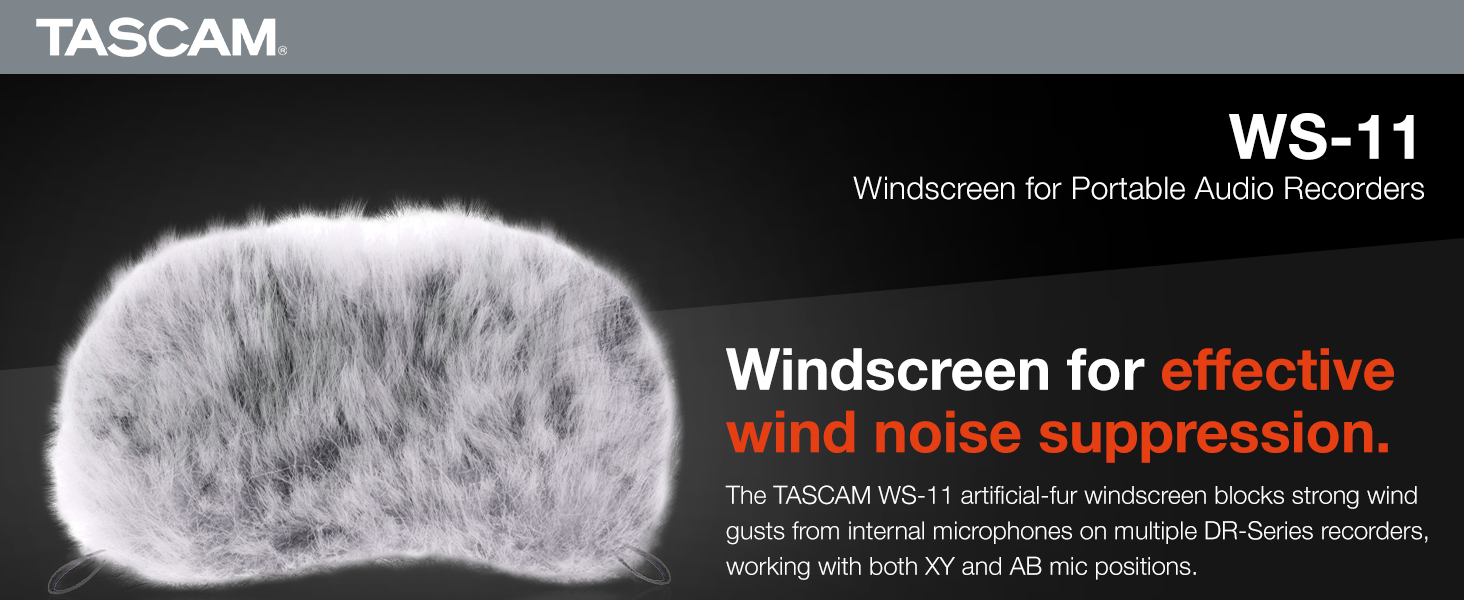
Image: The Tascam WS-11 windscreen, designed for effective wind noise suppression on portable audio recorders.
Compatibility
The WS-11 windscreen is compatible with a wide range of Tascam DR-Series handheld recorders. It is designed to accommodate both XY and AB microphone configurations.
Compatible Models:
- DR-1
- GT-R1
- DR-2d
- DR-05
- DR-07
- DR-07MKII
- DR-22WL
- DR-40
- DR-100
- DR-100MKII
- DR-05X
- DR-07X
- DR-05XP
- DR-07XP
- DR-40X
- DR-100MKIII
- Portacapture X8
- DR-44WL
Note: The WS-11 is not compatible with the DR-08.
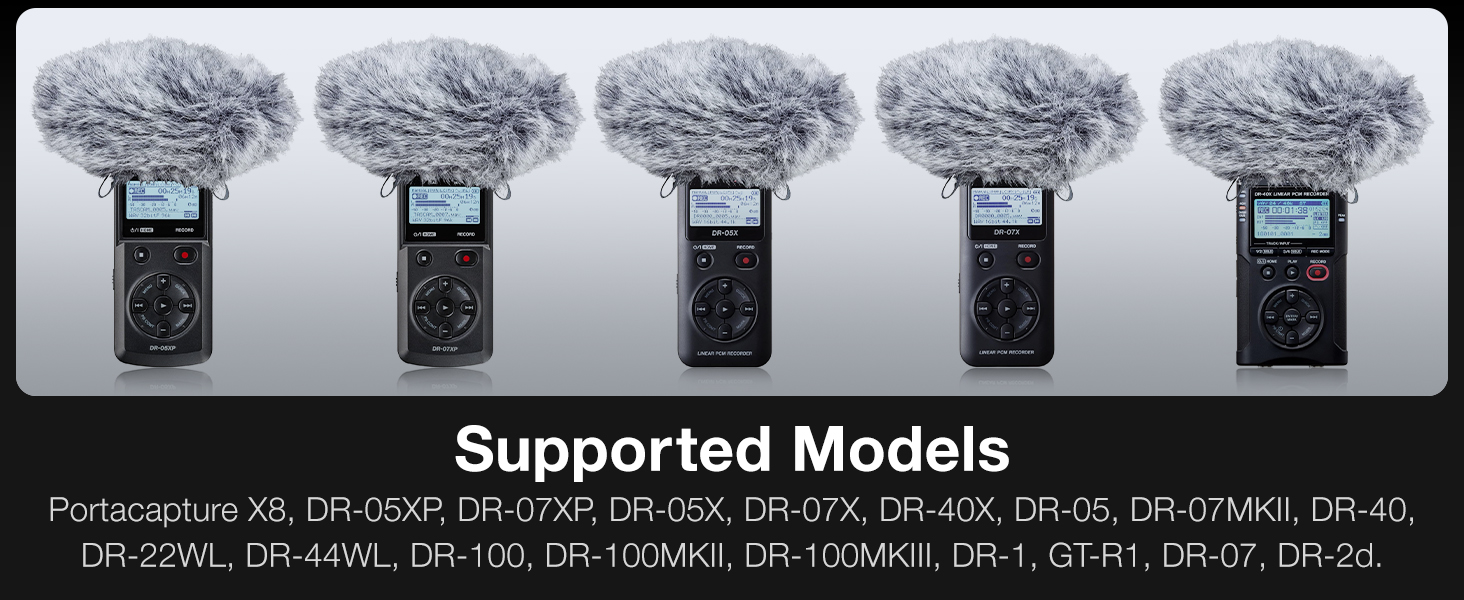
Image: Visual representation of various Tascam DR-Series recorders with the WS-11 windscreen attached, illustrating compatibility.
Setup and Installation
To install the Tascam WS-11 windscreen, gently slide it over the internal microphones of your compatible Tascam DR-Series recorder. The elastic band at the base of the windscreen should fit snugly around the microphone housing to ensure it stays in place.
- Ensure your Tascam recorder is powered off before installation.
- Carefully align the opening of the WS-11 windscreen with the microphone array of your recorder.
- Gently pull the windscreen down, ensuring the elastic band secures it around the base of the microphones.
- Adjust the windscreen so that it fully covers the microphones without obstructing any controls or ports necessary for operation (e.g., headphone jack).

Image: The WS-11 windscreen installed on a Tascam DR-05X handheld recorder.

Image: The WS-11 windscreen installed on a Tascam DR-07X handheld recorder.

Image: The WS-11 windscreen installed on a Tascam DR-40X handheld recorder.
Operating Principles
The Tascam WS-11 windscreen utilizes artificial fur to disrupt and diffuse wind gusts before they reach the sensitive microphone capsules. This physical barrier prevents wind from creating turbulent air pressure changes that would otherwise be picked up as undesirable noise in your recordings.
- Wind Noise Reduction: Effectively minimizes rumble and buffeting sounds caused by wind, allowing for clearer capture of intended audio.
- Sound Quality Preservation: Designed with high-quality materials to reduce wind noise while maintaining the natural sound resolution of your recorder.
- Versatile Use: Suitable for outdoor recording environments, interviews, field recordings, and any situation where wind interference is a concern.
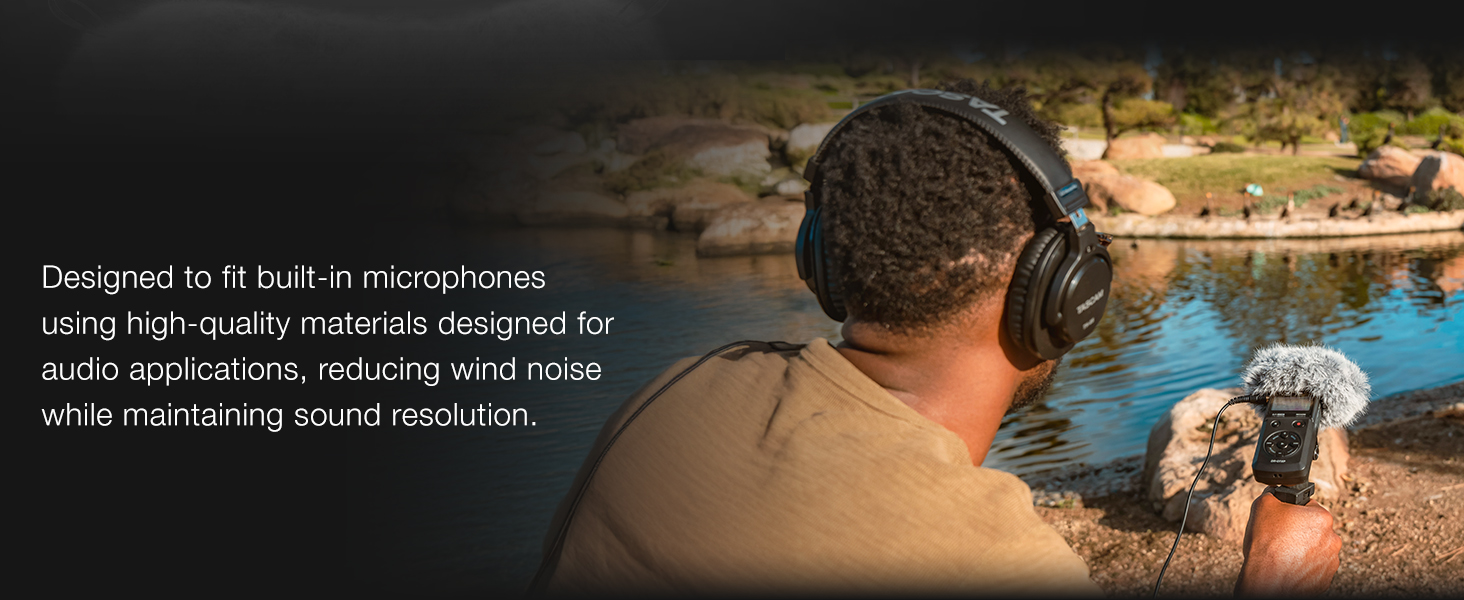
Image: A user recording outdoors with a Tascam handheld recorder fitted with the WS-11 windscreen, demonstrating its use in a natural environment.
Maintenance
Proper maintenance will extend the life and effectiveness of your WS-11 windscreen.
- Cleaning: If the artificial fur becomes dirty, gently shake off any loose debris. For more stubborn dirt, a soft, damp cloth can be used. Avoid harsh chemicals or excessive wetting.
- Drying: If the windscreen gets wet, allow it to air dry completely in a well-ventilated area, away from direct heat or sunlight.
- Storage: Store the windscreen in a clean, dry place when not in use to prevent dust accumulation and maintain its fur integrity.
- Handling: Avoid pulling or stretching the elastic band excessively, as this may compromise its fit.
Troubleshooting
| Problem | Possible Cause | Solution |
|---|---|---|
| Windscreen slips off easily. | Improper installation; elastic band not fully seated; excessive movement. | Ensure the elastic band is fully and snugly seated around the microphone housing. Minimize abrupt movements of the recorder. |
| Some wind noise still present. | Extremely high wind conditions; improper microphone positioning; external vibrations. | While the WS-11 is highly effective, extreme wind may still cause some noise. Try to position the recorder to minimize direct wind impact. Ensure the recorder is stable and not subject to vibrations. |
| Audio sounds muffled. | Windscreen is too thick or improperly designed (not applicable for genuine Tascam product); high-frequency attenuation. | The WS-11 is designed to minimize high-frequency attenuation. If muffling occurs, ensure the windscreen is clean and not excessively compressed. This is generally not an issue with the genuine Tascam WS-11. |
Specifications
- Model: WS-11
- Material: Artificial Fur
- Compatibility: Tascam DR-Series Handheld Recorders (DR-1, GT-R1, DR-2d, DR-05, DR-07, DR-07MKII, DR-22WL, DR-40, DR-100, DR-100MKII, DR-05X, DR-07X, DR-05XP, DR-07XP, DR-40X, DR-100MKIII, Portacapture X8, DR-44WL)
- Dimensions: Approximately 6 x 2 x 6 inches
- Weight: Approximately 0.388 ounces
- ASIN: B00CDY4T1M
Warranty and Support
For specific warranty information regarding your Tascam WS-11 windscreen, please refer to the documentation included with your purchase or visit the official Tascam website. Tascam provides customer support for their products.
Official Tascam Website: https://tascam.com/
For technical assistance or inquiries, please contact Tascam customer support through their official channels.


