
1. Introduction
The Royal Sovereign FS-44N Automatic 4-Row Digital Coin Counter is designed for efficient and accurate coin sorting and counting. This system is suitable for various environments, including homes, businesses, and organizations. It features an attachable thermal printer option (sold separately) for generating receipt records of your coin dollar value count. The FS-44N can sort up to 312 coins per minute and has a hopper capacity of up to 800 coins. Key features include automatic row advancement for hands-free operation and patented anti-jam technology to clear obstructions.

Figure 1: Front view of the Royal Sovereign FS-44N Coin Counter/Sorter.
2. Safety Information
- DO NOT insert any foreign objects into the machine. This includes items such as $1 coins, 50-cent coins, non-US coins, paper clips, screws, or damaged coins.
- DO NOT put fingers into any openings of the machine while it is operating.
- Coins should NOT be dumped all at once into the hopper. Instead, feed coins into the machine at a slower, gradual speed to prevent jamming and ensure optimal performance.
- Ensure the power is off before attempting to clear any jams or access internal components.
3. Product Overview
Main Components
- Coin Hopper: Top-loading area for mixed coins.
- Digital Display: LCD screen showing total dollar amount, individual denomination counts, and error messages.
- Control Panel: Buttons for operation and settings.
- Coin Tubes/Trays: Four rows of coin tubes for pennies, nickels, dimes, and quarters. Designed for automatic advancement.
- Power Switch: Located on the side/rear of the unit.
- Jam Clearing Access: A removable panel on the rear for clearing coin jams.
Control Buttons
- RUN/STOP: Starts or pauses the coin counting and sorting process.
- #/$: Toggles the display between showing the number of coins per denomination and the dollar value per denomination.
- CLEAR: Resets the current count on the display.
- PRINT: (Requires optional thermal printer) Initiates printing of the current count report.
- REPORT: Displays a summary of the total count and individual denomination counts.
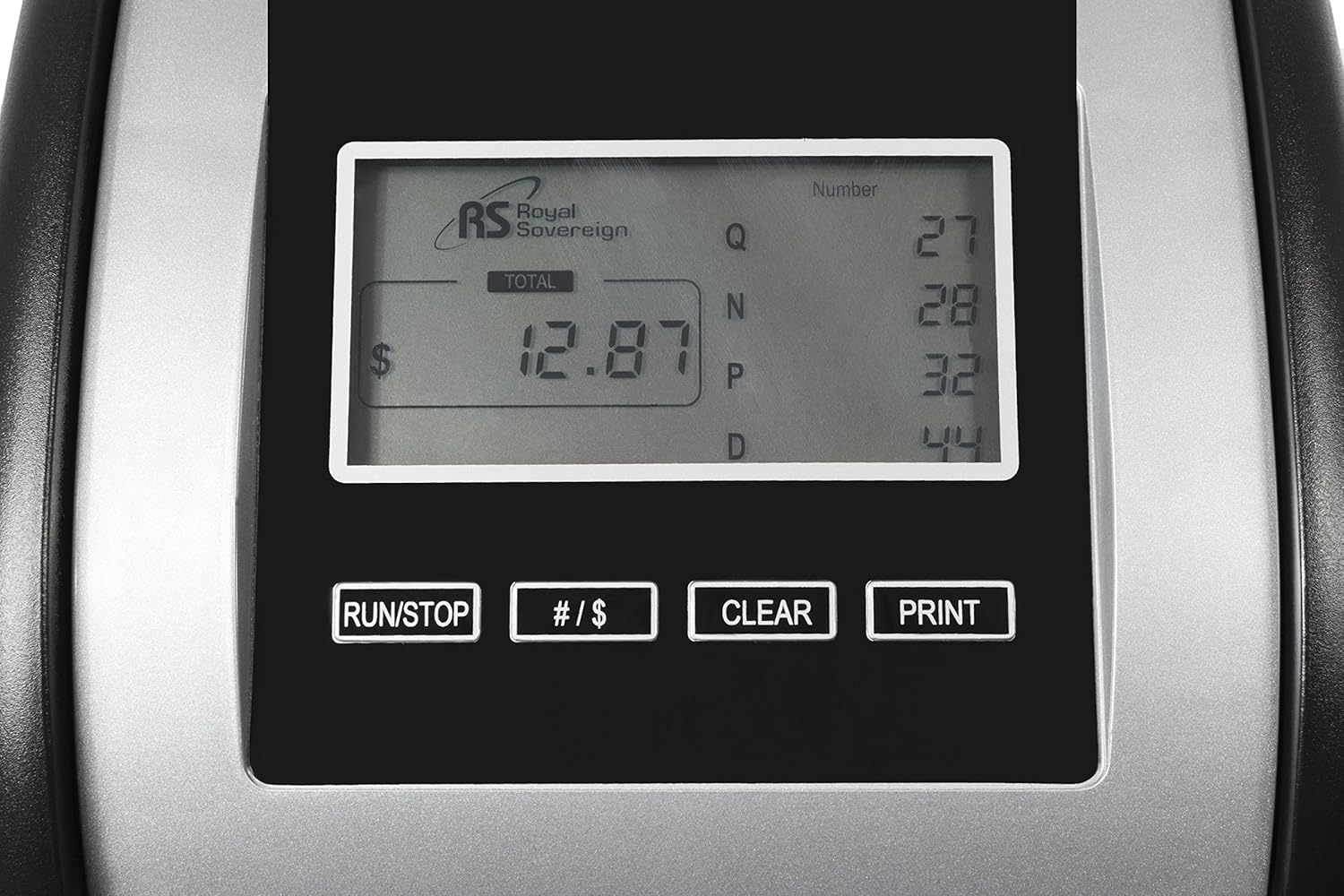
Figure 2: Digital display and control panel.
4. Setup
- Unpack the Unit: Carefully remove the coin counter from its packaging.
- Place on a Stable Surface: Position the unit on a flat, stable surface.
- Insert Coin Tubes/Wrappers: Place the provided coin tubes or coin wrappers into their respective slots in the four rows. Ensure they are correctly aligned for each denomination (pennies, nickels, dimes, quarters). The FS-44N comes with 16 coin wrappers (4 per denomination).
- Connect Power: Plug the power cord into the unit and then into a standard electrical outlet.
- Power On: Locate the power switch (typically on the side or rear) and turn the unit ON. The LCD display should illuminate.
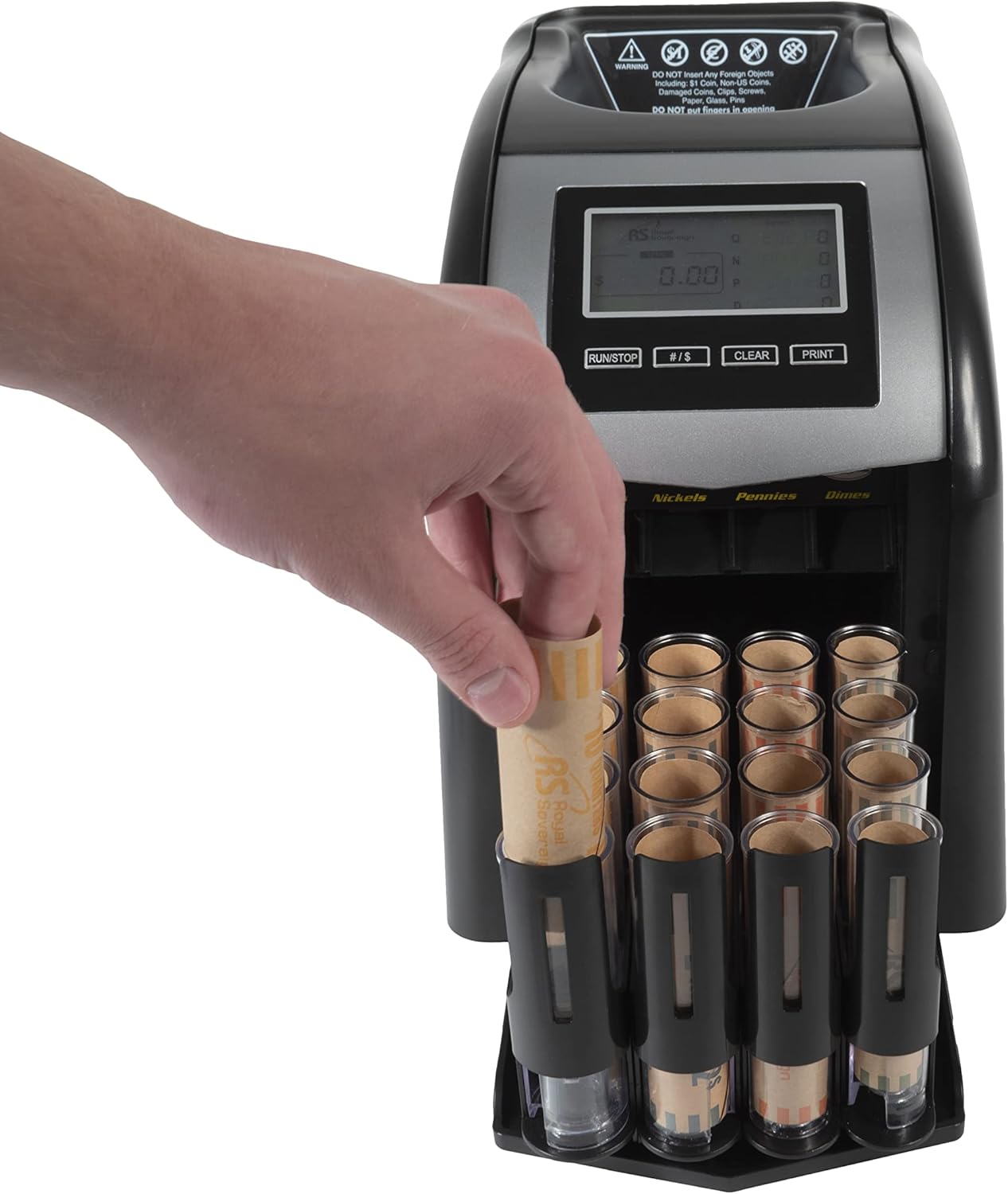
Figure 3: Inserting a coin wrapper into a tube.
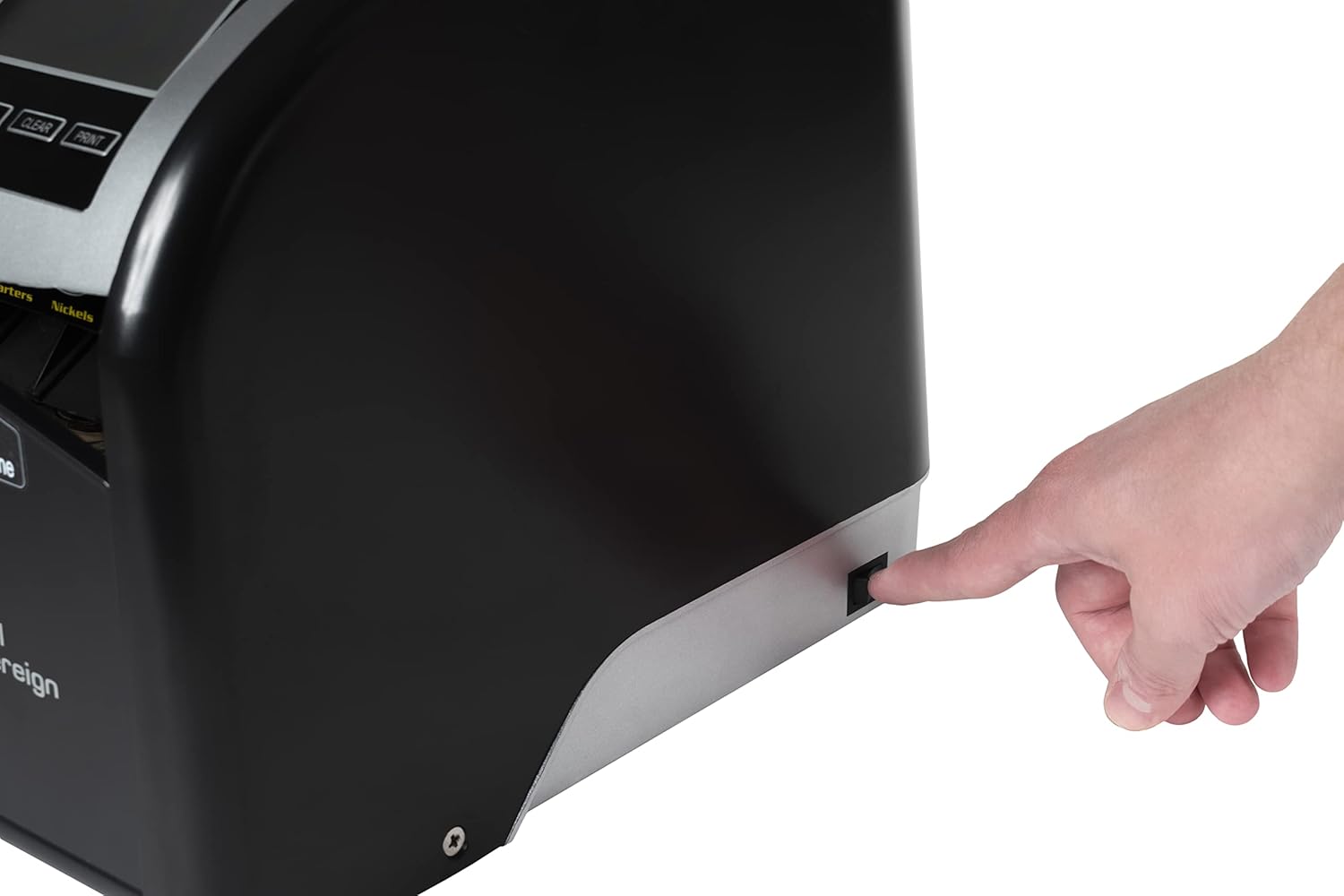
Figure 4: Location of the power switch.
5. Operating Instructions
- Prepare for Counting: Ensure all coin tubes have wrappers inserted or are ready to receive coins.
- Add Coins to Hopper: Gradually pour mixed coins into the top hopper. Avoid dumping a large quantity of coins at once to prevent jams.
- Start Sorting: Press the RUN/STOP button on the control panel. The machine will begin sorting and counting coins into their respective tubes.
- Monitor Display: The LCD display will show the total dollar amount counted. You can press the #/S button to switch between displaying the number of coins per denomination and the dollar value per denomination.
- Automatic Row Advancement: The FS-44N features automatic row advancement. When a coin tube is filled to capacity, the system will automatically move the filled tube forward and advance the next empty tube into position, allowing for continuous counting.
- Remove Full Tubes: Once a tube is full and has advanced, carefully remove the filled coin wrapper. Replace it with an empty wrapper to continue sorting that denomination.
- View Report: At any time, you can press the REPORT button to see a summary of all counted coins.
- Clear Count: To reset the current count to zero, press the CLEAR button.
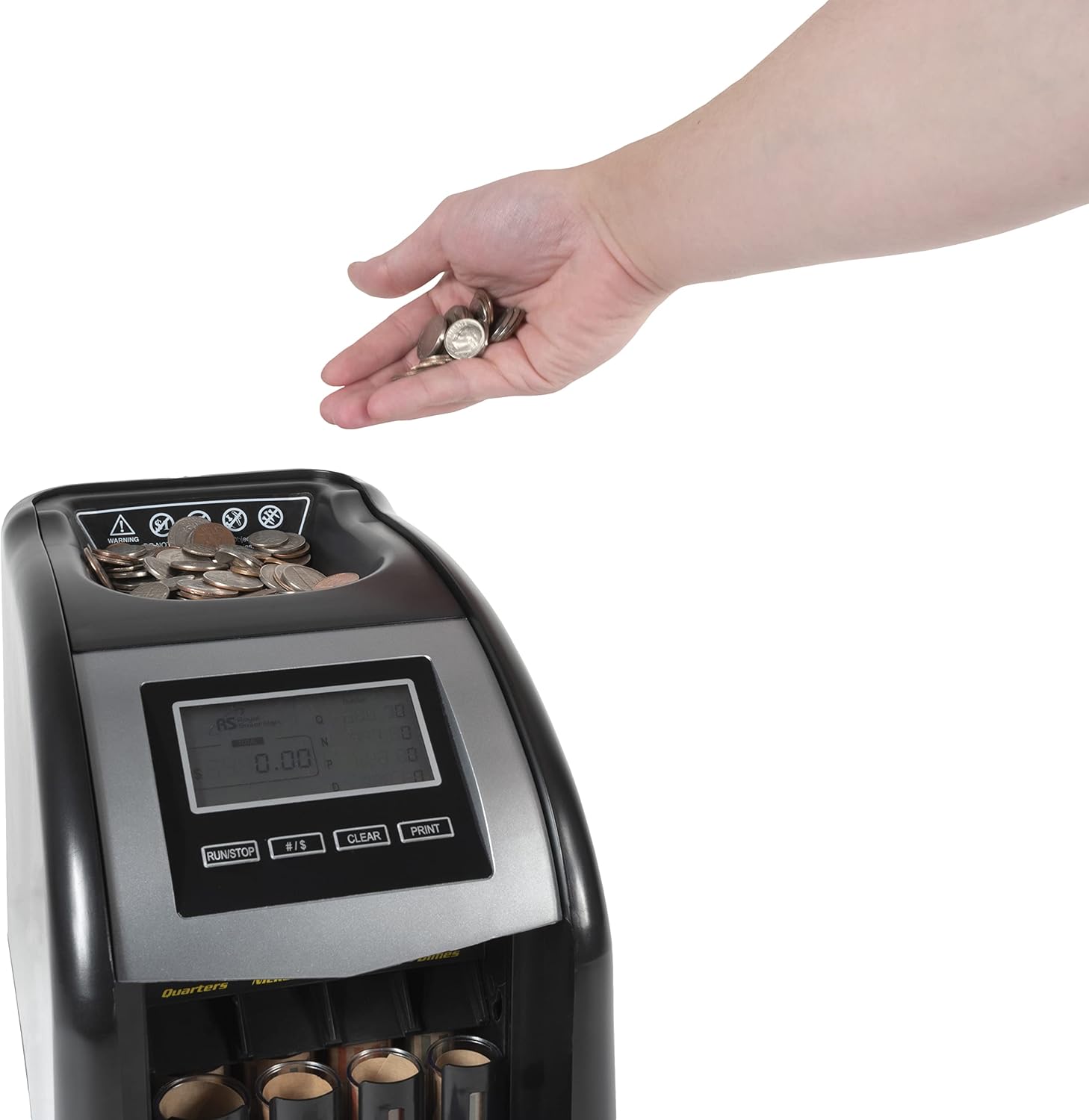
Figure 5: Adding coins to the hopper.
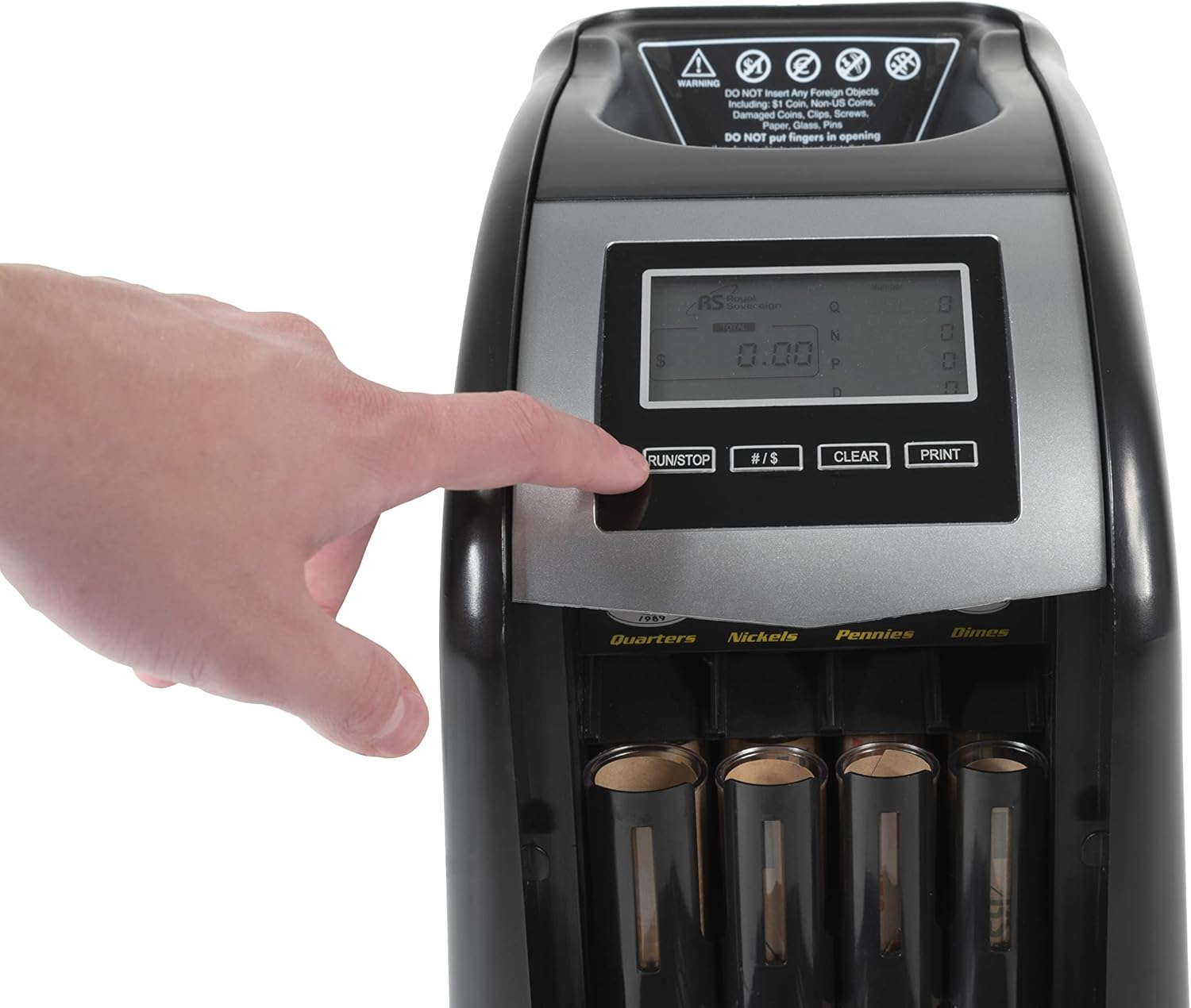
Figure 6: Initiating the sorting process.
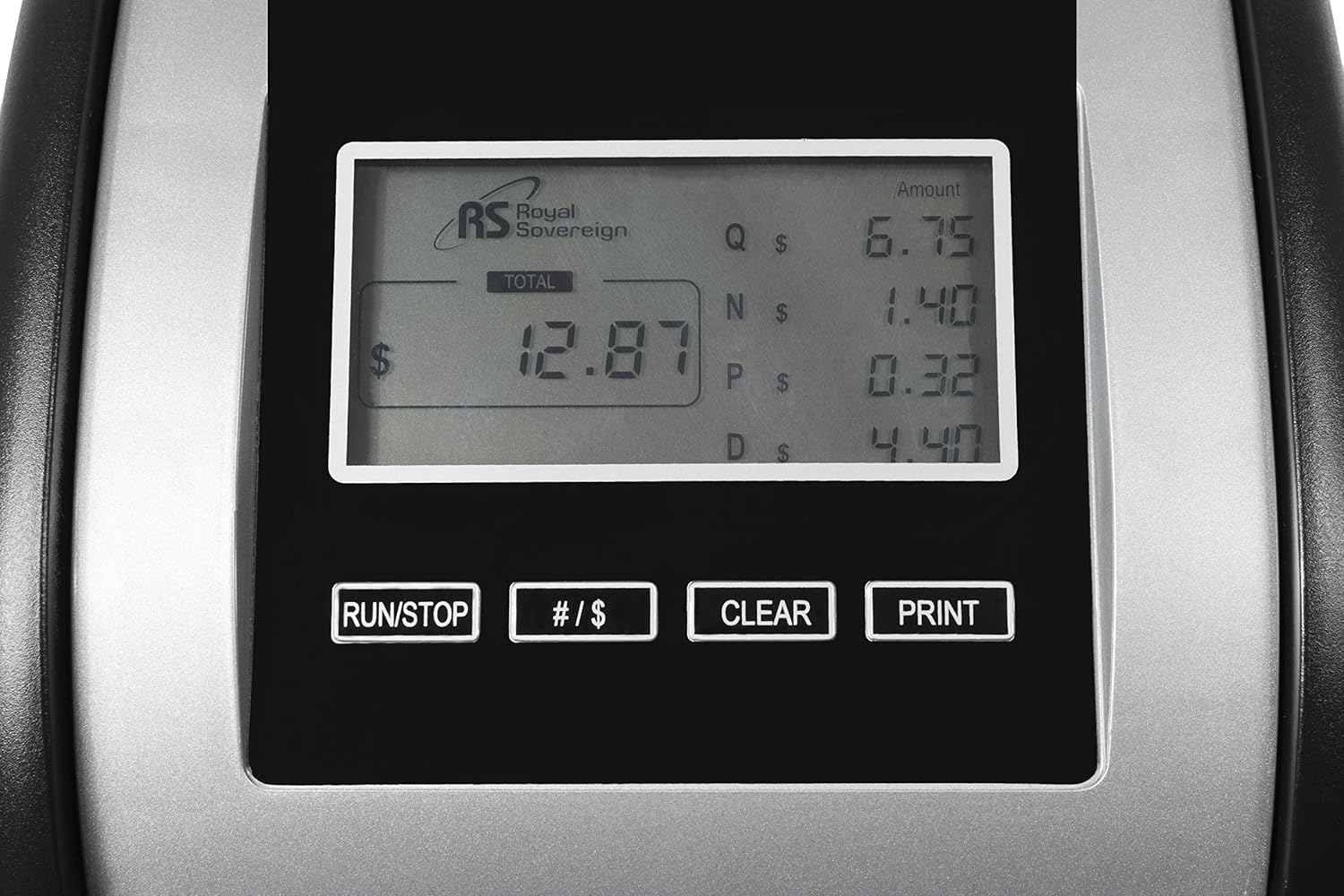
Figure 7: Displaying total and individual coin values.
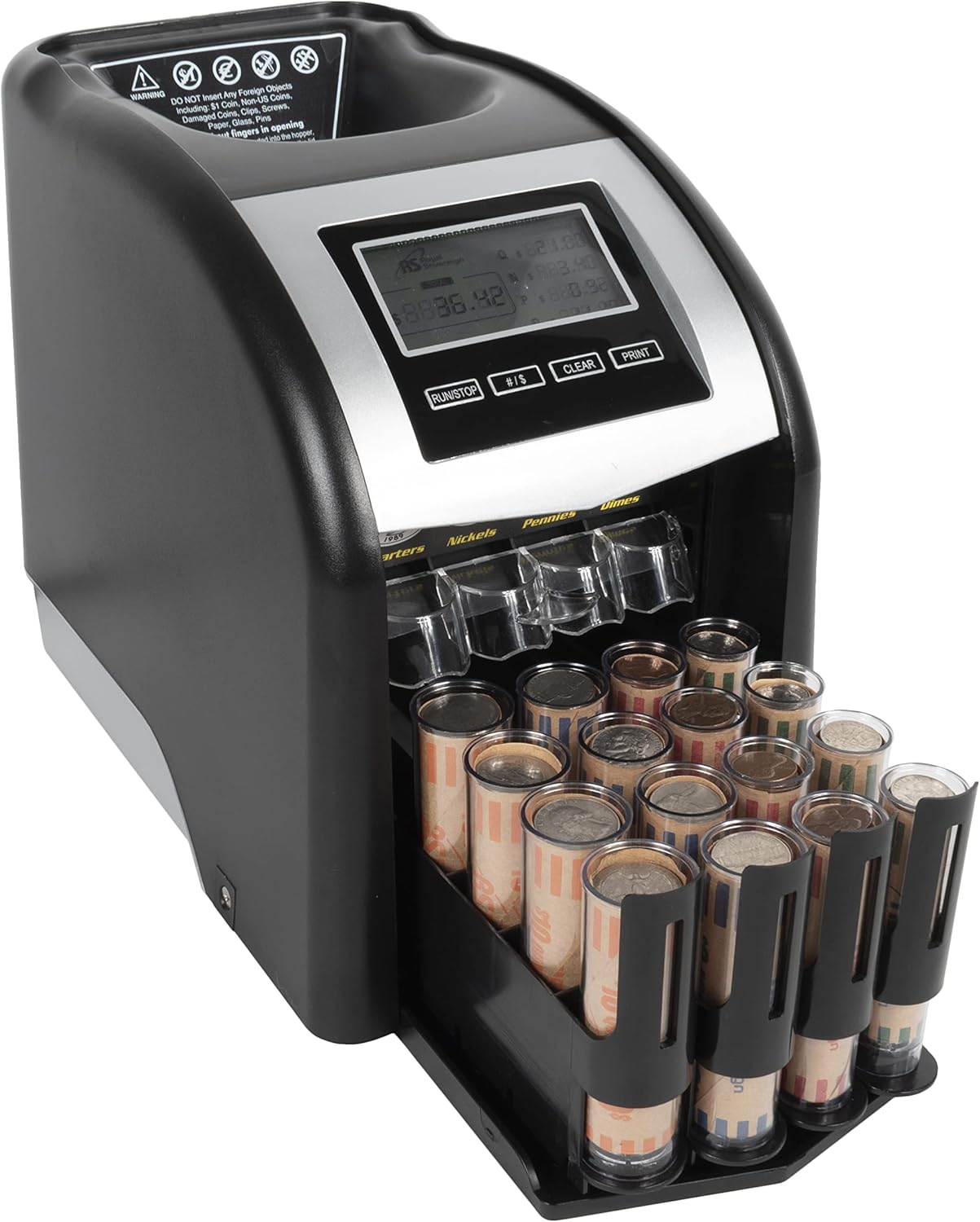
Figure 8: Automatic coin tube advancement.
6. Maintenance
- General Cleaning: Regularly wipe the exterior of the unit with a soft, dry cloth. Avoid using abrasive cleaners or solvents.
- Clearing Jams: If a coin jam occurs, the patented anti-jam technology will attempt to clear it by adjusting the motor. If the jam persists, turn off the power switch. Access the removable panel on the rear of the unit to manually clear any lodged coins or foreign objects. Ensure the machine is unplugged before reaching inside.
- Sensor Cleaning: Keep the coin pathways and sensors clean from dust and debris to ensure accurate counting. Use a soft brush or compressed air if necessary.
7. Troubleshooting
| Problem | Possible Cause | Solution |
|---|---|---|
| Machine not powering on | Power cord not properly connected; Power switch off. | Ensure power cord is securely plugged in. Turn the power switch ON. |
| Coins jamming frequently | Too many coins fed at once; Foreign objects present; Dirty coin pathway. | Feed coins gradually. Turn off power, remove rear panel, and clear any obstructions. Clean coin pathways and sensors. |
| Inaccurate counting | Dirty sensors; Damaged coins. | Clean sensors. Remove any damaged or foreign coins. |
| Coin tubes not advancing automatically | Tube mechanism obstructed; Sensor issue. | Check for any physical obstructions around the tube advancement mechanism. Ensure sensors are clean. |
8. Specifications
- Model: FS-44N
- Brand: Royal Sovereign
- Item Weight: 8.58 pounds
- Product Dimensions: 13.4 x 7.7 x 10.1 inches
- Material Type: Plastic
- Manufacturer: Royal Sovereign


