
1. Introduction
Thank you for choosing the Sylvania Monavi LED Task Lamp Model 72229. This manual provides important information for the safe and efficient operation of your new LED task lamp. Please read this manual thoroughly before installation and use, and retain it for future reference.
The Monavi LED Task Lamp features advanced Light Guide technology for even illumination, two-stage dimming, and an adjustable arm and head for precise light positioning. It utilizes energy-efficient LED technology, providing 200 lumens of crisp white light (4500K color temperature) at 6 watts of energy usage.
2. Important Safety Instructions
- Read all instructions carefully before use.
- Do not operate the lamp with a damaged cord or plug.
- Do not disassemble the lamp. There are no user-serviceable parts inside.
- Keep the lamp away from water or other liquids. This product is not water-resistant.
- Ensure the lamp is placed on a stable, flat surface.
- Do not look directly into the LED light source for extended periods.
- For indoor use only.
- Use only with a 120 Volt AC/DC power source.
3. Package Contents
Verify that all components are present:
- Sylvania Monavi LED Task Lamp (Model 72229)
- Power Adapter
- User Manual (this document)
4. Setup
- Unpack the Lamp: Carefully remove all components from the packaging.
- Position the Lamp: Place the lamp base on a stable, flat surface where you intend to use it. Ensure there is enough space for the adjustable arm and head.
- Connect Power: Insert the power adapter plug into the power port located on the back of the lamp base. Then, plug the power adapter into a standard 120V AC wall outlet.
- Adjust the Lamp: Gently adjust the lamp arm and head to your desired position. The lamp features flexible joints for optimal light direction.
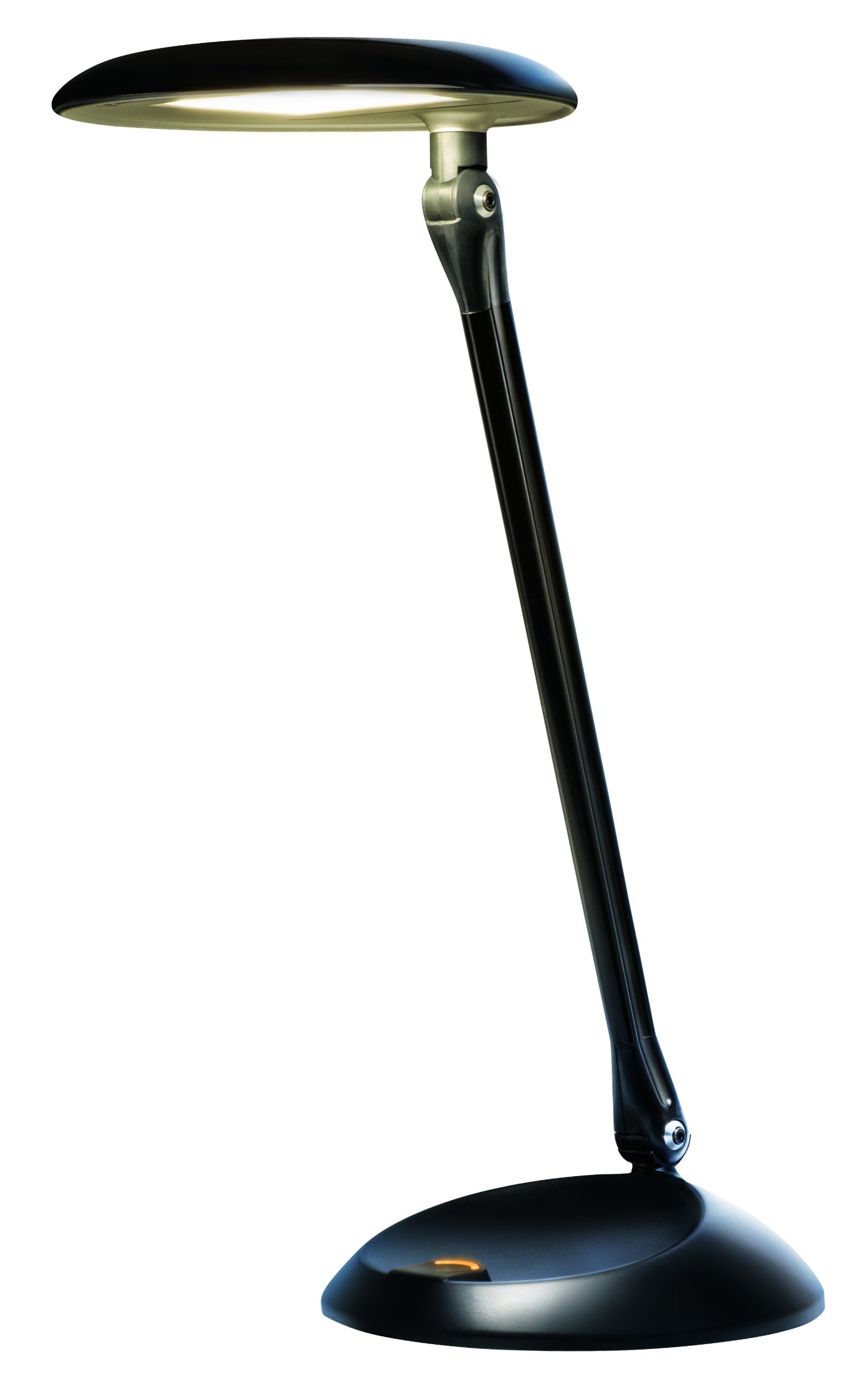
Image 1: Sylvania Monavi LED Task Lamp positioned on a desk. The lamp features a black finish, an adjustable arm, and a flat LED light head, providing illumination over a laptop.
5. Operating Instructions
The Sylvania Monavi LED Task Lamp is operated via a single push button located on the lamp base.
- Power On/Off: Press the button once to turn the lamp on to its highest brightness setting. Press the button again to cycle through brightness levels and eventually turn the lamp off.
- Adjust Brightness (Step Dimmable): The lamp offers two-stage dimming (High, Medium, Low, Off). Each press of the button will cycle through these settings:
- 1st Press: High Brightness (200 Lumens)
- 2nd Press: Medium Brightness
- 3rd Press: Low Brightness
- 4th Press: Off
- Adjusting Light Direction: The lamp head and arm are adjustable. Gently pivot the lamp head and bend the arm at its joints to direct the light precisely where needed.
6. Maintenance and Care
- Cleaning: Disconnect the power before cleaning. Use a soft, dry cloth to wipe the lamp. Do not use abrasive cleaners, solvents, or polishes as they may damage the finish.
- LED Light Source: The LED light source is integrated and not user-replaceable. Do not attempt to replace the LEDs.
- Storage: If storing the lamp for an extended period, ensure it is clean, dry, and stored in a safe place away from extreme temperatures and humidity.
7. Troubleshooting
| Problem | Possible Cause | Solution |
|---|---|---|
| Lamp does not turn on. |
|
|
| Light flickers or is dim. |
|
|
If you experience problems not listed above, or if the suggested solutions do not resolve the issue, please contact customer support.
8. Specifications
| Model Number | 72229 |
| Brand | LEDVANCE (Sylvania) |
| Finish Type | Black |
| Light Source Type | LED |
| Wattage | 6 Watts |
| Brightness | 200 Lumens |
| Color Temperature | 4500K (Crisp White Light) |
| Dimmable | Yes (Step Dimmable: High/Medium/Low/Off) |
| Power Source | AC/DC |
| Voltage | 120 Volts |
| Mounting Type | Tabletop |
| Control Method | Push Button |
| Specific Uses | Indoor use only |
9. Warranty Information
For warranty details and terms, please refer to the documentation provided with your purchase or visit the official LEDVANCE website. Keep your proof of purchase for warranty claims.
10. Customer Support
If you have any questions, require technical assistance, or need to report a problem, please contact LEDVANCE customer support:
- Website: Visit the LEDVANCE Store on Amazon (for product information)
- Refer to your product packaging or the LEDVANCE official website for direct contact information (phone/email).