
1. Introduction
Thank you for choosing the Digitek LED-D50W RGB Portable LED Video Light. This manual provides essential information for the safe and effective operation of your device. Please read it thoroughly before use and retain it for future reference.
The Digitek LED-D50W RGB is a versatile lighting solution designed for photographers, videographers, and content creators. It features high-power output, adjustable color temperature, full RGB spectrum control, and various special effects modes, all powered by a built-in rechargeable battery.
2. Safety Information
- Do not disassemble or modify the light. Unauthorized modifications can lead to electric shock, fire, or product damage.
- Keep the light away from water and other liquids. Do not operate with wet hands.
- Avoid direct eye exposure to the LED light. Prolonged exposure may cause eye strain or damage.
- Ensure proper ventilation during use to prevent overheating. Do not cover the ventilation slots.
- Use only the provided USB Type-C cable for charging.
- Store the light in a cool, dry place when not in use.
- Keep out of reach of children.
3. Package Contents
Verify that all items are present in the package:
- Digitek LED-D50W RGB Video Light
- Hot Shoe Adapter
- Soft Diffuser Cover
- USB Type-C Charging Cable

Image: Digitek LED-D50W RGB Video Light with Hot Shoe Adapter, Type-C Cable, and Soft Diffuser Cover.
4. Product Overview
Familiarize yourself with the main components of your Digitek LED-D50W RGB video light.

Image: Rear view of the Digitek LED-D50W RGB light, highlighting the control buttons, adjustment dial, and display screen.
- LED Panel: Front light source.
- Control Buttons: For power, mode selection, and menu navigation.
- Adjustment Dial: To adjust parameters like brightness, color temperature, hue, and saturation.
- Display Screen: Shows current settings and battery status.
- USB Type-C Port: For charging the internal battery.
- 1/4" Screw Mount: Located at the bottom for tripod or stand attachment.
5. Setup
5.1 Charging the Battery
The Digitek LED-D50W RGB light features a built-in 3.7V 2600mAh lithium battery. Before first use, fully charge the device.
- Connect the provided USB Type-C cable to the charging port on the side of the light.
- Connect the other end of the cable to a USB power adapter (not included) or a computer USB port.
- The display screen will indicate charging status. The light is fully charged when the indicator shows full.
5.2 Attaching the Soft Diffuser Cover
The soft diffuser cover helps to soften the light output and reduce harsh shadows.
- Align the diffuser cover with the front LED panel of the light.
- Gently press the cover onto the light until it securely snaps into place.

Image: Digitek LED-D50W RGB light with the soft diffuser cover installed on the front LED panel.
5.3 Mounting the Light
The light can be mounted on various camera accessories using the 1/4" screw mount or the hot shoe adapter.
- Using the 1/4" Screw Mount: Directly attach the light to a tripod, light stand, or other equipment with a 1/4" screw.
- Using the Hot Shoe Adapter: Screw the hot shoe adapter into the 1/4" screw mount on the light. Then, slide the hot shoe adapter into your camera's hot shoe or a compatible cold shoe mount on a rig.
6. Operating Instructions
6.1 Power On/Off
Press and hold the power button (usually marked with $ or a power symbol) for a few seconds to turn the light on or off.
6.2 Mode Selection
Press the 'M' (Mode) button to cycle through the available lighting modes: CCT (Correlated Color Temperature), HSI (Hue, Saturation, Intensity), and FX (Special Effects).
6.3 CCT Mode (Color Temperature)
In CCT mode, you can adjust the white light output from warm to cool tones.
- Select CCT mode using the 'M' button.
- Rotate the adjustment dial to change the color temperature between 2700K (warm white) and 7500K (cool white).
- Press the adjustment dial to switch between adjusting color temperature and brightness. Rotate the dial to adjust brightness (0-100%).
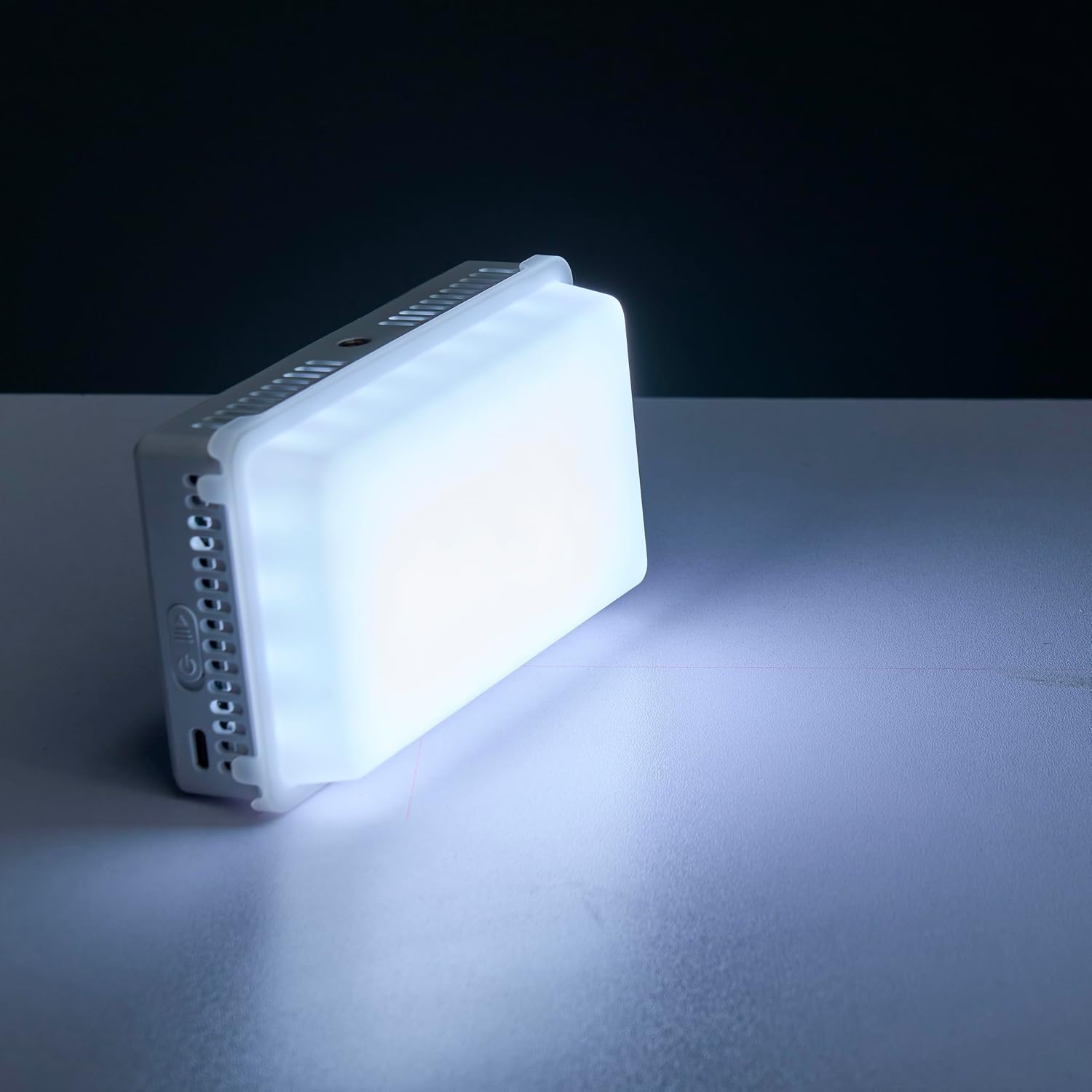
Image: Digitek LED-D50W RGB light emitting a bright, cool white light.

Image: Digitek LED-D50W RGB light emitting a warm, amber-toned light.
6.4 HSI Mode (Hue, Saturation, Intensity)
HSI mode allows for full control over the RGB color spectrum.
- Select HSI mode using the 'M' button.
- Press the adjustment dial to cycle between Hue (0-360°), Saturation (0-100%), and Intensity (0-100%).
- Rotate the dial to adjust the selected parameter.
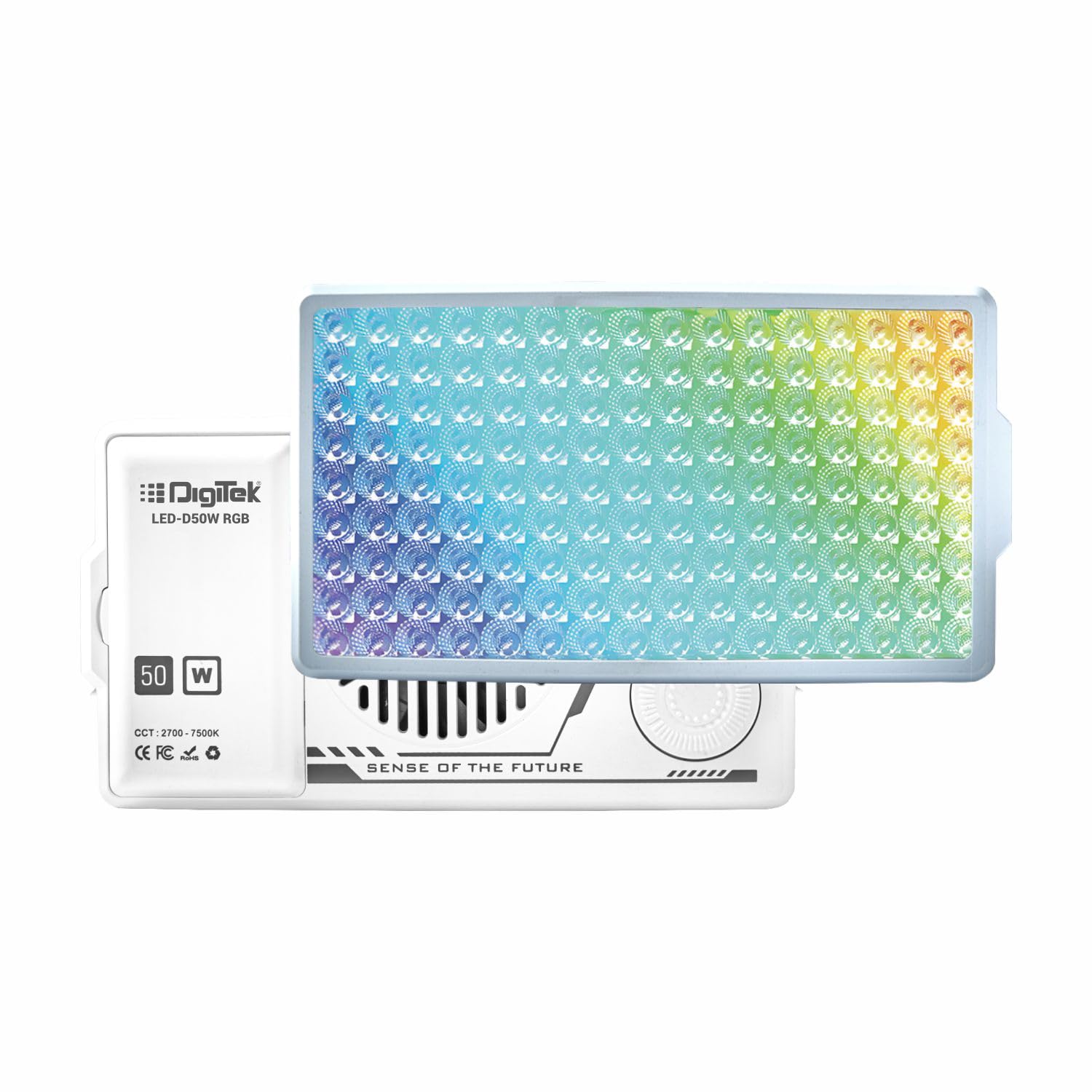
Image: Digitek LED-D50W RGB light showcasing a gradient of colors across its LED panel, demonstrating its HSI capabilities.
6.5 FX Mode (Special Effects)
The light offers 22 built-in special effects and 10 CCT effects for creative lighting scenarios.
- Select FX mode using the 'M' button.
- Rotate the adjustment dial to browse through the available effects.
- Press the adjustment dial to confirm an effect or to adjust its parameters (e.g., speed, intensity) if applicable.
Examples of FX Modes: Police Car, Fireworks, TV, Candlelight, Party, RGB Cycle.
Examples of CCT Effects: Pulse, Breathing, Paparazzi, Broken Bulb, High-Speed Flicker, SOS.
7. Maintenance
7.1 Cleaning
To clean the light, use a soft, dry cloth. Do not use abrasive cleaners, solvents, or harsh chemicals, as these can damage the surface or internal components.
7.2 Storage
When not in use, store the light in a cool, dry environment, away from direct sunlight and extreme temperatures. If storing for extended periods, ensure the battery is partially charged (around 50%) and recharge it every few months to maintain battery health.
7.3 Battery Care
To prolong battery life, avoid fully discharging the battery frequently. Charge the battery regularly, even if the light is not used often.
8. Troubleshooting
- Light does not turn on: Ensure the battery is charged. Connect the light to a power source using the USB Type-C cable and try again.
- Light output is dim: Check the brightness setting in the current mode and increase it using the adjustment dial. Ensure the battery is sufficiently charged.
- Controls are unresponsive: Turn the light off and then on again to reset it. If the issue persists, contact customer support.
- Light overheats: Ensure the ventilation slots are not blocked. Operate the light in a well-ventilated area. If overheating continues, reduce brightness or discontinue use and contact support.
9. Specifications
| Model | DRF 004s (LED-D50W RGB) |
| Power Output | 50W (CCT), 35W (RGB) |
| Color Temperature | 2700K – 7500K ±200K |
| Color Modes | CCT, HSI (0-360° Hue), FX (22 Special Effects, 10 CCT Effects) |
| CRI | 96+ |
| LED Quantity | 112 (32 RGB, 40 Yellow, 40 White) |
| Battery | Built-in 3.7V 2600mAh Lithium Battery |
| Charging Port | USB Type-C |
| Mounting | 1/4" Screw Mount, Hot Shoe Adapter |
| Product Dimensions | 8L x 2W x 18H Centimeters |
| Item Weight | 200 g |
10. Warranty and Support
For warranty information, technical support, or service inquiries, please contact Digitek customer support.
Manufacturer: IMS Mercantiles Limited
Address: 704, 7th floor, Ring Road Mall, Sec-3, Rohini, Delhi 110085
Customer Helpline (Toll Free): 1800-123-544-444
Email: support@digitek.net.in
Please have your product model number (DRF 004s) and purchase details ready when contacting support.

