
Introduction
Thank you for purchasing the iCES IBT-1 Portable Bluetooth Speaker. This manual provides essential information for setting up, operating, and maintaining your device. Please read it carefully before use to ensure optimal performance and longevity.
Package Contents
Ensure all items are present in the package:
- iCES IBT-1 Portable Bluetooth Speaker
- Mini USB Charging Cable
- User Manual (this document)
Product Overview
The iCES IBT-1 is a compact and versatile portable speaker designed for wireless audio playback via Bluetooth. It also supports audio playback from Micro SD cards and external devices via its AUX input.

Image: Two iCES IBT-1 speakers, one red and one silver, highlighting the product's design and portability.
Component Identification
Familiarize yourself with the speaker's various ports and controls:
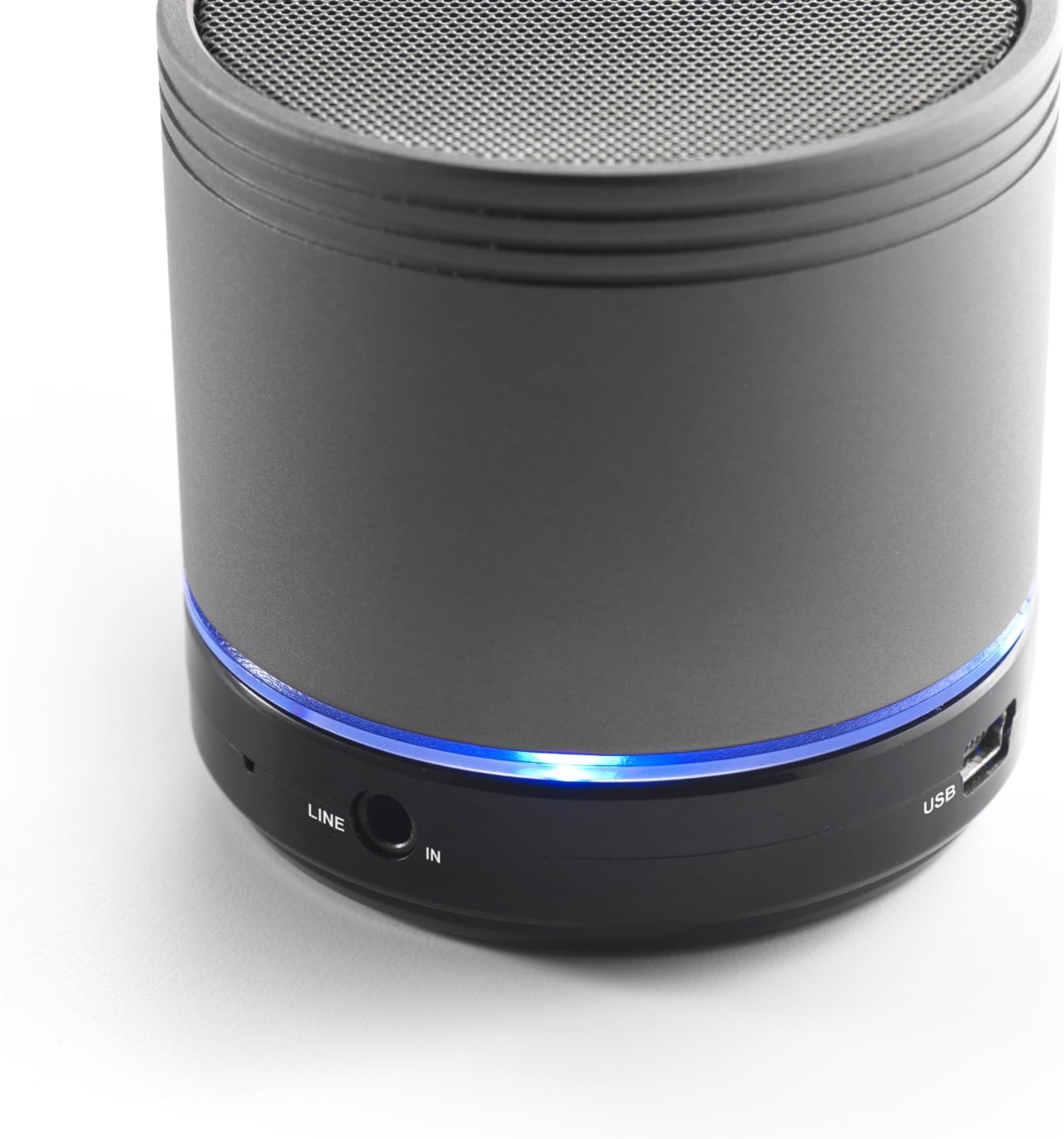
Image: Bottom section of the iCES IBT-1 speaker, displaying the LINE IN and USB ports, along with a glowing blue LED indicator.
- USB Port: For charging the internal battery.
- LINE IN (AUX) Port: For connecting external audio devices using a 3.5mm audio cable.
- Micro SD Card Slot: For playing audio files directly from a Micro SD card.
- Power Switch: ON/OFF control for the speaker.
- Control Buttons: Play/Pause, Volume Up/Next Track, Volume Down/Previous Track.
- LED Indicator: Shows power status, charging status, and Bluetooth pairing status.
Setup
Charging the Battery
Before first use, fully charge the speaker's internal battery. Use the provided Mini USB cable.
- Connect the Mini USB end of the cable to the USB port on the speaker.
- Connect the standard USB end of the cable to a USB power adapter (not included) or a computer's USB port.
- The LED indicator will illuminate to show charging status. It will change or turn off once fully charged.
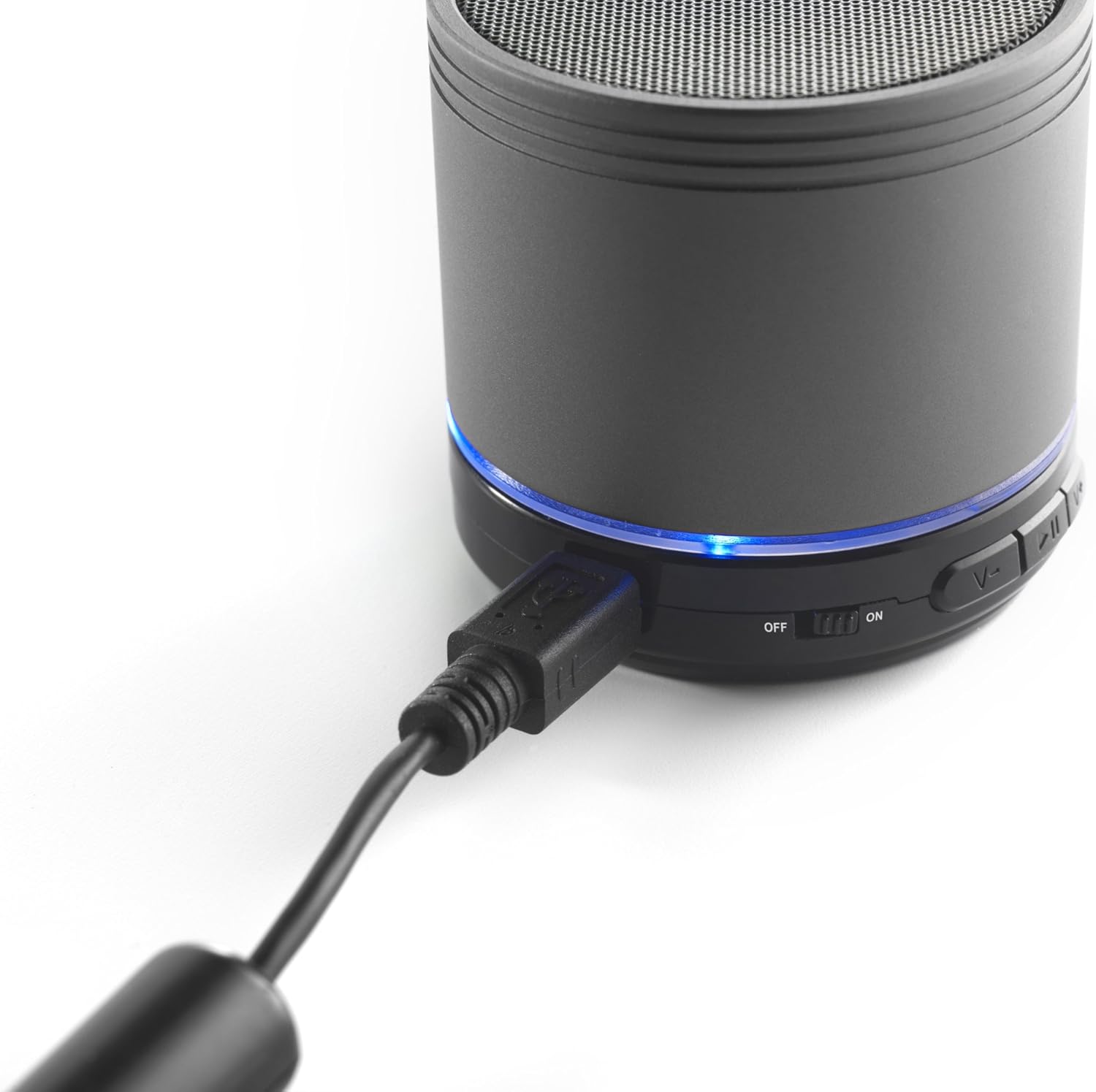
Image: The iCES IBT-1 speaker with the mini USB charging cable connected, illustrating the charging process.
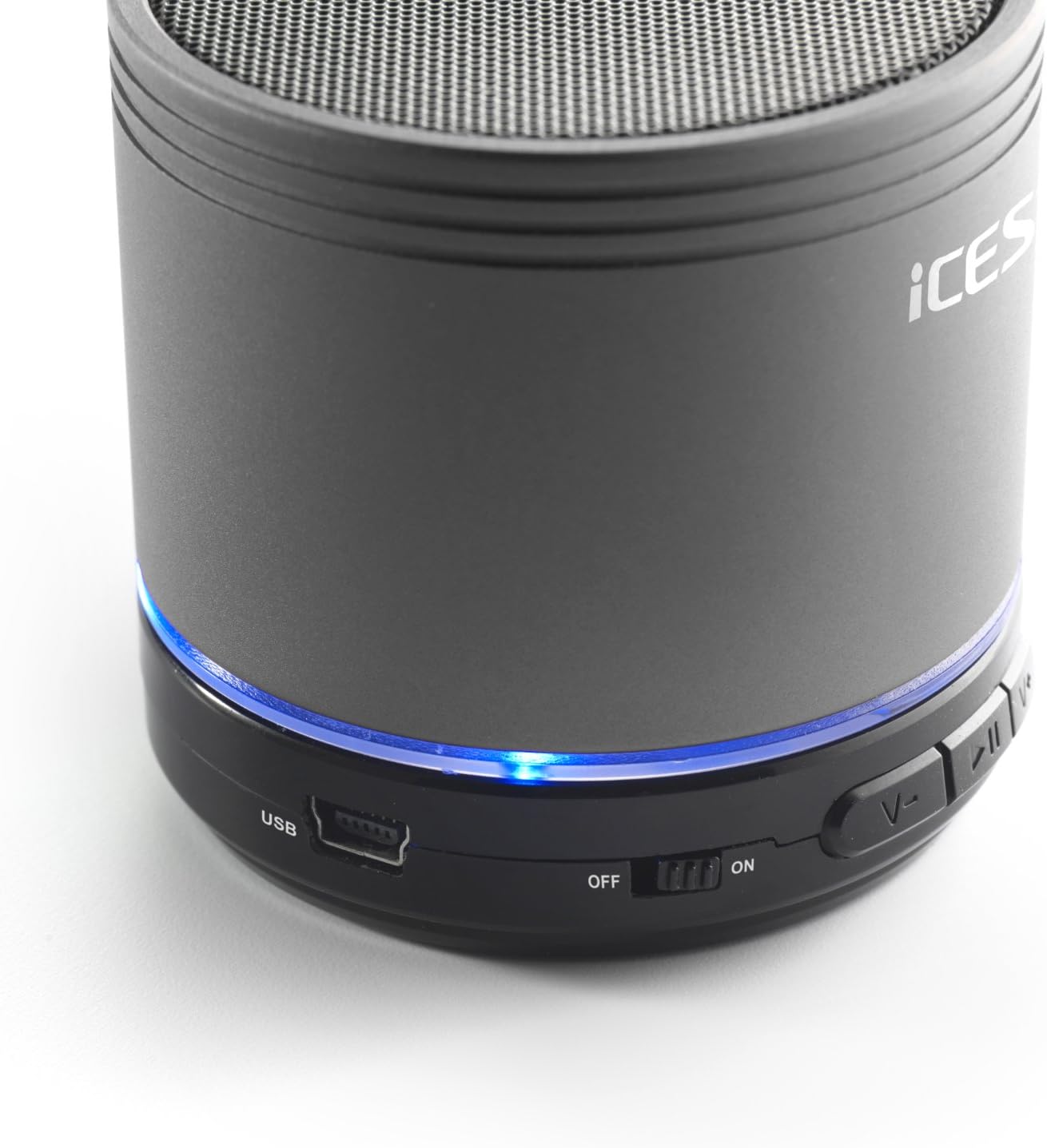
Image: The iCES IBT-1 speaker's base, highlighting the USB port and the power switch in the 'ON' position.
Operating Instructions
Powering On/Off
- To power on, slide the power switch to the "ON" position. The LED indicator will light up.
- To power off, slide the power switch to the "OFF" position. The LED indicator will turn off.
Bluetooth Connection
- Ensure the speaker is powered on. The LED indicator will flash, indicating it's in pairing mode.
- On your Bluetooth-enabled device (smartphone, tablet, etc.), go to the Bluetooth settings.
- Search for available devices. You should see "IBT-1" in the list.
- Select "IBT-1" to pair. Once connected, the LED indicator will stop flashing and remain solid.
- You can now play audio from your device through the iCES IBT-1 speaker.
Micro SD Card Playback
The speaker supports Micro SD cards up to 32 GB.
- Insert a Micro SD card (with audio files) into the Micro SD card slot on the speaker.
- The speaker will automatically switch to Micro SD card mode and begin playing audio.
- Use the control buttons on the speaker to play/pause, skip tracks, or adjust volume.

Image: The iCES IBT-1 speaker's base, illustrating the Micro SD card slot and the LINE IN port.
AUX Input Playback
Connect external audio devices without Bluetooth capability.
- Connect one end of a 3.5mm audio cable (not included) to the LINE IN port on the speaker.
- Connect the other end of the 3.5mm audio cable to the headphone jack or audio output of your external device (e.g., MP3 player).
- The speaker will automatically switch to AUX mode.
- Control playback and volume from your external device.
Control Buttons
- Play/Pause Button: Press once to play or pause audio.
- Volume Up / Next Track Button:
- Short press: Increase volume.
- Long press: Skip to the next track.
- Volume Down / Previous Track Button:
- Short press: Decrease volume.
- Long press: Go to the previous track.
Maintenance
- Keep the speaker dry. Do not expose it to water or excessive moisture.
- Clean the speaker with a soft, dry cloth. Do not use abrasive cleaners or solvents.
- Avoid extreme temperatures. Store the speaker in a cool, dry place.
- Do not attempt to disassemble or repair the speaker yourself. This will void the warranty.
- Charge the battery regularly, even if not in use, to maintain battery health.
Troubleshooting
| Problem | Solution |
|---|---|
| Speaker does not turn on. | Ensure the battery is charged. Connect the speaker to a power source using the USB cable. |
| Cannot pair via Bluetooth. |
|
| No sound from speaker. |
|
| Poor audio quality. |
|
Specifications
| Model | IBT-1 |
| Connectivity | Bluetooth, Micro SD Card, AUX Input (3.5mm) |
| Output Power | 3 Watt (RMS) |
| Battery Type | Integrated Lithium-Polymer |
| Battery Capacity | 500 mAh |
| Power Supply | 5V / 1A (via Mini USB) |
| Dimensions (L x W x H) | 60 x 60 x 58 mm |
| Weight | 180 g |
| Supported Micro SD Card Size | Up to 32 GB |
Warranty and Support
For warranty information and technical support, please refer to the documentation provided at the time of purchase or visit the official iCES website. Do not attempt to repair the device yourself, as this may void your warranty.
