
1. Introduction
This manual provides essential instructions for the safe and effective use of your KHOI1971 AC Power Adapter. This adapter is specifically designed to provide power to the Kodak Pulse W1030 Digital Photo Frame 10-inch. Please read this manual thoroughly before use and retain it for future reference.
2. Safety Information
To ensure safe operation and prevent damage, please observe the following safety precautions:
- Use the adapter only with compatible devices as specified.
- Do not expose the adapter to water, moisture, or extreme temperatures.
- Avoid dropping or subjecting the adapter to severe impact.
- Do not attempt to open or modify the adapter. Refer all servicing to qualified personnel.
- Ensure the power outlet voltage matches the adapter's input specifications (100-240V).
- Unplug the adapter from the power outlet when not in use for extended periods.
3. Package Contents
- 1 x KHOI1971 AC Power Adapter
4. Product Overview
The KHOI1971 AC Power Adapter is designed for efficient and reliable power delivery. It features an intelligent IC chip for auto shut-off protection and a built-in LED indicator to confirm power status.

Figure 1: KHOI1971 AC Power Adapter. This image shows the compact black power adapter with its specifications label and the attached barrel connector cable.
5. Setup
Follow these steps to set up your KHOI1971 AC Power Adapter:
- Locate the power input port on your Kodak Pulse W1030 Digital Photo Frame. This is typically a small, round port.
- Carefully insert the barrel connector of the KHOI1971 AC Power Adapter into the power input port of the digital photo frame. Ensure a secure connection.
- Plug the AC prongs of the adapter into a standard wall power outlet (100-240V).
- The LED indicator on the adapter should illuminate, indicating that power is being supplied.

Figure 2: Rear view of the Kodak Pulse W1030 Digital Photo Frame showing the power adapter connected to its input port.
6. Operating Instructions
Once connected, the KHOI1971 AC Power Adapter will provide continuous power to your Kodak Pulse W1030 Digital Photo Frame. The frame should power on automatically or can be turned on using its power button.
- The adapter's smart IC chip manages power delivery, including an auto shut-off feature for safety.
- The LED light on the adapter provides a visual confirmation that the unit is receiving and supplying power.
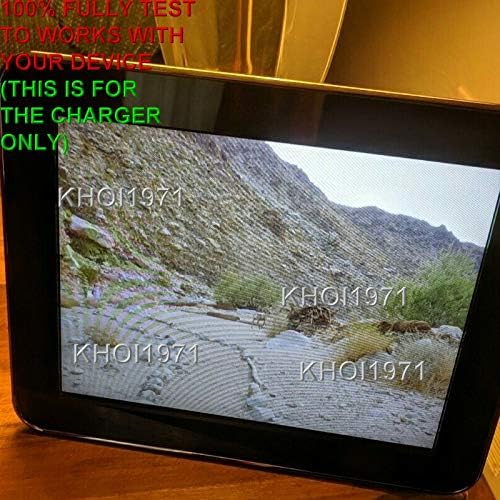
Figure 3: Front view of the Kodak Pulse W1030 Digital Photo Frame powered on and displaying an image, indicating successful power supply from the adapter.
7. Maintenance
The KHOI1971 AC Power Adapter requires minimal maintenance:
- Keep the adapter clean and free from dust. Use a dry, soft cloth for cleaning.
- Do not use liquid cleaners or solvents.
- Regularly inspect the cable and connector for any signs of damage. If damage is observed, discontinue use immediately.
8. Troubleshooting
| Problem | Possible Cause | Solution |
|---|---|---|
| Adapter LED not lit / Photo frame not powering on | No power from outlet; Loose connection; Faulty adapter/frame. | Check wall outlet with another device; Ensure adapter is fully plugged into both outlet and frame; Try a different outlet. If problem persists, contact support. |
| Adapter feels hot | Normal operation (slight warmth); Overload; Poor ventilation. | Ensure adapter is in a well-ventilated area; Discontinue use if excessively hot and contact support. |
9. Specifications
| Feature | Specification |
|---|---|
| Brand | KHOI1971 |
| Model Number | KHOI1971 CUSTOM MADE |
| Input Voltage | 100-240V AC, 50/60Hz |
| Output Voltage | 12V DC |
| Connector Type | Barrel Connector |
| Special Feature | Charging Indicator, Smart IC Chip for Auto Shut-off |
| Compatible Devices | Kodak Pulse W1030 Digital Photo Frame 10-inch |
10. Warranty and Support
For warranty information or technical support regarding your KHOI1971 AC Power Adapter, please refer to the seller or contact KHOI1971 customer service through the platform where the product was purchased. Please have your purchase details and product model number (KHOI1971 CUSTOM MADE) available when contacting support.