
1. Introduction
The NOCO GC010 X-Connect 12V Female Plug Accessory is designed to expand the functionality of compatible NOCO Genius Smart Battery Chargers. This accessory provides a convenient and secure connection point for various 12-volt devices, allowing for versatile power solutions. It features built-in fuse protection and a rugged, watertight design to ensure both safety and durability in diverse environments.
This accessory is compatible with NOCO G7200 and GENIUS10 smart battery chargers. Please note that it is not compatible with NOCO Boost UltraSafe Lithium Jump Starters.

Figure 1: The NOCO GC010 X-Connect 12V Female Plug Accessory.
2. Safety Information
Before using the NOCO GC010 X-Connect 12V Female Plug Accessory, please read and understand all safety instructions. Failure to follow these instructions may result in electric shock, fire, or serious injury.
- Ensure the accessory is connected only to compatible NOCO Genius Smart Battery Chargers.
- Do not attempt to modify the accessory or use it for purposes other than its intended use.
- Keep the accessory away from water, moisture, and extreme temperatures when not in use.
- Inspect the accessory for any damage before each use. Do not use if damaged.
- Always disconnect the power source before making or breaking connections.
3. Product Overview
The GC010 accessory is designed for ease of use and durability. Key features include:
- X-Connect Connector: For secure attachment to compatible NOCO Genius chargers.
- 12V Female Plug: Standard socket for connecting various 12-volt devices.
- Built-in Fuse Protection: Enhances safety by protecting against overcurrent.
- Rugged, Watertight Design: Ensures reliable performance in challenging conditions.
- Universal Fit: Designed for broad compatibility with 12-volt devices.
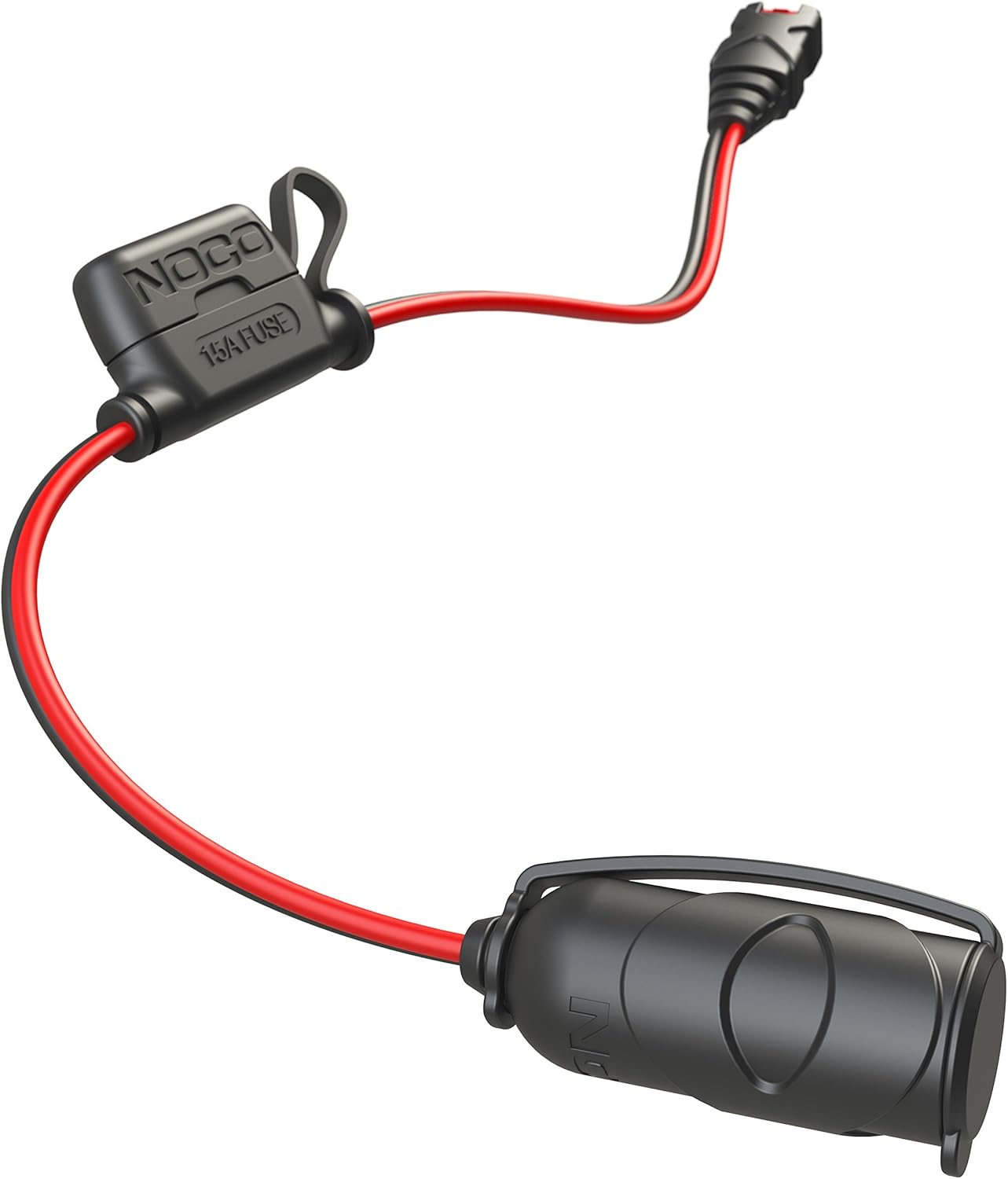
Figure 2: The X-Connect end and the 12V female plug of the GC010 accessory.

Figure 3: The integrated 10A fuse for circuit protection.
4. Setup Instructions
- Connect to Charger: Locate the X-Connect output port on your compatible NOCO Genius Smart Battery Charger (e.g., G7200, GENIUS10). Firmly push the X-Connect male end of the GC010 accessory into the charger's X-Connect port until it clicks into place.
- Connect 12V Device: Insert the 12-volt male plug of your desired device into the female socket of the GC010 accessory. Ensure a snug fit.
- Power On: Once both connections are secure, power on your NOCO Genius Smart Battery Charger. The accessory is now ready to supply 12-volt power to your device.
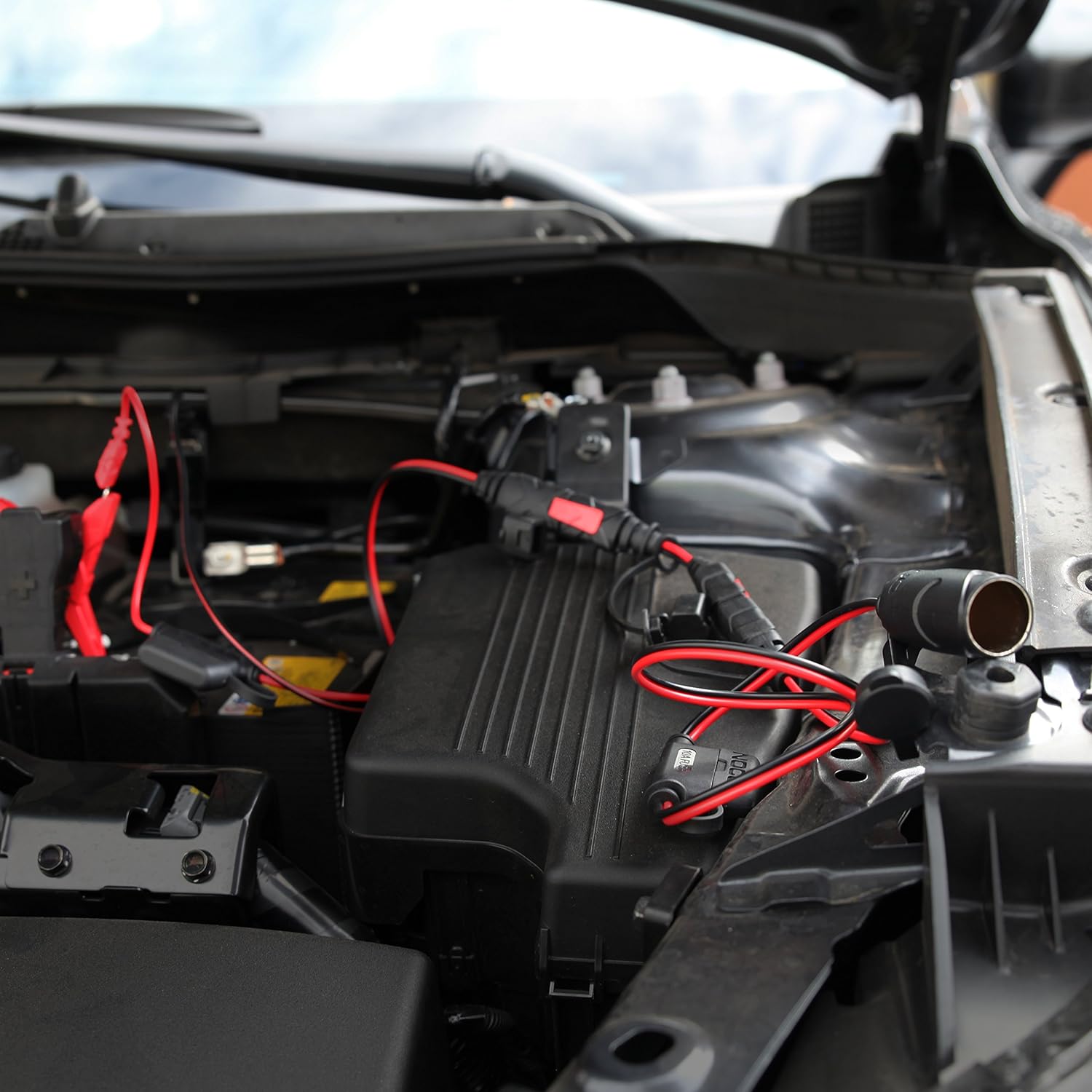
Figure 4: The GC010 accessory connected to a NOCO charger and powering a 12V device.
5. Operating Instructions
The NOCO GC010 X-Connect 12V Female Plug Accessory operates by drawing power from your connected NOCO Genius Smart Battery Charger and delivering it to your 12-volt device. The integrated fuse provides protection against electrical surges, ensuring safe operation.
- Ensure your 12-volt device's power requirements do not exceed the accessory's capacity or the connected charger's output.
- For optimal performance, keep connections clean and free of debris.
- When combining multiple accessories with a male-to-male coupler (GC013, not included), ensure all components are compatible and properly connected.
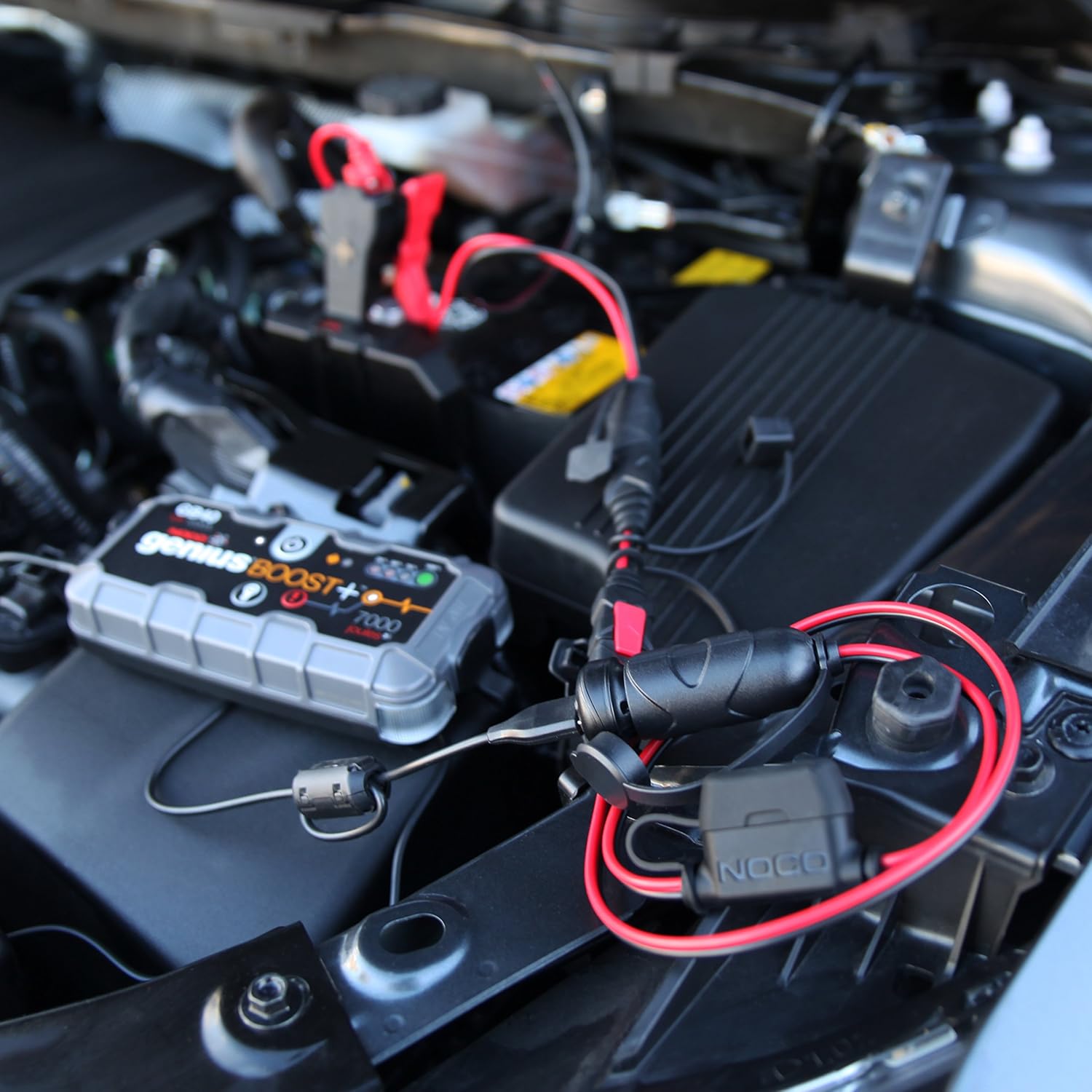
Figure 5: Example of the GC010 accessory connected to a charger in an automotive setting.
Video 1: A brief product overview demonstrating the NOCO X-Connect SAE Adapter, which shares similar connection principles with the GC010 accessory.
6. Maintenance
To ensure the longevity and proper functioning of your NOCO GC010 X-Connect 12V Female Plug Accessory:
- Cleaning: Periodically wipe the accessory with a dry cloth to remove dust and dirt. Avoid using harsh chemicals or abrasive cleaners.
- Inspection: Regularly check the cables and connectors for any signs of wear, cuts, or damage. Ensure the watertight seals are intact.
- Storage: Store the accessory in a cool, dry place when not in use.
- Fuse Replacement: If the accessory stops providing power, the internal fuse may need replacement. Consult your NOCO charger's manual for specific fuse replacement instructions, as the GC010 has a built-in, non-user-replaceable fuse for its internal protection.
7. Troubleshooting
If you encounter issues with your GC010 accessory, consider the following:
- No Power Output:
- Ensure the X-Connect connection to the charger is secure.
- Verify that the 12V device is properly plugged into the female socket.
- Check if the compatible NOCO charger is powered on and functioning correctly.
- Confirm the 12V device itself is operational and not drawing excessive current that might trip the internal fuse.
- Loose Connection: If connections feel loose, ensure they are fully inserted and that there is no debris obstructing the contacts.
- Compatibility: Double-check that your charger is a NOCO G7200 or GENIUS10 model. Remember, this accessory is not compatible with NOCO Boost UltraSafe Lithium Jump Starters.
8. Specifications
| Feature | Detail |
|---|---|
| Manufacturer | NOCO |
| Model | GC010 |
| Item Weight | 2.82 ounces |
| Product Dimensions | 1.57 x 3.23 x 5.12 inches |
| Voltage | 12 Volts |
| Output Voltage | 12 Volts |
| Input Voltage | 12 Volts |
| Color | Multi |
| What's in the Box | NOCO GC010 X-Connect 12V Female Plug Accessory For NOCO Genius Smart Battery Chargers |
9. Warranty and Support
For detailed warranty information and customer support, please refer to the official NOCO website or contact NOCO customer service directly. Keep your proof of purchase for any warranty claims.


