
Introduction
This manual provides instructions for the Redi-Remote Replacement Remote Control, designed for use with ZINWELL ZAT970A and ZRC4501 units. This remote is a direct replacement and requires no programming for the specified models. It is intended to replicate the functions of the original remote control.
Setup
Battery Installation
The remote control requires 4 AAA batteries (included). Follow these steps to install them:
- Locate the battery compartment on the back of the remote control.
- Slide the battery compartment cover downwards to open it.
- Insert four AAA batteries, ensuring the positive (+) and negative (-) terminals align correctly with the markings inside the compartment.
- Slide the battery compartment cover back into place until it clicks securely.
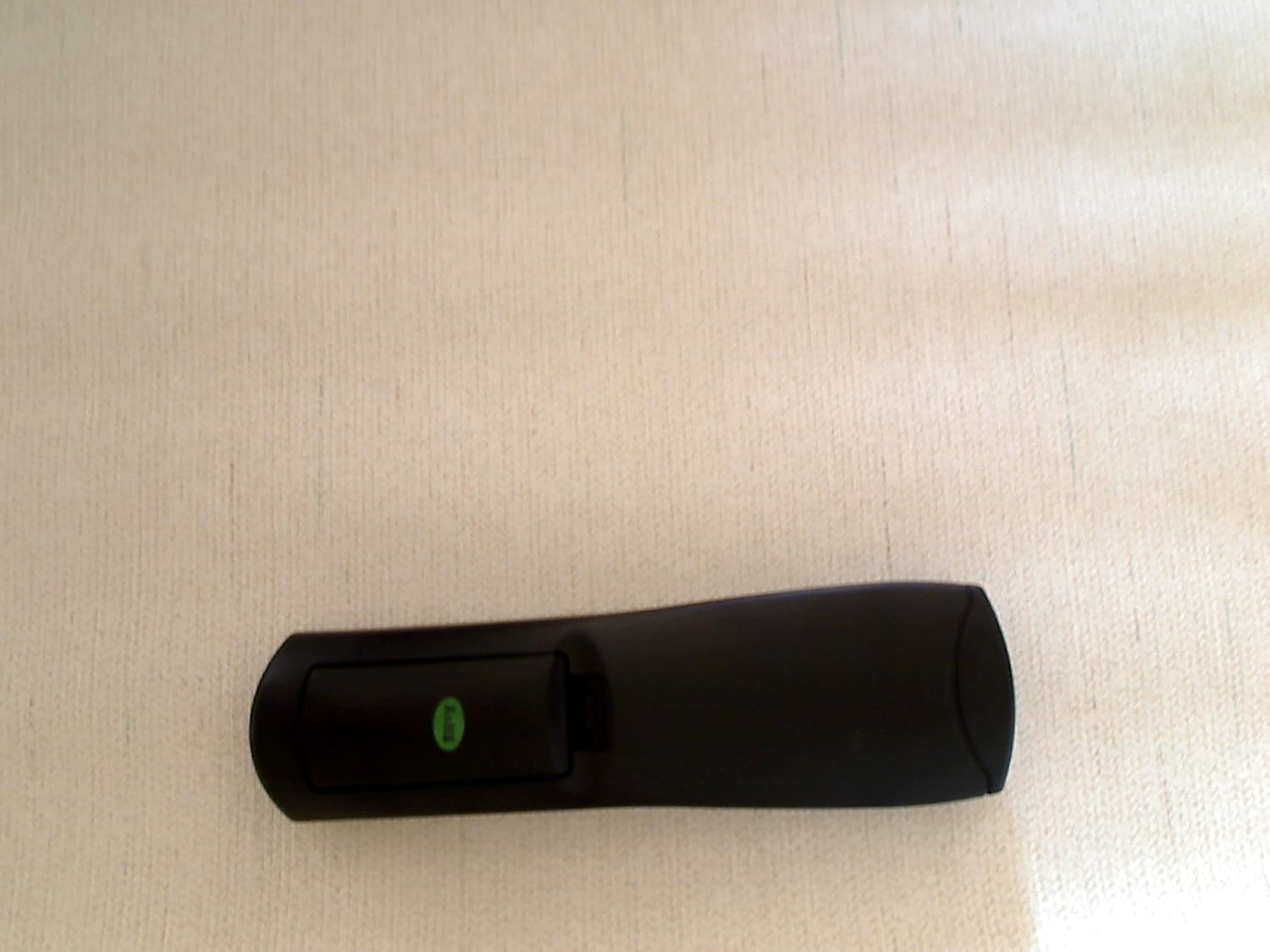

Note: This remote control does not require any programming. It is pre-configured for immediate use with compatible ZINWELL ZAT970A and ZRC4501 units.
Operating Instructions
The Redi-Remote Replacement Remote Control is designed to provide full functionality for your ZINWELL ZAT970A or ZRC4501 unit. Point the remote directly at the ZINWELL unit's infrared receiver for optimal performance.

Key Functions
- Power Button: Turns the ZINWELL unit on or off.
- Number Pad (0-9): Used for direct channel input.
- Channel Up/Down (CH+/-): Navigates through channels.
- Volume Up/Down (VOL+/-): Adjusts the volume.
- Mute: Silences the audio output.
- Menu: Accesses the unit's main menu.
- Navigation Buttons (Up, Down, Left, Right, Enter): Used to navigate menus and confirm selections.
- Exit: Exits current menu or function.
- Display: Shows current channel information or other on-screen display.
- Favorite: Accesses favorite channels list.
- Recall: Switches between the current and previously viewed channel.
- Zoom: Adjusts screen zoom level.
- Info: Displays program information.
Note: This remote control is designed exclusively for ZINWELL ZAT970A and ZRC4501 units and cannot be programmed to control auxiliary devices such as televisions or sound systems.
Some buttons may be located under a sliding cover on the lower half of the remote. Slide the cover down to access these additional functions.
Maintenance
- Cleaning: Use a soft, dry cloth to clean the remote control. Do not use liquid cleaners or abrasive materials.
- Battery Replacement: Replace all four AAA batteries when the remote's performance degrades or if it stops responding. Do not mix old and new batteries, or different types of batteries.
- Storage: Store the remote in a cool, dry place away from direct sunlight and extreme temperatures.
- Avoid Damage: Do not drop the remote or expose it to water or excessive moisture.
Troubleshooting
| Problem | Possible Cause | Solution |
|---|---|---|
| Remote not responding. | Dead or incorrectly installed batteries. | Replace batteries with new AAA batteries, ensuring correct polarity. |
| Remote has limited range or intermittent response. | Obstruction between remote and ZINWELL unit; low batteries. | Ensure a clear line of sight to the ZINWELL unit. Replace batteries if they are low. |
| Remote controls some functions but not others. | Incorrect remote for the unit; specific button malfunction. | Verify the remote is for ZINWELL ZAT970A or ZRC4501. If issues persist, contact support. |
| Remote does not control TV or other devices. | This remote is not designed for universal control. | The Redi-Remote is specifically for ZINWELL ZAT970A/ZRC4501 units and cannot be programmed for auxiliary devices. |
Specifications
- Model Number: RTZAT970A
- Compatible Devices: ZINWELL ZAT970A, ZRC4501
- Brand: Redi-Remote
- Dimensions: 7 x 2.5 x 1 inches (approximately 17.8 x 6.4 x 2.5 cm)
- Weight: 4.5 ounces (approximately 127.6 grams)
- Batteries: 4 x AAA (included)
- Color: Black
- Special Feature: No Programming Required
- Max Number of Supported Devices: 1
Warranty Information
Specific warranty details for Redi-Remote products are typically provided at the point of purchase or can be obtained directly from the seller. Please retain your proof of purchase for any warranty claims. This product is generally covered by a standard manufacturer's warranty against defects in materials and workmanship.
Support
For technical assistance, troubleshooting not covered in this manual, or warranty inquiries, please contact the seller directly through the platform where the purchase was made. You may also visit the Redi-Remote brand page for additional information.