
1. Introduction
This manual provides instructions for the installation and maintenance of the GE WB49X10080 Wave Guide Cover. This component is an authorized OEM replacement part designed for use in various GE microwave oven models. Its primary function is to protect the microwave's magnetron from food splatters and moisture, ensuring efficient and safe operation.
The wave guide cover is a critical component that allows microwave energy to pass into the cooking cavity while preventing debris from entering the waveguide, which could lead to arcing or damage to the microwave oven.
2. Safety Information
WARNING: Before attempting any installation or maintenance, ensure the microwave oven is completely disconnected from its power source. Failure to do so may result in electric shock or personal injury.
- Always unplug the microwave oven before servicing.
- Wear appropriate personal protective equipment, such as gloves, if necessary.
- Handle the wave guide cover carefully to avoid damage.
- If you are unsure about any step, consult a qualified appliance technician.
3. Installation Instructions
The GE WB49X10080 Wave Guide Cover is designed for straightforward replacement. Follow these steps carefully:
- Disconnect Power: Unplug the microwave oven from the electrical outlet.
- Locate Old Cover: Open the microwave door and locate the existing wave guide cover, typically on the right-hand side wall of the cooking cavity.
- Remove Old Cover: The cover is usually held in place by plastic rivets or small tabs. Carefully pry out the plastic rivets using a plastic dinner knife or a small, flat-head screwdriver. Retain these plastic rivets as the new cover may not include them. If it has tabs, gently push them in or pull the cover to release it.
- Inspect Cavity: Clean any food debris or burnt residue from the area where the wave guide cover was located. Ensure the surface is dry before proceeding.
- Install New Cover: Position the new GE WB49X10080 Wave Guide Cover into the opening. Align the holes on the new cover with the mounting holes in the microwave cavity.
- Secure Cover: Insert the retained plastic rivets (or new ones if provided) into the mounting holes to secure the new wave guide cover firmly in place. Ensure it sits flush against the microwave wall.
- Restore Power: Plug the microwave oven back into the electrical outlet.
- Test Operation: Perform a brief test, such as heating a cup of water, to ensure the microwave operates correctly and there is no arcing.
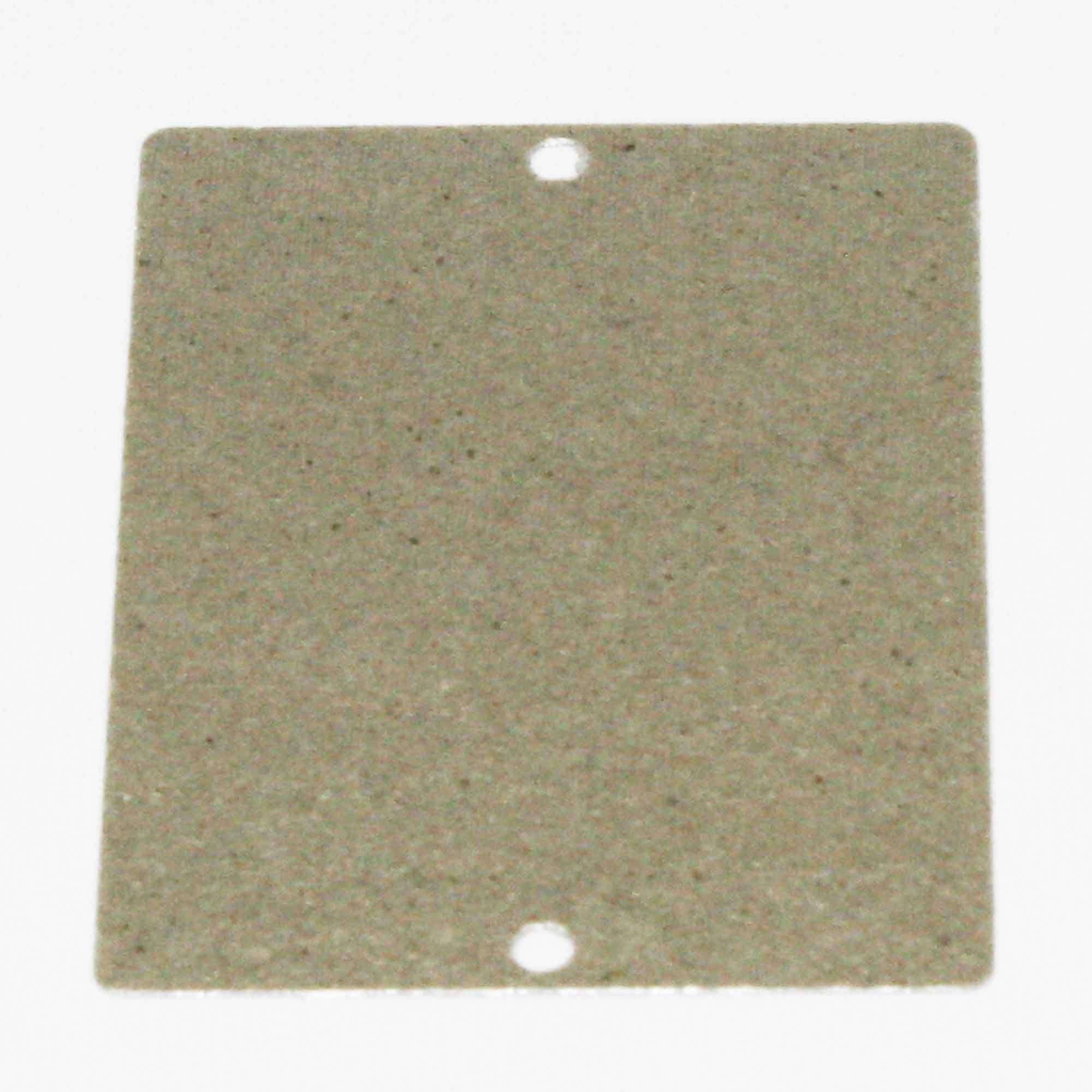
Image: The GE WB49X10080 Wave Guide Cover, a mica sheet designed to protect the microwave's internal components.
4. Operation
The wave guide cover is a passive component and does not require direct user operation. Once correctly installed, it functions automatically as part of the microwave oven's system, allowing microwave energy to pass through while protecting the internal waveguide from food particles and moisture. Ensure the cover remains clean and free from damage for optimal microwave performance.
5. Maintenance
Regular inspection and cleaning of the wave guide cover can extend its lifespan and prevent microwave malfunctions.
- Cleaning: Periodically inspect the wave guide cover for food splatters or burnt residue. If present, gently wipe the cover with a damp cloth. For stubborn stains, a mild, non-abrasive cleaner can be used, followed by wiping with a clean, damp cloth. Ensure the cover is completely dry before using the microwave.
- Inspection: Check the cover for any signs of damage, such as burn marks, holes, cracks, or discoloration. A damaged wave guide cover can lead to arcing inside the microwave cavity. If any damage is observed, the cover should be replaced immediately.
6. Troubleshooting
If your microwave oven exhibits sparking or arcing during operation, the wave guide cover is often the cause. This typically occurs when food particles or grease accumulate on the cover, causing the microwave energy to arc rather than pass through cleanly.
- Symptom: Microwave sparking or arcing inside the cavity.
- Solution:
- Unplug the microwave.
- Inspect the wave guide cover for burn marks, holes, or excessive food buildup.
- If damaged or heavily soiled, replace the wave guide cover following the installation instructions in Section 3.
- If the issue persists after replacing the cover, consult a qualified appliance technician.
7. Specifications
| Part Number: | WB49X10080 |
| Brand: | GE |
| Item Weight: | Approximately 3 pounds |
| Product Dimensions: | Approximately 11 x 6 x 7 inches (Packaging dimensions, actual part size may vary slightly) |
| Material: | Mica (typical for wave guide covers) |
| Compatibility: | Fits various GE brand models requiring part WB49X10080 |
8. Warranty and Support
For information regarding warranty coverage or technical support for the GE WB49X10080 Wave Guide Cover, please refer to the documentation provided with your original microwave oven or contact GE Appliances customer service directly. As an authorized aftermarket product, specific warranty terms may apply.