
1. Introduction
This manual provides comprehensive instructions for the Tikkers AKG-008 Girls' Pink Butterfly Watch Set. It covers setup, operation, maintenance, and specifications to ensure proper use and longevity of your product. Please read this manual thoroughly before using the watch set.

Figure 1: The Tikkers AKG-008 Girls' Pink Butterfly Watch Set, including the pink watch with a butterfly dial, a matching butterfly necklace, and a pink butterfly-themed purse.
2. Product Components
The Tikkers AKG-008 Watch Set includes the following items:
- Tikkers AKG-008 Watch: Features a pink butterfly dial, silver-tone alloy case with a stone-set bezel, pink polyurethane strap, and stainless steel buckle.
- Matching Butterfly Necklace: A silver-tone necklace with a pink butterfly pendant.
- Pink Butterfly Purse: A small, pink purse with a butterfly design.

Figure 2: The complete Tikkers AKG-008 set, showing the watch, matching butterfly necklace, and pink butterfly purse.
3. Setup Instructions
3.1 Setting the Time on Your Watch
- Pull out the Crown: Locate the small knob (crown) on the right side of the watch case. Gently pull it outwards until you feel a click.
- Adjust the Time: Rotate the crown clockwise or counter-clockwise to move the hour and minute hands to the correct time.
- Push in the Crown: Once the time is set, push the crown back into its original position. The watch will now begin to run.
3.2 Adjusting the Watch Strap
The watch features an adjustable polyurethane strap with a buckle closure. To adjust the fit:
- Place the watch on the wrist.
- Thread the strap through the buckle.
- Insert the buckle pin into the desired hole on the strap for a comfortable and secure fit.

Figure 3: Diagram illustrating the dimensions of the Tikkers AKG-008 watch, including case width (29mm), strap width (14mm), and strap length (147mm shortest, 183mm longest).
4. Operating Instructions
4.1 Wearing the Watch
Once the time is set and the strap is adjusted, the watch is ready to be worn. Ensure the watch is not too tight or too loose on the wrist for comfort and to prevent damage.

Figure 4: A child wearing the Tikkers AKG-008 watch on their wrist, demonstrating typical use.
4.2 Using the Necklace and Purse
The butterfly necklace can be worn as a decorative accessory. The small purse is designed for carrying small items.
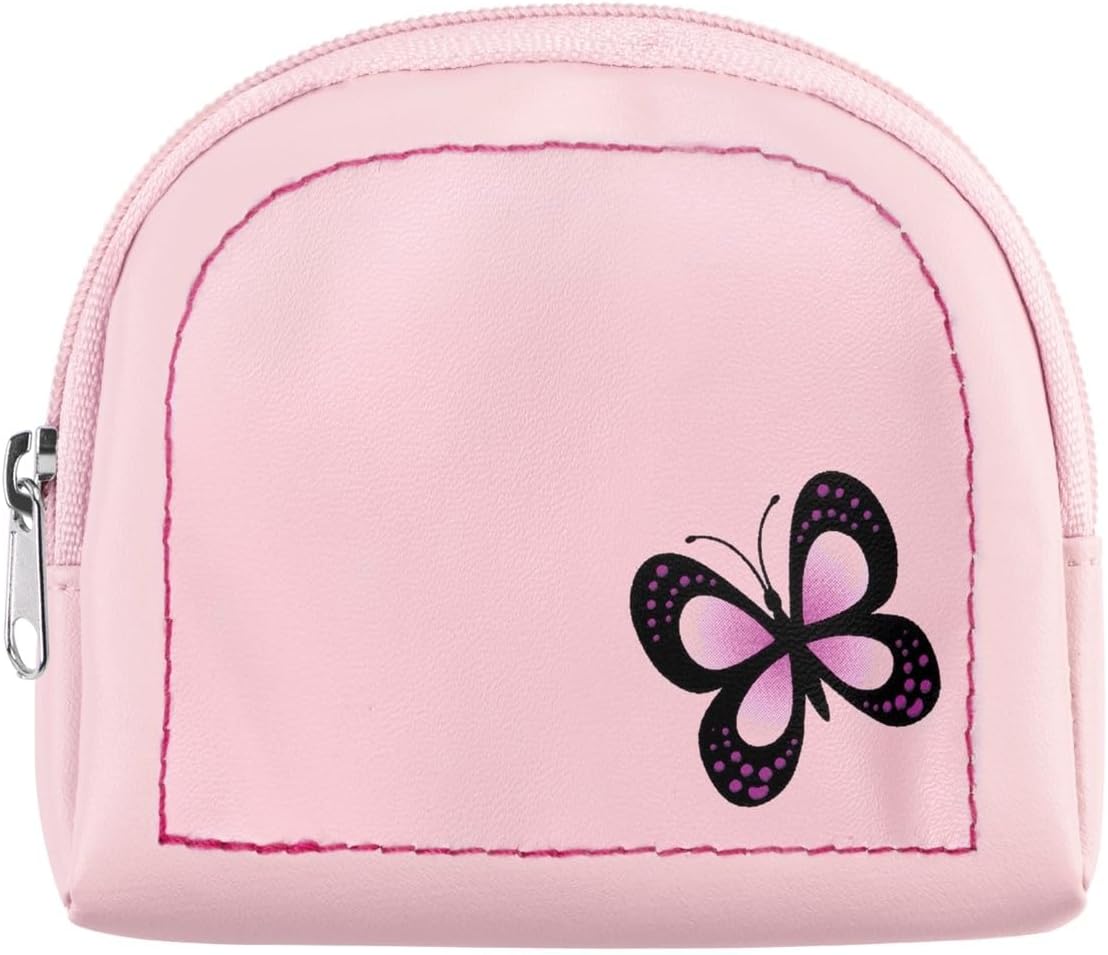
Figure 5: A close-up view of the pink butterfly-themed purse, featuring a zipper closure.
5. Care and Maintenance
- Cleaning: Wipe the watch case, strap, necklace, and purse with a soft, dry cloth. Avoid using harsh chemicals or abrasive materials.
- Water Resistance: This watch is generally not designed for water immersion. Avoid exposing it to water, including swimming, showering, or heavy rain, to prevent damage.
- Storage: When not in use, store the watch set in a dry place away from direct sunlight and extreme temperatures.
- Battery Replacement: The watch uses a product-specific battery. When the watch stops running, it indicates the battery needs replacement. It is recommended to have the battery replaced by a qualified watch technician to ensure proper sealing and function.
6. Troubleshooting
| Problem | Possible Cause | Solution |
|---|---|---|
| Watch is not running. | Battery is depleted or crown is pulled out. | Push the crown in. If it still doesn't run, the battery may need replacement. Consult a watch technician. |
| Time is incorrect. | Time was not set correctly or crown was accidentally pulled out. | Refer to Section 3.1 "Setting the Time on Your Watch" to reset the time. Ensure the crown is fully pushed in. |
| Strap feels uncomfortable. | Strap is too tight or too loose. | Adjust the strap to a different hole for a more comfortable fit (refer to Section 3.2). |
7. Product Specifications
| Model Number: | AKG-008 |
| Brand: | Tikkers |
| Case Material: | Silver-tone Alloy |
| Strap Material: | Pink Polyurethane |
| Dial Features: | Pink sunray dial with butterfly image, easy-to-read numbers |
| Bezel: | Stone-set |
| Clasp Type: | Stainless Steel Buckle |
| Battery: | 1 x Product Specific (included) |
| Approximate Dimensions (Watch): | Case Width: 29mm, Strap Width: 14mm, Strap Length: 147mm (shortest) - 183mm (longest) |
| Approximate Package Dimensions: | 13.6 x 12 x 3.7 cm |
| Approximate Weight: | 40 grams |
8. Warranty and Support
Specific warranty information for the Tikkers AKG-008 Watch Set is not provided in this manual. For warranty details or customer support, please refer to the product packaging or contact Tikkers customer service directly.


