
1. Introduction
Thank you for choosing the Briloner 2268-061 LED Under Cabinet Light. This manual provides essential information for the safe and efficient installation, operation, and maintenance of your new lighting fixture. Please read these instructions carefully before use and retain them for future reference.
This LED light features 6 cool white (6500K) light sources, integrated motion detection, and a light/dark sensor for automatic operation, providing convenient illumination in various indoor settings.
2. Safety Instructions
- Always disconnect power before installation, maintenance, or cleaning.
- This product is designed for indoor use only. Do not expose to moisture or extreme temperatures.
- Do not attempt to modify or repair the device. Refer all servicing to qualified personnel.
- Ensure the mounting surface is stable and can support the weight of the fixture.
- Keep packaging materials away from children to prevent choking hazards.
- Avoid looking directly into the LED light sources when illuminated, as this may cause eye strain.
3. Product Overview
The Briloner 2268-061 is a compact LED light designed for versatile illumination. Key features include:
- Cool White Illumination: 6500K color temperature for bright, clear light.
- Motion Detector: Automatically turns the light on when motion is detected within its range.
- Light/Dark Sensor: Ensures the light only activates in low-light conditions, conserving energy.
- Six LED Light Sources: Provides ample illumination for various spaces.
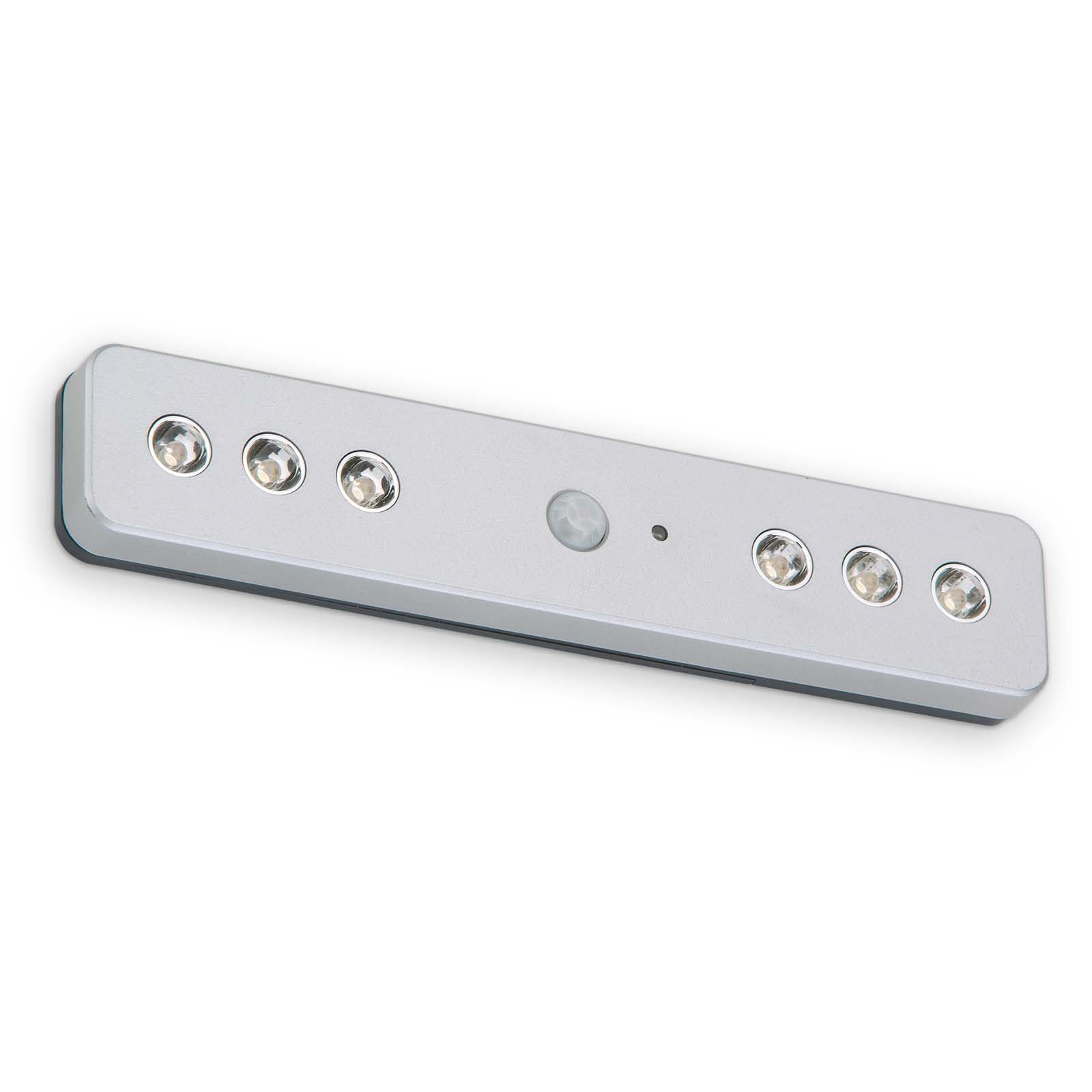
Figure 3.1: Front view of the Briloner 2268-061 LED light, highlighting its main features: cool white 6500K light, motion detection, and a light/dark sensor.
4. Setup and Installation
The Briloner 2268-061 requires assembly and proper mounting. Follow these steps for installation:
- Unpack: Carefully remove all components from the packaging. Ensure all parts are present and undamaged.
- Choose Location: Select a suitable location for the light, such as under a cabinet, on a shelf, or inside a closet. Ensure the area is clean, dry, and provides sufficient space for the light and its sensor to operate effectively.
- Mounting: The light can be mounted using screws or adhesive strips (mounting hardware not explicitly specified, refer to included accessories). Ensure the mounting method is secure for the chosen surface.
- If using screws, mark the desired mounting points, drill pilot holes if necessary, and secure the light firmly.
- If using adhesive, ensure the surface is clean and dry before applying the adhesive strips to the back of the light and pressing it firmly onto the desired surface.
- Power Connection: Insert the required batteries (check the battery compartment for specific type, voltage is 6 Volts) into the battery compartment. Ensure correct polarity (+/-).

Figure 4.1: The Briloner 2268-061 LED light installed under a cabinet, demonstrating its practical application in illuminating a storage area.

Figure 4.2: Multiple Briloner 2268-061 LED lights installed on shelves, illustrating their use for general or accent lighting in various storage configurations.

Figure 4.3: The Briloner 2268-061 LED light mounted under a cabinet, illustrating its discreet and functional design in a typical home environment.
5. Operating Instructions
The Briloner 2268-061 is designed for automatic operation based on motion and ambient light conditions.
- Automatic Mode: Once batteries are installed and the unit is mounted, the light will enter automatic mode. It will only activate when both conditions are met:
- Low Ambient Light: The integrated light/dark sensor detects that the surrounding area is dark enough for illumination to be useful.
- Motion Detected: The motion detector senses movement within its operational range.
- Motion Sensor Range: The motion sensor has a maximum range of approximately 3 meters (9.8 feet). Ensure the sensor is not obstructed for optimal performance.
- Light Duration: The light will remain on for a set period after motion is detected and will turn off automatically if no further motion is sensed and ambient light conditions allow.
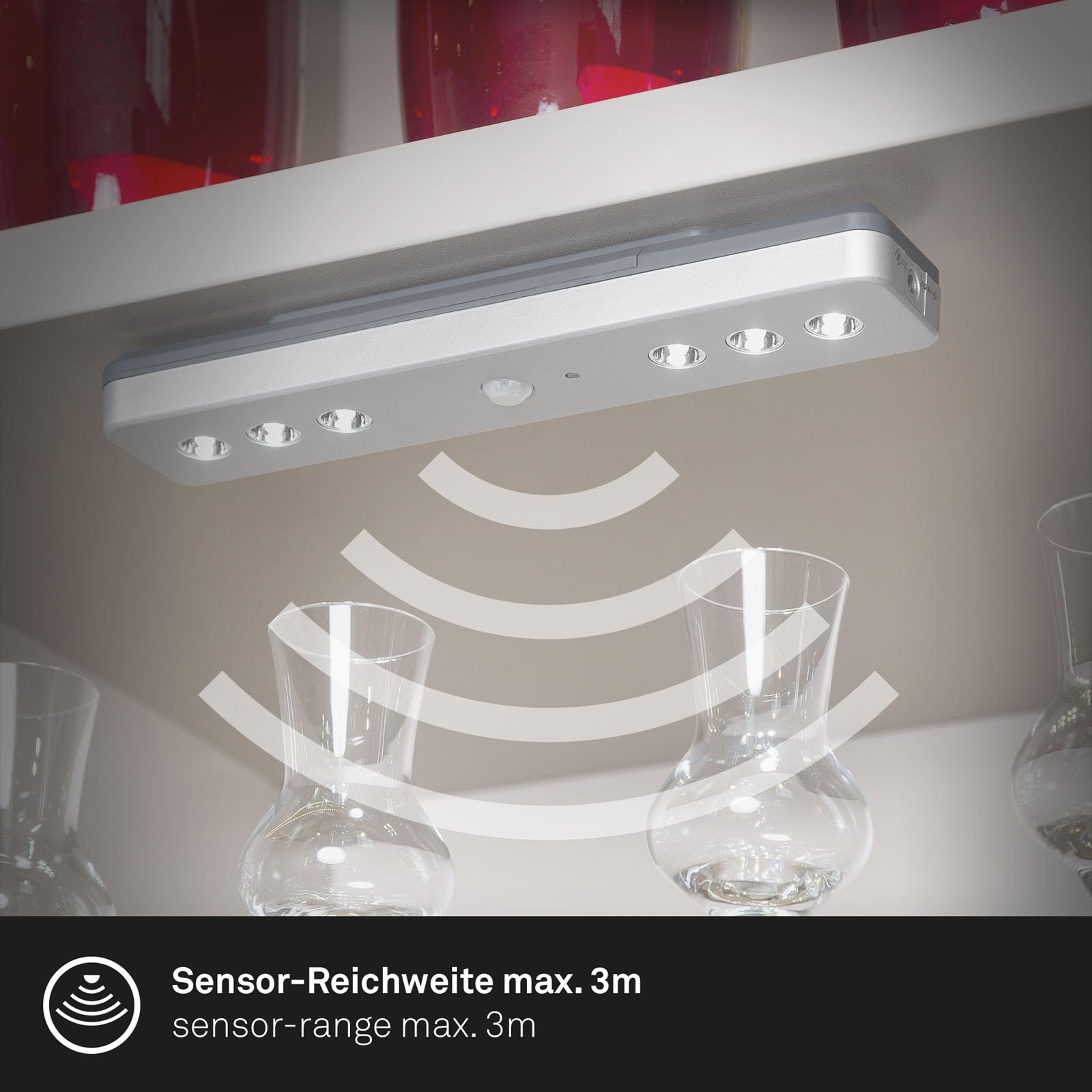
Figure 5.1: Illustration of the motion sensor's maximum range, which is approximately 3 meters, ensuring effective detection in its vicinity.
6. Maintenance
Regular maintenance ensures the longevity and optimal performance of your Briloner LED light.
- Cleaning:
- Before cleaning, ensure the device is switched off and, if applicable, batteries are removed.
- Wipe the surface with a soft, dry, or slightly damp cloth. Do not use abrasive cleaners, solvents, or harsh chemicals, as these can damage the finish or electronic components.
- Battery Replacement:
- When the light output diminishes or the device stops responding, it is likely time to replace the batteries.
- Open the battery compartment, remove old batteries, and insert new ones, ensuring correct polarity (+/-). Dispose of old batteries responsibly according to local regulations.
7. Troubleshooting
If you encounter issues with your Briloner 2268-061, refer to the following common problems and solutions:
| Problem | Possible Cause | Solution |
|---|---|---|
| Light does not turn on. |
|
|
| Light stays on continuously. |
|
|
| Light flickers or is dim. | Low battery power. | Replace batteries. |
If the problem persists after trying these solutions, please contact Briloner customer support.
8. Specifications
| Brand: | Briloner |
| Model Number: | 2268-061 |
| Number of Light Sources: | 6 |
| Voltage: | 6 Volts |
| Item Weight: | 0.15 Kilograms |
| Unit Count: | 1.0 Count |
| Required Assembly: | Yes |

Figure 8.1: Dimensional drawing of the Briloner 2268-061 LED light, indicating its length (210mm), width (42mm), and height (23mm).
9. Warranty and Support
Briloner products are manufactured to high-quality standards. For information regarding warranty coverage, technical support, or replacement parts, please refer to the contact information provided with your purchase or visit the official Briloner website.
Please have your model number (2268-061) and purchase date available when contacting support.


