
1. Introduction
The Coast G19 Inspection Beam LED Penlight is designed for close-up work, providing a clear and consistent circular beam. Its compact size and durable construction make it suitable for everyday carry and various inspection tasks. This manual provides essential information for the proper setup, operation, and maintenance of your G19 penlight.

Image 1.1: The Coast G19 Penlight, a compact LED penlight with a black finish and an adjustable pocket clip.
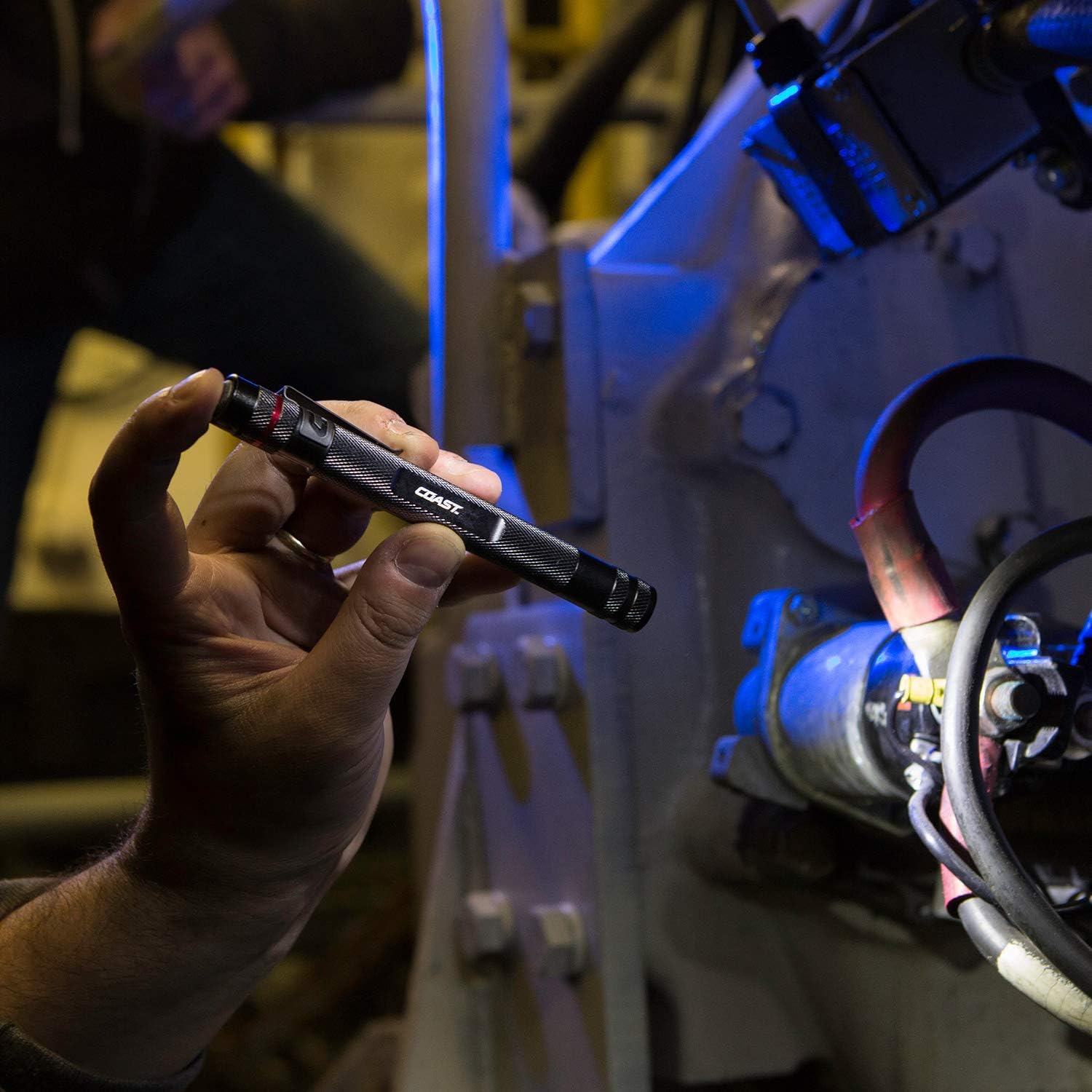
Image 1.2: A hand holding the Coast G19 Penlight, demonstrating its compact size and ease of handling during an inspection task.
Key Features:
- Inspection Beam: Delivers clear, consistent edge-to-edge brightness for illuminating defined areas up to 9 meters (30 feet).
- Adjustable Clip: Allows for convenient storage and attachment to pockets or tool kits.
- Durability: IP54 rated for water resistance and features a durable aluminum body for 1-meter drop protection.
- Compact Design: Ultracompact and lightweight, ideal for everyday carry.
2. Setup
2.1 Battery Installation
The Coast G19 penlight operates on one (1) AAA alkaline battery, which is included with the product. Follow these steps to install or replace the battery:
- Unscrew the tail cap of the penlight by turning it counter-clockwise.
- Insert one (1) AAA alkaline battery into the battery compartment with the positive (+) end facing towards the head of the flashlight.
- Screw the tail cap back on by turning it clockwise until it is securely tightened. Ensure a snug fit to maintain water resistance.
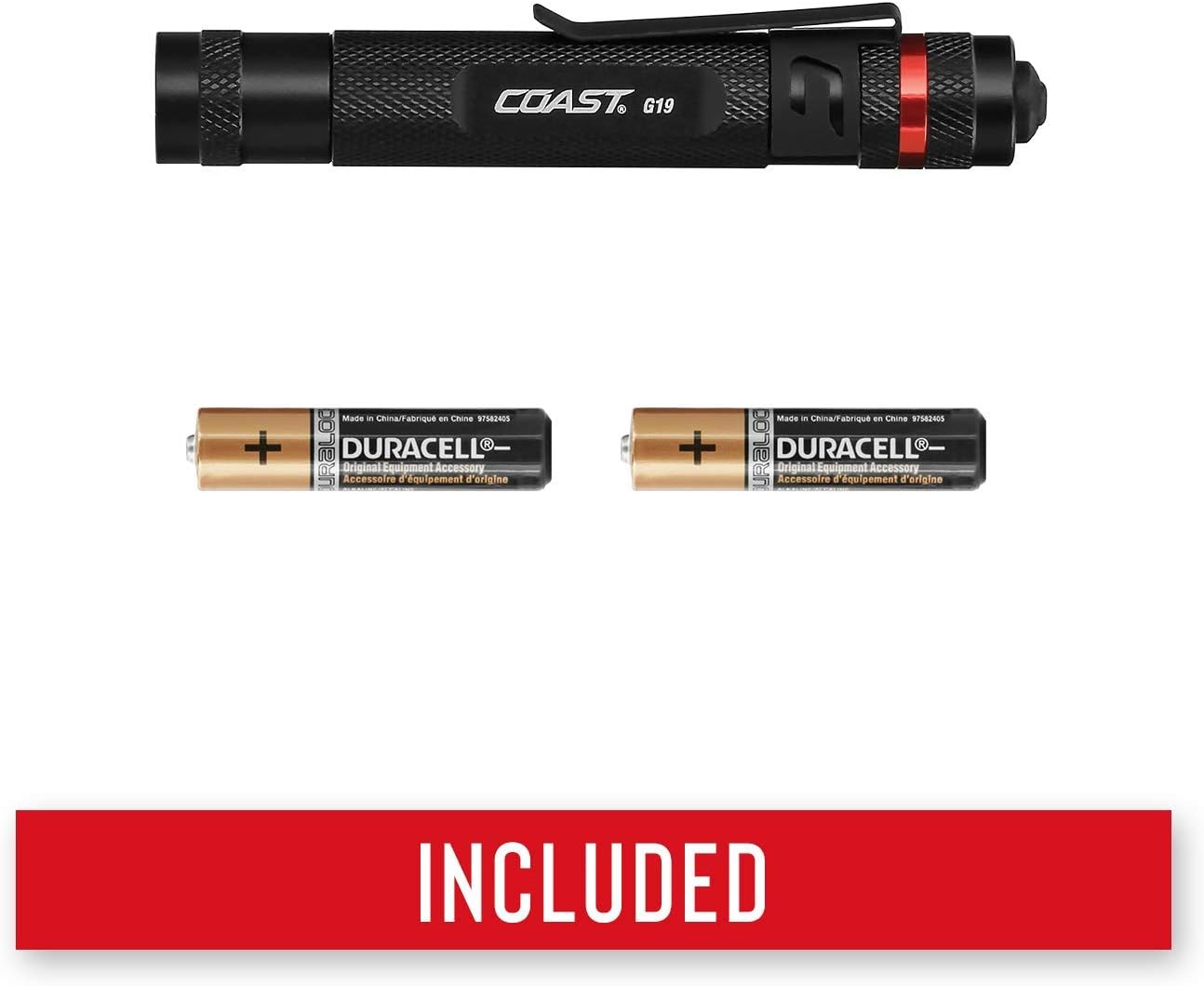
Image 2.1: Two AAA alkaline batteries, similar to the one included with the G19 penlight, shown next to the penlight.
2.2 Attaching the Pocket Clip
The G19 penlight comes with an adjustable pocket clip for convenient carrying. The clip can be reversed to suit your preferred carrying method (e.g., bezel up or bezel down in a pocket).

Image 2.2: Close-up view of the Coast G19 penlight's tail cap and adjustable pocket clip, highlighting the rear-switch system.
3. Operating Instructions
3.1 Power On/Off
To turn the G19 penlight on or off, firmly press the button located on the tail cap. This is a simple on/off switch.
3.2 Inspection Beam
The G19 features an Inspection Beam, which produces a nearly perfect circular beam of smooth and consistent light. This beam pattern is optimized for close-up inspection tasks, minimizing glare and providing uniform illumination.

Image 3.1: A visual representation of the G19's inspection beam, showing a perfectly circular and evenly illuminated light pattern on a dark background.
4. Maintenance
4.1 Cleaning
To clean the exterior of your penlight, wipe it with a soft, damp cloth. Do not use abrasive cleaners or solvents, as these may damage the finish or internal components.
4.2 Battery Care
- Always use fresh, high-quality AAA alkaline batteries.
- Remove the battery if the penlight will not be used for an extended period to prevent potential leakage and damage.
- Dispose of used batteries responsibly according to local regulations.
4.3 Water Resistance
The G19 penlight is IP54 rated, meaning it is resistant to dust and splashing water from any direction. It is not designed for submersion in water. Ensure the tail cap is securely tightened to maintain its water resistance rating.
5. Troubleshooting
If your Coast G19 penlight is not functioning correctly, please refer to the following common issues and solutions:
- Light does not turn on:
- Check if the battery is inserted correctly with the positive (+) end facing the head.
- Replace the battery with a new AAA alkaline battery.
- Ensure the tail cap is fully tightened.
- Light flickers or is dim:
- Replace the battery with a new AAA alkaline battery.
- Clean the battery contacts inside the penlight and on the battery itself with a clean, dry cloth.
If these steps do not resolve the issue, please contact Coast customer support for further assistance.
6. Specifications

Image 6.1: Graphic illustrating key specifications of the Coast G19 Penlight, including beam distance, runtime, and power source.
| Feature | Specification |
|---|---|
| Model | G19 |
| Light Output | 54 Lumens |
| Beam Distance | 20 meters (65 feet) |
| Runtime | 2 hours 30 minutes |
| Power Source | 1 x AAA Alkaline Battery (included) |
| Material | Aluminum |
| Water Resistance | IP54 Rated (Dust and Splash Resistant) |
| Drop Protection | 1-meter |
| Dimensions | 4.02"D x 0.6"W x 0.6"H |
| Weight | 0.212 ounces (without battery) |
All specifications are tested and rated to ANSI/FL1 standards.
7. Warranty and Support
7.1 Lifetime Warranty
The Coast G19 Penlight is backed by Coast's Lifetime Warranty against defects in materials and workmanship. This warranty ensures that your product is free from defects for its useful life. For full warranty details and terms, please refer to the official Coast website or contact customer support.
7.2 Customer Support
For any questions, technical assistance, or warranty claims, please contact Coast customer support through their official channels. Refer to the product packaging or the Coast website for current contact information.


