
1. Introduction
This manual provides essential information for the proper use, setup, and maintenance of your beyerdynamic DT 770 PRO 32 Ohm Closed Studio Headphones. Please read this manual thoroughly before using the product to ensure optimal performance and longevity.
2. Safety Information
Observe the following safety guidelines to prevent damage to the headphones or personal injury:
- Avoid listening at high volume levels for extended periods to prevent hearing damage.
- Do not expose the headphones to extreme temperatures, humidity, or direct sunlight.
- Keep the headphones away from water and other liquids.
- Do not attempt to disassemble or modify the headphones. This will void the warranty.
- Use only original replacement parts and accessories.
3. Package Contents
Verify that all items are present in the package:
- beyerdynamic DT 770 PRO 32 Ohm Closed Studio Headphones
- 3.5 mm to 6.35 mm (1/4 inch) adapter
- Drawstring carrying bag
- This user manual
4. Product Overview
The beyerdynamic DT 770 PRO 32 Ohm headphones are designed for professional studio monitoring and mobile applications. They feature a closed-back design for sound isolation and comfortable circumaural ear pads.
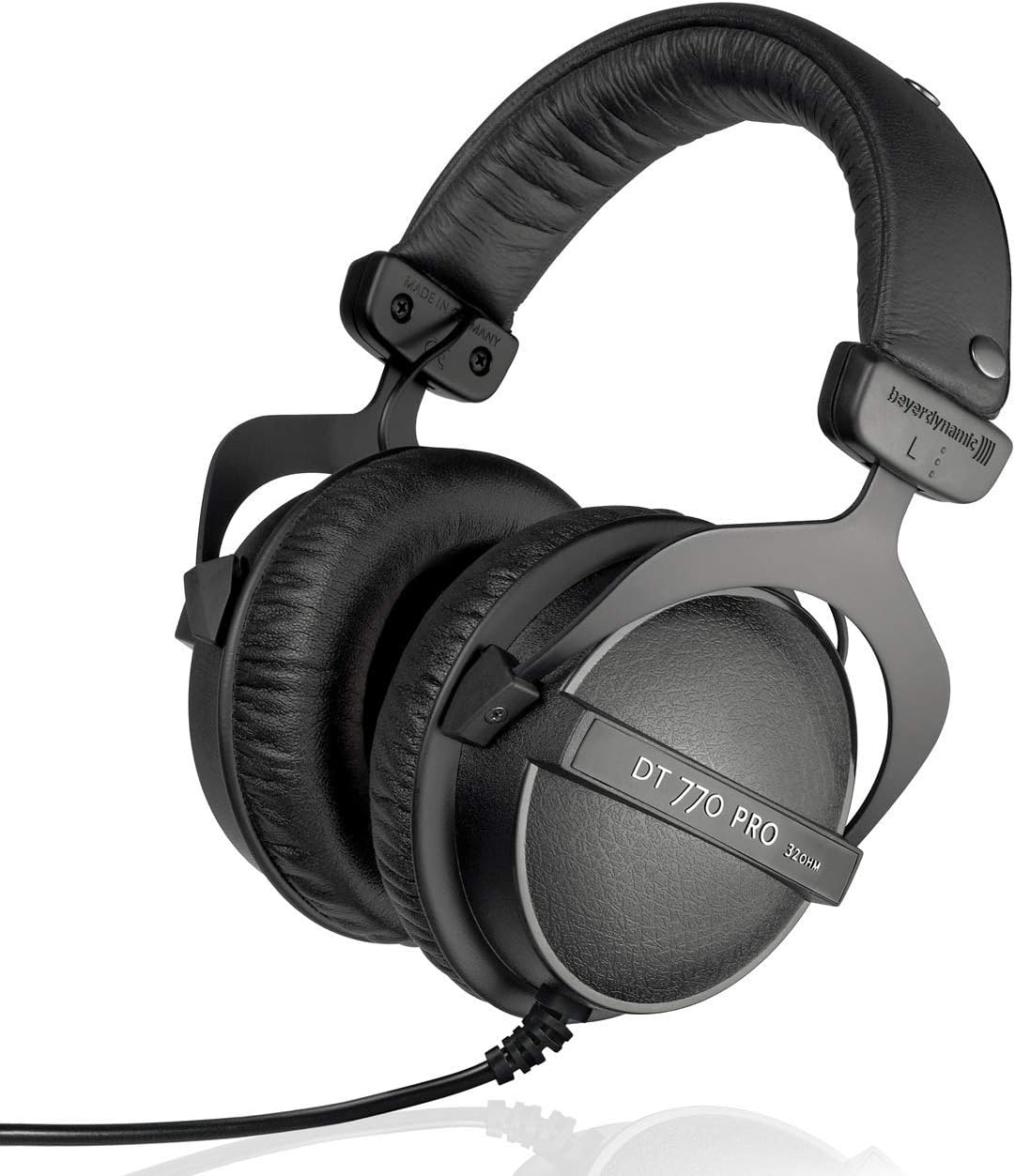
Figure 4.1: Angled view of the beyerdynamic DT 770 PRO 32 Ohm headphones, showcasing the overall design and earcups.
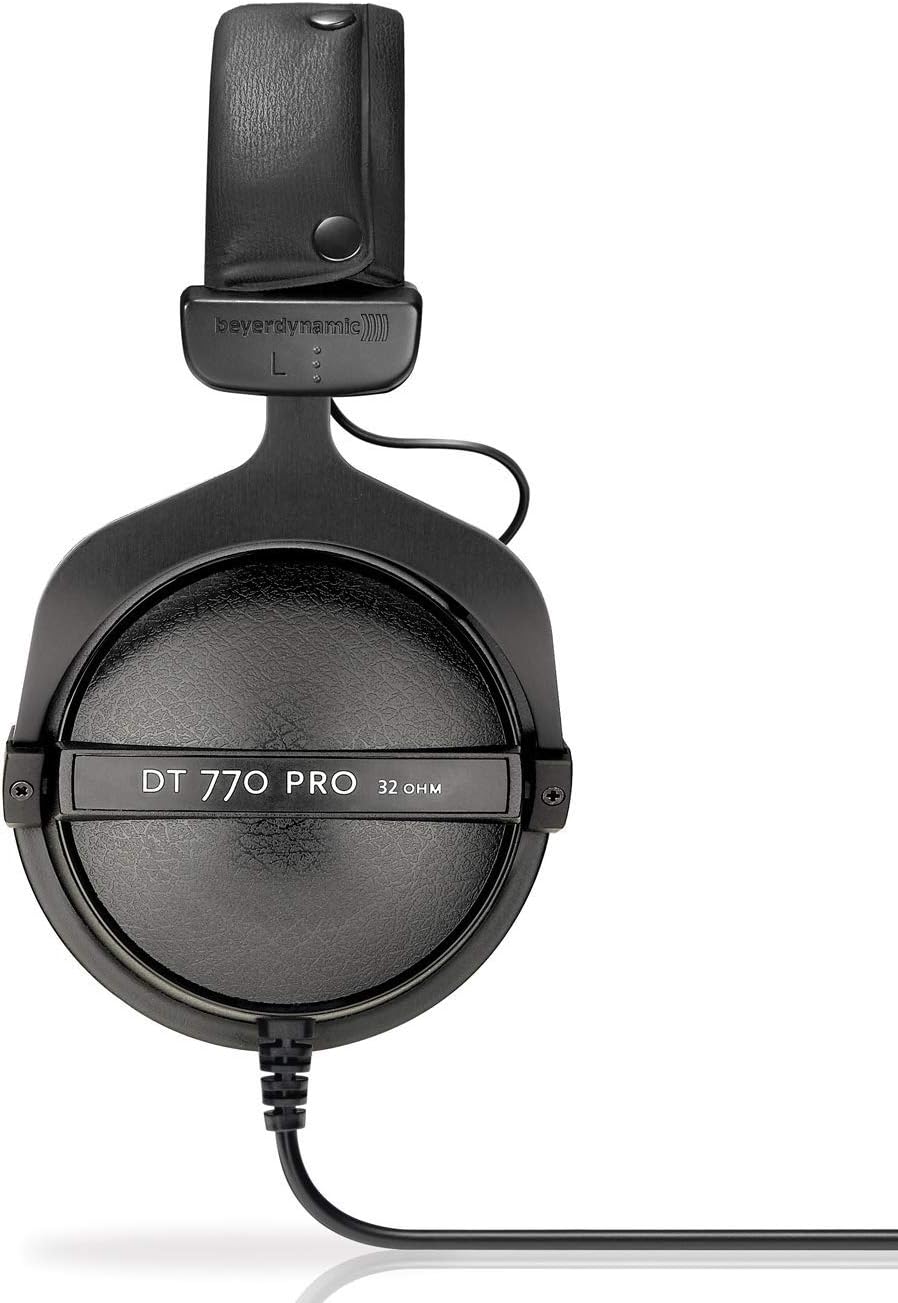
Figure 4.2: Front view of the DT 770 PRO headphones, highlighting the adjustable headband and earcups with 'DT 770 PRO 32 OHM' branding.
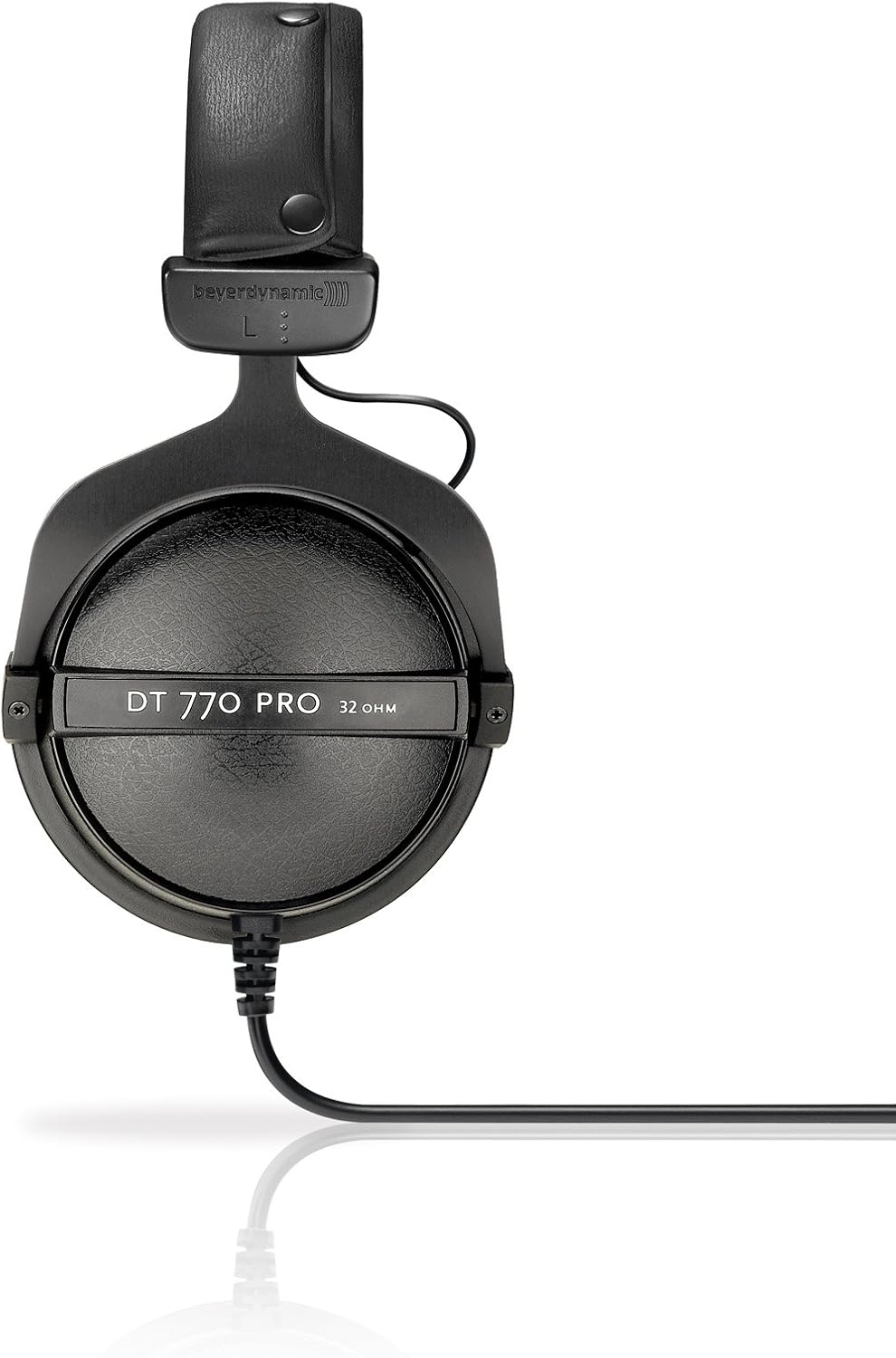
Figure 4.3: Close-up view of an earcup on the DT 770 PRO headphones, showing the soft ear pad material and the integrated cable connection point.
5. Setup
Follow these steps to set up your headphones:
- Unpack: Carefully remove the headphones and all accessories from the packaging.
- Adjust Headband: Adjust the headband to comfortably fit your head. The earcups should fully enclose your ears.
- Connect to Audio Source:
- For devices with a 3.5 mm headphone jack (e.g., smartphones, laptops), plug the 3.5 mm connector directly into the audio output.
- For devices with a 6.35 mm (1/4 inch) headphone jack (e.g., audio interfaces, amplifiers), screw the included 6.35 mm adapter onto the 3.5 mm connector before plugging it into the audio output.
- Volume Control: Ensure the volume on your audio source is set to a low level before playing audio.
6. Operating Instructions
Using your DT 770 PRO headphones is straightforward:
- Wearing the Headphones: Place the headphones on your head so that the earcups fully cover your ears. The 'L' and 'R' markings inside the headband indicate the left and right channels, respectively.
- Volume Adjustment: Adjust the volume using the controls on your connected audio device. Start with a low volume and gradually increase it to a comfortable listening level.
- Sound Isolation: The closed-back design provides passive noise isolation, reducing external sounds and preventing sound leakage. This makes them suitable for monitoring in noisy environments.
- Cable Management: The single-sided cable design minimizes tangling. Ensure the cable is not under tension or snagged during use.
7. Maintenance and Care
Proper care ensures the longevity and performance of your headphones:
- Cleaning Ear Pads: The velour ear pads are replaceable and can be gently hand-washed with mild soap and lukewarm water. Allow them to air dry completely before reattaching.
- Cleaning Headband and Surfaces: Wipe the headband and other surfaces with a soft, damp cloth. Do not use harsh cleaning agents or solvents.
- Storage: When not in use, store the headphones in the provided drawstring bag to protect them from dust and scratches. Avoid storing them in direct sunlight or extreme temperatures.
- Cable Care: Avoid sharply bending or twisting the cable. Do not pull on the cable to disconnect it from the audio source; always grasp the plug.
8. Troubleshooting
If you encounter issues, refer to the following common problems and solutions:
| Problem | Possible Cause | Solution |
|---|---|---|
| No sound or low volume | Incorrect connection, low volume on source, faulty cable/adapter | Ensure cable is fully plugged in. Check volume on audio source. Test with another audio source or cable/adapter if possible. |
| Distorted sound | Volume too high, faulty audio source, damaged driver | Reduce volume. Test with another audio source. If distortion persists, contact support. |
| Uncomfortable fit | Headband not adjusted, ear pads worn out | Adjust headband for a snug but comfortable fit. Consider replacing ear pads if they are compressed or damaged. |
If the problem persists after trying these solutions, please contact beyerdynamic customer support.
9. Specifications
Key technical specifications for the beyerdynamic DT 770 PRO 32 Ohm headphones:
| Feature | Specification |
|---|---|
| Model Name | DT 770 PRO |
| Impedance | 32 Ohm |
| Frequency Range | 5 - 35000 Hz |
| Ear Placement | Over Ear |
| Form Factor | Over Ear |
| Connectivity Technology | Wired |
| Headphones Jack | 3.5 mm Jack |
| Noise Control | Sound Isolation |
| Item Weight | 11.3 ounces (0.32 Kilograms) |
| Product Dimensions | 9.4 x 4.7 x 11.2 inches |
| Material | Stainless Steel |
| Manufacturer | Beyerdynamic |
| Item Model Number | 483664 |
10. Warranty and Support
beyerdynamic products are manufactured to high-quality standards and are designed for durability. For specific warranty terms and conditions, please refer to the warranty card included with your product or visit the official beyerdynamic website.
For technical support, replacement parts, or further assistance, please visit the official beyerdynamic store or contact their customer service directly:
Visit the beyerdynamic Store on Amazon
Please have your product model number (DT 770 PRO) and purchase information ready when contacting support.


