
Introduction
This manual provides comprehensive instructions for the installation, operation, and maintenance of your Stellar Labs 30-2155 UHF Outdoor Antenna. Please read these instructions carefully before proceeding with installation to ensure optimal performance and safety. This antenna is designed for receiving UHF (Ultra High Frequency) television signals, compatible with both HDTV and DTV broadcasts.
Safety Information
Always prioritize safety during installation. Improper installation can lead to serious injury or property damage. Consider the following:
- Power Lines: Never install the antenna near power lines. Maintain a safe distance from all electrical wires.
- Weather Conditions: Avoid installation during stormy or windy weather.
- Tools: Use appropriate tools and wear protective gear, including gloves and safety glasses.
- Mounting: Ensure the mounting structure is sturdy enough to support the antenna, especially in high winds.
- Grounding: Properly ground the antenna mast and lead-in wire according to local electrical codes to protect against lightning.
Package Contents
Verify that all components are present before beginning installation:
- Stellar Labs 30-2155 UHF Outdoor Antenna Assembly
- Mounting Hardware (U-bolts, nuts, washers)
- Instruction Manual (this document)
- Note: Coaxial cable, mast, and grounding wire are sold separately.
Setup and Installation
Follow these steps for proper assembly and installation of your UHF outdoor antenna.
1. Antenna Assembly
- Carefully unpack all components.
- Extend the antenna elements. Some elements may be folded for packaging. Gently unfold them until they lock into place. Ensure all elements are fully extended and secured.
- Attach any reflector or director elements if they are separate from the main boom, following the diagrams provided with the physical product.
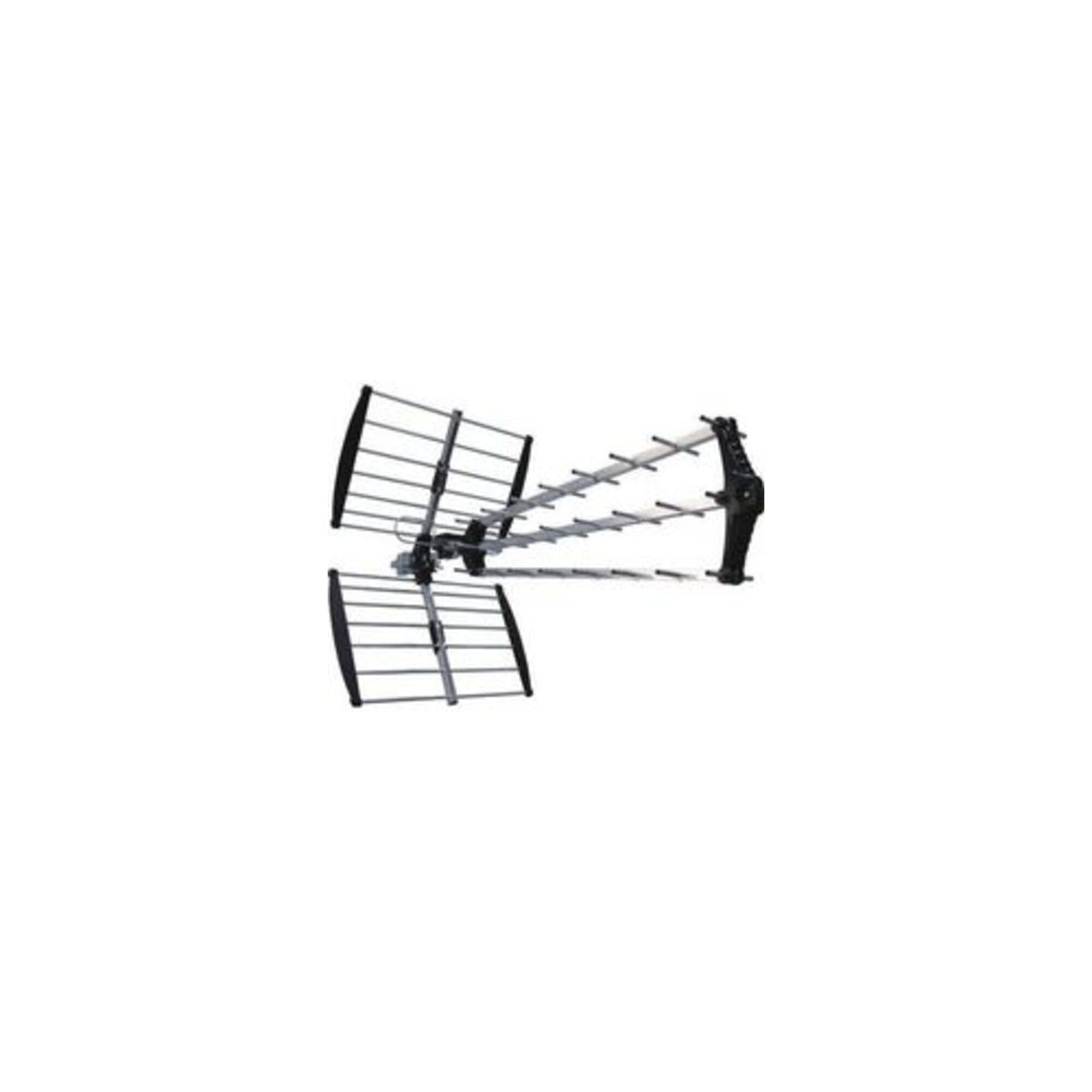
Image: Assembled Stellar Labs 30-2155 UHF Outdoor Antenna. This image shows the antenna with its elements extended, ready for mounting.
2. Site Selection
Choose a mounting location that provides a clear line of sight to local broadcast towers. Higher locations are generally better. Avoid obstructions such as trees, buildings, and hills.
3. Mounting the Antenna
- Secure the antenna to a mast using the provided U-bolts, nuts, and washers. Ensure the antenna is oriented correctly (e.g., horizontal or vertical, depending on local signal polarization).
- Mount the mast securely to a chimney, roof, or side of the house. Use appropriate mounting brackets and hardware for your chosen location.
4. Connecting the Coaxial Cable
- Connect a 75-ohm coaxial cable (RG6 recommended) to the antenna's F-connector.
- Route the coaxial cable neatly and securely, avoiding sharp bends and potential damage points. Use drip loops to prevent water from entering the connection.
- Connect the other end of the coaxial cable to your TV's "Antenna In" or "RF In" port, or to a digital-to-analog converter box if your TV does not have a built-in digital tuner.
5. Grounding the Antenna
Proper grounding is crucial for lightning protection. Consult local electrical codes for specific requirements. Generally, this involves:
- Connecting the antenna mast to a ground rod with a heavy gauge ground wire.
- Using a grounding block for the coaxial cable near the point of entry into the building, and connecting it to the same ground rod.
Operating Instructions
Once the antenna is installed and connected, follow these steps to scan for channels:
- Turn on your television and select the "Antenna" or "Air" input source.
- Access your TV's menu and navigate to the "Channel Scan" or "Auto Program" function.
- Initiate the channel scan. This process may take several minutes.
- After the scan is complete, your TV should display a list of available channels.
- If you receive fewer channels than expected, try adjusting the antenna's direction slightly and performing another channel scan. Use online resources like FCC DTV Reception Maps to find the direction of local broadcast towers.
Maintenance
The Stellar Labs 30-2155 UHF Outdoor Antenna requires minimal maintenance. However, periodic checks can ensure long-term performance:
- Visual Inspection: Annually inspect the antenna, mast, and mounting hardware for any signs of corrosion, damage, or loosening.
- Cable Connections: Check coaxial cable connections at the antenna and TV/converter box for tightness and corrosion. Apply dielectric grease to outdoor connections for added weather protection.
- Clearance: Ensure no new obstructions (e.g., tree growth) are blocking the antenna's line of sight to broadcast towers.
- Cleaning: If necessary, gently clean the antenna elements with a soft cloth to remove dirt or debris. Avoid harsh chemicals.
Troubleshooting
If you experience issues with your antenna, refer to the following common problems and solutions:
| Problem | Possible Cause | Solution |
|---|---|---|
| No channels found or poor signal quality. |
|
|
| Intermittent signal loss. |
|
|
| Only some channels are received. |
|
|
Specifications
Key technical specifications for the Stellar Labs 30-2155 UHF Outdoor Antenna:
- Model: 30-2155
- Antenna Type: UHF Outdoor Antenna
- Compatibility: HDTV and DTV
- Frequency Range: UHF (typically 470-698 MHz for DTV)
- Impedance: 75 Ohm
- Weight: Approximately 5.2 pounds (2.36 kg)
- Color: Black, Silver
- Manufacturer: STELLAR LABS
- UPC: 640522682140
Warranty Information
The Stellar Labs 30-2155 UHF Outdoor Antenna comes with a 90-day warranty from the date of purchase. This warranty covers defects in materials and workmanship under normal use. It does not cover damage resulting from improper installation, accidents, misuse, abuse, natural disasters, or unauthorized modifications. Please retain your proof of purchase for warranty claims.
Customer Support
For technical assistance, warranty claims, or further inquiries regarding your Stellar Labs 30-2155 UHF Outdoor Antenna, please contact Stellar Labs customer support. Refer to the contact information provided with your product packaging or visit the official Stellar Labs website for current support details.
Stellar Labs Website: Visit the Stellar Labs Store on Amazon