
Introduction
Thank you for choosing the Superlux HD572 Dynamic Stereo Headphones. These headphones are designed to provide clear and balanced audio for both monitoring and general entertainment purposes. Featuring a closed-back design, they offer effective sound isolation, and their lightweight construction ensures comfort during extended use. This manual provides essential information for the proper setup, operation, and maintenance of your HD572 headphones.
Package Contents
Please check that all items listed below are included in your package:
- Superlux HD572 Dynamic Stereo Headphones
- User Manual (this document)

Image: Superlux HD572 headphones shown with their detachable cable and a soft carrying pouch.
Setup
- Connect the Audio Cable: Insert the 3.5mm stereo jack of the headphone cable firmly into the audio output port of your device (e.g., computer, smartphone, tablet, or car audio system).
- Adjust the Headband: Place the headphones on your head. Adjust the sliding mechanism on both sides of the headband until the earcups comfortably cover your ears without excessive pressure.
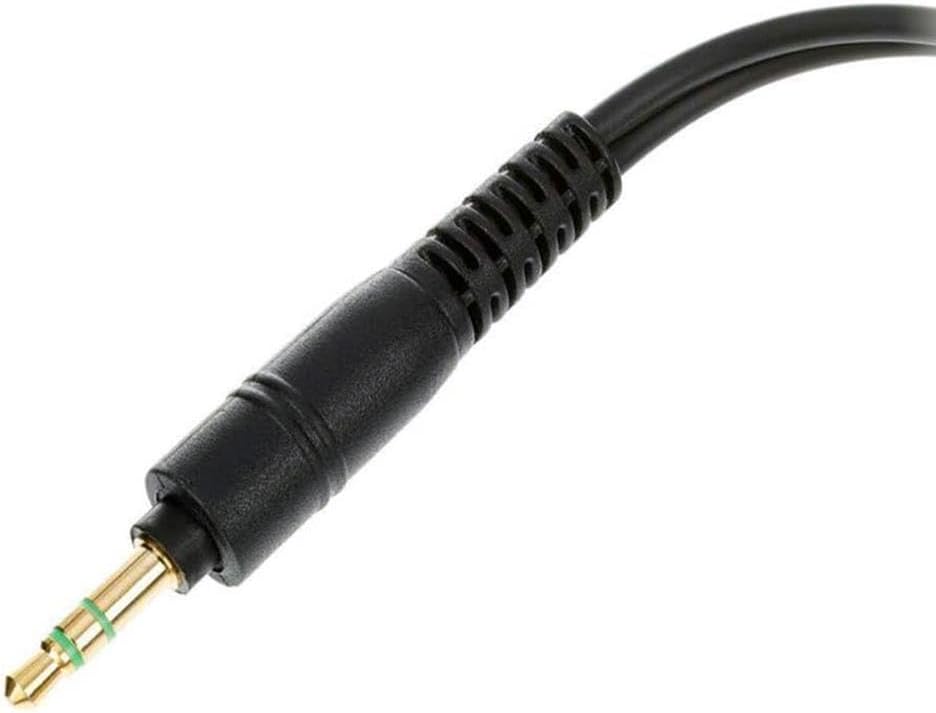
Image: A detailed view of the 3.5mm audio jack for connecting the headphones.

Image: The Superlux HD572 headphones showing the adjustable headband and earcups.
Operating Instructions
Once connected and adjusted, your Superlux HD572 headphones are ready for use.
- Volume Control: Adjust the audio volume directly from your connected source device (e.g., computer, smartphone, audio mixer). The HD572 headphones do not feature inline volume controls.
- Comfort: For optimal listening experience and comfort, ensure the earcups fully enclose your ears. The soft leatherette ear cushions are designed for extended wear.
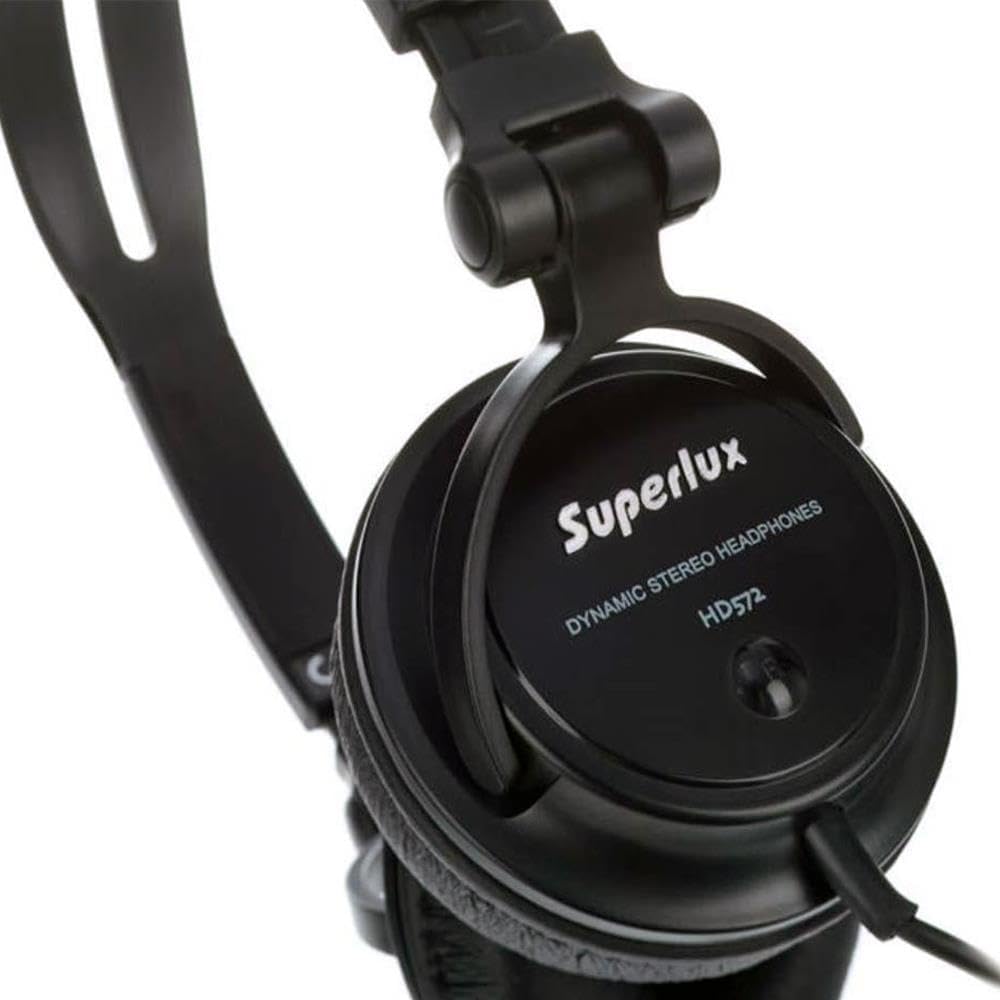
Image: A close-up view of the earcup of the Superlux HD572 headphones, highlighting the brand logo and model number.
Care and Maintenance
Proper care will extend the lifespan of your headphones.
- Cleaning: Gently wipe the earcups, headband, and cable with a soft, dry, lint-free cloth. Do not use liquid cleaners, solvents, or abrasive materials.
- Storage: When not in use, store the headphones in a clean, dry place, away from direct sunlight, extreme temperatures, and high humidity. Avoid tangling the cable.
- Handling: Avoid dropping the headphones or subjecting them to strong impacts. Do not pull on the cable to disconnect it; always grasp the plug.
Troubleshooting
If you encounter issues with your headphones, please refer to the following common problems and solutions:
| Problem | Solution |
|---|---|
| No sound from headphones |
|
| Poor sound quality (e.g., distorted, crackling) |
|
| Headphones are uncomfortable |
|
Specifications
| Model Name | HD572 |
| Type | Dynamic Stereo Headphones, Closed-back |
| Connectivity Technology | Wired (3.5mm Jack) |
| Ear Placement | Over-Ear (Circumaural) |
| Impedance | 24 Ohms |
| Frequency Response | 20 Hz - 20,000 Hz |
| Sensitivity | 99 dB |
| Max Input Power | 200 mW |
| Driver Size | 30mm Neodymium Magnets |
| Cable Length | 2 meters |
| Material | Leatherette (ear cushions) |
| Weight | 130 Grams |
| Color | Black |
| Compatible Devices | Computer, Phone, Tablet, Car Audio System |
Warranty and Support
Superlux products are manufactured to high-quality standards. For detailed warranty information, including terms and conditions, please refer to the official Superlux website or the warranty card included with your purchase. Keep your original purchase receipt as proof of purchase for any warranty claims.
For technical support, service, or inquiries about replacement parts, please contact your local Superlux distributor or authorized service center. Contact information can typically be found on the Superlux official website or through your retailer.