
1. Introduction
The Yale Assa Abloy D8812V000 Code Handle is an innovative interior door handle designed to provide secure, keyless access using a digital code. This handle ensures the door remains closed from the outside, offering enhanced security. It also features a 'day lock' function, allowing the door to remain open for a desired period. Access is granted by entering the correct code on the integrated keypad. The handle is powered by two lithium batteries, providing extended operational life without memory loss during power fluctuations or battery changes.
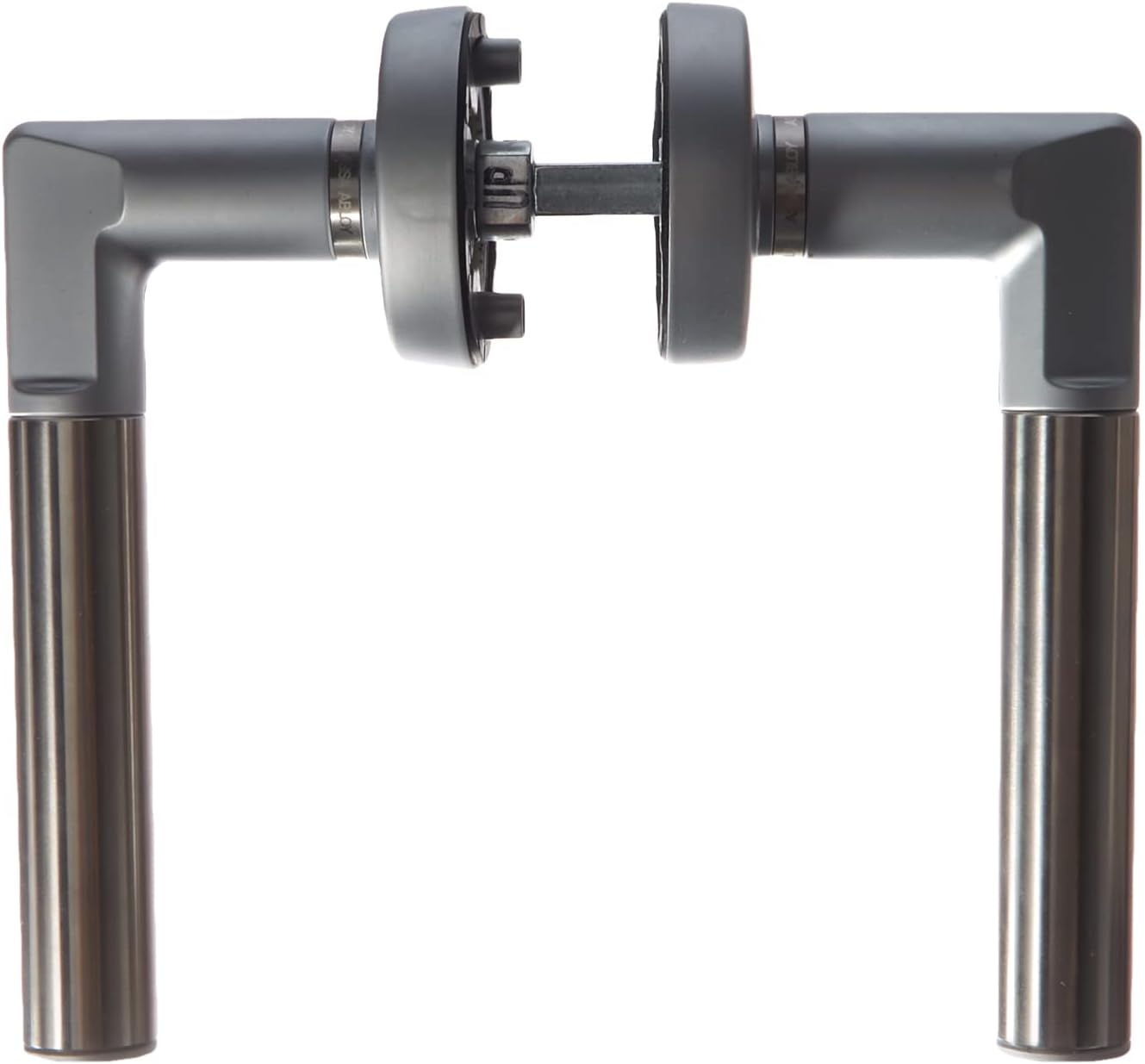
Figure 1: Front view of the Yale Assa Abloy D8812V000 Code Handle. This image illustrates the design of the handle when installed on a door, with both the exterior and interior handle levers visible.
2. Safety Information
- Read all instructions carefully before installation and use.
- Ensure the correct handle orientation (left-hand door) is selected for proper functionality.
- Keep batteries out of reach of children. Do not ingest batteries.
- Dispose of used batteries according to local regulations.
- Do not attempt to modify or repair the handle yourself. Contact qualified personnel for service.
3. Package Contents
Verify that all components are present in the package before beginning installation:
- Code Handle (exterior unit with keypad)
- Panic Handle (interior unit)
- Mounting hardware (screws)
- 2 x CR2 Lithium Batteries
- Instruction Manual

Figure 2: Components included with the Yale Assa Abloy D8812V000 Code Handle. This image displays all parts included in the package: the exterior code handle, the interior panic handle, mounting hardware (screws), and two CR2 lithium batteries required for operation.
4. Setup and Installation
The Yale Assa Abloy D8812V000 Code Handle is designed for easy installation, requiring no complex wiring or external connections. It is specifically designed for left-hand opening doors. The handle provides optical and acoustic signals for simple and secure operation.
4.1 Pre-Installation Checks
- Confirm your door is a left-hand opening door.
- Ensure the door thickness is compatible with the handle's specifications.
- Gather necessary tools: screwdriver, measuring tape, pencil.
4.2 Battery Installation
- Locate the battery compartment on the interior handle unit.
- Insert the two CR2 lithium batteries, ensuring correct polarity (+/-).
- Close the battery compartment cover securely.
4.3 Handle Mounting
- Remove your existing door handle.
- Position the exterior code handle and interior panic handle on either side of the door, aligning them with the existing spindle hole.
- Secure the handles using the provided mounting screws. Ensure they are tightened firmly but do not overtighten.
- Test the mechanical operation of the handles to ensure smooth movement.
5. Operating Instructions
The Yale Assa Abloy D8812V000 Code Handle features an integrated keypad with five buttons for code entry and management.
5.1 Setting Your Code
- (Refer to the full manual for specific code setting instructions, as this information is not detailed in the product description.) Typically, this involves entering a default master code, then a new user code.
- Choose a code that is easy for you to remember but difficult for others to guess.
- Avoid sequential numbers or common patterns.
5.2 Unlocking the Door
- To unlock the door from the exterior, enter your programmed code on the keypad.
- Upon successful code entry, a green light will flash, and an audible signal will be emitted. The handle will then engage, allowing you to open the door.
- From the interior, the panic handle allows immediate exit without requiring a code.
5.3 Locking the Door
- The handle automatically locks from the exterior when the door is closed.
- Upon locking, a red light will flash, and an audible signal will be emitted, confirming the door is secured.
5.4 Day Lock Function
- The 'day lock' function allows the handle to remain disengaged for a set period, keeping the door unlocked for convenient access during specific hours.
- (Consult the full manual for instructions on how to activate and deactivate the 'day lock' function.)
6. Maintenance
6.1 Battery Replacement
The handle is powered by two CR2 lithium batteries, providing up to 100,000 openings. When batteries are low, the handle will typically provide a visual or audible warning. Replace batteries promptly to ensure continuous operation.
- Locate the battery compartment on the interior handle unit.
- Open the compartment and remove the old batteries.
- Insert two new CR2 lithium batteries, observing correct polarity.
- Close the battery compartment cover. The handle retains memory of programmed codes during battery changes.
6.2 Cleaning
- Clean the handle surfaces with a soft, damp cloth.
- Do not use abrasive cleaners, solvents, or chemical sprays, as these can damage the finish or electronic components.
7. Troubleshooting
- Handle not responding: Check battery level and replace if necessary. Ensure batteries are inserted with correct polarity.
- Incorrect code lockout: If an incorrect code is entered five consecutive times, the handle will lock for three minutes as a security measure. Wait for the lockout period to expire before attempting to enter the code again.
- No audible/visual feedback: Verify battery power. If issues persist, contact customer support.
- Mechanical issues: Ensure all mounting screws are properly tightened and that the handle is not obstructed.
8. Specifications

Figure 3: Dimensional diagram of the Yale Assa Abloy D8812V000 Code Handle. This diagram provides key dimensions for the handle, showing a total width of 15 cm (6.1 inches) for proper installation planning.
| Feature | Specification |
|---|---|
| Model Number | D8812V000 |
| Brand | Yale |
| Color | Grey |
| Style | Left-Hand Opening |
| Material | Aluminum |
| Finish | Polished |
| Product Dimensions (L x W x H) | 25 x 14 x 6 cm; 875 grams |
| Power Source | 2 x CR2 Lithium Batteries (included) |
| Battery Life | Up to 100,000 openings |
| Special Features | Lockable, Integrated Keypad, Optical and Acoustic Signals |
| Usage | Interior Door |
| Certification | CE Compliant |
9. Warranty and Support
For warranty information or technical support, please refer to the documentation provided with your purchase or visit the official Yale website. Keep your proof of purchase for warranty claims.