
Introduction
Welcome to the Pronomic M8B Active Studio Monitor user manual. This guide provides essential information for the proper setup, operation, and maintenance of your studio monitors. Please read this manual thoroughly before using the product to ensure optimal performance and longevity.
The Pronomic M8B studio monitors are designed to deliver professional audio quality with a punchy, clean bass from an 8-inch woofer and clear highs from a 1-inch tweeter. The 2-way system allows for individualized settings, making them suitable for monitoring and mixing various music styles across a wide frequency range of 45Hz - 20kHz.
Safety Instructions
Always follow basic safety precautions when using this product to reduce the risk of fire, electric shock, and injury.
- Do not expose this appliance to rain or moisture.
- Do not block any ventilation openings. Install in accordance with the manufacturer's instructions.
- Do not install near any heat sources such as radiators, heat registers, stoves, or other apparatus (including amplifiers) that produce heat.
- Protect the power cord from being walked on or pinched, particularly at plugs, convenience receptacles, and the point where they exit from the apparatus.
- Only use attachments/accessories specified by the manufacturer.
- Refer all servicing to qualified service personnel. Servicing is required when the apparatus has been damaged in any way, such as power-supply cord or plug is damaged, liquid has been spilled or objects have fallen into the apparatus, the apparatus has been exposed to rain or moisture, does not operate normally, or has been dropped.
Package Contents
Verify that all items are present in the package:
- 2 x Pronomic M8B Active Studio Monitors
- 2 x Power Cables
- User Manual (this document)
Features Overview
- Active 2-way studio monitor system
- 8-inch woofer for low frequencies
- 1-inch tweeter for high frequencies
- Wide frequency response: 45Hz - 20kHz
- Individualized settings for acoustic space adjustment
- Balanced XLR and TRS inputs
- Precise stereo imaging and depth
The rear panel of the M8B monitor provides various controls and connections for optimal integration into your studio environment.

Image: Rear view of the Pronomic M8B studio monitor. It displays XLR and TRS input jacks, a volume control knob, and switches for acoustic space adjustments (e.g., high frequency trim, acoustic space, low frequency cutoff). A power input and switch are also visible, along with a bass reflex port at the bottom.
Setup
Placement
Proper placement of your studio monitors is crucial for accurate sound reproduction.
- Position the monitors at ear level, forming an equilateral triangle with your listening position.
- Ensure the tweeters are aligned with your ears.
- Keep monitors away from walls or corners to avoid exaggerated bass response, or use the acoustic space controls on the rear panel to compensate.
- Avoid placing objects directly in front of the monitors that could obstruct the sound.
Connections
Connect your audio source to the M8B monitors using balanced XLR or 1/4-inch TRS cables.
- Ensure both the monitors and your audio source (e.g., audio interface, mixer) are powered off.
- Connect one end of the audio cable to the output of your audio source.
- Connect the other end of the cable to either the XLR or TRS input on the rear panel of each M8B monitor.
- Connect the supplied power cables to the power input on each monitor and then to a suitable AC power outlet.

Image: Front view of the Pronomic M8B studio monitor. The image highlights the 8-inch woofer and 1-inch tweeter. Above the woofer, two small indicator lights are visible: a red light for power/clip and a green light for signal presence.
Operating
Powering On/Off
- Before powering on, ensure the volume control on the rear of each monitor is set to its minimum position.
- Power on your audio source first.
- Power on the M8B monitors using the power switch on the rear panel.
- When powering off, turn off the M8B monitors first, then your audio source.
Volume Control
Adjust the volume using the dedicated knob on the rear panel of each monitor. Start with a low volume and gradually increase it to a comfortable listening level.
Acoustic Space Adjustments
The M8B monitors feature switches on the rear panel to tailor their frequency response to your listening environment.
- High Frequency Trim: Adjusts the high-frequency output to compensate for room acoustics or personal preference.
- Acoustic Space: Reduces bass output to compensate for monitors placed near walls or in corners.
- Low Frequency Cutoff: Filters out very low frequencies, useful when using a subwoofer or in rooms with problematic bass resonance.
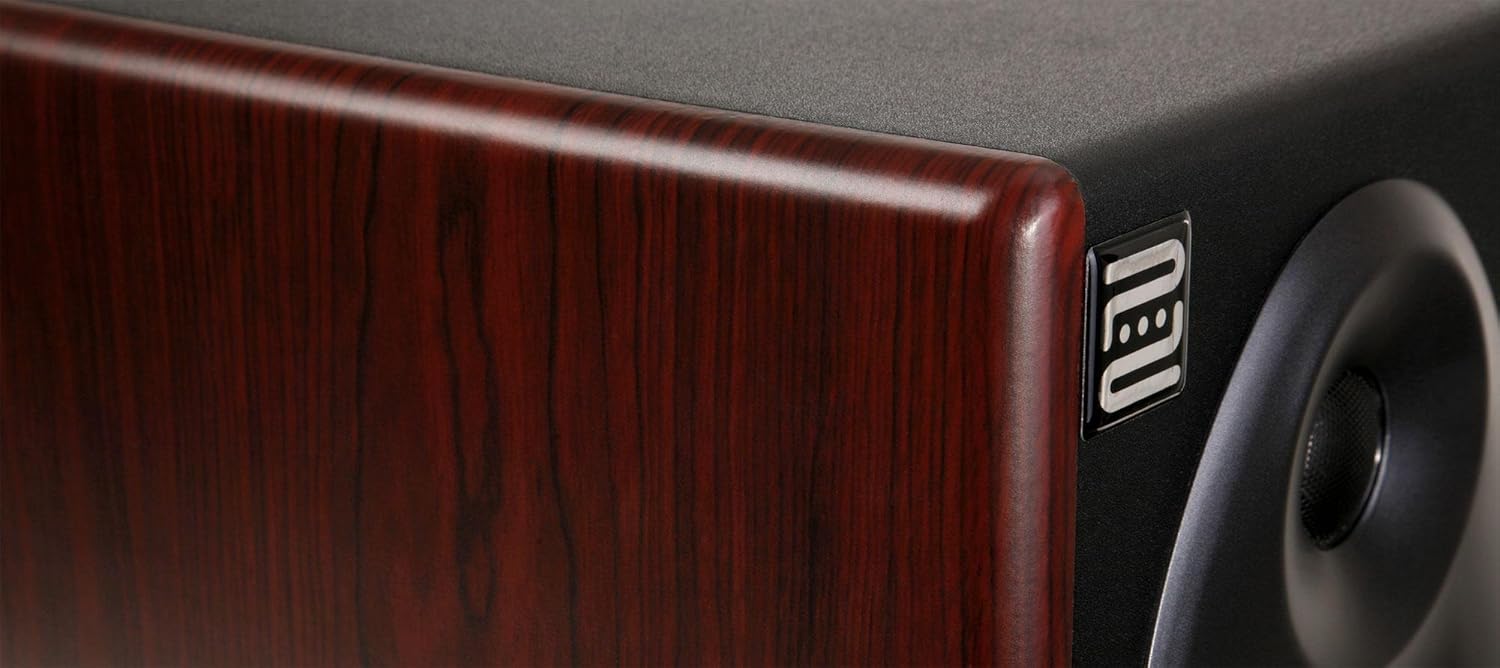
Image: Close-up of the side panel of the Pronomic M8B studio monitor. The image showcases the dark wood grain finish of the cabinet and a small, metallic 'neu' logo embedded on the side, indicating attention to design details.
Maintenance
- Clean the monitor cabinets with a soft, dry cloth. Do not use abrasive cleaners or solvents.
- Keep the monitors free from dust and debris.
- Ensure proper ventilation around the monitors to prevent overheating.
- Avoid exposing the monitors to extreme temperatures or humidity.
Troubleshooting
No Sound
- Check if the monitors are powered on and the power indicator light is illuminated.
- Verify all audio cables are securely connected to both the monitors and the audio source.
- Ensure the volume controls on the monitors and your audio source are not set to minimum.
- Test with a different audio source or cables to rule out faulty equipment.
Distorted Sound
- Reduce the input level from your audio source.
- Lower the volume on the monitors.
- Check for damaged cables.
- Ensure the monitors are not placed too close to walls or corners, which can cause bass buildup. Adjust acoustic space settings if necessary.
Hum or Buzz
- Ensure all equipment is connected to the same electrical outlet or power strip to avoid ground loops.
- Try using balanced cables (XLR or TRS) if you are currently using unbalanced cables.
- Disconnect all inputs to the monitors. If the hum disappears, the issue is with the audio source or cables.
Specifications
| Feature | Specification |
|---|---|
| Model | M8B |
| Type | Active 2-way studio monitor |
| Woofer | 8-inch |
| Tweeter | 1-inch |
| Frequency Response | 45Hz - 20kHz |
| Inputs | Balanced XLR, Balanced 1/4-inch TRS |
| Manufacturer | Pronomic |
| ASIN | B008743B1G |
Warranty and Support
For warranty information and technical support, please refer to the documentation provided with your purchase or visit the official Pronomic website. Keep your proof of purchase for warranty claims.
For further assistance, contact Pronomic customer service.