
1. Introduction
The MaximalPower FC999 Universal Rapid Battery Charger is designed to charge various types and sizes of rechargeable batteries. This manual provides detailed instructions for the safe and efficient operation of your charger.
Package Contents:
- 1x MaximalPower FC999 Charger Unit
- 1x AC Power Adapter
- 1x User's Manual

Image 1.1: MaximalPower FC999 Charger Package Contents
2. Safety Information
Please read and understand all safety instructions before using this product. Failure to follow these instructions may result in electric shock, fire, or serious injury.
- This charger is designed for indoor use only. Do not expose to rain or moisture.
- Do not disassemble the charger. Disassembly may result in electric shock or fire.
- Use only the provided AC power adapter. Using an incorrect adapter may damage the charger or batteries.
- Do not charge damaged, leaking, or non-rechargeable batteries (except for specific Alkaline batteries as instructed).
- Ensure correct battery polarity (+/-) when inserting batteries into the charger.
- Keep the charger away from children and pets.
- Do not block ventilation openings during operation.
- Unplug the charger from the power outlet when not in use.
Built-in Protection Features:
The FC999 charger incorporates multiple protection circuits to ensure safe charging:
- Overcharge Protection: Prevents batteries from being charged beyond their capacity.
- Over-discharge Protection: Safeguards against excessive discharge.
- Overcurrent Protection: Protects against excessive current flow.
- Short Circuit Protection: Prevents damage from short circuits.
- Overheat Protection: Monitors temperature to prevent overheating.

Image 2.1: Charger Protection Features
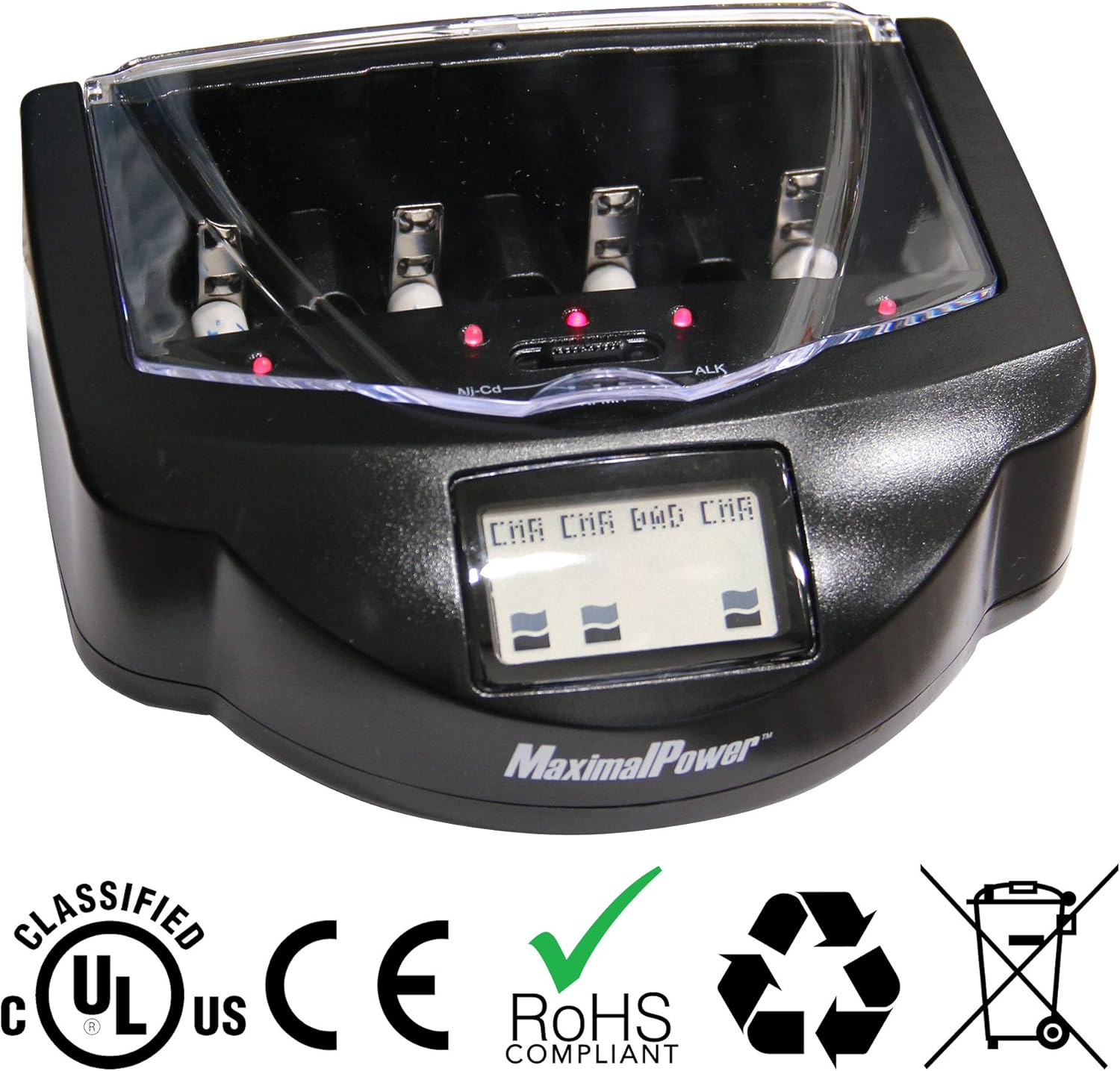
Image 2.2: Product Certifications
3. Product Features
- Universal Compatibility: Charges AA, AAA, C, D, and 9V batteries.
- Multiple Battery Types: Supports Ni-Cd (Nickel Cadmium), Ni-MH (Nickel Metal Hydride), and Alkaline/RAM (Rechargeable Alkaline Manganese) batteries.
- Independent Charging Slots: Features four independent charging slots for AA/AAA/C/D batteries, allowing simultaneous charging of different sizes and types. Includes one dedicated 9V battery socket.
- Manual Mode Selection: A switch allows users to select the appropriate charging mode (Ni-Cd, Ni-MH, or Alkaline/RAM) for optimal battery care.
- LCD Display: Provides clear, real-time information on battery mode and charging status (e.g., CHG for charging, OK for fully charged, BAD for defective/non-rechargeable).
- Individual Charge Indicator Lights: Each slot has an indicator light (red for charging, green for fully charged).

Image 3.1: Supported Battery Sizes and Types
4. Parts Identification
Familiarize yourself with the components of your MaximalPower FC999 charger:

Image 4.1: Universal Battery Charger Parts
- Cover Lid: Protects batteries during charging.
- AC Adapter Plug: Input for the power adapter.
- AA/AAA/C/D Sockets: Four adjustable slots for various battery sizes.
- Charge Lights: Red indicates charging, green indicates fully charged.
- LCD Display: Shows battery mode and charging status.
- Battery Mode Switch: Selects Ni-Cd, Ni-MH, or Alkaline/RAM charging mode.
- 9V Socket: Dedicated slot for 9V batteries.
- Negative Pole [-]: Battery contact point.
- Positive Pole [+]: Battery contact point.
5. Setup
- Unpack the MaximalPower FC999 charger and its accessories.
- Connect the AC power adapter cable to the AC Adapter Plug port on the charger.
- Plug the AC power adapter into a standard wall outlet (100-240V AC, 50/60Hz). The charger is now ready for use.
6. Operating Instructions
6.1. Inserting Batteries
- Open the transparent cover lid of the charger.
- For AA, AAA, C, or D batteries: Insert up to four batteries into the main charging slots. Ensure the positive (+) and negative (-) ends of the batteries match the polarity markings in the slots. The negative pole is spring-loaded and will adjust to the battery size.
- For 9V batteries: Insert one 9V battery into the dedicated 9V socket, ensuring correct polarity.
- Close the cover lid.
6.2. Selecting Battery Type
Before charging, it is critical to select the correct battery chemistry using the Battery Mode Switch located on the charger's front panel.
- Slide the switch to Ni-Cd for Nickel Cadmium batteries.
- Slide the switch to Ni-MH for Nickel Metal Hydride batteries.
- Slide the switch to ALK for Alkaline or RAM (Rechargeable Alkaline Manganese) batteries.
Caution: Selecting the incorrect battery type may damage the batteries or the charger.

Image 6.1: Battery Mode Switch and LCD Display
6.3. Understanding Charging Indicators
The charger provides visual feedback on the charging status:
- Charge Lights: A red light above each slot indicates that the battery in that slot is currently charging. The light will turn green when the battery is fully charged.
- LCD Display: The LCD screen shows the charging status for each battery slot.

Image 6.2: LCD Display Status Indicators
- OK: Battery is fully charged.
- CHG: Battery is currently charging.
- DIS: (If applicable) Battery is discharging.
- BAD: The charger has detected a defective or non-rechargeable battery that cannot be charged.
- 9V Battery Indicator: For 9V batteries, a red indicator light located in the rear middle of the lid cover will illuminate when charging and turn off when fully charged.
6.4. Charging Alkaline Batteries
The FC999 charger can recharge standard alkaline batteries under specific conditions:
- Drain Completely: Standard Alkaline batteries should be drained completely before attempting to recharge them.
- Limited Recharges: Do not charge your alkaline battery more than 5 times. Repeated charging beyond this limit may reduce battery performance or cause leakage.
- Always select the ALK mode when charging alkaline batteries.

Image 6.3: Alkaline Battery Charging Guidelines
7. Maintenance
- Cleaning: Disconnect the charger from the power outlet before cleaning. Use a soft, dry cloth to wipe the exterior of the charger. Do not use liquid cleaners or solvents.
- Storage: Store the charger in a cool, dry place away from direct sunlight and extreme temperatures.
- Unplugging: Unplug the charger when it is not in use for extended periods.
8. Troubleshooting
| Problem | Possible Cause | Solution |
|---|---|---|
| Charger not powering on / No display | Power adapter not connected or faulty; Power outlet not active. | Ensure AC adapter is securely connected to the charger and plugged into a working power outlet. Try a different outlet. |
| Battery not charging (no red light, LCD shows 'BAD') | Incorrect battery type selected; Incorrect battery polarity; Battery is defective or non-rechargeable; Poor contact. | Verify the Battery Mode Switch is set to the correct battery type. Reinsert the battery, ensuring correct polarity. If 'BAD' persists, the battery may be faulty. Adjust battery position to ensure good contact. |
| Alkaline batteries not holding charge well | Battery not fully drained before charging; Battery has been recharged too many times. | Ensure alkaline batteries are fully drained before recharging. Limit recharging of alkaline batteries to a maximum of 5 times. |
| Charger feels warm during operation | Normal operation; Poor ventilation. | It is normal for the charger to feel warm during charging. Ensure the charger is placed in a well-ventilated area and not covered. If it becomes excessively hot, unplug immediately. |
9. Specifications
| Feature | Detail |
|---|---|
| Model Number | FC999 |
| Product Dimensions | 7 x 6 x 2 inches |
| Item Weight | 1.34 pounds |
| Output Voltage | 12 Volts (AC) |
| Supported Battery Sizes | AA, AAA, C, D, 9V |
| Supported Battery Types | Ni-Cd, Ni-MH, Alkaline/RAM |
| Color | Black |
| Manufacturer | America Digital Accessories |
| Date First Available | May 17, 2012 |
10. Warranty and Support
The MaximalPower FC999 Universal Rapid Battery Charger is backed by a 1-Year Warranty. For any questions, technical assistance, or warranty claims, please contact MaximalPower Customer Service Support.