
adj Flat Par QA12X
American DJ Flat Par QA12X Quad Colored LED Wash Light Instruction Manual
Model: Flat Par QA12X
Introduction
The American DJ Flat Par QA12X is a high-performance, low-profile LED wash fixture designed for various lighting applications, including stage, event, and architectural lighting. It features twelve 5-Watt QUAD LEDs (4-in-1 RGBA) for smooth color mixing and vibrant output. Its unique design allows for versatile placement, including flat on the ground or within truss structures.
This manual provides essential information for the safe and efficient operation of your Flat Par QA12X. Please read it thoroughly before installation and use.
Key Features:
- Ultra-bright 12x 5-Watt QUAD LEDs (RGBA: Red, Green, Blue, Amber)
- "Sit flat" design with intelligently placed power and DMX Ins/Outs
- Multiple DMX channel modes (1, 2, 3, 4, 5, 6, 7, or 8 channels)
- Six operational modes: Manual Color, Color Change, Color Fade, Auto (Program Run), Sound Active, and DMX-512
- Smooth RGBA color mixing with no RGB shadows
- 44 built-in Color Macros
- Flicker-free electronic dimming (0-100%)
- 25-degree beam angle
- Linkable via 3-pin XLR cable (In/Out)
- Long-life LEDs rated at 50,000 hours
Safety Instructions
- Always connect to a grounded circuit.
- Ensure the power voltage matches the fixture's requirements.
- Do not operate if the power cord is damaged.
- Avoid direct eye exposure to the light source.
- Keep the fixture away from rain or moisture.
- Ensure adequate ventilation around the fixture.
- Disconnect from power before servicing or cleaning.
- This fixture is for indoor use only.
Setup
Unpacking and Inspection:
Carefully unpack the fixture and check for any damage during shipping. If any damage is found, contact your dealer immediately. Ensure all components are present.
Mounting:
The Flat Par QA12X can be mounted in various positions using its dual hanging brackets. Ensure the mounting surface or truss is capable of supporting the fixture's weight. Always use a safety cable when mounting overhead.
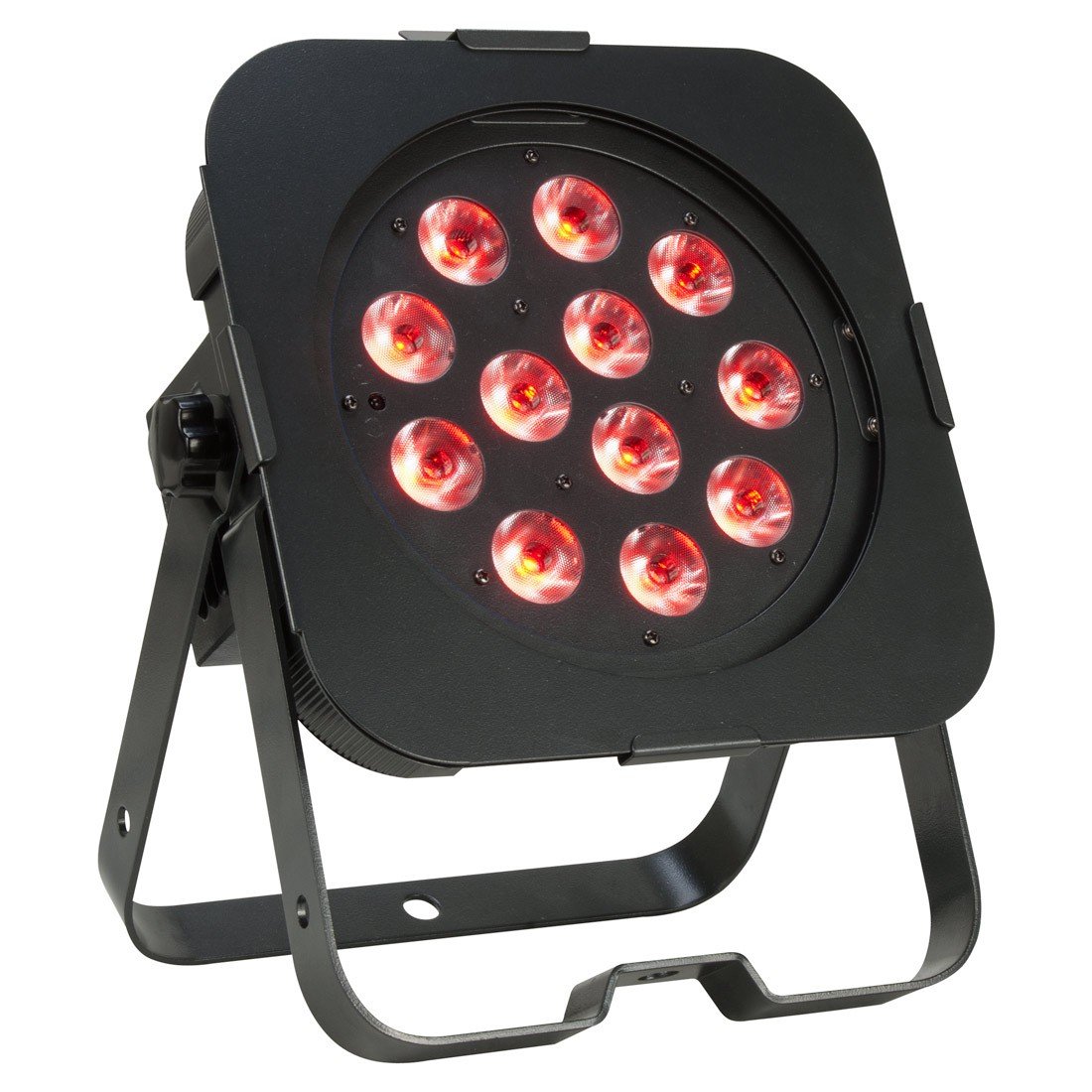
Figure 1: Front view of the Flat Par QA12X with red LEDs illuminated. This image shows the compact design and the twelve LED lenses.

Figure 2: Side view of the Flat Par QA12X with red LEDs illuminated, highlighting the adjustable mounting bracket and low-profile design.
Power Connection:
Connect the included power cable to the power input on the rear of the fixture and then to a suitable power outlet. The fixture operates on 120V AC. Ensure the power source is grounded.
DMX Connection (Optional):
For DMX control, connect a 3-pin XLR cable from your DMX controller's output to the DMX IN port of the first fixture. For multiple fixtures, daisy-chain them by connecting the DMX OUT of the first fixture to the DMX IN of the next, and so on. Terminate the last fixture in the chain with a DMX terminator.
Operating Modes
The Flat Par QA12X offers six operational modes, selectable via the display menu on the rear of the unit.
1. Manual Color Mode:
Allows direct selection and adjustment of Red, Green, Blue, and Amber LED intensities to create custom static colors. Use the menu buttons to navigate and adjust values.
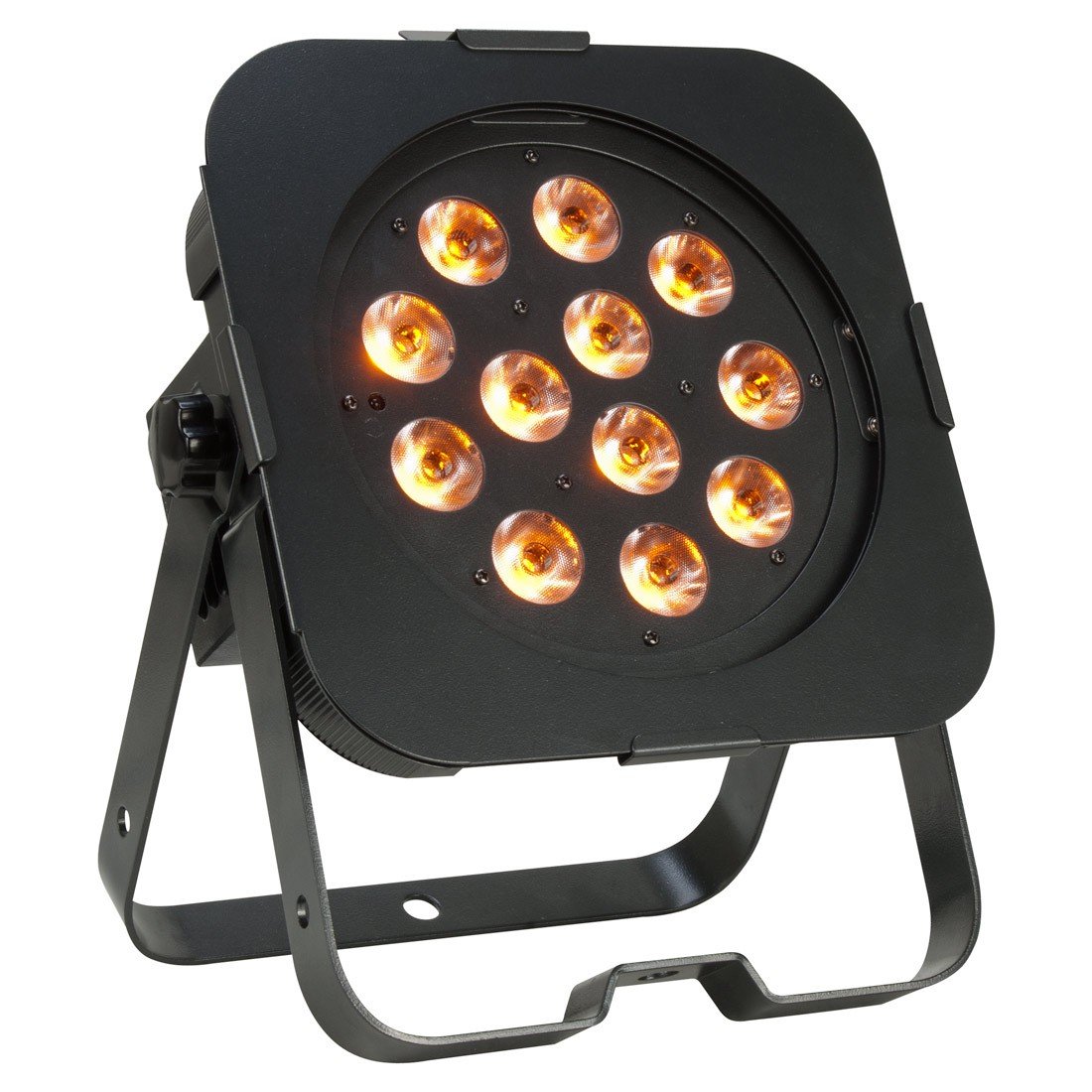
Figure 3: Front view of the Flat Par QA12X with amber LEDs illuminated, demonstrating its color mixing capabilities.
2. Color Change Mode:
Cycles through various pre-programmed color changes. Speed can often be adjusted within the menu.
3. Color Fade Mode:
Smoothly fades between different colors. Speed adjustment may be available.
4. Auto (Program Run) Mode:
Executes a sequence of built-in programs, offering dynamic lighting effects without external control.
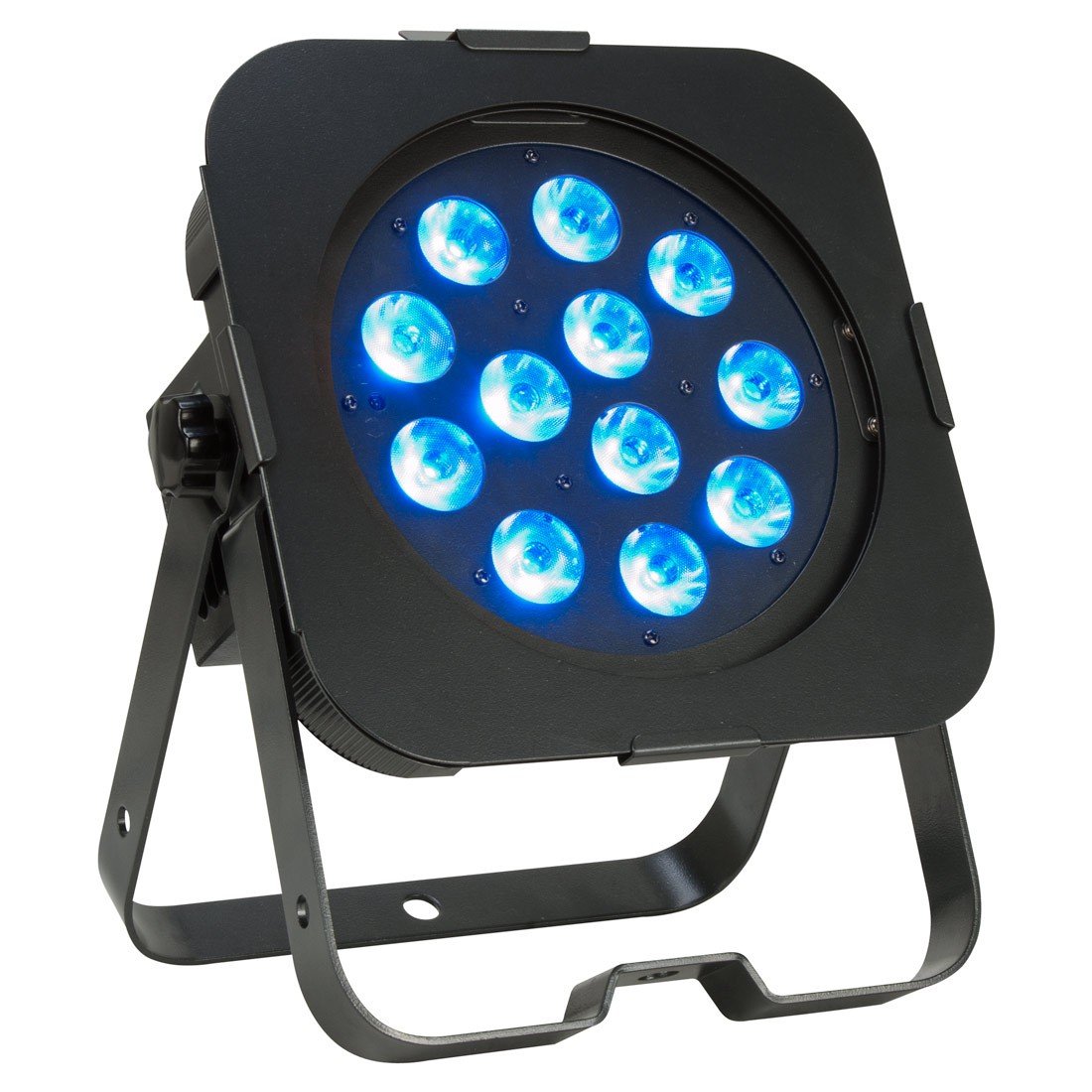
Figure 4: Front view of the Flat Par QA12X with blue LEDs illuminated, showcasing another color option.
5. Sound Active Mode:
The fixture reacts to sound via its built-in microphone, creating dynamic light shows synchronized with music. Sensitivity may be adjustable.

Figure 5: Front view of the Flat Par QA12X with green LEDs illuminated, demonstrating the full color spectrum.
6. DMX-512 Mode:
For professional control, connect the fixture to a DMX controller. Select one of the eight available DMX channel modes (1, 2, 3, 4, 5, 6, 7, or 8 channels) and set the DMX address. Refer to the DMX channel chart (not included in this general manual, but typically found in a full product manual) for specific channel functions.
The Flat Par QA12X also supports Master/Slave operation, allowing multiple fixtures to synchronize without a DMX controller. Set one unit as "Master" and others as "Slave" via the menu.
Infrared Remote Control (ADJ LED RC2 - Sold Separately):
The fixture is compatible with the ADJ LED RC2 infrared remote control for convenient wireless operation up to 15 feet (4.5 meters). This remote allows access to various modes and functions without direct interaction with the unit's display.
Maintenance
Cleaning:
To maintain optimal light output and prevent overheating, regularly clean the fixture's lenses and housing. Use a soft, lint-free cloth and a mild glass cleaner. Ensure the fixture is powered off and cool before cleaning.
LED Lifespan:
The LEDs in the Flat Par QA12X are rated for approximately 50,000 hours of operation. No user-serviceable parts are inside. Refer all servicing to qualified service personnel.
Storage:
When not in use, store the fixture in a dry, dust-free environment, preferably in its original packaging or a protective case.
Troubleshooting
- No Power:
- Check the power cable connection at both the fixture and the wall outlet.
- Verify the power outlet is active.
- Ensure the fixture's power switch (if present) is in the ON position.
- No DMX Control:
- Confirm DMX cables are correctly connected (DMX OUT to DMX IN).
- Check DMX address settings on the fixture and ensure it matches your controller.
- Verify the DMX channel mode selected on the fixture.
- Ensure a DMX terminator is used on the last fixture in the chain.
- Test with a different DMX cable or controller.
- Incorrect Color Output:
- If in DMX mode, check DMX channel values for Red, Green, Blue, and Amber.
- If in Manual Color mode, adjust individual color intensities.
- Ensure the fixture is not in a pre-programmed mode overriding manual settings.
- Fixture Overheating:
- Ensure adequate airflow around the fixture. Do not block ventilation openings.
- Operate in an environment within the specified temperature range.
Specifications
| Feature | Detail |
|---|---|
| Model Number | Flat Par QA12X |
| Light Source | 12 x 5W QUAD LEDs (RGBA) |
| Beam Angle | 25 Degrees |
| DMX Channel Modes | 1, 2, 3, 4, 5, 6, 7, or 8 channels |
| Operational Modes | Manual Color, Color Change, Color Fade, Auto, Sound Active, DMX-512 |
| Dimming | 0-100% Electronic Dimming (Flicker Free) |
| Power Source | Corded Electric |
| Voltage | 120V AC |
| Maximum Wattage | 60 Watts (Total fixture draw) |
| Material | Aluminium |
| Product Dimensions (LxWxH) | 38.1 x 15.24 x 33.02 cm (15 x 6 x 13 inches) |
| Item Weight | 3.63 kg (8 lbs) |
| Manufacturer | American DJ |
Warranty and Support
Warranty Information:
This product typically comes with a 1-year limited warranty from the date of purchase, covering manufacturing defects. Please retain your proof of purchase for warranty claims. The warranty does not cover damage caused by misuse, accident, unauthorized modification, or improper installation.
For specific warranty terms and conditions, please refer to the warranty card included with your product or visit the official American DJ website.
Customer Support:
For technical assistance, service, or parts inquiries, please contact your authorized American DJ dealer or visit the official American DJ support website. Have your product model number (Flat Par QA12X) and serial number ready when contacting support.
Related documentsFlat Par QA12X


Ask a question about this manual
Ask about setup, troubleshooting, compatibility, parts, safety, or missing instructions. Manuals+ will review the question and use this page’s manual context to help answer it.