
Kastar BA-1B-LOH1000-1
Kastar Replacement Battery User Manual
For Logitech Harmony 1000, 1100, 1100i Universal Remote Controls
1. Product Overview
This manual provides essential information for the safe and effective use of your Kastar Replacement Lithium-Ion Battery. Designed for specific Logitech Harmony Universal Remote Control models, this battery ensures reliable power for your device.

Image 1.1: Front view of the Kastar Replacement Lithium-Ion Battery, showing brand and specifications.

Image 1.2: Side view of the Kastar Replacement Lithium-Ion Battery, highlighting its compact design.
Key Features:
- Direct replacement for Logitech 190582-0000, F12440056, K398, L-LU18 batteries.
- Lithium-Ion battery type for consistent performance.
- Nominal Voltage: 3.7V.
- Capacity: 1400mAh.
2. Package Contents
Upon opening the package, please verify that all items are present and undamaged.
- 1 x Kastar Replacement Lithium-Ion Battery

Image 2.1: Retail packaging of the Kastar Replacement Battery, indicating high capacity and compatibility.
3. Important Safety Instructions
CAUTION: Make sure you observe the following important battery precautions. Failure to do so can cause batteries to leak, overheat, or explode.
- Do not expose batteries to heat or fire.
- Never try to disassemble, modify, or apply solder to batteries.
- Never short the terminals of the batteries or carry them together with metal objects that can cause shorting.
- Do not tear or remove the outer label of the batteries.
- Never use, charge, or store batteries in areas exposed to high temperature.
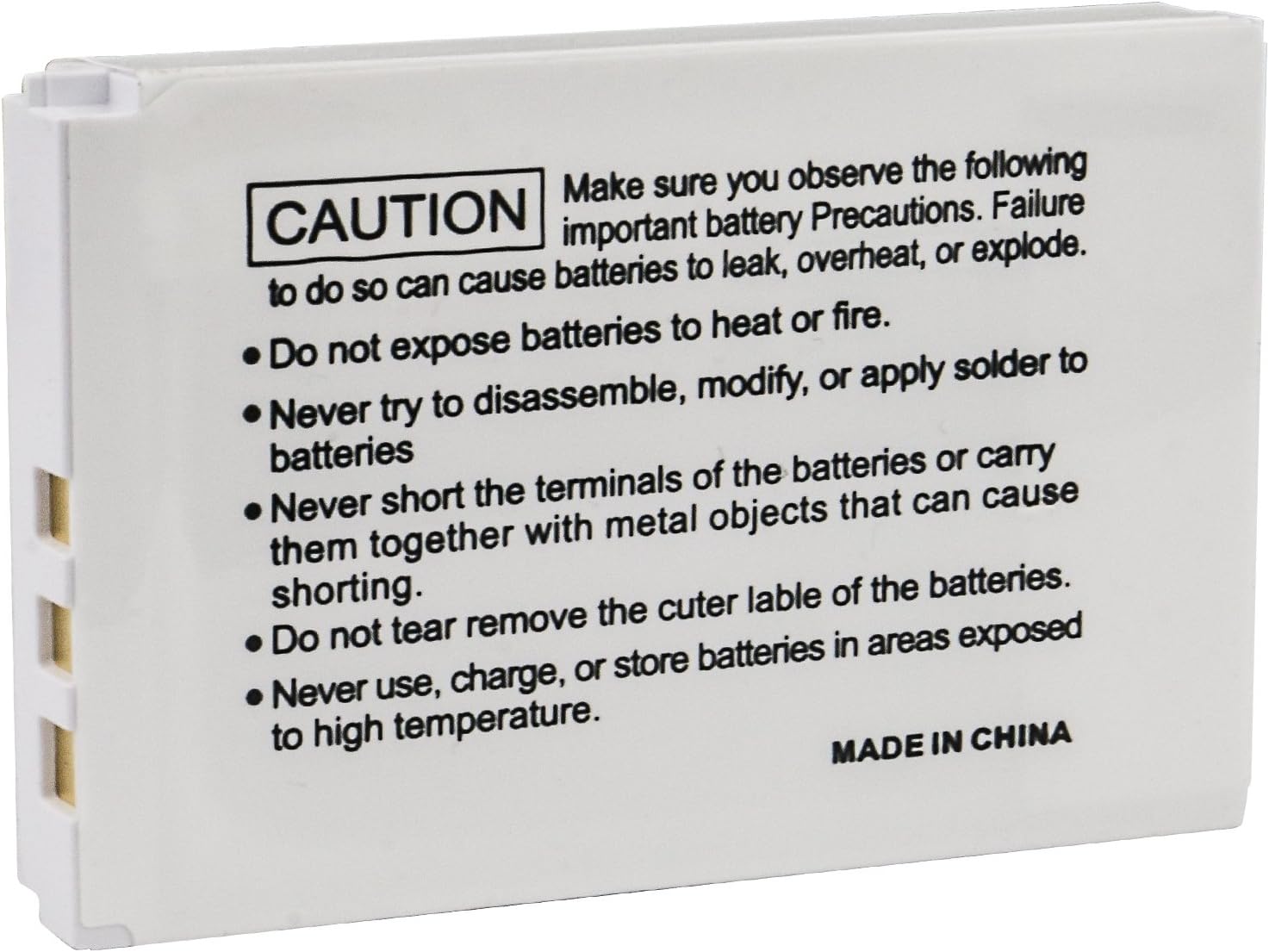
Image 3.1: Rear view of the Kastar Replacement Battery, displaying critical safety warnings and precautions.
4. Compatible Models
This Kastar replacement battery is compatible with the following Logitech models:
- Logitech Harmony 1000 Remote
- Logitech Harmony 1100 Remote
- Logitech Harmony 1100i Remote
- Logitech Harmony 915 Remote
- Logitech Internet Radio
- Logitech Squeezebox Duet Controller
- Logitech Part Numbers: 190582-0000, F12440056, K398, L-LU18, C-LR65, C-RL65
5. Installation Guide
To replace the battery in your compatible Logitech device, follow these general steps. Specific instructions may vary slightly depending on your device model. Refer to your device's original manual for detailed instructions if available.
- Power Off Device: Ensure your Logitech remote control is completely powered off before beginning the battery replacement process.
- Locate Battery Compartment: Identify and open the battery compartment on your remote control. This is typically on the back or bottom and may require a small screwdriver or prying tool.
- Remove Old Battery: Carefully disconnect and remove the old battery. Note its orientation for correct installation of the new battery.
- Insert New Battery: Insert the Kastar replacement battery, ensuring the terminals align correctly with the device's connectors. Do not force the battery into place.
- Secure Compartment: Close and secure the battery compartment.
- Power On Device: Power on your Logitech remote control and verify proper functionality.
Note: Dispose of the old battery responsibly according to local regulations.
6. Charging and Initial Use
For optimal performance, it is recommended to fully charge the new battery before its first use.
- Initial Charge: Connect your Logitech remote control to its charging dock or power adapter. Allow the battery to charge completely, typically indicated by an LED on the device.
- Normal Use: The battery can be charged as needed. Lithium-Ion batteries do not suffer from a "memory effect," so partial charges are acceptable.
- Charging Environment: Charge the battery in a well-ventilated area, away from direct sunlight or extreme temperatures.
7. Maintenance and Storage
Proper care and storage will extend the life of your Kastar battery.
- Cleaning: Keep battery terminals clean and free of dust or debris. Use a dry, soft cloth if cleaning is necessary.
- Storage: If storing the battery for an extended period, ensure it is charged to approximately 50% capacity. Store in a cool, dry place, away from direct sunlight and extreme temperatures.
- Avoid Deep Discharge: While Lithium-Ion batteries are resilient, avoiding complete discharge can help maintain their overall lifespan.
8. Troubleshooting
If you encounter issues with your Kastar replacement battery, consider the following common solutions:
- Battery Not Charging:
- Ensure the battery is correctly seated in the compartment.
- Verify the charging cable and adapter are functioning correctly.
- Check for any debris on the charging contacts of both the battery and the device.
- Short Battery Life:
- Ensure the battery has been fully charged.
- Environmental factors (extreme heat/cold) can affect battery performance.
- If the battery is old, its capacity may naturally degrade over time.
- Device Not Powering On:
- Confirm the battery is installed with correct polarity.
- Ensure the battery is charged.
- If the issue persists, the problem might be with the device itself, not the battery.
9. Technical Specifications
| Brand | Kastar |
| Model Number | BA-1B-LOH1000-1 |
| Battery Type | Lithium-Ion |
| Battery Voltage | 3.7V |
| Battery Capacity | 1400mAh (5.2Wh) |
| Product Dimensions | 2 x 2 x 2 inches (approximate) |
| Item Weight | 1.06 ounces |
10. Warranty and Customer Support
Kastar products are designed for reliability and performance. For information regarding warranty coverage, please refer to the product packaging or the official Kastar website. Many Kastar products come with a 3-year warranty, as indicated on some packaging.
If you require further assistance or have questions not covered in this manual, please contact Kastar customer support through their official channels or visit their Amazon store for more information:
Ask a question about this manual
Ask about setup, troubleshooting, compatibility, parts, safety, or missing instructions. Manuals+ will review the question and use this page’s manual context to help answer it.