
1. Introduction and Overview
This anatomical model, the 3B Scientific K26 Gallstone Model, is designed for patient education and anatomical study of the biliary system. It presents the anatomy of the biliary system and its surroundings at half natural size. The model illustrates acute inflammation (cholecystitis) and tissue changes resulting from chronic inflammation within the gallbladder wall. Gallstones are depicted in typical locations: the fundus of the gallbladder, the spiral valve area, the common bile duct, and the papillary opening of the small intestine.
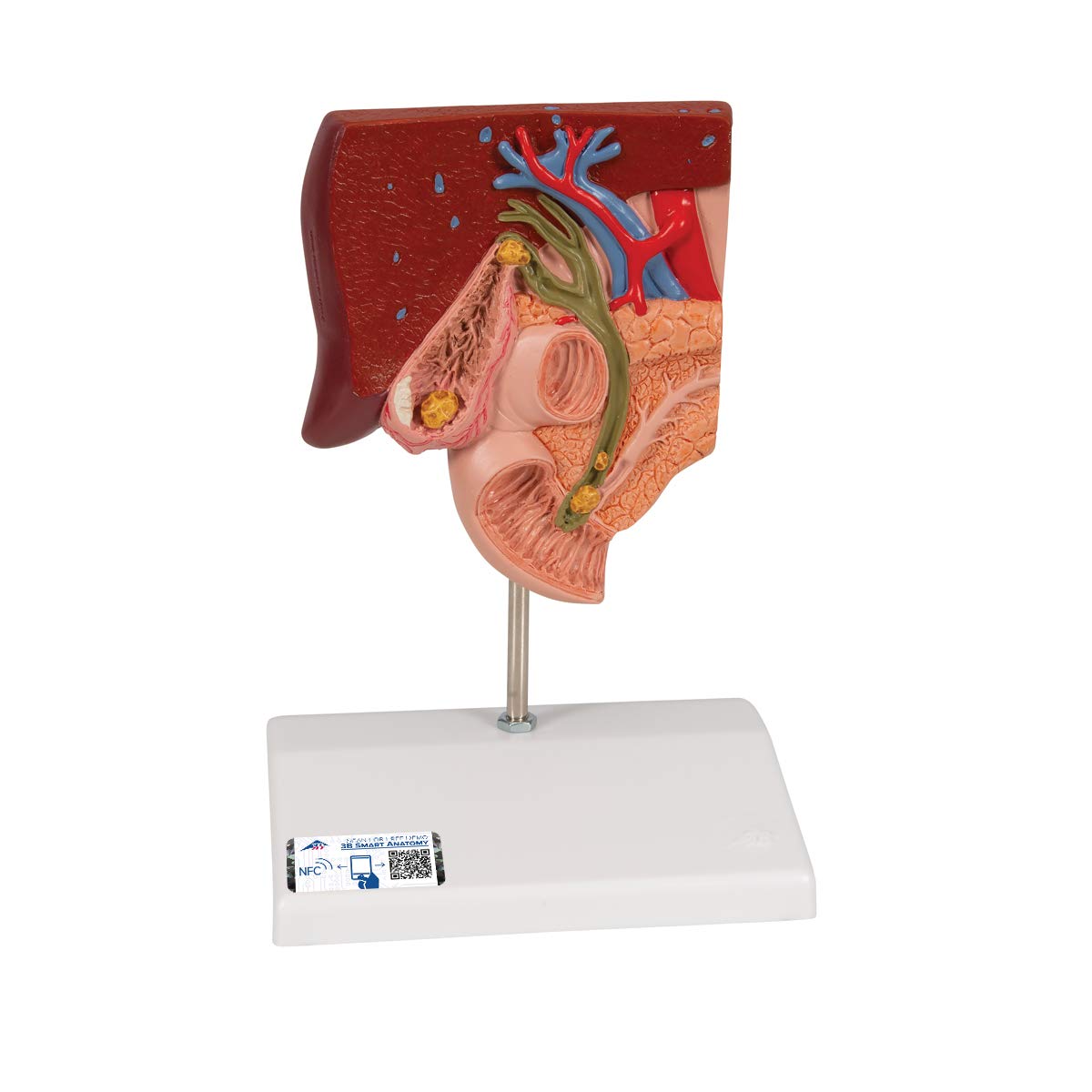
2. Setup
The 3B Scientific K26 Gallstone Model comes pre-mounted on a stable base. No assembly is required. Simply place the model on a flat, stable surface for display or study.
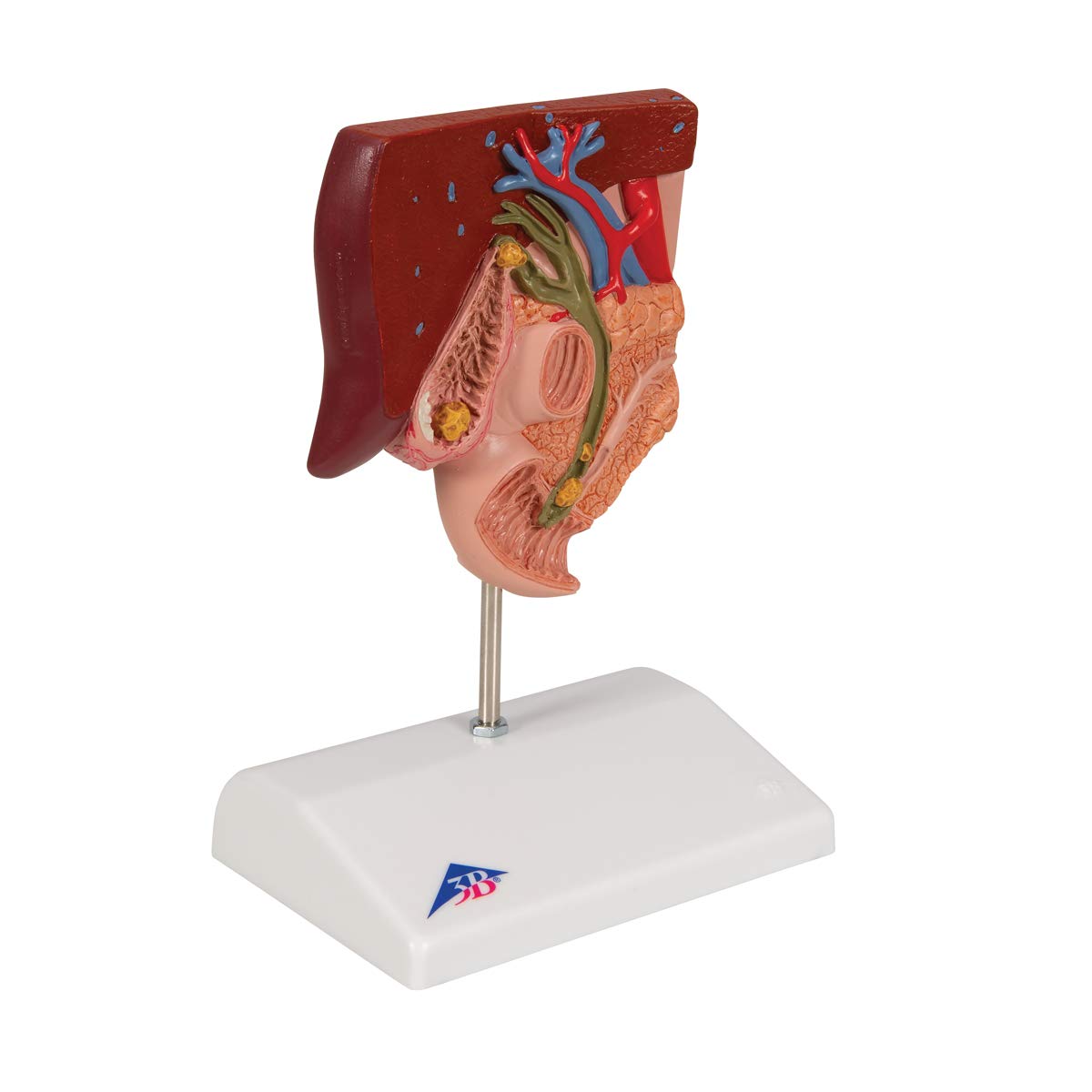
3. Operating Instructions
The K26 Gallstone Model is intended for visual demonstration and study of the human biliary system and gallstone formation. Users can observe the anatomical structures and the depicted pathological conditions. Point out the locations of gallstones and areas of inflammation for educational purposes.

4. Maintenance
To ensure the longevity of your 3B Scientific K26 Gallstone Model, follow these maintenance guidelines:
- Cleaning: Wipe the model gently with a soft, damp cloth. Avoid abrasive cleaners or solvents, as these may damage the surface or paint.
- Storage: Store the model in a cool, dry place, away from direct sunlight and extreme temperatures, which can cause material degradation or discoloration.
- Handling: Handle the model with care to prevent accidental drops or impacts that could cause breakage.
5. Troubleshooting
As a static anatomical model, troubleshooting requirements are minimal. The primary concern may be related to accompanying documentation.
- Incorrect Documentation: If the received documentation (e.g., anatomical key or leaflet) does not match the K26 Gallstone Model, please contact 3B Scientific customer support for the correct materials.
6. Specifications
| Feature | Detail |
|---|---|
| Manufacturer | 3B Scientific |
| Model Number | K26 |
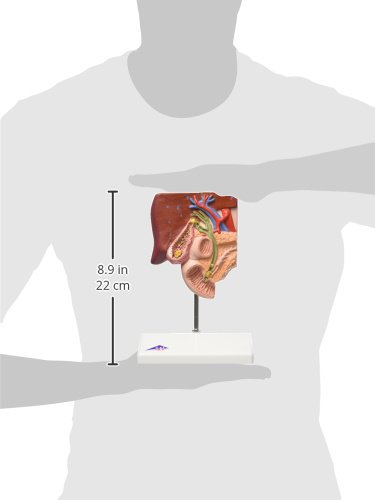
| Product Dimensions (L x W x H) | 14 x 10 x 19 cm |
| Weight | 390 grams |
| Number of Items in Package | 1 |
| Components Included | Gallstone Model |
| Specific Use | Anatomical study, Patient education |
| Batteries Required/Included | No |
7. Warranty and Support
3B Scientific offers a free warranty extension from 3 to 5 years when you register your product online. This provides extended peace of mind for your investment.
For warranty claims, technical support, or inquiries regarding the 3B Smart Anatomy software, please visit the official 3B Scientific website or contact their customer service department. Product registration for warranty extension can be completed online via the provided link or by scanning the QR code associated with 3B Smart Anatomy.
3B Smart Anatomy Upgrade Link: 3B Scientific Smart Anatomy Upgrade
8. 3B Smart Anatomy Integration
The 3B Scientific K26 Gallstone Model is enhanced with 3B Smart Anatomy, offering a free extension of the warranty from 3 to 5 years and complimentary access to 3B Smart Anatomy courses within the Complete Anatomy application. This includes 11 courses with 23 lectures and 117 different interactive virtual model views, plus 39 quizzes for self-assessment.
To unlock these benefits, simply scan the label on your model and register it online. All 3B Smart Anatomy features are provided free of charge.
How to Access 3B Smart Anatomy:
- Step 1: Scan and Download
Scan the QR code found on your model's label or packaging to download the 3B Smart Anatomy app. - Step 2: Study Desired Model
Use the app to explore virtual models and access detailed anatomical courses. - Step 3: Test Your Knowledge
Engage with quizzes to self-assess your understanding of human anatomy.


Download the 3B Smart Anatomy App:

Figure 8: Scan to download the 3B Smart Anatomy app for an interactive learning experience.