
1. Product Overview
The Karlsson Present Time Sunflower Wall Clock (Model KA5394) is a decorative timepiece designed to enhance any living space. It features a unique sunflower-inspired design crafted from engineered wood with a natural wood finish. This clock incorporates a silent sweep quartz movement for accurate and quiet timekeeping.
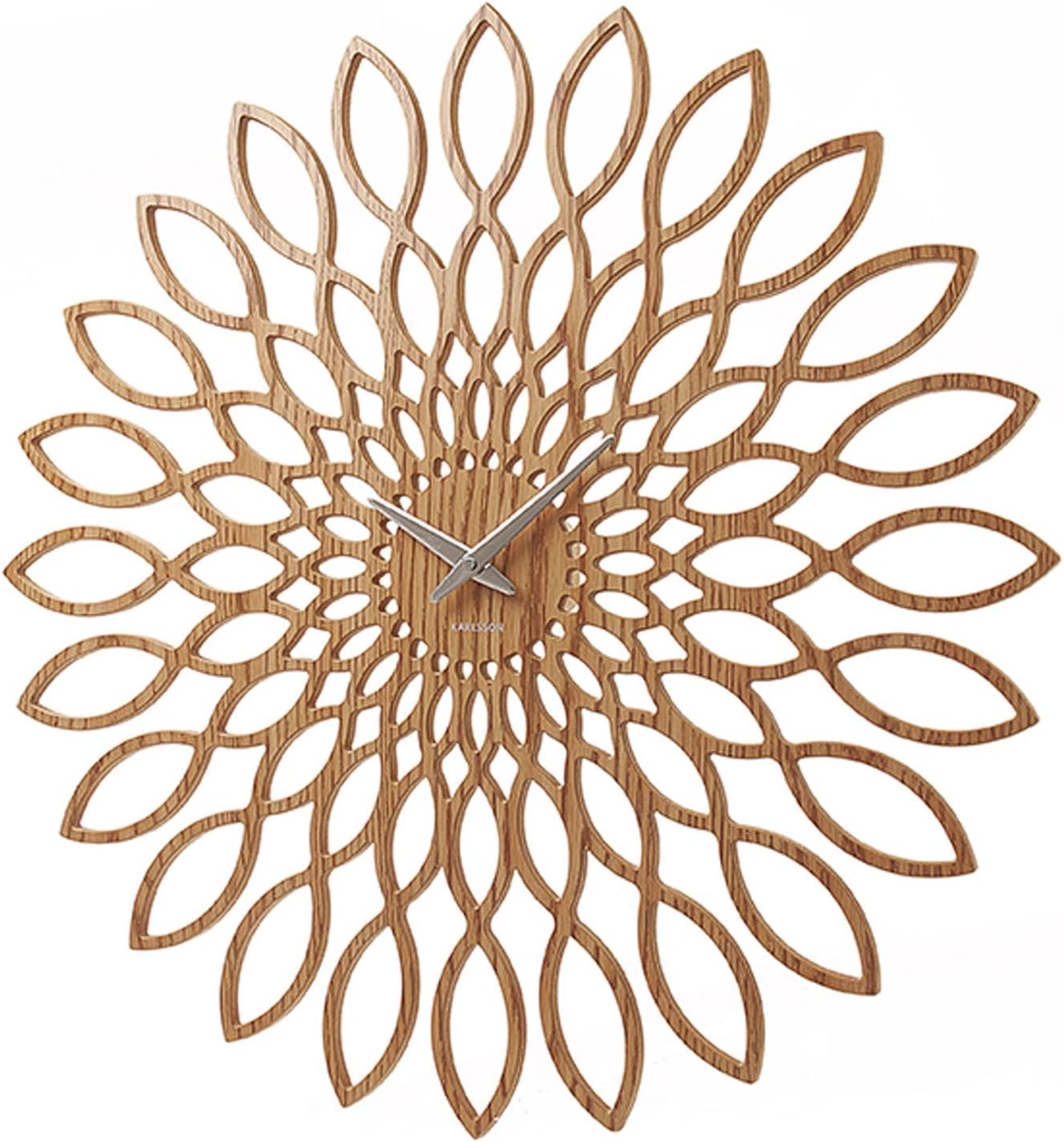
Image 1.1: Front view of the Karlsson Present Time Sunflower Wall Clock.
2. Package Contents
- 1 x Karlsson Present Time Sunflower Wall Clock (Model KA5394)
Note: 1 AA battery is required for operation and is not included in the package.
3. Setup
3.1 Battery Installation
- Locate the battery compartment on the back of the clock mechanism.
- Insert one (1) AA battery, ensuring the positive (+) and negative (-) terminals align correctly with the markings inside the compartment.
- Close the battery compartment cover securely.
3.2 Setting the Time
- Turn the time-setting knob, usually located on the back of the clock mechanism, in either direction until the clock hands display the correct time.
- Avoid moving the clock hands directly, as this may damage the movement.
3.3 Wall Mounting
- Select a suitable location on a wall for mounting.
- Install a single screw into the wall, ensuring it is securely anchored and protrudes sufficiently to hold the clock.
- Align the triangular hanging bracket on the back of the clock with the screw head.
- Carefully hang the clock, ensuring it is stable and flush against the wall.
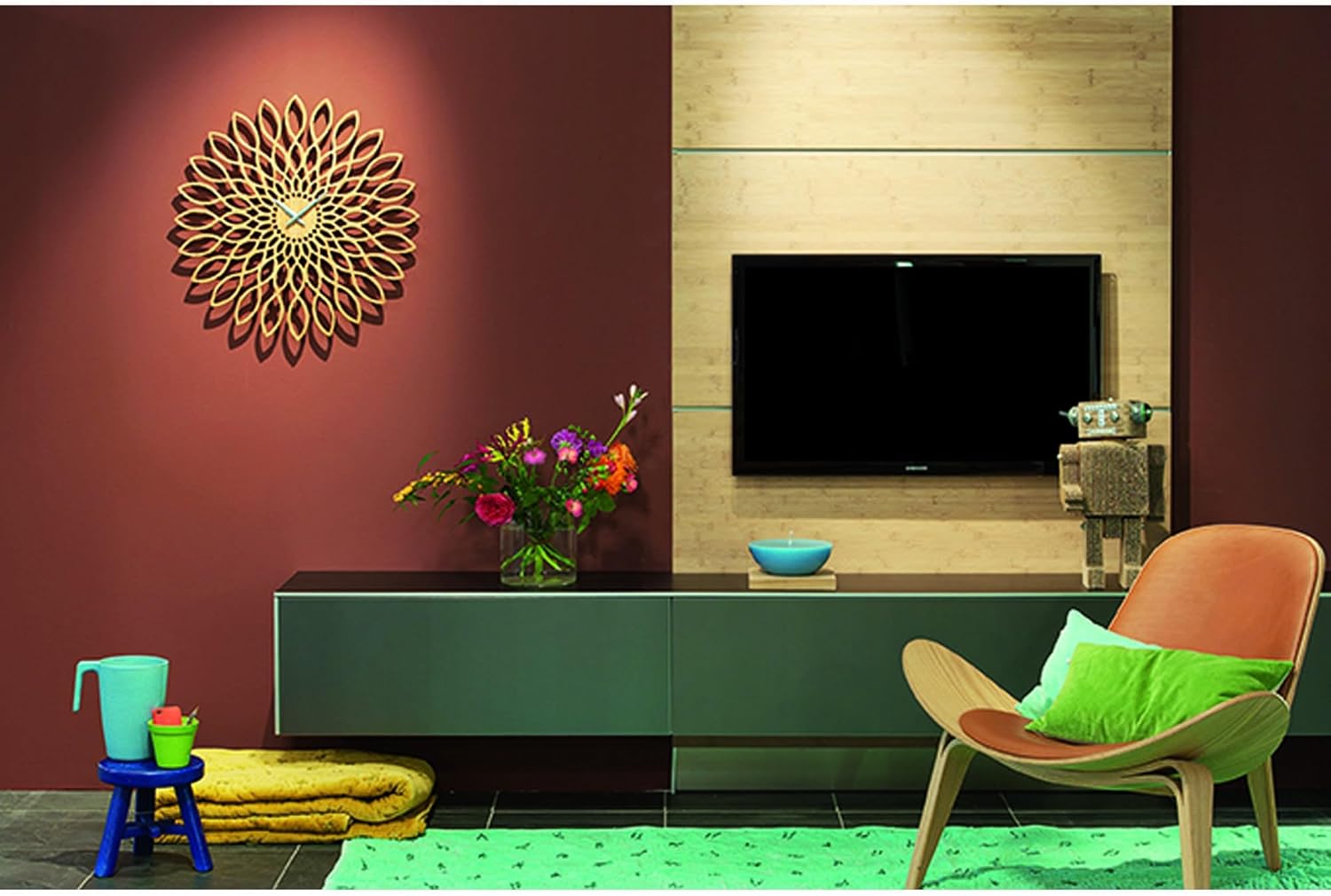
Image 1.2: The Karlsson Sunflower Wall Clock displayed in a home environment.
4. Operating Instructions
Once the battery is installed and the time is set, the Karlsson Present Time Sunflower Wall Clock will begin operating automatically. The clock features a silent sweep quartz movement, which means the second hand moves continuously without a ticking sound, providing a quiet environment.
- The clock is designed for indoor use only.
- The quartz movement ensures accurate timekeeping.
5. Maintenance
5.1 Cleaning
To clean the clock, gently wipe the surface with a soft, dry cloth. Avoid using abrasive cleaners, solvents, or excessive moisture, as these can damage the wood finish and internal components.
5.2 Battery Replacement
When the clock hands slow down or stop moving, it is an indication that the battery needs to be replaced. Follow the battery installation steps (Section 3.1) to replace the old battery with a new AA battery.
6. Troubleshooting
| Problem | Possible Cause | Solution |
|---|---|---|
| Clock not running | Dead or incorrectly installed battery | Replace battery with a fresh AA battery, ensuring correct polarity. |
| Clock hands are stuck | Hands are bent or obstructed | Gently adjust hands to ensure they do not touch each other or the clock face. |
| Inaccurate timekeeping | Weak battery | Replace battery with a fresh AA battery. |
7. Specifications
- Brand: Karlsson
- Model: KA5394
- Dimensions: 23.5"W x 23.62"H (approximately 60cm diameter)
- Material: Engineered Wood (MDF with natural wood finish)
- Color: Brown
- Display Type: Analog
- Movement: Quartz, Silent Sweep
- Power Source: 1 x AA Battery (not included)
- Mounting Type: Wall Mount
- Item Weight: 1.32 Pounds
- Indoor/Outdoor Usage: Indoor only
8. Warranty and Support
For warranty information, product support, or inquiries, please refer to the documentation provided at the time of purchase or visit the official Karlsson website. You may also contact Karlsson customer service directly for assistance.
Official Karlsson Store: Visit the Karlsson Store on Amazon


