
Introduction
The Cloud b Twilight Turtle is designed to create a calming and soothing environment, helping children transition to sleep. This nightlight projector displays a starry night sky with constellations, offering gentle brightness and multiple color options. It features an automatic shut-off timer to conserve battery life and promote optimal sleep conditions.
Important Safety Information
- Always supervise children when using this product.
- Do not immerse the product in water or any other liquid.
- Keep away from heat sources and direct sunlight.
- Ensure battery compartment is securely closed to prevent ingestion of small parts.
- This product is not intended for use as a toy for chewing.
Package Contents
- 1 x Cloud b Twilight Turtle Blue Nightlight Projector
- 1 x Instruction Manual
Note: 3 AAA batteries are required and not included.
Setup: Battery Installation
- Locate the battery compartment on the underside of the Twilight Turtle. This compartment is typically secured with a small screw.
- Using a Phillips head screwdriver, carefully open the battery compartment.
- Insert 3 new AAA batteries, ensuring correct polarity (+/-) as indicated inside the compartment.
- Securely close the battery compartment cover and tighten the screw.
- Locate the ON/OFF switch near the battery compartment. Slide it to the "ON" position for operation.
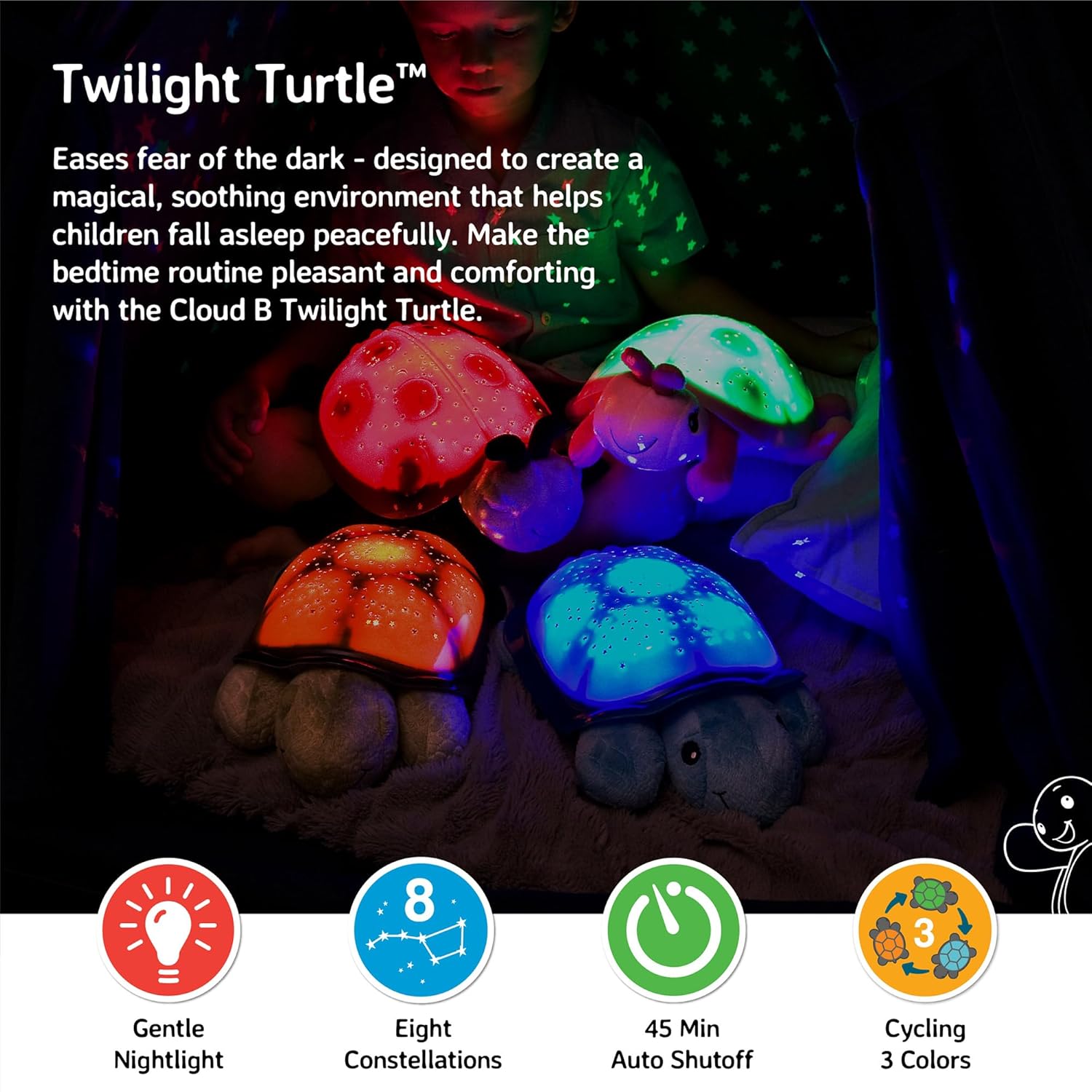
Image: The underside of the Twilight Turtle, illustrating the battery compartment and the ON/OFF switch.
Operating Instructions
The Twilight Turtle features easy-to-use buttons on its shell to control light and color settings.
- Power On/Off: Press the main power button (usually the largest or most prominent) once to turn the projector ON. Press it three times to turn it OFF.
- Color Selection:
- Press the color selection button once for Green.
- Press it again for Blue.
- Press it a third time for Amber.
- Press it a fourth time to activate automatic color rotation, cycling through green, blue, and amber.
- Automatic Shut-off: The Twilight Turtle is equipped with a 45-minute timer that automatically turns off the projection. This feature is designed to create an optimal sleep environment by allowing the room to become completely dark after the child has fallen asleep, and to conserve battery life.
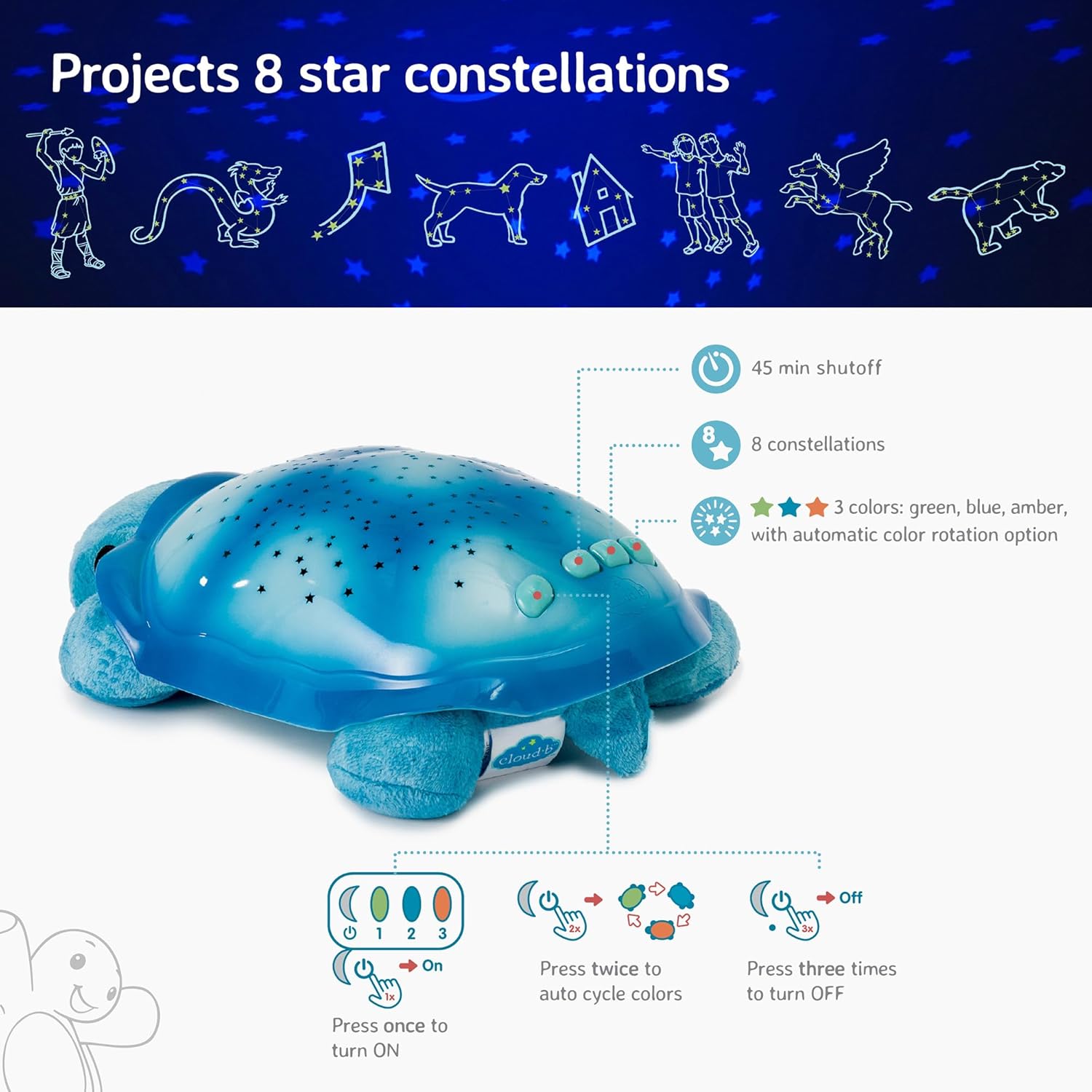
Image: A detailed view of the control buttons located on the turtle's shell, used for power and color selection.
Official Product Demonstration
Video: A demonstration of the Cloud b Twilight Turtle's features, including light projection and color changes.
Key Features
- Star Projection: Projects a magical starry night sky onto bedroom walls and ceilings. The projection includes 8 actual constellations, providing an educational element.
- Multiple Colors: Choose from three soothing color options—green, blue, and amber—or select an automatic rotation mode to cycle through all colors.
- Gentle Brightness: The light output is designed to be gentle and non-disruptive, creating a calming atmosphere without being overly stimulating.
- Auto-Shutoff Timer: A 45-minute timer ensures the nightlight turns off after the child has fallen asleep, promoting complete darkness for restful sleep and conserving battery life.
- Safe LED Technology: Utilizes long-life LEDs that do not generate heat, ensuring safety for children.
- Soft Plush Body: The turtle's body is made from soft plush material, making it a comforting companion. The shell is made of durable plastic.
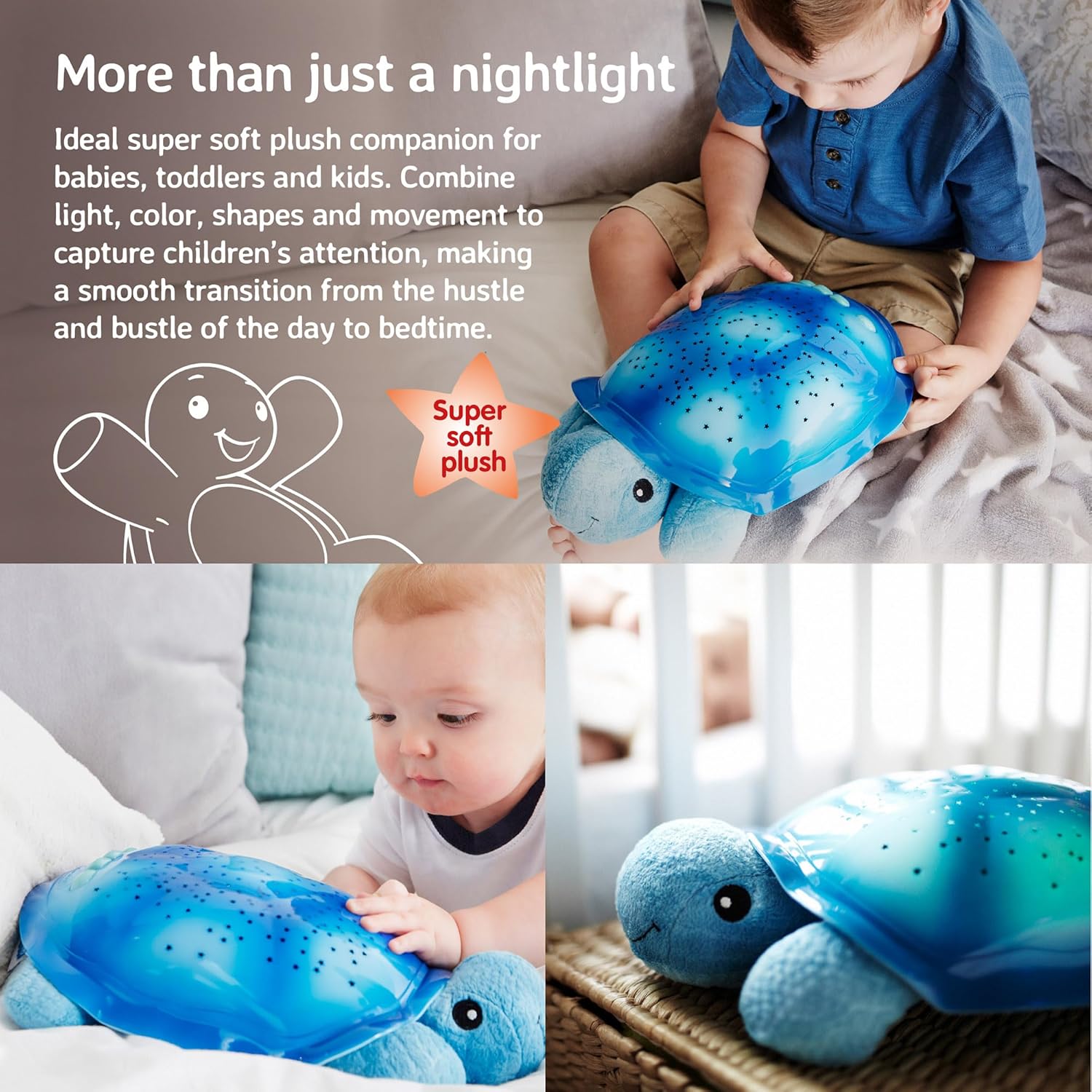
Image: The Twilight Turtle projecting various star constellations onto a room's ceiling, highlighting its educational and soothing features.
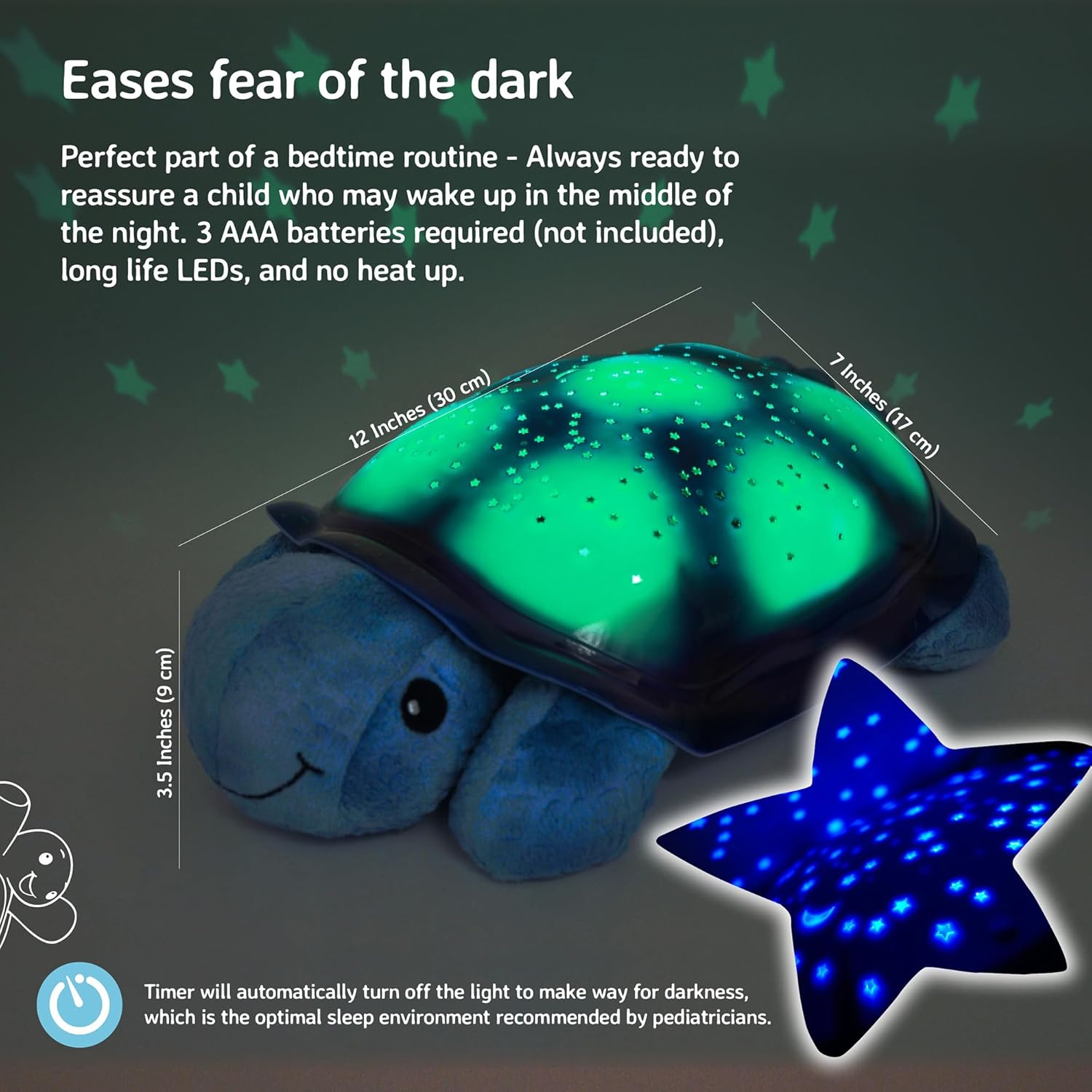
Image: The Twilight Turtle displaying its dimensions and projecting a green starry light, demonstrating its size and light output.
Care and Maintenance
- Cleaning: Wipe the surface of the Twilight Turtle with a damp cloth. Do not submerge in water. Do not use harsh chemicals or abrasive cleaners.
- Battery Replacement: Replace batteries when the light projection becomes dim or inconsistent. Always use new AAA batteries and dispose of old batteries responsibly.
- Storage: If storing for an extended period, remove the batteries to prevent leakage and damage to the unit.
Troubleshooting
| Problem | Solution |
|---|---|
| No light projection or dim light. | Check battery installation and replace with new AAA batteries if necessary. Ensure the ON/OFF switch is in the "ON" position. |
| Light turns off too quickly. | The unit has an automatic 45-minute shut-off timer. This is normal operation. |
| Projection is unclear. | Ensure the room is sufficiently dark for optimal projection clarity. |
Specifications
- Model Number: 7323-BL
- Product Dimensions: 11.81 x 6.69 x 3.54 inches
- Item Weight: 1 pound
- Material Type: Plastic (shell), Plush (body)
- Power Source: Battery Powered (3 x AAA Lithium Metal batteries, not included)
- Light Colors: Green, Blue, Amber (with automatic rotation option)
- Auto-Shutoff Timer: 45 minutes
Warranty and Support
For warranty information or product support, please refer to the manufacturer's official website or contact Cloud b customer service directly. Contact details can typically be found on the product packaging or the official Cloud b website.
