
YAMAHA DXR10
Yamaha DXR 10 Powered Speaker Cabinet User Manual
Model: DXR10
1. Product Overview
The Yamaha DXR 10 Powered Speaker Cabinet is a versatile 10-inch, 2-way active loudspeaker designed for various audio applications, including front-of-house sound, stage monitoring, and simple amplification. It combines portability with high sound pressure levels and advanced digital signal processing (DSP) for optimal performance.
Key Features:
- 1100W of Class-D power for robust audio output.
- DSP control for maximum output and protection of components.
- Suitable for use as a main speaker or a floor monitor.
- Compact and functional design, capable of producing up to 131 dB SPL.
- Onboard 3-channel mixer eliminates the need for an external mixer in many scenarios.
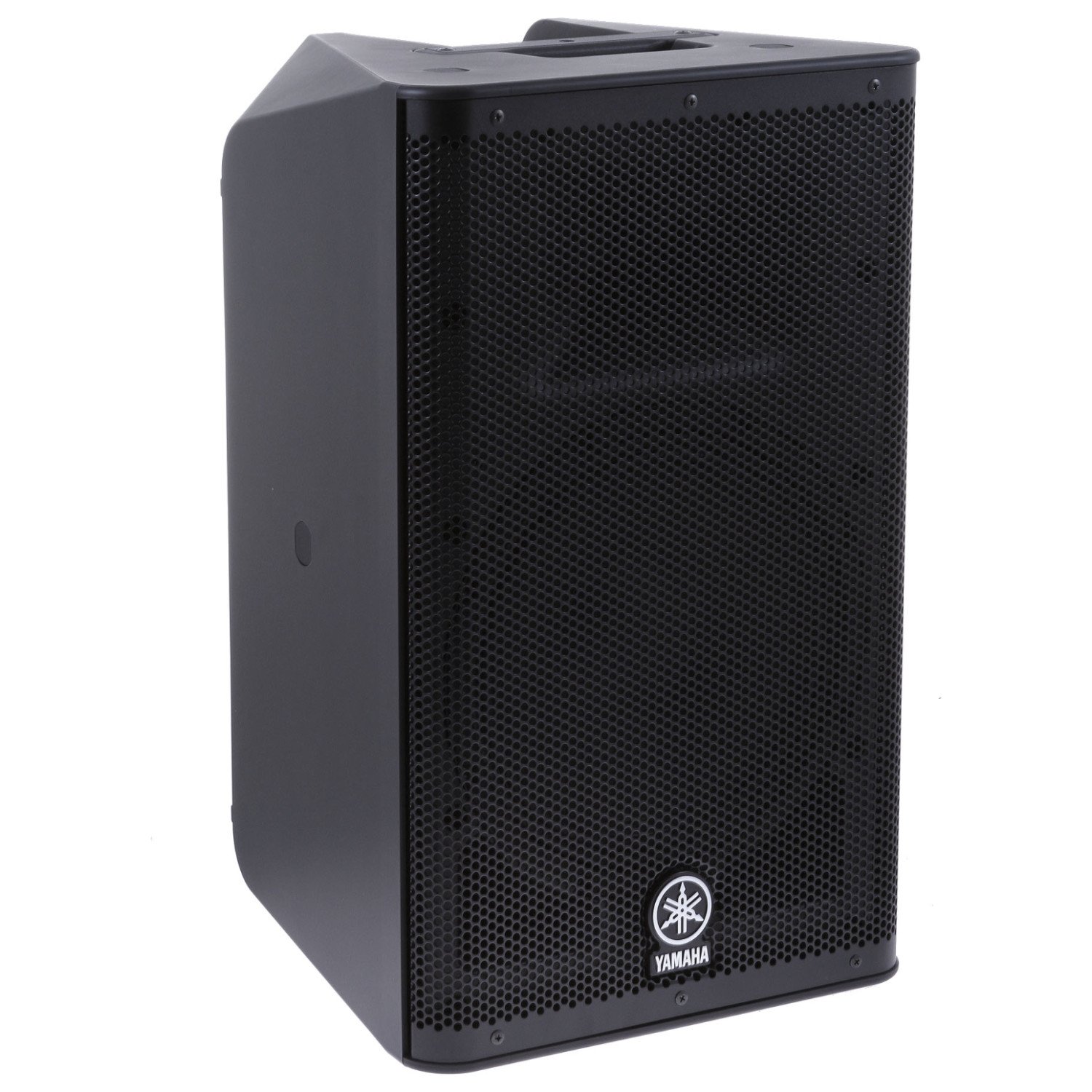
Figure 1: Front view of the Yamaha DXR 10 Powered Speaker Cabinet.
2. Setup
2.1 Unpacking and Initial Inspection
Carefully remove the speaker from its packaging. Inspect for any signs of damage during transit. Ensure all accessories, including the power cable, are present.
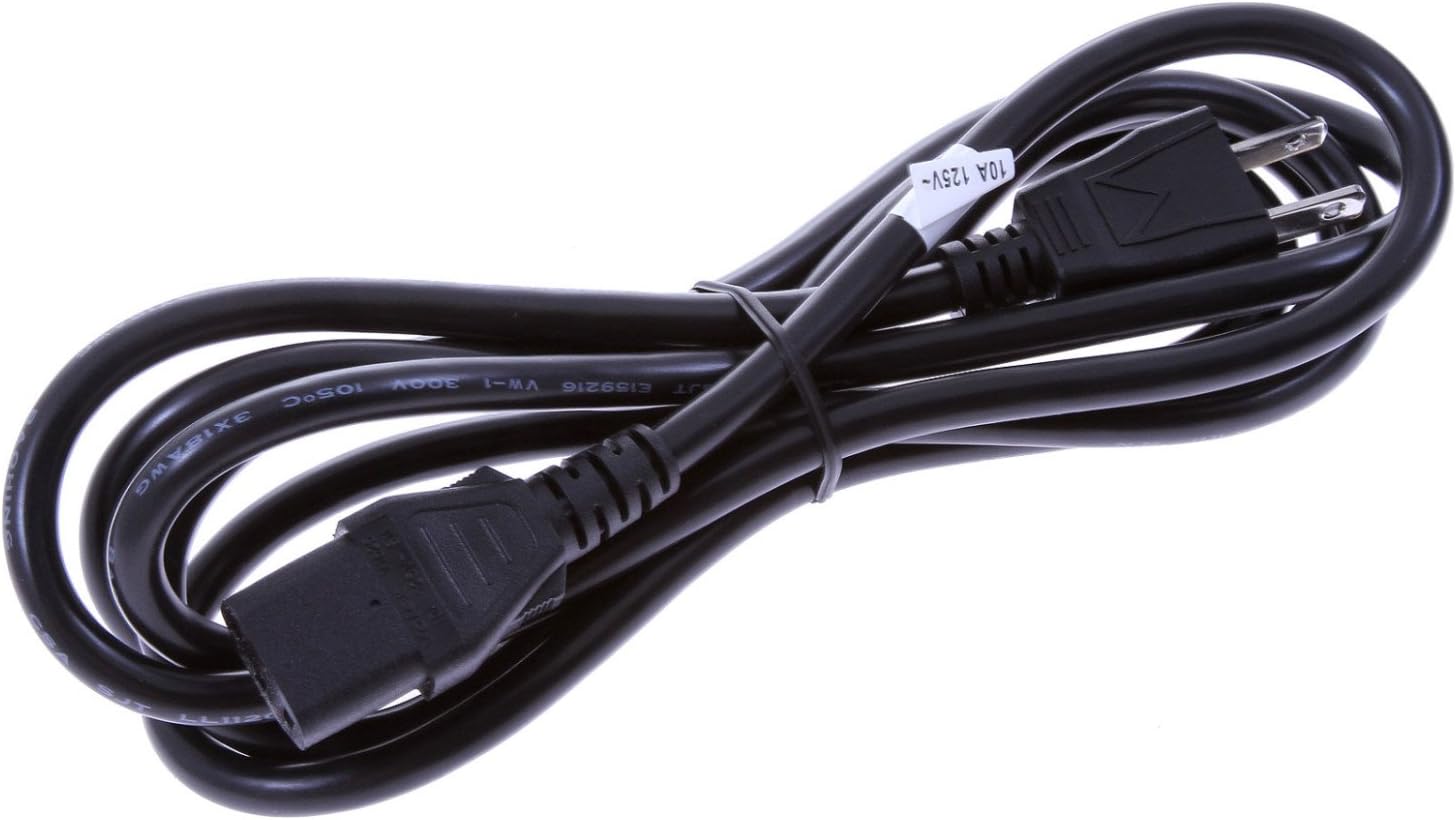
Figure 2: Included power cable for the DXR 10 speaker.
2.2 Connecting Power
Connect the provided power cable to the AC IN port on the rear panel of the speaker and then to a suitable power outlet. Ensure the power switch is in the OFF position before connecting.

Figure 3: Rear panel of the DXR 10, illustrating the power input and control section.
2.3 Mounting Options
The DXR 10 offers multiple mounting options for various applications:
- Pole Mount: The speaker features a dual-angle pole mount socket for upright placement on a speaker stand or atop a subwoofer.
- Floor Monitor: Its symmetrical enclosure design allows it to be placed on the floor and used as a stage monitor.
- Suspended Installation: M10 rigging points are provided for suspended applications using standard eye-bolts. Optional U-brackets are available for truss mounting.
Video 1: Demonstrates speaker stand and upright view for a Yamaha DXR12MKII speaker, which shares similar mounting features with the DXR10.
Video 2: Shows the handle and stage setting for a Yamaha DXR12MKII speaker, illustrating its use as a floor monitor.
3. Operation
3.1 Input Connections and Level Control
The DXR 10 features a 3-channel mixer with independent level controls for each input. This allows for direct connection of various audio sources without an external mixer.
- Channel 1 (MIC/LINE): XLR input with a switch for microphone (+4dBu) or line level signals.
- Channel 2 (LINE): L/MONO and R phone jack inputs (-10dBu) for line level signals.
- Channel 3 (LINE): L and R RCA inputs (-10dBu) for line level signals.
Adjust the LEVEL knobs for each channel to achieve the desired input volume. Monitor the SIGNAL and LIMIT indicators to prevent clipping.
3.2 DSP Functions (D-CONTOUR and HPF)
The DXR 10 incorporates advanced DSP for sound optimization and protection. These settings are controlled via switches on the rear panel.
- D-CONTOUR: This multi-band dynamic processor constantly monitors the output of multiple frequency bands and calculates optimal EQ adjustments.
- FOH/MAIN: Optimized for front-of-house or main speaker applications.
- MONITOR: Optimized for use as a stage monitor.
- OFF: Disables D-CONTOUR.
- HPF (High-Pass Filter): Use this filter when combining the DXR 10 with a subwoofer to prevent low frequencies from being sent to the full-range speaker.
- 120Hz: Filters out frequencies below 120Hz.
- 100Hz: Filters out frequencies below 100Hz.
- OFF: Disables the high-pass filter.
3.3 Link Mode
The unique LINK OUT system allows you to decide whether to use the speakers in mono or stereo mode when connecting a second DXR speaker.
- MONO: Sends a summed L+R signal to the next speaker.
- STEREO: Sends the R channel signal to the next speaker (assuming the first speaker receives the L channel).
Video 3: Detailed overview of the Yamaha DXR series features, including DSP, input options, and versatility.
4. Maintenance
To ensure the longevity and optimal performance of your Yamaha DXR 10 speaker, follow these maintenance guidelines:
- Cleaning: Wipe the exterior of the speaker with a soft, dry cloth. Do not use abrasive cleaners, waxes, or solvents. Ensure no liquids enter the speaker grille or control panel.
- Storage: Store the speaker in a cool, dry place away from direct sunlight, extreme temperatures, and high humidity. If transporting, use appropriate protective covers or cases.
- Ventilation: Ensure proper ventilation around the rear panel to prevent overheating. Do not block the cooling fan or vents.
- Cable Management: Regularly check all cables for wear and tear. Replace damaged cables immediately to prevent electrical hazards or signal loss.
5. Troubleshooting
If you encounter issues with your DXR 10 speaker, refer to the following common troubleshooting steps:
- No Power:
- Check if the power cable is securely connected to both the speaker and the power outlet.
- Verify that the power outlet is functional.
- Ensure the speaker's power switch is in the ON position.
- No Sound:
- Confirm that the input source (mixer, instrument, etc.) is sending an audio signal.
- Check all audio cables for secure connections and damage.
- Ensure the LEVEL knobs on the DXR 10 are turned up.
- Verify that the D-CONTOUR and HPF settings are appropriate for your setup.
- Distorted Sound:
- Reduce the input level from your source or the LEVEL knob on the DXR 10 if the LIMIT indicator is frequently lighting up.
- Check for damaged cables or faulty input sources.
- Overheating:
- Ensure adequate airflow around the speaker's rear panel.
- Avoid operating the speaker in direct sunlight or enclosed spaces.
If the issue persists after following these steps, please contact Yamaha customer support or a qualified service technician.
6. Specifications
| Feature | Specification |
|---|---|
| Brand | YAMAHA |
| Model Number | DXR10 |
| Model Name | DXR 10 |
| Speaker Type | 2-way, Bi-amp powered speaker, Bass-reflex type |
| Woofer Diameter | 10 inches |
| Tweeter Diameter | 1 inch (Titanium compression driver) |
| Speaker Maximum Output Power | 1100 watts (Dynamic), 700 watts (Continuous) |
| Frequency Range (-10dB) | 56Hz - 20kHz |
| Maximum SPL | 131 dB |
| Connectivity Technology | Wired (XLR, RCA, Phone) |
| Audio Output Mode | Stereo |
| Mounting Type | Floor Mount, Freestanding, Pole Mount, Suspended (M10 rigging points) |
| Control Method | Touch (via switches/knobs) |
| Power Source | Corded Electric |
| Item Weight | 34 pounds |
| UPC | 700315939346, 613815590361, 700900004893, 086792961804 |
7. Warranty and Support
7.1 Warranty Information
The Yamaha DXR 10 Powered Speaker Cabinet comes with a 5-year limited warranty covering parts and labor. Please retain your proof of purchase for warranty claims.
7.2 Additional Resources
For more detailed information and support, you can refer to the official User Manual PDF:
For further assistance, visit the official YAMAHA support website or contact their customer service.
Related documentsDXR10


Ask a question about this manual
Ask about setup, troubleshooting, compatibility, parts, safety, or missing instructions. Manuals+ will review the question and use this page’s manual context to help answer it.