
1. Introduction and Overview
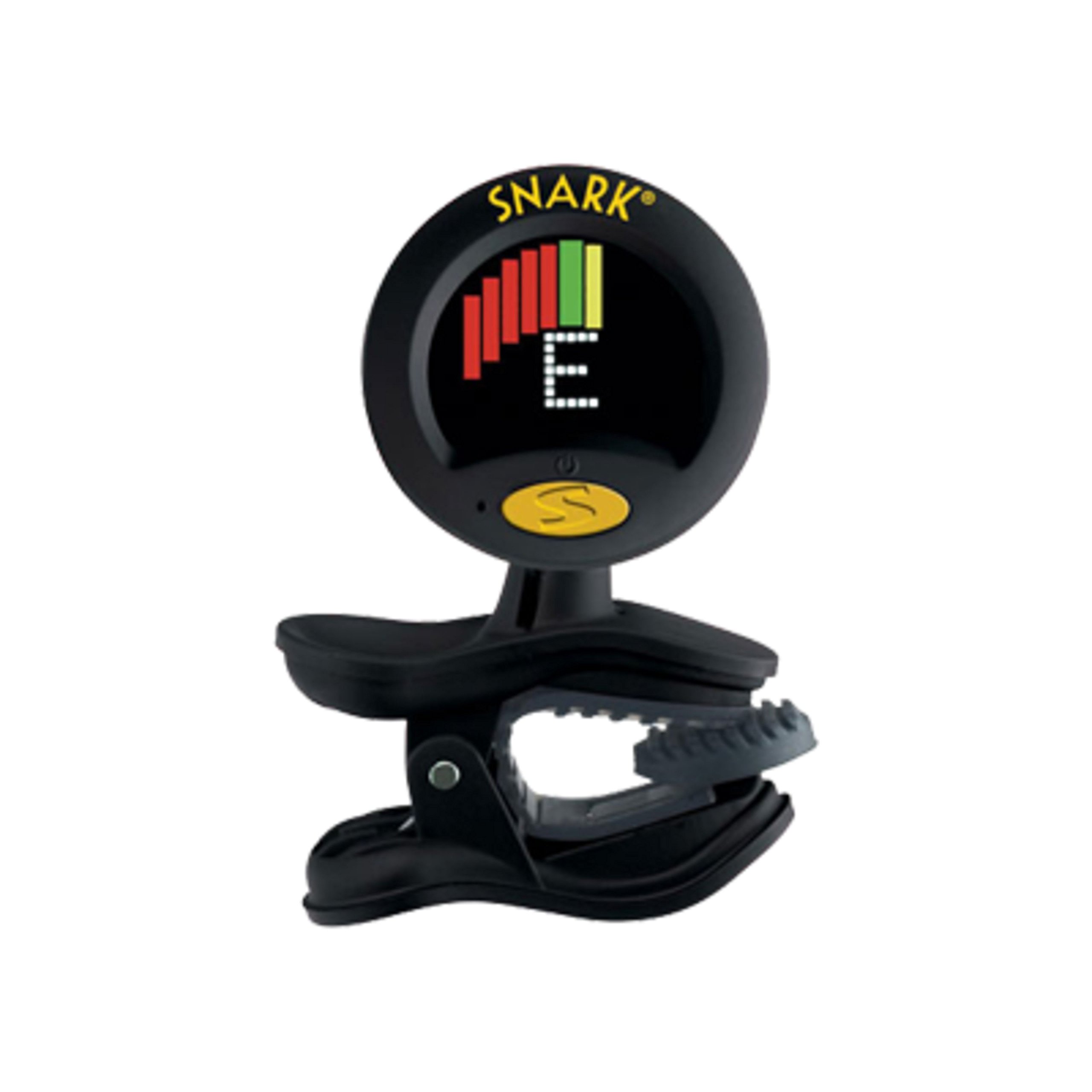
The SNARK SN-8 Super Tight Chromatic Instrument Tuner is designed for precise tuning across a wide range of instruments. This tuner features a solid clip-on mechanism for direct connection to your instrument, ensuring accurate vibration detection. It boasts an improved full-color visual display with enhanced frequency lines for easy readability in various lighting conditions. The tuner includes advanced features such as a tap tempo metronome, pitch calibration, and a transpose function for instruments with a capo. Its compact and durable design, with rubber gripping jaws and a 360-degree rotatable display, makes it a convenient tool for both practice and live performances.
2. What's in the Box
- SNARK SN-8 Super Tight All Instrument Tuner
- CR2032 Lithium 3 volt battery
3. Setup
3.1 Battery Installation
The SNARK SN-8 tuner comes with a CR2032 Lithium 3 volt battery. To install or replace the battery, locate the simple pull-out drawer behind the tuner face. Gently pull out the drawer, insert the CR2032 battery with the positive (+) side facing up, and slide the drawer back into place until it clicks securely.
3.2 Attaching the Tuner to Your Instrument
The tuner features a clip-on design with rubber gripping jaws to securely attach to the headstock of your instrument. The lower jaw hinges to fit various contours. The curved mounting post connects the clamp to the tuner face via a ball socket on each end, allowing for 360-degree maneuvering. This ensures the display can be adjusted to any viewing angle for optimal visibility.

Image: The SNARK SN-8 tuner clipped onto the headstock of an acoustic guitar, demonstrating its adjustable display.
4. Operating Instructions
4.1 Power On/Off
To power on the tuner, press the main button located on the front face. The full-color display will illuminate. To power off, press and hold the same button for a few seconds until the display turns off. The tuner also features a power-saving mode: the display will dim after 5 seconds of no sound detection and will shut off if no notes are detected for 2 minutes.
4.2 Tuning Your Instrument
Once attached and powered on, pluck a single string on your instrument. The internal vibration sensor will detect the note. The display will show the detected note and indicate whether it is sharp (too high), flat (too low), or in tune. Adjust your instrument's tuning pegs until the display indicates the note is in tune (typically a specific color or centered indicator).
4.3 Metronome Function
The SN-8 includes a tap tempo metronome. Refer to the tuner's specific controls (usually buttons on the back or side) to activate and set the desired tempo. This feature is useful for practicing rhythm and timing.
4.4 Pitch Calibration and Transpose Features
The tuner offers pitch calibration, allowing you to adjust the reference pitch (e.g., from A=440Hz). It also has a transpose feature, particularly useful for tuning guitars with a capo in place. Consult the tuner's interface for instructions on accessing and adjusting these settings.

Image: A close-up view of the SNARK SN-8 Tuner's full-color display, showing tuning indicators.
4.5 Official Product Videos
Video: An honest review of the Snark Tuner for Guitar, demonstrating its features and ease of use.
Video: A demonstration of the Snark Tuner in action, showing how to use it for tuning.
5. Features
- Super Tight Tuning
- Faster response time
- Brighter, easy-to-read display
- Display Rotates 360 degrees for optimal viewing
- Tap Tempo Metronome for rhythm practice
- Pitch Calibration and Transpose Features for versatile tuning
6. Care and Maintenance
6.1 Battery Replacement
When the display indicates low battery or the tuner stops functioning, replace the CR2032 Lithium 3 volt battery as described in the Setup section. Ensure proper polarity during installation.
6.2 General Care
Keep the tuner clean and free from dust and moisture. The rubber gripping jaws are designed for durability; however, avoid excessive force when clipping or unclipping to prevent damage. Store the tuner in a safe place when not in use.
7. Troubleshooting
7.1 Inaccurate Readings
- Ensure the tuner is securely clipped to the instrument's headstock.
- Check for excessive ambient noise or vibrations that might interfere with the internal sensor.
- Verify the battery level; low battery can affect accuracy.
7.2 Display Issues
- If the display is dim, the power-saving feature might be active, or the battery level is low.
- Replace the battery if the display remains dim or unresponsive.
7.3 Tuner Not Turning On
- Check if the battery is correctly installed with proper polarity.
- Replace the CR2032 battery with a new one.
- Ensure the power button is pressed firmly.
8. Specifications
| Specification | Detail |
|---|---|
| Model Number | SN8 |
| Item Weight | 1.28 ounces |
| Product Dimensions | 4 x 2 x 3 inches |
| Batteries | 1 Lithium Metal battery required (CR2032) |
| Body Material | Plastic with Copper and Steel components |
| Color Name | Black |
| Connector Type | Clip-on |
| Power Source | Battery |
9. Warranty and Support
For warranty information or technical support, please refer to the documentation included with your purchase or contact the manufacturer directly. Keep your proof of purchase for any warranty claims.


