
Introduction
This manual provides detailed instructions for the setup, operation, and maintenance of your La Crosse Technology Atomic Wall/Table Clock, Model 513-1211. This digital clock features a large LCD display, automatic time setting via atomic signal, indoor temperature monitoring, and a perpetual calendar. It is designed for easy viewing and can be used as a wall-mounted or tabletop device.
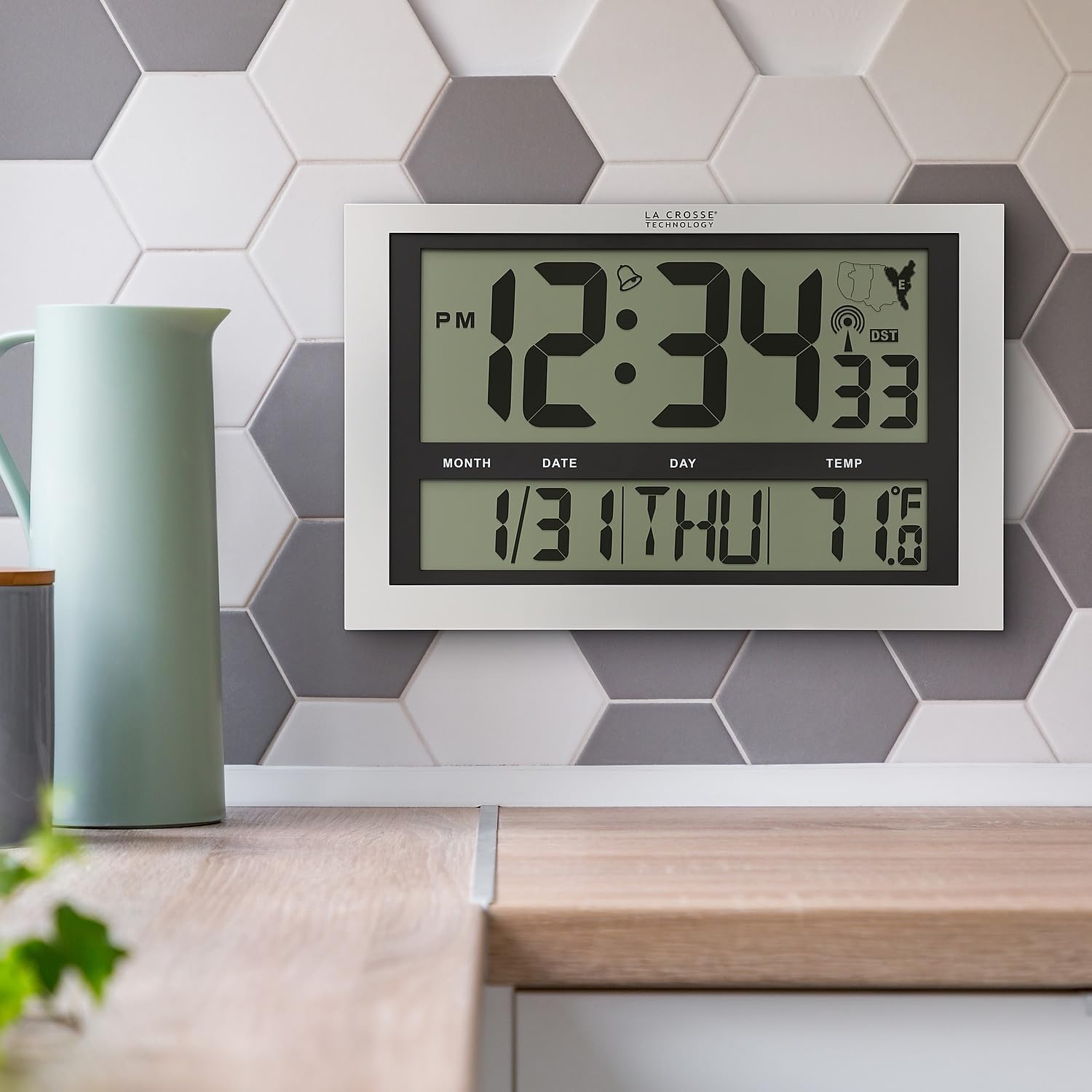
Image: La Crosse Technology Atomic Wall/Table Clock (Model 513-1211) mounted on a kitchen wall, showing the large digital display with time, date, and indoor temperature.
Safety Information
Please read and understand the following safety precautions before using your clock:
- Use only the specified battery type (3 AA alkaline batteries).
- Do not mix old and new batteries, or different types of batteries.
- Ensure batteries are inserted with correct polarity (+/-).
- Remove exhausted batteries promptly to prevent leakage.
- Do not expose the clock to extreme temperatures, direct sunlight, or moisture.
- Keep the clock away from strong magnetic fields.
Package Contents
Verify that all items are present in your package:
- La Crosse Technology Atomic Wall/Table Clock (Model 513-1211)
- Instruction Manual (this document)
Setup
1. Battery Installation
The clock requires 3 AA alkaline batteries (not included).
- Locate the battery compartment on the back of the clock.
- Slide up and pull out the battery cover.
- Insert 3 new AA alkaline batteries according to the polarity markings (+ and -).
- Replace the battery cover securely.

Image: Rear view of the clock, highlighting the battery compartment, control buttons (SET, WAVE/+, DST/-, SNOOZE), and time zone switch.
2. Initial Setup and Atomic Signal Reception
After battery installation, the clock will automatically begin searching for the atomic time signal (WWVB). This process may take several minutes to several hours, depending on your location and environmental conditions. For best reception, place the clock near a window, facing generally towards Fort Collins, Colorado (USA).
- Select Time Zone: Use the time zone selector switch (PST, MST, CST, EST) on the back of the clock to choose your desired time zone.
- The clock will attempt to synchronize with the atomic signal. A signal strength indicator will appear on the display.
- Manual Time Setting (Optional): If the atomic signal is not received, or if you prefer to set the time manually, press and hold the SET button for 3 seconds to enter settings. Use the WAVE/+ and DST/- buttons to adjust values, and SET to confirm.
3. Mounting Options
The clock can be displayed on a flat surface or mounted on a wall.
- Tabletop Use: Extend the foldout legs located on the back of the clock to stand it upright on a desk or shelf.
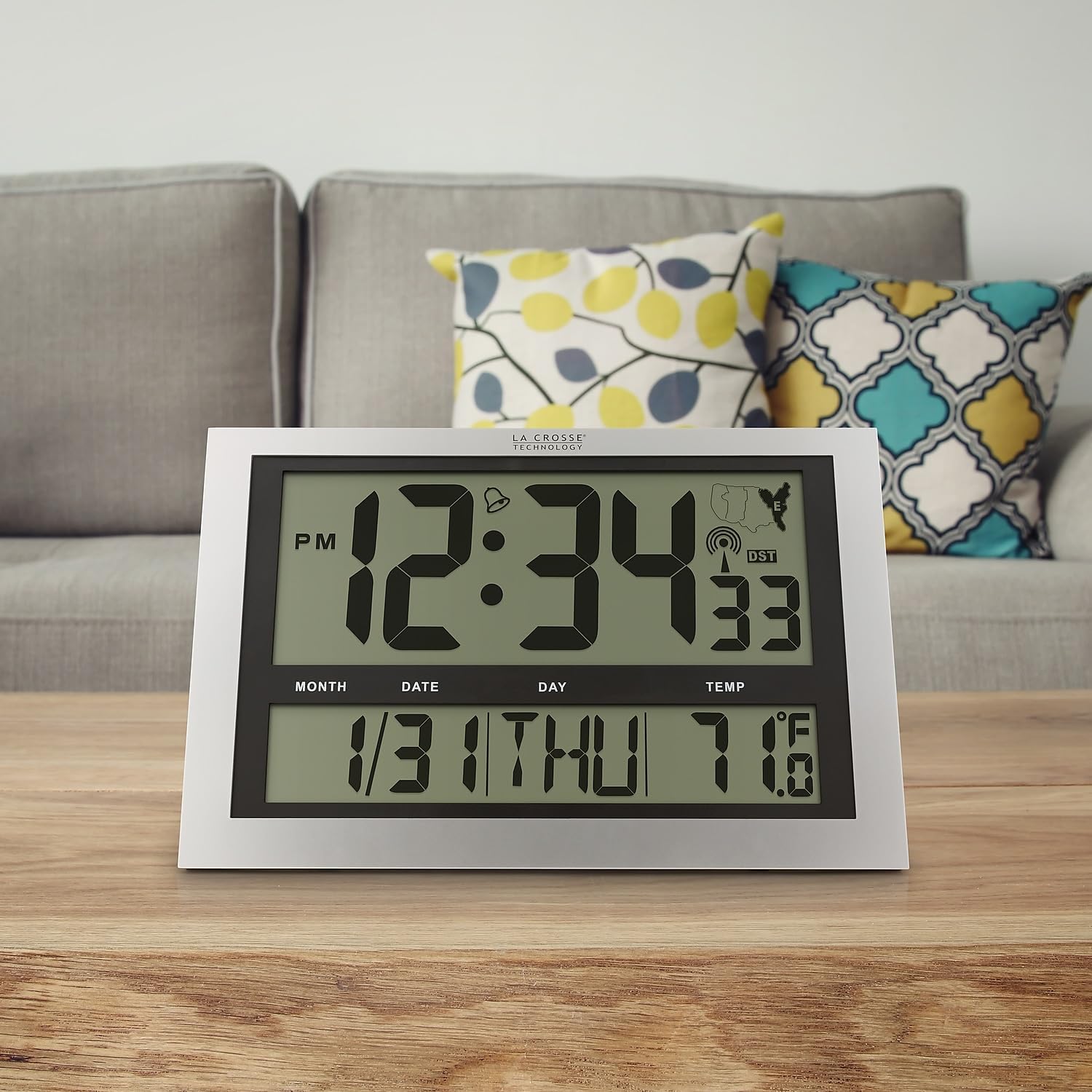
Image: La Crosse Technology Atomic Wall/Table Clock (Model 513-1211) standing on a wooden table, showcasing its use as a tabletop clock.
- Wall Mounting: Collapse the foldout legs. Use the integrated hanging hole on the back of the clock to mount it securely on a wall using a screw (not included).
Operating Instructions
1. Time and Date Display
The large LCD display shows the current time, date, and day of the week.
- Time Digits: The main time digits are approximately 4.25 inches tall for easy readability.
- 12/24 Hour Format: Press the SET button briefly to toggle between 12-hour (AM/PM) and 24-hour (military) time formats.
- Perpetual Calendar: The clock automatically displays the month, date, and weekday (English only).
2. Temperature Display
The clock monitors and displays the indoor temperature.
- Fahrenheit/Celsius: Press and hold the °C/°F button for 3 seconds to switch between Fahrenheit (°F) and Celsius (°C) temperature units.
- Temperature Range: The indoor temperature range is 14°F to 122°F (-10°C to 50°C).
3. Alarm Function
The clock includes an alarm with a snooze feature.
- Set Alarm: Press and release the SET button to switch from TIME MODE to ALARM MODE. In ALARM MODE, press and hold SET to adjust the alarm time using the WAVE/+ and DST/- buttons. Press SET to confirm.
- Activate/Deactivate Alarm: In ALARM MODE, press the WAVE/+ button to turn the alarm ON or OFF. An alarm icon will appear on the display when activated.
- Snooze: When the alarm sounds, press the SNOOZE button to silence the alarm for 5 minutes.
4. Daylight Saving Time (DST)
The clock can automatically adjust for Daylight Saving Time.
- DST On/Off: Press the DST/- button to enable or disable the automatic DST adjustment. The DST indicator will show on the display when enabled.
5. Manual Signal Search
You can initiate a manual search for the atomic time signal.
- WAVE Button: Press and hold the WAVE/+ button to start a manual signal search. The signal strength icon will flash during the search.
Maintenance
1. Battery Replacement
When the low battery indicator appears on the display, replace all 3 AA alkaline batteries promptly to ensure continuous operation and accurate timekeeping. Refer to the "Battery Installation" section for detailed steps.
2. Cleaning
To clean your clock, use a soft, damp cloth. Do not use abrasive cleaners or chemicals, as these may damage the display or casing.
Troubleshooting
| Problem | Solution |
|---|---|
| No display or dim display | Check battery polarity. Replace with fresh AA alkaline batteries. |
| Clock not receiving atomic signal | Ensure correct time zone is selected. Place the clock near a window, away from electronic interference. Initiate a manual signal search using the WAVE button. Allow up to 24 hours for signal acquisition. |
| Incorrect time or date | Verify time zone setting. Perform a manual signal search. If issues persist, manually set the time and date. |
| Temperature reading seems inaccurate | Ensure the clock is not exposed to direct sunlight or heat sources, which can affect temperature readings. |
Specifications
| Feature | Detail |
|---|---|
| Model Number | 513-1211 |
| Dimensions (W x H x D) | 16.75" W x 10.75" H x 1.38" D (approximate) |
| Time Display | Digital, 12/24 Hour selectable |
| Time Zones | PST, MST, CST, EST |
| Temperature Range | 14°F to 122°F (-10°C to 50°C) |
| Temperature Units | Fahrenheit (°F) / Celsius (°C) selectable |
| Power Source | 3 AA Alkaline Batteries (not included) |
| Material | Plastic |
| Mounting Options | Wall Mount or Tabletop |

Image: Display dimensions of the clock, showing the 4.25-inch height of the main time digits and 1.88-inch height of other display segments.
Warranty
This La Crosse Technology product is backed by a 1-year limited manufacturer's warranty from the date of purchase. This warranty covers manufacturing defects in materials and workmanship. It does not cover damage caused by misuse, accident, unauthorized modifications, or improper installation. For warranty claims, please retain your proof of purchase and contact La Crosse Technology customer support.
Support
For additional assistance, troubleshooting tips, or to contact customer support, please visit the official La Crosse Technology website or refer to the contact information provided with your product packaging.
You can also visit the La Crosse Technology store on Amazon for more products and information: La Crosse Technology Store


