
1. Introduction
This manual provides detailed instructions for the proper use and care of your Citizen Eco-Drive Nighthawk Chronograph Watch, Model CA0295-58E. This timepiece features Citizen's proprietary Eco-Drive technology, which converts any light source into energy, eliminating the need for battery replacement. It also includes a 1/5 second chronograph, 12/24 hour time display, date function, and a tachymeter.
Please read this manual thoroughly to ensure optimal performance and longevity of your watch.

Figure 1: Front view of the Citizen Eco-Drive Nighthawk Chronograph Watch CA0295-58E, showcasing its black IP stainless steel design and black dial.
2. Product Overview
Familiarize yourself with the various components and functions of your watch.

Figure 2: Dial features of the Citizen Nighthawk Chronograph Watch. This image highlights the 1/5-second chronograph, 12/24-hour time display, date window, and tachymeter scale.
- Crown: Used for setting time and date.
- Pushers (A & B): Operate the chronograph functions.
- Main Dial: Displays current time.
- Sub-dials: Indicate chronograph minutes, chronograph seconds, and 24-hour time.
- Date Window: Displays the current date.
- Tachymeter Bezel: Used for measuring speed over a known distance.
- Luminous Hands and Markers: Provide visibility in low light conditions.

Figure 3: Side profile of the watch, illustrating the crown and chronograph pushers.

Figure 4: Rear view of the watch, showing the Eco-Drive Nighthawk engraving on the case back and the fold-over clasp.
3. Setup
3.1 Initial Charging (Eco-Drive)
Your Eco-Drive watch is powered by light. Before initial use, or if the watch has stopped, ensure it is fully charged. Place the watch in direct sunlight or under strong artificial light for several hours. The watch will begin operating once sufficient charge is accumulated. For a full charge, exposure to direct sunlight for approximately 11 hours is recommended.
- Avoid placing the watch on surfaces that may become extremely hot during charging.
- Do not store the watch in a dark place for extended periods to prevent power depletion.
3.2 Setting Time and Date
- Pull the crown out to the first click position to set the date. Turn the crown to adjust the date. Avoid setting the date between 9:00 PM and 1:00 AM, as this may interfere with the automatic date change mechanism.
- Pull the crown out to the second click position to set the time. Turn the crown to move the hour and minute hands. Ensure the 24-hour sub-dial also reflects the correct AM/PM.
- Push the crown back in to the normal position to start the watch.
3.3 Adjusting the Bracelet
The stainless steel bracelet can be adjusted by adding or removing links. It is recommended to have this adjustment performed by a qualified jeweler or Citizen service center to prevent damage to the watch or bracelet.
4. Operating Instructions
4.1 Basic Timekeeping
The watch continuously displays the current time (hours, minutes, seconds) and date. The 24-hour sub-dial provides an additional reference for the time of day.
4.2 Using the Chronograph (Stopwatch)
The 1/5 second chronograph can measure up to 60 minutes.
- Start: Press pusher A to start the chronograph. The chronograph second hand will begin moving.
- Stop: Press pusher A again to stop the chronograph. The elapsed time will be indicated by the chronograph second and minute hands.
- Reset: After stopping, press pusher B to reset the chronograph hands to the 12 o'clock position.
- Split Time: While the chronograph is running, press pusher B to measure split times. The chronograph hands will stop to show the split time, while timing continues internally. Press pusher B again to return to current elapsed time.
4.3 Using the Tachymeter
The tachymeter scale on the bezel is used to measure speed (km/h or mph) based on time traveled over a known distance (typically 1 km or 1 mile).
- Start the chronograph when you begin a measured distance (e.g., 1 km).
- When you complete the distance, stop the chronograph.
- The position of the chronograph second hand on the tachymeter scale indicates the average speed. For example, if it takes 30 seconds to travel 1 km, the second hand will point to '120' on the tachymeter scale, indicating an average speed of 120 km/h.
5. Maintenance
5.1 Charging Guidelines
To maintain optimal performance, ensure your Eco-Drive watch receives regular light exposure. Avoid prolonged storage in dark places. If the watch stops, recharge it promptly. The power reserve can last for several months in complete darkness once fully charged.
5.2 Water Resistance
This watch is water resistant to 200 meters (660 feet). This rating makes it suitable for swimming, showering, and snorkeling. However, ensure the crown is pushed in completely before any contact with water. Do not operate the crown or pushers while the watch is wet or submerged.
- Avoid exposing the watch to hot water or steam, as this can compromise the water-resistant seals.
- After exposure to saltwater, rinse the watch with fresh water and dry thoroughly.
5.3 Cleaning
Wipe the watch case and bracelet periodically with a soft, dry cloth to remove dirt and moisture. For stubborn dirt, a slightly damp cloth can be used, followed by a dry cloth. Avoid using harsh chemicals or abrasive materials.
5.4 Storage
When not wearing the watch, store it in a location where it can receive some light to maintain its charge. If storing for an extended period in darkness, ensure it is fully charged beforehand.
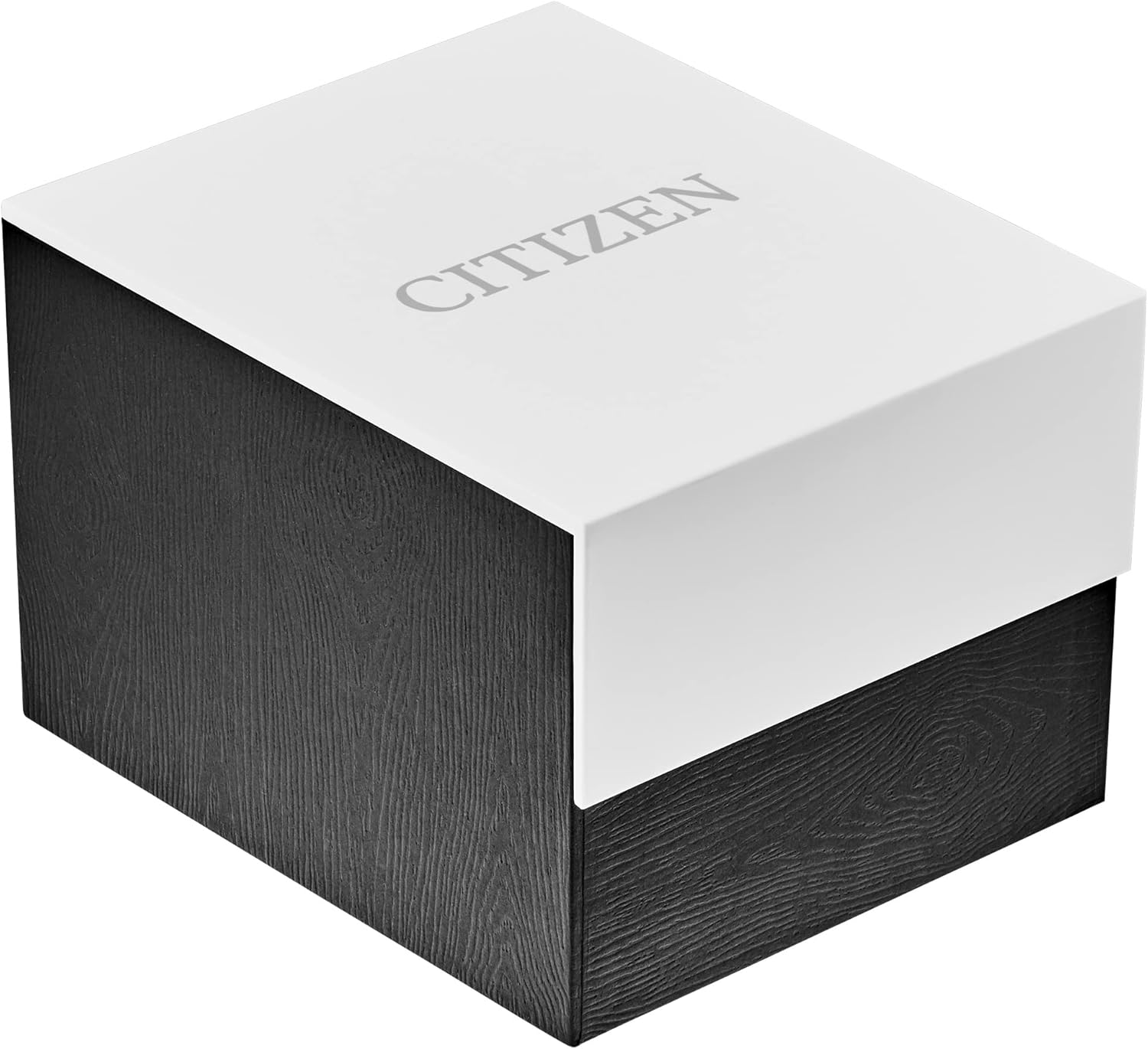
Figure 5: The Citizen Nighthawk watch in its original packaging, suitable for storage.
6. Troubleshooting
Refer to the table below for common issues and their potential solutions.
| Problem | Possible Cause | Solution |
|---|---|---|
| Watch has stopped or runs intermittently. | Insufficient charge. | Expose the watch to strong light for several hours to fully charge. |
| Time or date is incorrect. | Incorrect setting or crown not fully pushed in. | Refer to Section 3.2 "Setting Time and Date" to reset. Ensure the crown is fully pushed in. |
| Chronograph hands do not reset to zero. | Chronograph reset position needs adjustment. | Consult a Citizen service center for adjustment. |
| Condensation inside the crystal. | Water resistance compromised. | Immediately take the watch to a Citizen service center for inspection and repair. |
7. Specifications
| Feature | Detail |
|---|---|
| Model Number | CA0295-58E |
| Movement | Japanese Quartz (Eco-Drive B612) |
| Case Material | Black IP Stainless Steel |
| Case Diameter | 42 millimeters |
| Case Thickness | 13 millimeters |
| Band Material | Black IP Stainless Steel |
| Band Width | 24 millimeters |
| Dial Window Material | Mineral Crystal |
| Display Type | Analog |
| Clasp Type | Fold-over-clasp-with-double-push-button-and-safety |
| Water Resistance Depth | 200 Meters (660 Feet) |
| Special Features | 1/5 Second Chronograph Measures up to 60 Minutes, 12/24 Hour Time, Date, Tachymeter, Luminous Hands and Markers |
| Item Weight | 6 ounces |
8. Warranty and Support
Your Citizen Eco-Drive Nighthawk Chronograph Watch is covered by a 5-Year Limited Warranty. This warranty covers manufacturing defects under normal use. Please retain your proof of purchase for warranty claims.
For warranty service, technical support, or to request a copy of the full warranty terms, please contact Citizen customer service or visit the official Citizen website. You can also visit an authorized Citizen service center.
For more information, visit the official CITIZEN Store on Amazon.


