
Introduction
This manual provides instructions for the safe and efficient use of your Rexel P215 2-Hole Punch. The Rexel P215 is a premium metal 2-hole punch designed for effortless punching of up to 15 sheets of 80 g/m² paper. It features a patented paper alignment indicator and an adjustable guide rail for accurate punching. The locking handle allows for compact storage, and its ergonomic design ensures comfortable long-term use.
Safety Information
- Keep fingers and other body parts clear of the punching mechanism during operation to prevent injury.
- This device is intended for punching paper only. Do not attempt to punch other materials such as metal, plastic, or fabric.
- Keep the hole punch out of reach of children. It is not a toy.
- Do not force the handle if resistance is met; this may damage the mechanism. Reduce the number of sheets if necessary.
- Ensure the hole punch is placed on a stable, flat surface during use.
Package Contents
Please check that all items are present:
- 1 x Rexel P215 2-Hole Punch (Model 2100738)
- 1 x Instruction Manual (this document)
Setup
- Unpack the Device: Carefully remove the Rexel P215 hole punch from its packaging.
- Place on a Stable Surface: Position the hole punch on a flat, stable desk or table.
- Familiarize with Components: Identify the handle, paper guide, and confetti tray.
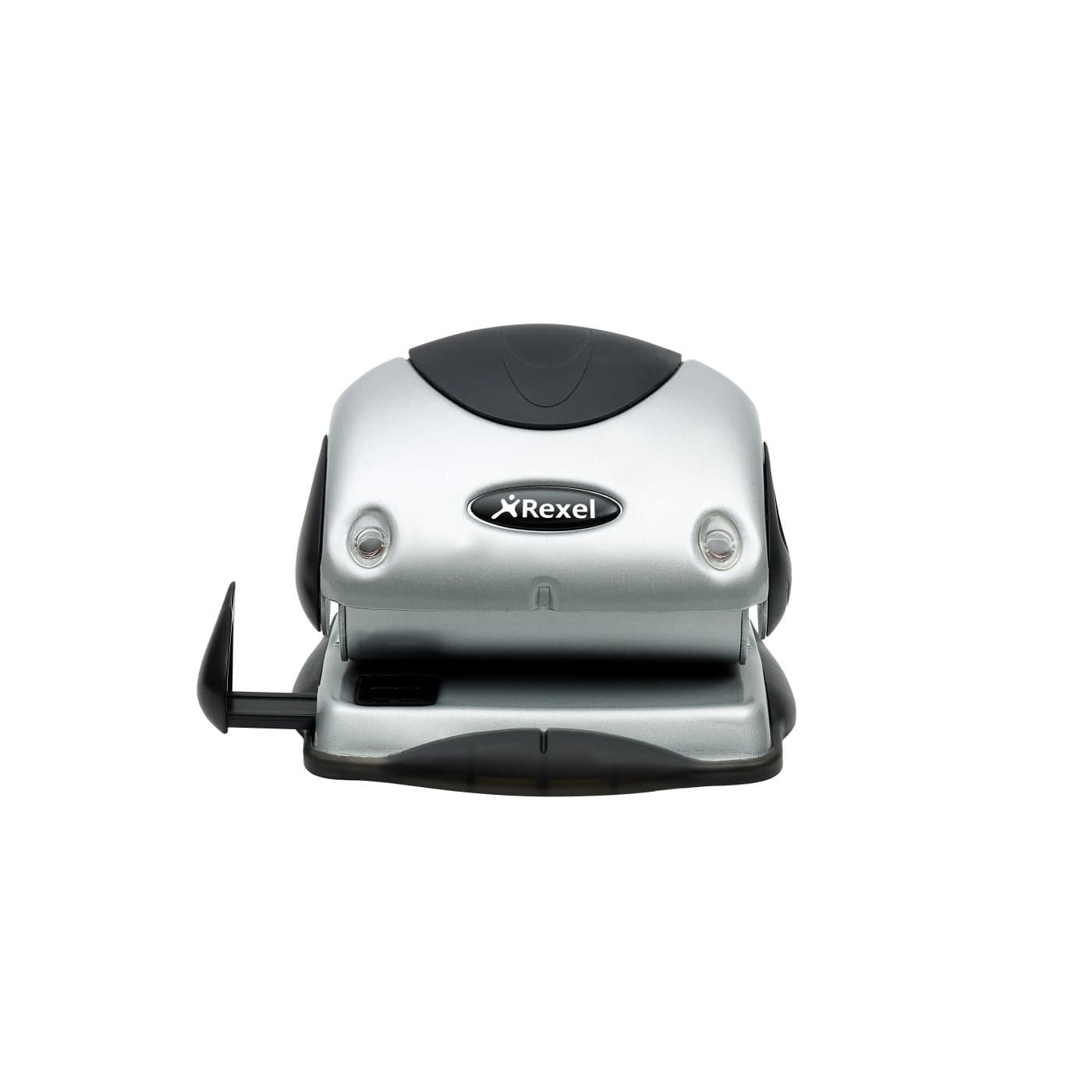
Figure 1: Front view of the Rexel P215 2-Hole Punch, showing the silver body, black handle, and punching mechanism.
Operating Instructions
- Adjust the Paper Guide: Locate the adjustable guide rail on the side of the punch. Slide it to the desired paper size (e.g., A4, A5, A3) using the viewing window for accurate positioning. This ensures consistent hole placement.
- Insert Paper: Gather the sheets of paper you wish to punch. Ensure the stack is neat and does not exceed the maximum capacity of 15 sheets (80 gsm). Insert the paper firmly against the adjustable guide rail and the back stop of the punch.
- Punching: Press down firmly and evenly on the handle until the holes are punched through the paper. Release the handle.
- Remove Paper: Carefully remove the punched paper from the device.
- Emptying the Confetti Tray: The Rexel P215 features a pop-up confetti tray. Periodically, slide out the translucent tray located at the bottom of the punch to empty the paper confetti. Ensure the tray is securely re-inserted after emptying.
- Locking Handle for Storage: For compact storage, push the handle down and engage the locking mechanism (if present, typically a small lever or button on the side) to keep the handle in a lowered position.
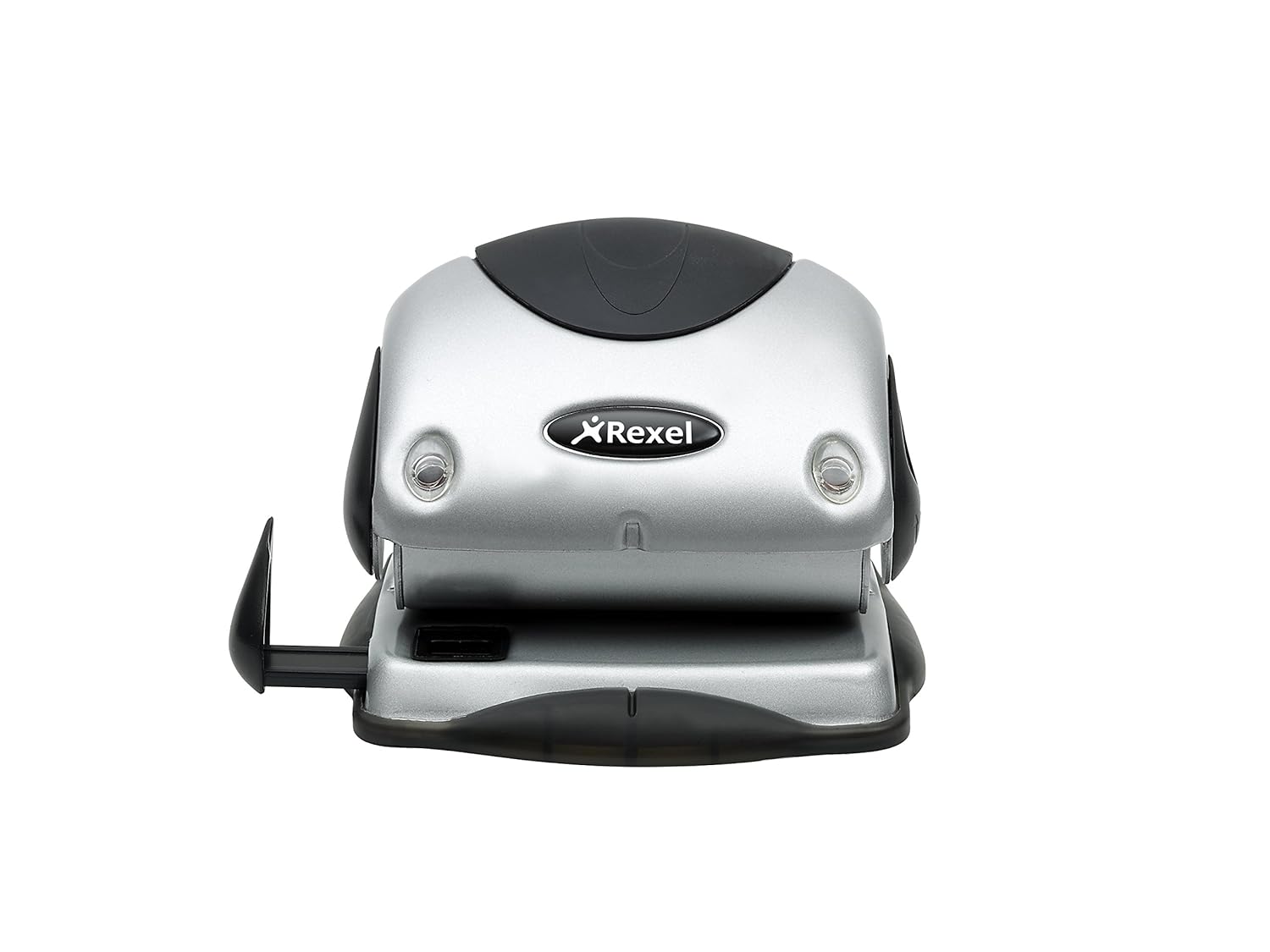
Figure 2: Side view of the Rexel P215 2-Hole Punch, highlighting the adjustable paper guide for precise alignment.

Figure 3: Bottom view of the Rexel P215 2-Hole Punch, illustrating the translucent pop-up confetti tray.
Maintenance
- Empty Confetti Tray: Regularly empty the confetti tray to prevent it from overflowing and potentially jamming the mechanism.
- Cleaning: Wipe the exterior of the hole punch with a soft, dry cloth. Do not use abrasive cleaners or solvents, as these may damage the finish.
- Lubrication: The punching mechanism is designed for maintenance-free operation. No lubrication is required.
Troubleshooting
| Problem | Possible Cause | Solution |
|---|---|---|
| Paper jams in the punch. | Too many sheets inserted; confetti tray is full. | Reduce the number of sheets. Empty the confetti tray. Gently pull out jammed paper. |
| Holes are uneven or not fully punched. | Paper not aligned correctly; too many sheets. | Ensure paper is flush against the guide rail and back stop. Reduce sheet count. Press handle firmly and evenly. |
| Difficulty pressing the handle. | Exceeding sheet capacity. | Do not exceed 15 sheets of 80 gsm paper. |
Specifications
- Model: P215
- Product Number: 2100738
- Hole Count: 2
- Sheet Capacity: Up to 15 sheets (80 gsm paper)
- Material: Metal
- Color: Silver/Black
- Operation Mode: Manual
- Item Weight: 0.41 kg
- Dimensions (W x H x D): Approximately 15 cm x 16 cm x 6 cm
- UPC/GTIN: 726088062067
Warranty and Support
Your Rexel P215 2-Hole Punch is covered by a manufacturer's warranty. For specific warranty terms and conditions, please refer to the documentation provided with your purchase or visit the official Rexel website.
For technical support, spare parts, or further assistance, please contact Rexel customer service through their official channels.
Visit the Rexel Store on Amazon for more information.