
Introduction
This manual provides comprehensive instructions for the installation of the Scosche KA2099SB Double DIN or Single DIN with Pocket Radio Install Dash Kit. This kit is specifically designed for select 2011-2013 Kia Sportage models equipped with a silver factory radio, enabling the seamless integration of an aftermarket car stereo. Please read all instructions carefully before beginning the installation process.
Product Overview
The Scosche KA2099SB dash kit is engineered from automotive-grade ABS plastic to ensure durability and a precise fit. It provides a factory-matched appearance for your vehicle's interior after installing a new stereo.
Key Features:
- High Compatibility: Designed for standard 6-13/16" x 3-13/16" (173mm x 98.6mm) radio openings. Minor trimming may be required for oversized radios.
- Durable Construction: Crafted from factory-quality ABS plastic for long-lasting use.
- Perfect Fit: Ensures a seamless fit for 2011-2013 Kia Sportage with Silver Radio, accommodating both Double DIN and Single DIN radios with an included storage pocket.
- Enhanced Aesthetics: Blends perfectly with your vehicle's dashboard for a factory-installed look.

Figure 1: Scosche KA2099SB Double DIN Radio Install Dash Kit.

Figure 2: The dash kit configured for a Single DIN radio with a storage pocket.
Kit Components
The Scosche KA2099SB kit typically includes the main dash bezel, mounting brackets, and necessary hardware. Additional components like a wire harness and antenna adapter may be required and are sold separately.

Figure 3: Illustration of typical dash kit components, including the main dash kit, mounting brackets, and optional wire harness/antenna adapter (sold separately).
Setup and Installation
Before beginning, ensure the vehicle's negative battery terminal is disconnected to prevent electrical shorts. Refer to your vehicle's service manual for specific instructions on battery disconnection.
1. Prepare the Dash Kit:
Review the included instructions for the dash kit. Break off any tabs on the mounting brackets that are not required for your specific radio application (Single DIN or Double DIN).
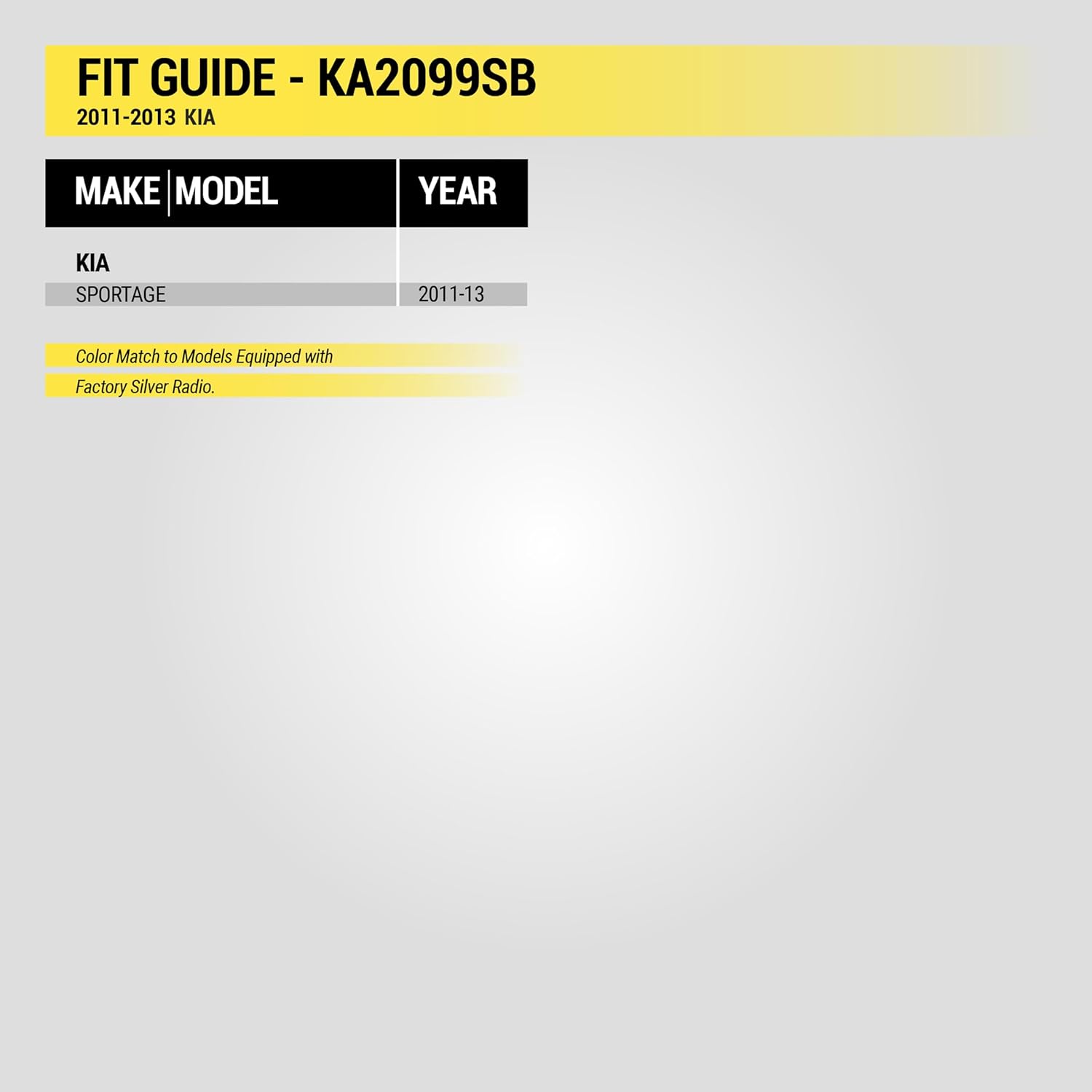
Figure 4: Dimensions of the industry standard sized opening for Double DIN kits (6-13/16" x 3-13/16" or 173mm x 98.6mm). Verify your stereo's dimensions.
2. Mount Aftermarket Stereo:
Attach your new aftermarket stereo to the dash kit's mounting brackets using the screws provided with your stereo. Ensure the stereo is securely fastened.
3. Remove Factory Stereo:
Carefully remove the trim panels surrounding your factory radio using a panel removal tool. Unscrew and remove the factory radio. Disconnect all wiring harnesses and the antenna cable from the back of the factory stereo.
4. Connect Wiring:
Connect the aftermarket radio's wiring harness to the vehicle's factory wiring harness. Ensure all connections are secure. Connect the antenna adapter if necessary.
5. Install New Stereo Assembly:
Slide the new stereo assembly (with the dash kit attached) into the dashboard opening. Secure it with the factory screws. Reattach all trim panels, ensuring they snap firmly into place.
6. Reconnect Battery and Test:
Reconnect the negative battery terminal. Turn on the vehicle and test the new stereo's functions, including radio, auxiliary inputs, and any other features.
Video 1: General Scosche Stereo Installation Guide. This video demonstrates the general steps for installing an aftermarket stereo using a Scosche dash kit, including panel removal, wiring, and reassembly. Note that specific vehicle steps may vary.
Operating Your New Stereo
Once installed, refer to the instruction manual provided with your aftermarket car stereo for detailed operating instructions. This dash kit facilitates the physical installation; the stereo's functionality is governed by its own manufacturer's guide.
Maintenance
The Scosche KA2099SB dash kit requires minimal maintenance. Clean the surface with a soft, damp cloth. Avoid abrasive cleaners or solvents that could damage the finish. Periodically check that the stereo and dash kit remain securely mounted.
Troubleshooting
- Stereo not powering on: Check all wiring connections, especially the power and ground wires. Ensure the vehicle's battery is properly connected and charged.
- No sound: Verify speaker wire connections and ensure the stereo's volume is up and not muted.
- Poor radio reception: Check the antenna connection and ensure the antenna adapter (if used) is correctly installed.
- Dash kit does not fit: Double-check the compatibility with your specific Kia Sportage model and year (2011-2013 with Silver Radio). Ensure all necessary tabs were removed from the mounting brackets.
Specifications
| Feature | Detail |
|---|---|
| Model Number | KA2099SB |
| Brand | Scosche |
| Compatible Vehicles | 2011-2013 Kia Sportage (with Silver Radio) |
| Radio Compatibility | Double DIN or Single DIN with Pocket |
| Material | ABS Plastic |
| Color | Black (OEM Color Match) |
| Item Dimensions (L x W x H) | 4.25 x 10.5 x 8.25 inches |
| Item Weight | 0.8 Pounds |
| UPC | 033991030930 |
Warranty and Support
The Scosche KA2099SB Radio Install Dash Kit is backed by Scosche's Limited Warranty and Lifetime Tech Support. For warranty claims or technical assistance, please refer to the contact information provided with your product packaging or visit the official Scosche website.


