
1. Product Overview
The WMF Water Filter is designed to enhance the quality of water used in your WMF coffee machine, specifically compatible with WMF 800, WMF 900, and WMF 1000 series models. This filter effectively reduces impurities, chlorine, and limescale, which can significantly improve the taste of your coffee and extend the lifespan of your appliance by preventing mineral buildup.
Each pack contains 6 water filters, ensuring a consistent supply for regular maintenance.
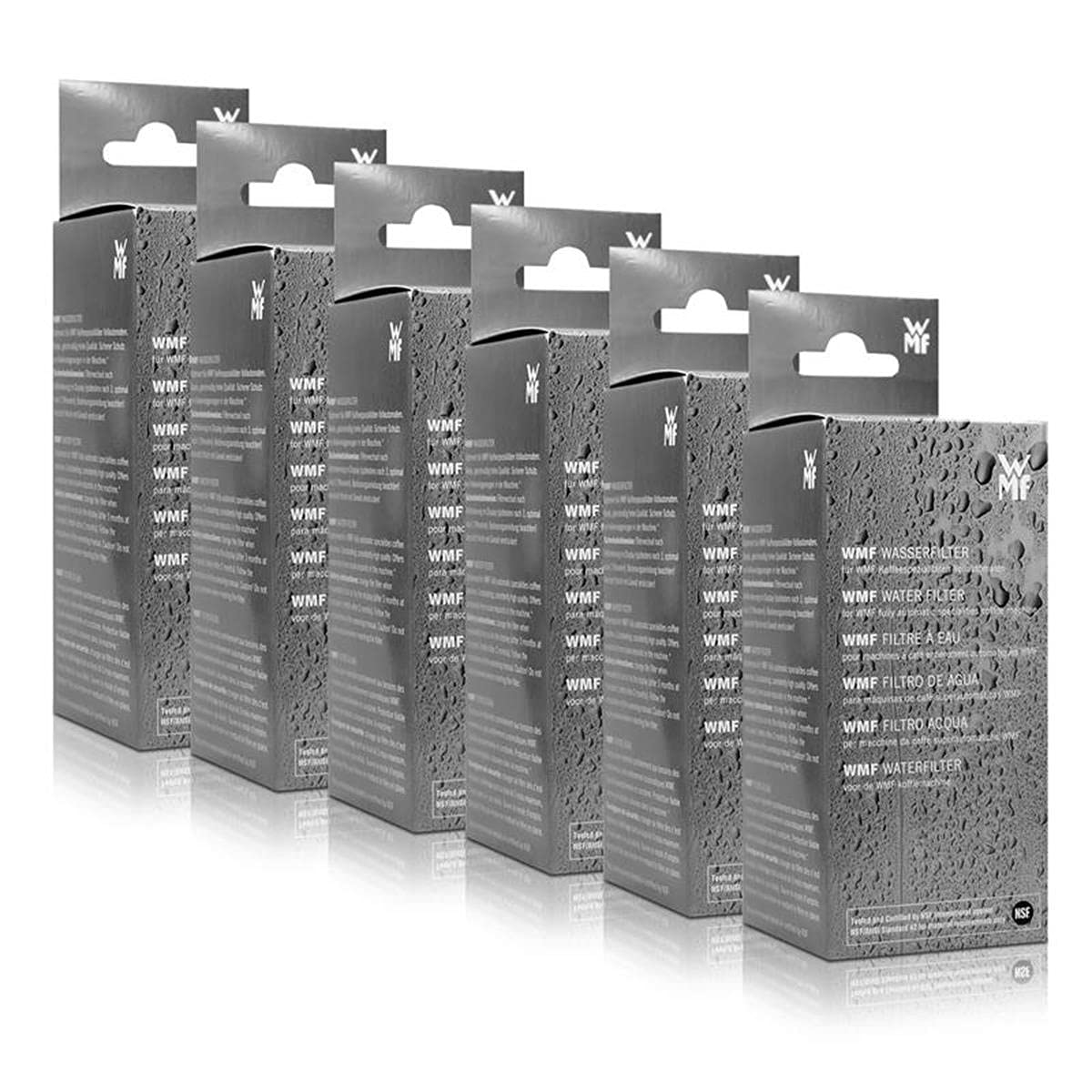
Image 1.1: WMF Water Filter 6-pack packaging. This image displays the retail packaging for the WMF water filter, showing multiple filters included in one purchase.
2. Important Safety Information
- Use this product only as intended for WMF coffee machines.
- Keep filters out of reach of children.
- Do not attempt to open or modify the filter cartridge.
- Store unused filters in a cool, dry place, away from direct sunlight.
- Dispose of used filters according to local regulations.
3. Installation Guide
3.1. Preparation
- Remove one new water filter from its packaging.
- Immerse the filter completely in cold tap water for approximately 5 minutes. This helps to release any air bubbles and prepares the filter for optimal performance.
- Rinse the filter under running cold water for about 1 minute.
3.2. Filter Insertion
- Locate the water tank of your WMF coffee machine. Refer to your coffee machine's specific instruction manual for the exact location and removal procedure of the water tank.
- Remove the water tank from the machine and empty any remaining water.
- Insert the prepared water filter firmly into the designated filter holder within the water tank. Ensure it is securely seated to prevent leaks and ensure proper filtration.
- Fill the water tank with fresh, cold tap water.
- Reinsert the water tank back into your WMF coffee machine, ensuring it clicks into place.
3.3. Initial Flushing
- After installing the filter and refilling the water tank, activate the flushing program on your WMF coffee machine. This step is crucial to flush out any residual carbon particles from the new filter. Consult your coffee machine's manual for instructions on initiating the flushing cycle.
- Discard the flushed water. Your coffee machine is now ready for use with filtered water.

Image 3.1: Person operating a coffee machine. This image illustrates the general operation of a coffee machine, where the water filter would be installed in the water tank.
4. Usage and Replacement
The WMF Water Filter continuously filters the water as it is drawn from the tank, providing clean water for brewing. There are no specific 'operating' steps for the filter itself beyond its correct installation.
4.1. When to Replace
For optimal performance and hygiene, it is recommended to replace the WMF Water Filter regularly. The exact replacement frequency depends on your water hardness and usage, but generally, a filter should be replaced:
- Every 2 months, regardless of water consumption.
- After filtering approximately 50 liters of water.
- When your coffee machine indicates a filter change is due (if applicable).
Refer to your WMF coffee machine's manual for specific recommendations and instructions on how to reset the filter change indicator.
4.2. Replacement Procedure
- Turn off and unplug your WMF coffee machine.
- Remove the water tank from the machine.
- Empty any water from the tank.
- Carefully remove the old water filter from its holder.
- Dispose of the old filter responsibly.
- Follow the steps in Section 3.1 and 3.2 to prepare and insert a new filter.
- Perform the initial flushing as described in Section 3.3.
- Reset the filter change indicator on your coffee machine, if applicable.
5. Troubleshooting
If you encounter issues related to water quality or flow, consider the following:
| Problem | Possible Cause | Solution |
|---|---|---|
| Reduced water flow from machine | Filter is clogged or expired. | Replace the water filter. Ensure proper installation. |
| Poor coffee taste or aroma | Filter is expired or not functioning correctly. | Replace the water filter. Ensure the filter was properly prepared and flushed. |
| Machine indicates water quality error | Filter needs replacement or machine requires descaling. | Replace the water filter. If the issue persists, perform a descaling cycle on your coffee machine as per its manual. |
| Water leaking from filter area | Filter not seated correctly in the holder. | Remove and reinsert the filter, ensuring it is firmly in place. Check for any damage to the filter or holder. |
6. Product Specifications
- Brand: WMF
- Model Number: 2901004001
- ASIN: B0056K8T4I
- Item Weight: Approximately 1 Kilogram (2.2 pounds) for the pack of 6.
- External Testing Certification: WQA (Water Quality Association)
- Product Benefits: Improves taste of coffee by removing impurities and contaminants.
- Unit Count: 6.0 Count
- Number of Items: 6
- Package Dimensions: 8.31 x 6.26 x 5.59 inches
- Date First Available: October 15, 2023
7. Warranty and Support
WMF products are manufactured to high-quality standards. This water filter is designed as a consumable item with a limited lifespan, requiring regular replacement. For specific warranty information regarding manufacturing defects, please refer to the documentation provided with your original WMF coffee machine or visit the official WMF website.
If you have further questions or require assistance with your WMF Water Filter or coffee machine, please contact WMF customer support through their official channels. Provide your product model number (2901004001) and ASIN (B0056K8T4I) when seeking support.


