
Introduction
This manual provides essential information for the safe and efficient operation, installation, and maintenance of your Fagor 6H-200A LX Electric Oven. Please read these instructions carefully before using the appliance and retain them for future reference.
Important Safety Instructions
- Ensure the oven is properly earthed.
- Do not allow children to operate the oven unsupervised.
- The oven becomes hot during use. Avoid touching heating elements.
- Always use oven mitts when handling hot dishes.
- Do not use abrasive cleaners or sharp metal scrapers to clean the oven door glass, as they can scratch the surface, potentially leading to shattering.
- Disconnect the appliance from the power supply before performing any maintenance or cleaning.
- If the power cord is damaged, it must be replaced by the manufacturer, its service agent, or similarly qualified persons to avoid a hazard.
Setup and Installation
The Fagor 6H-200A LX electric oven is designed for built-in installation. Proper installation is crucial for safe and efficient operation.
Unpacking
- Carefully remove all packaging materials.
- Check the oven for any signs of damage. If damaged, do not install and contact your retailer.
- Keep packaging materials out of reach of children.
Location and Ventilation
- Install the oven in a well-ventilated area.
- Ensure there is adequate space around the appliance for air circulation.
Electrical Connection
- The oven must be connected to a properly earthed electrical supply.
- The electrical installation must comply with local regulations.
- Voltage: 230 Volts, Frequency: 50 Hz.
- Power: 790 Watts.
- A qualified electrician should perform the electrical connection.
Installation Dimensions
Refer to the diagram below for the correct installation dimensions for your Fagor 6H-200A LX oven.
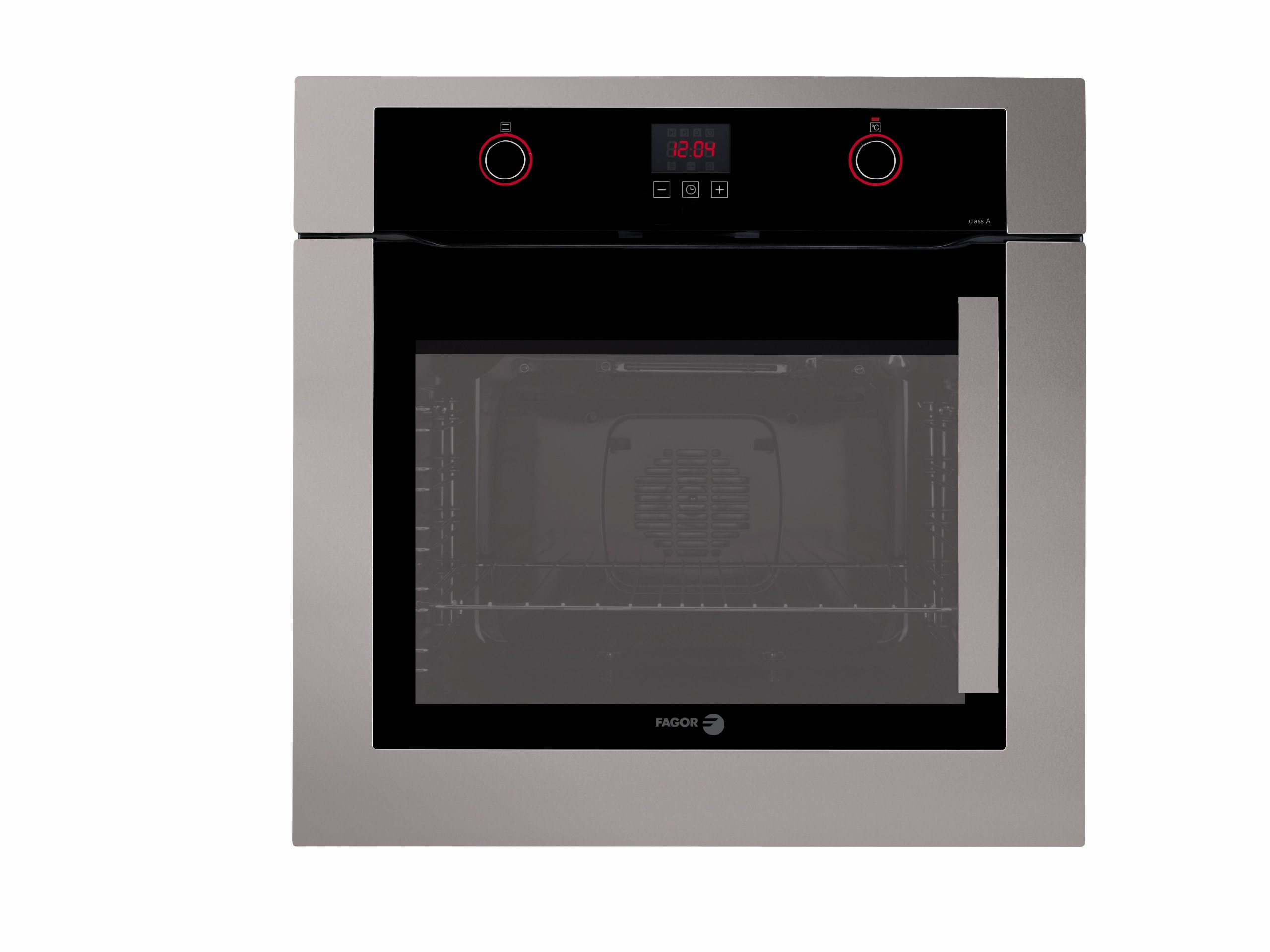
Image Description: This diagram illustrates the required dimensions for installing the Fagor 6H-200A LX electric oven into a kitchen cabinet. The oven itself measures approximately 592mm in width, 595mm in height, and 529mm in depth. The cabinet niche should have a width of 560mm (+4/-0mm tolerance), a height of 600mm (+4/-0mm tolerance), and a minimum depth of 555mm. A 20mm gap is indicated at the top of the oven for proper ventilation and fitting.
- Oven Dimensions (W x H x D): 592 mm x 595 mm x 529 mm
- Niche Dimensions (W x H x Min. D): 560 (+4/-0) mm x 600 (+4/-0) mm x 555 mm
- Ensure sufficient space for ventilation at the rear of the appliance.
Operating Instructions
This section details how to use your Fagor 6H-200A LX electric oven for various cooking functions.
First Use
- Before first use, clean the oven interior with a damp cloth.
- Heat the empty oven at maximum temperature (250°C) for approximately 30 minutes to burn off any manufacturing residues. Ensure the kitchen is well-ventilated during this process.
Control Panel Overview
The control panel typically consists of function selectors, temperature controls, and a timer (if applicable). Refer to the specific markings on your appliance.
Setting the Cooking Function and Temperature
- Turn the function selector knob to choose the desired cooking mode (e.g., conventional heat, grill, fan-assisted).
- Turn the temperature control knob to set the desired temperature, ranging from 50°C to 250°C.
- The oven indicator light will illuminate, indicating that the oven is heating. It will turn off once the set temperature is reached.
Using the Timer (if applicable)
If your model includes a timer, you can set it to automatically switch off the oven after a specified duration or to alert you when cooking time is complete.
- Consult the specific timer instructions printed on the control panel or in a supplementary guide for detailed operation.
Maintenance and Cleaning
Regular cleaning and maintenance will ensure the longevity and optimal performance of your Fagor oven.
General Cleaning
- Always ensure the oven is cool and disconnected from the power supply before cleaning.
- Clean the interior and exterior surfaces with a soft cloth and mild detergent.
- For stubborn stains, use a specialized oven cleaner, following the product's instructions carefully. Avoid contact with heating elements.
- Do not use abrasive cleaners, scouring pads, or sharp objects, as these can damage surfaces.
Cleaning the Oven Door
- The oven door glass can be cleaned with a soft cloth and glass cleaner.
- Some models allow for the removal of the inner glass panel for thorough cleaning. Refer to your specific model's instructions for this procedure.
Replacing the Oven Light
- Ensure the oven is cool and disconnected from the power supply.
- Unscrew the protective glass cover.
- Replace the old bulb with a new one of the same type (check specifications for wattage and type).
- Screw the protective cover back on.
Troubleshooting
Before contacting customer service, please consult the following troubleshooting guide for common issues.
| Problem | Possible Cause | Solution |
|---|---|---|
| Oven does not heat up. | No power supply; oven not switched on; fuse blown. | Check power connection; ensure oven is switched on; check household fuse box. |
| Food not cooking evenly. | Incorrect temperature setting; improper rack position; overloaded oven. | Adjust temperature; use recommended rack position; avoid overcrowding the oven. |
| Oven light not working. | Bulb is faulty or loose. | Replace the oven light bulb (refer to Maintenance section). |
| Excessive smoke during cooking. | Food spills or grease buildup; high fat content food. | Clean the oven interior thoroughly; use a baking tray to catch drips. |
If the problem persists after attempting these solutions, please contact a qualified service technician.
Technical Specifications
| Feature | Specification |
|---|---|
| Model | Fagor 6H-200A LX |
| Type | Electric Built-in Oven |
| Capacity | 51 Litres |
| Power | 790 Watts |
| Voltage | 230 Volts |
| Frequency | 50 Hz |
| Temperature Range | 50°C - 250°C |
| Dimensions (W x H x D) | 592 mm x 595 mm x 529 mm |
| Niche Dimensions (W x H x Min. D) | 560 (+4/-0) mm x 600 (+4/-0) mm x 555 mm |
Warranty and Support
For warranty information and customer support, please refer to the warranty card included with your appliance or visit the official Fagor Commercial website.
Fagor Commercial Website: Visit Fagor Commercial Store
When contacting support, please have your model number (6H-200A LX) and serial number ready.


