
1. Introduction
This manual provides essential information for the safe and efficient installation, operation, and maintenance of your Vortex Powerfans VTX400 4-inch inline duct fan. Please read this manual thoroughly before using the product and retain it for future reference.
The Vortex VTX400 is a high-performance inline duct blower designed for various ventilation applications. It features a durable steel construction, a hammertone powder coat finish, and a balanced motorized impeller for quiet, vibration-free operation.
2. Safety Information
Always follow basic safety precautions to reduce the risk of fire, electric shock, or injury to persons.
- Electrical Safety: Ensure the power supply matches the fan's voltage (120V AC). Disconnect power before servicing or cleaning the unit. Do not operate with a damaged cord or plug.
- Installation: Install the fan securely using the provided mounting brackets. Ensure proper duct connections to prevent air leakage. Do not install in locations where it may be exposed to water or excessive humidity.
- Operation: Keep fingers and foreign objects away from the fan blades during operation. This fan is designed for ventilation purposes; do not use it for purposes other than its intended use.
- Maintenance: Only perform maintenance as described in this manual. Refer all other servicing to qualified personnel.
3. Package Contents
Verify that all components are present in the package:
- Vortex Powerfans VTX400 Inline Duct Fan
- 6-foot Power Cord (factory installed)
- Galvanized Mounting Brackets
4. Setup and Installation
The Vortex VTX400 fan is designed for easy installation in various configurations.
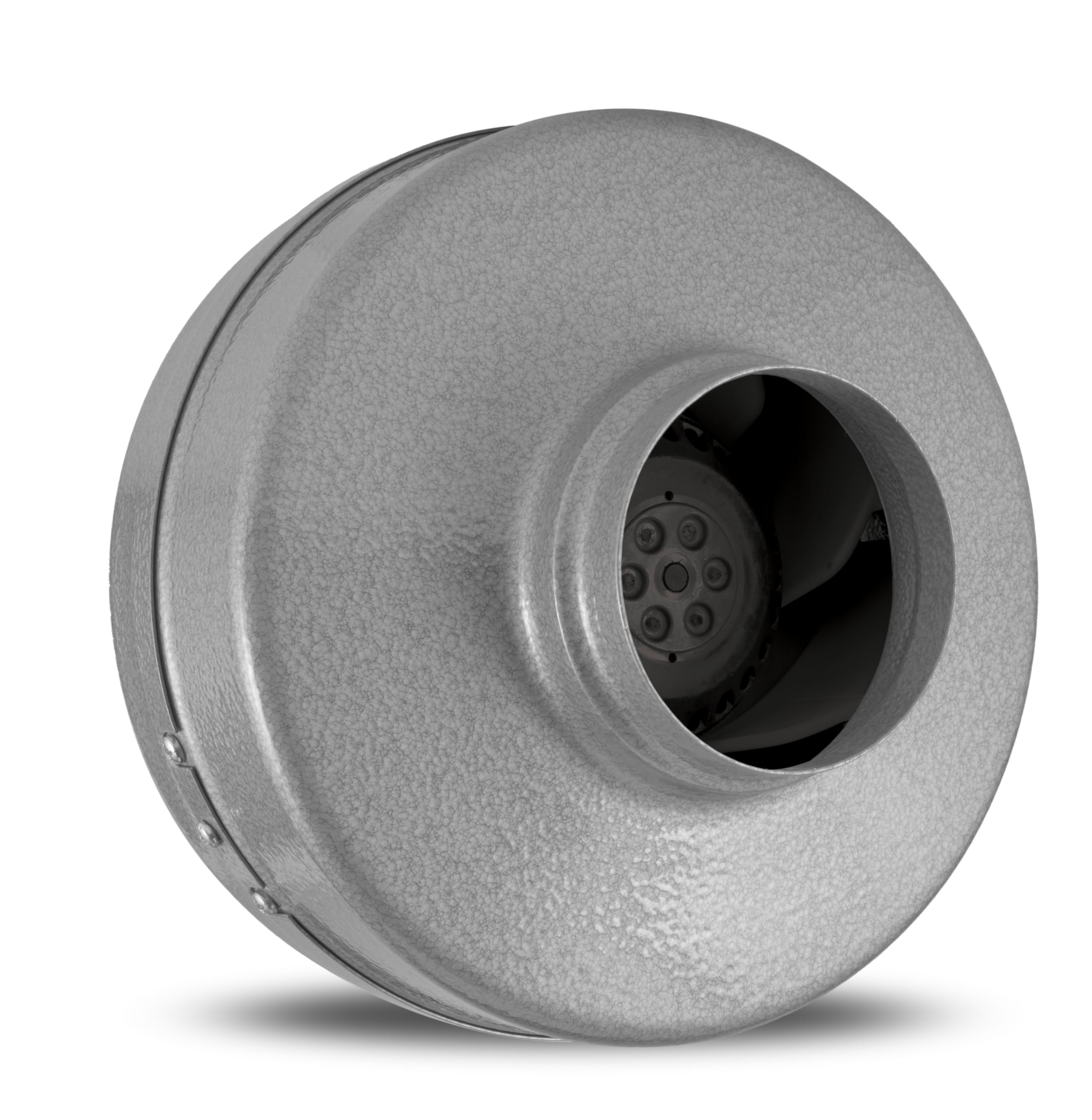
Image: A selection of Vortex inline duct fans, showcasing different sizes and the robust construction.
4.1 Mounting
The galvanized mounting brackets allow for both horizontal and vertical installation. Choose a secure location that can support the weight of the fan and any attached ductwork. Use appropriate fasteners (not included) for your mounting surface.
4.2 Duct Connection
The fan features an extended collar and lip for easy duct hook-up. Connect 4-inch diameter ducting to both the inlet and outlet of the fan. Secure the ducting with duct clamps or tape to ensure an airtight seal and prevent air leakage.
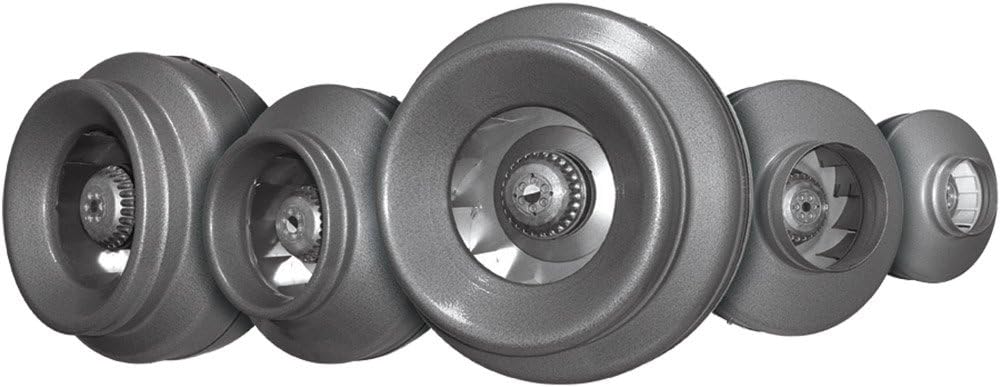
Image: A detailed view of the Vortex VTX400 fan, highlighting the impeller and the extended collar designed for duct attachment.
4.3 Electrical Connection
The fan comes with a factory-installed 120V power cord. Plug the power cord into a standard 120V AC electrical outlet. Ensure the outlet is properly grounded.
5. Operating Instructions
The Vortex VTX400 fan is designed for straightforward operation.
5.1 Powering On/Off
To turn the fan on, plug the power cord into a live 120V AC outlet. To turn it off, unplug the power cord or use an external switch if one is installed in your system.
5.2 Speed Control
The VTX400 is 100% speed controllable. If you wish to adjust the fan's speed, you will need to integrate an external speed controller (sold separately) compatible with 120V AC motors. Follow the instructions provided with your speed controller for proper installation and use. The fan itself features a button control method with 3 power levels if an integrated controller is present, otherwise, it operates at full speed when powered.
6. Maintenance
Regular maintenance ensures optimal performance and longevity of your fan.
6.1 Cleaning
Periodically inspect the fan blades and housing for dust and debris accumulation. Disconnect the fan from power before cleaning. Use a soft cloth or brush to gently clean the exterior and the impeller blades. Do not use harsh chemicals or abrasive cleaners.
6.2 Lubrication
The motor is equipped with permanently lubricated ball bearings, requiring no additional lubrication throughout the fan's lifespan.
7. Troubleshooting
If you encounter issues with your Vortex VTX400 fan, refer to the following common problems and solutions:
| Problem | Possible Cause | Solution |
|---|---|---|
| Fan does not turn on | No power supply; Loose electrical connection; Faulty motor | Check power outlet and circuit breaker; Ensure power cord is securely plugged in; Contact qualified technician for motor inspection. |
| Reduced airflow | Blocked ducting; Dirty fan blades; Incorrect speed setting (if using a controller) | Inspect and clear ductwork; Clean fan blades (refer to Maintenance section); Adjust speed controller to a higher setting. |
| Unusual noise or vibration | Loose mounting; Debris in fan housing; Damaged impeller | Ensure fan is securely mounted; Disconnect power and inspect for debris, remove if found; If impeller is damaged, contact support. |
If the problem persists after attempting these solutions, contact customer support or a qualified technician.
8. Specifications
| Feature | Detail |
|---|---|
| Brand | Vortex |
| Model Name | VTX400 |
| Size | 4 inch |
| Air Flow Capacity | 172 Cubic Feet Per Minute (CFM) |
| Voltage | 120 Volts (AC) |
| Wattage | 92 Watts |
| Item Weight | 8.8 Pounds |
| Product Dimensions | 10.2 x 11.7 x 9.8 inches |
| Material | Alloy Steel |
| Finish Type | Powder Coated (Hammertone) |
| Special Feature | Speed Control (with external controller) |
| Control Method | Button Control (if integrated) |
| Indoor/Outdoor Usage | Outdoor |
| Installation Type | Mounted |
9. Warranty Information
The Vortex Powerfans VTX400 comes with a 10-Year Limited Warranty. This warranty covers defects in materials and workmanship under normal use. Please retain your proof of purchase for warranty claims. For detailed warranty terms and conditions, refer to the official Vortex product documentation or contact customer support.
10. Contact and Support
For technical assistance, replacement parts, or warranty inquiries, please contact Vortex customer support. Refer to the product packaging or the official Vortex website for the most current contact information.


