
Introduction
The Patton High Velocity Fan is engineered to move air effectively in various environments, including homes and work areas. This heavy-duty fan is designed with a powerful motor and a large blade diameter to ensure efficient air movement. It features three speed settings for optimizing air intake, exhaust, and circulation, along with a tilt-adjustable head for precise airflow direction. Its durable powder-coated metal construction ensures reliable and long-lasting use, even in demanding work areas, making it suitable for cooling, ventilation, and drying tasks.

Image: The Patton PUF2010C-BM 20-Inch High Velocity Fan, showcasing its robust design.
Setup Instructions
- Unpack: Carefully remove the fan and all packaging materials from the box. Inspect the fan for any signs of damage.
- Placement: Place the fan on a stable, level surface. Ensure there is adequate space around the fan for proper airflow and to prevent obstruction of the intake or exhaust.
- Power Connection: Ensure the fan's power cord is not kinked or obstructed. Plug the fan into a standard 120-volt AC electrical outlet.
Operating Instructions
- Power On/Off: The fan is operated using a rotary switch located on the motor housing. Turn the switch to one of the speed settings (I, II, III) to turn the fan on. Turn the switch to '0' to turn the fan off.
- Speed Settings: The fan offers three speed settings:
- I (Low): For gentle air circulation.
- II (Medium): For moderate airflow.
- III (High): For maximum air movement and ventilation.
- Tilt Adjustment: The fan head can be tilted to direct airflow vertically. Loosen the adjustment knobs on either side of the fan, adjust the head to the desired angle, and then securely tighten the knobs.

Image: Diagram illustrating the high-velocity airflow pattern of the fan.

Image: Illustration of the fan's ability to circulate air effectively in a space.
Maintenance
Regular maintenance helps ensure the longevity and optimal performance of your fan.
- Cleaning: Always disconnect the fan from the power outlet before cleaning. Use a soft, damp cloth to wipe down the exterior surfaces, blades, and grilles. Do not use abrasive cleaners or immerse the fan in water.
- Storage: When not in use, store the fan in a cool, dry place, preferably in its original packaging or covered to protect it from dust.
Troubleshooting
- Fan does not turn on:
- Ensure the fan is securely plugged into a working electrical outlet. Check the power switch to ensure it is set to an 'On' position (I, II, or III).
- Reduced airflow:
- Check if the grilles or blades are obstructed by dust or debris. Clean the fan as described in the Maintenance section.
- Unusual noise or vibration:
- Ensure the fan is placed on a stable, level surface. Check for any loose parts or foreign objects that may be interfering with the blades. If the noise persists, discontinue use and contact customer support.
Specifications
| Feature | Detail |
|---|---|
| Brand | Patton (HOLMES) |
| Model Name | PUF2010C-BM |
| Size | 20-Inch |
| Color | Black |
| Power Source | Corded Electric |
| Electric Fan Design | Exhaust Fan |
| Special Feature | High Velocity |
| Number of Speeds | 3 |
| Control Method | Button Control (Rotary Switch) |
| Mounting Type | Tilt |
| Item Weight | 15.05 Pounds |
| Voltage | 120 Volts |
| Wattage | 30 watts |
| Finish Type | Powder Coated |
| Indoor/Outdoor Usage | Indoor |
Warranty Information
This Patton High Velocity Fan (Model PUF2010C-BM) comes with a 3-year limited warranty. For complete details regarding warranty coverage, terms, and conditions, please refer to the warranty card included with your product purchase. Keep your proof of purchase for warranty claims.
Product Media
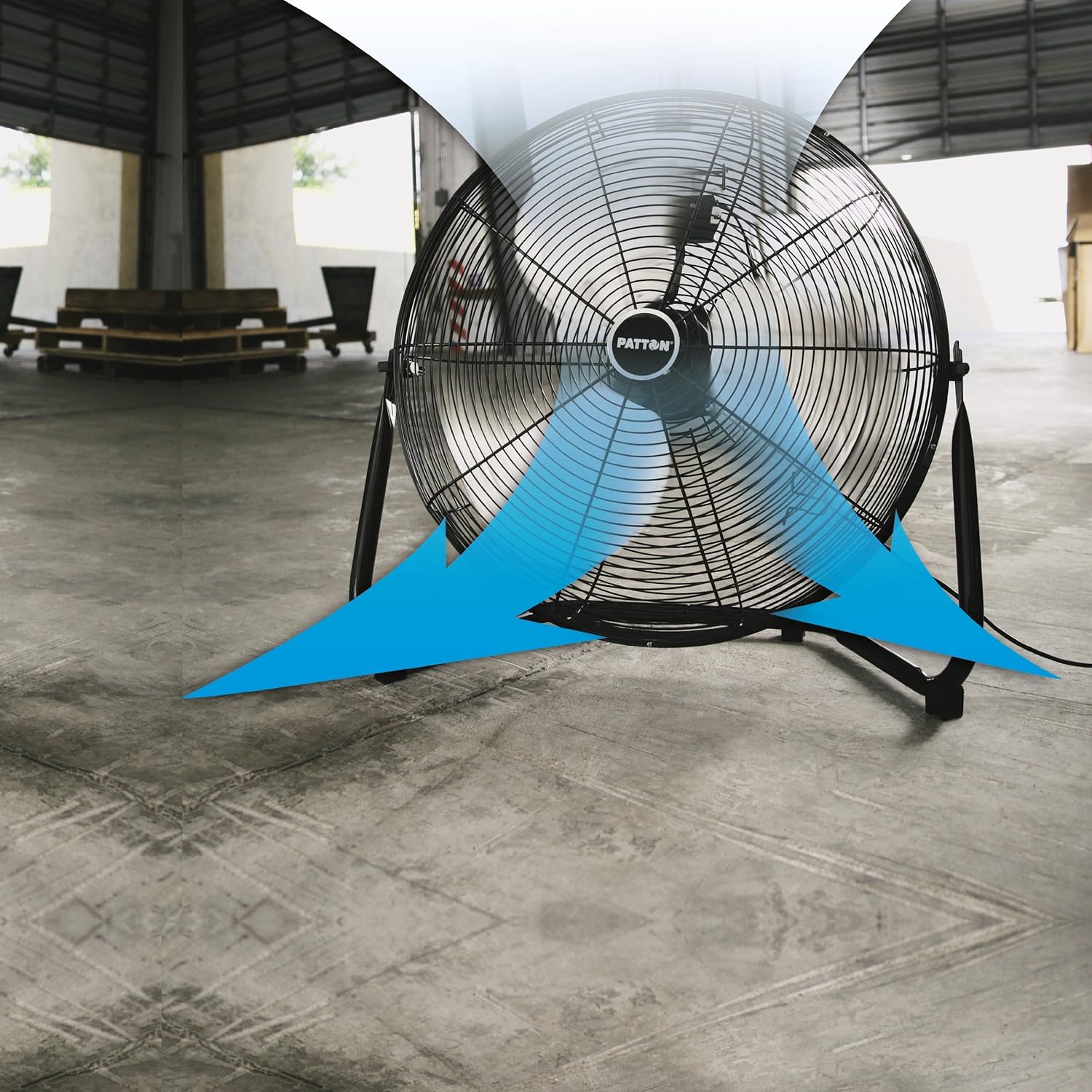
Image: Front view of the Patton High Velocity Fan, highlighting its protective grille.
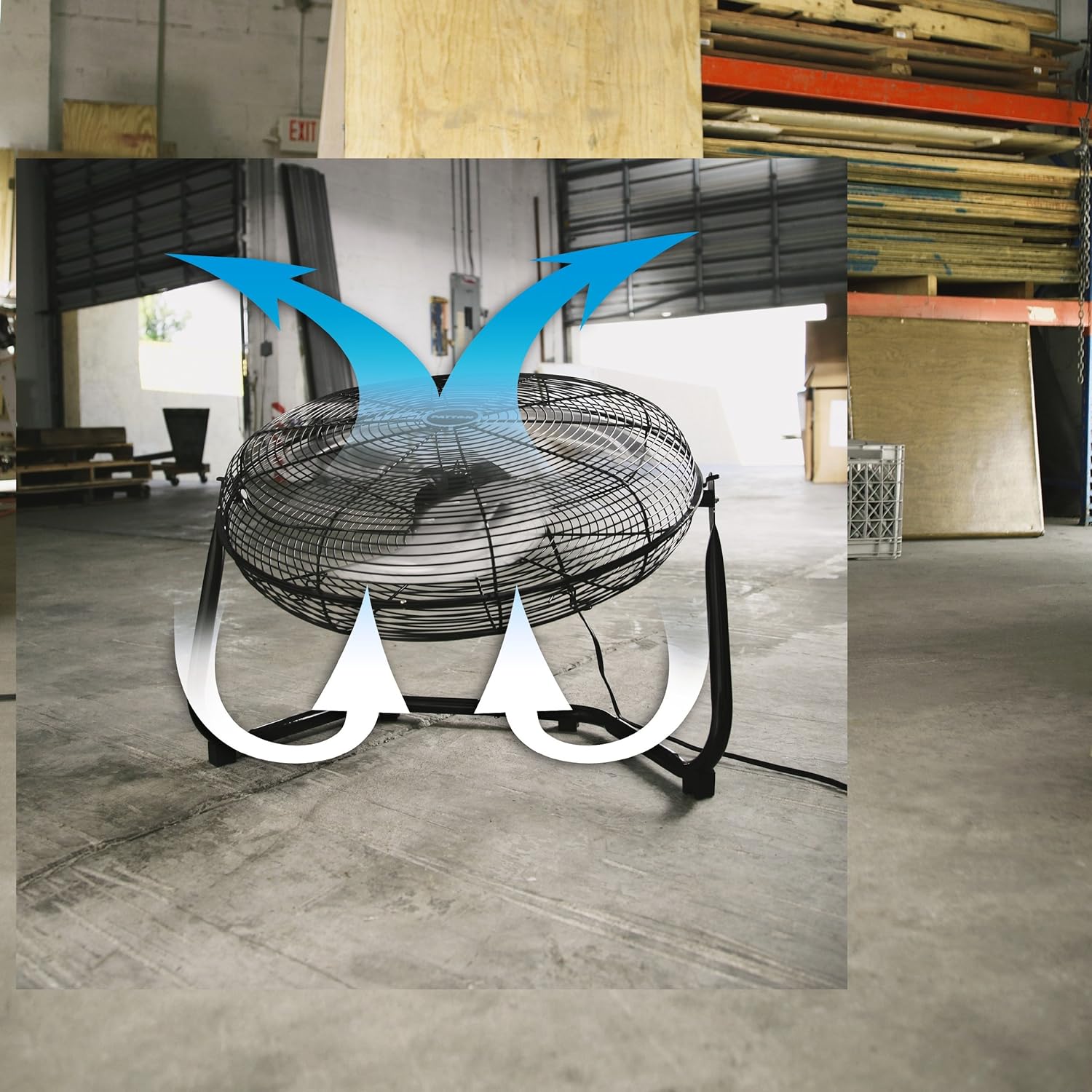
Image: Side view of the fan, showing its sturdy stand and tilt mechanism.

Image: The fan positioned to provide cooling in a room setting.

Image: The fan operating in a workshop environment, demonstrating its utility in demanding spaces.
Official Product Videos
Video: Overview of the Patton High Velocity Fan, highlighting its features and benefits for effective air circulation.
Video: Detailed review of the Patton High Velocity Fan, demonstrating its power and functionality.