
1. Introduction and Overview
The Patton PUF1810C-BM 18-Inch High Velocity Fan is engineered to provide powerful and efficient air movement in various environments. Its robust design and multiple speed settings make it suitable for cooling, ventilation, and drying tasks in spaces such as homes, garages, and workshops. This manual provides essential information for the safe and effective use of your fan.

Figure 1: The Patton 18-Inch High Velocity Fan, designed for powerful air movement in various environments.
2. Important Safety Instructions
Read all instructions before using this fan. Failure to follow these instructions may result in electric shock, fire, or injury.
- Always unplug the fan before cleaning, servicing, or relocating.
- Do not operate the fan with a damaged cord or plug. If the cord is damaged, it must be replaced by the manufacturer or a qualified service agent.
- Keep fingers and other objects away from the fan blades and moving parts during operation.
- Ensure the fan is placed on a stable, level surface to prevent tipping.
- Do not use the fan near water or in wet locations.
- Do not run the power cord under carpeting or cover it with throw rugs, runners, or similar coverings. Arrange the cord away from traffic areas where it will not be tripped over.
- This fan is for indoor use only. Do not use outdoors.
3. Setup
The Patton PUF1810C-BM fan comes fully assembled and ready for use. No assembly is required.
- Unpacking: Carefully remove the fan from its packaging. Retain packaging for future storage or transport.
- Placement: Place the fan on a firm, level surface where it will not tip over. Ensure there is adequate space around the fan for optimal airflow and to prevent obstruction of the intake and exhaust.
- Power Connection: Plug the fan into a standard 120V AC electrical outlet. Ensure the outlet is easily accessible.
4. Operating Instructions
The fan features a rotary control knob for power and speed selection, and a tilt-adjustable head for directing airflow.
- Power On/Speed Selection: Locate the rotary control knob on the fan. Turn the knob clockwise to select your desired speed setting:
- Setting 1: Low speed for gentle air circulation.
- Setting 2: Medium speed for moderate airflow.
- Setting 3: High speed for maximum air velocity.
- Power Off: Turn the rotary control knob counter-clockwise until it clicks into the "OFF" position.
- Adjusting Airflow Direction: The fan head can be tilted to direct air upwards, downwards, or straight ahead. Gently grasp the fan housing and tilt it to the desired angle. The fan will hold its position.

Figure 2: Illustration of the fan's air intake, demonstrating how it draws air from the surrounding area.

Figure 3: Illustration of the fan's powerful air exhaust, indicating the direction of airflow.
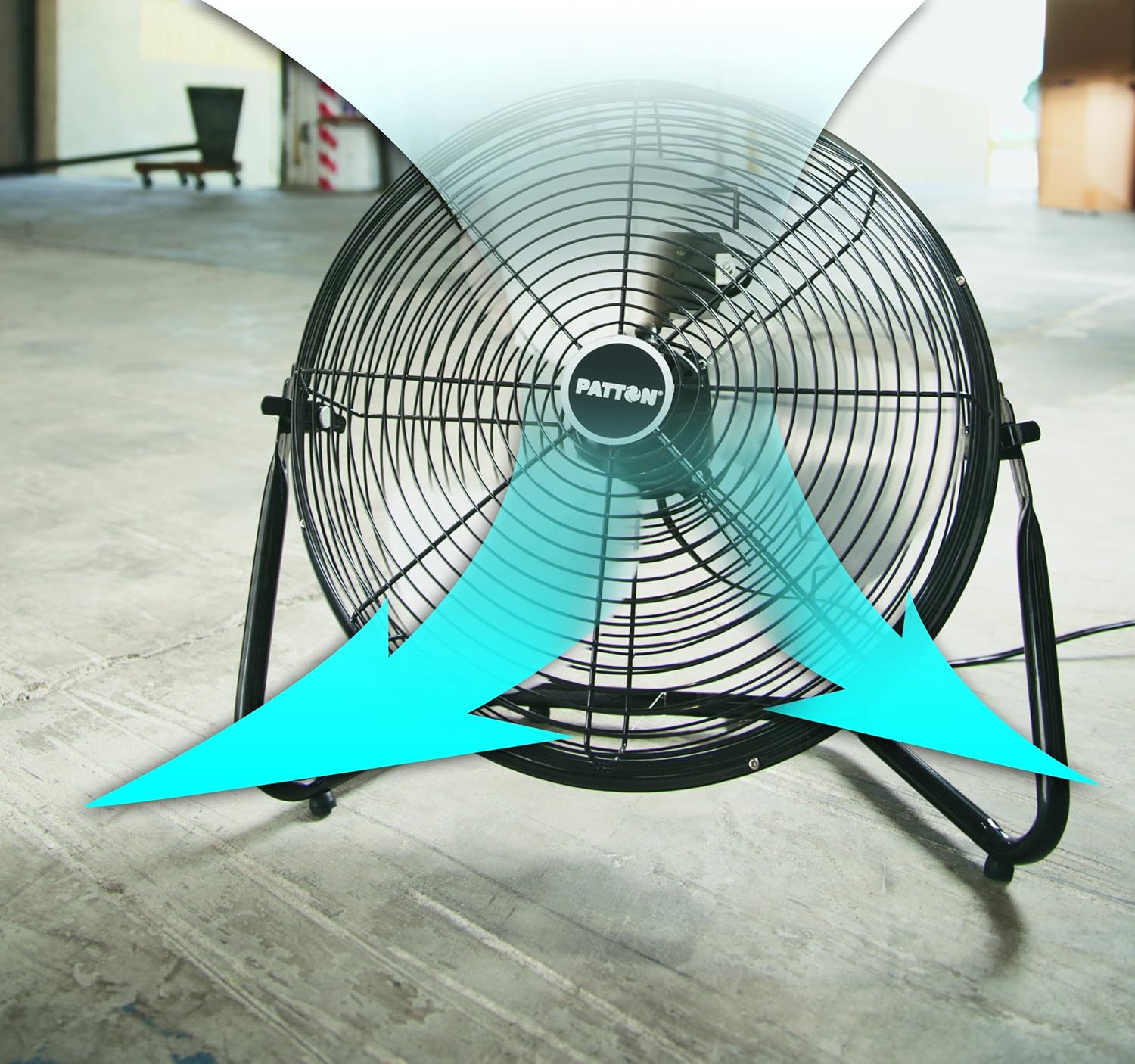
Figure 4: Illustration demonstrating the fan's ability to circulate air effectively throughout a space.
5. Maintenance
Regular cleaning will help maintain the fan's performance and extend its lifespan.
- Cleaning the Fan:
- Always unplug the fan before cleaning.
- Use a soft, damp cloth to wipe the exterior surfaces of the fan. Do not use abrasive cleaners or solvents.
- To clean between the grille openings, use a pipe cleaner, flexible dust wand, or vacuum cleaner with a brush attachment to remove dust and debris.
- Do not immerse the fan in water or allow water to drip into the motor housing.
- Storage: When not in use, store the fan in a cool, dry place. It is recommended to store it in its original packaging to protect it from dust and damage.
6. Troubleshooting
If your fan is not operating correctly, consult the following troubleshooting guide:
| Problem | Possible Cause | Solution |
|---|---|---|
| Fan does not operate. | No power to the unit. | Ensure the fan is plugged into a live electrical outlet. Check the circuit breaker or fuse. |
| Reduced airflow. | Dust or debris on fan blades/grille. | Unplug the fan and clean the blades and grilles as described in the Maintenance section. |
| Fan is noisy. | Loose parts or debris inside. | Unplug the fan and inspect for any loose components or foreign objects. If the noise persists, discontinue use and contact customer support. |
7. Specifications
| Feature | Detail |
|---|---|
| Model Name | PUF1810C-BM |
| Brand | HOLMES |
| Size | 18-Inch |
| Color | Black |
| Power Source | Corded Electric |
| Wattage | 150 watts |
| Voltage | 120 Volts |
| Number of Speeds | 3 |
| Product Dimensions | 7.2"D x 20.86"W x 20.86"H |
| Item Weight | 11.5 Pounds |
| Control Method | Rotary Knob |
| Indoor/Outdoor Usage | Indoor |
| Special Feature | High Velocity, Tilt Adjustable Head |
8. Warranty and Support
This Patton PUF1810C-BM 18-Inch High Velocity Fan comes with a 3-year limited warranty from the manufacturer. Please refer to the warranty card included with your product for full details on coverage and terms.
For technical support, troubleshooting assistance beyond this manual, or warranty claims, please contact HOLMES customer service. Contact information can typically be found on the product packaging or the official HOLMES website.


