
1. Introduction
This manual provides instructions for the proper setup, operation, and maintenance of your My Weigh SCMCTS30000 Counting Scale. This precision instrument is designed for accurate weighing and counting of various items, featuring a maximum capacity of 30,000 grams and a readability of 0.5 grams. Please read this manual thoroughly before using the scale to ensure optimal performance and longevity.
2. Safety Information
Observe the following safety precautions to prevent injury and ensure proper operation of the scale:
- Place the scale on a stable, level, and vibration-free surface.
- Avoid exposing the scale to extreme temperatures, humidity, or direct sunlight.
- Do not overload the scale beyond its maximum capacity of 30,000 grams. Overloading can damage the internal sensors.
- Keep the scale away from strong electromagnetic fields, which can affect accuracy.
- Use only the provided AC adapter or ensure the internal rechargeable battery is properly charged.
- Do not attempt to disassemble or modify the scale. Refer all servicing to qualified personnel.
3. Setup
3.1 Unpacking
Carefully remove the scale from its packaging. Verify that all components are present:
- My Weigh SCMCTS30000 Counting Scale unit
- Stainless steel weighing platform
- AC power adapter
- User Manual (this document)
3.2 Power Connection
The SCMCTS30000 can be powered by the included AC adapter or its internal rechargeable battery.
- AC Power: Connect the AC adapter to the power input port on the scale and then plug it into a suitable wall outlet.
- Battery Power: The scale features a built-in rechargeable battery. For initial use, it is recommended to charge the battery for at least 12 hours. The scale can be operated while charging.
3.3 Leveling the Scale
For accurate measurements, the scale must be perfectly level. Adjust the four adjustable feet located at the bottom of the scale until the bubble in the level indicator (usually located near the display) is centered.
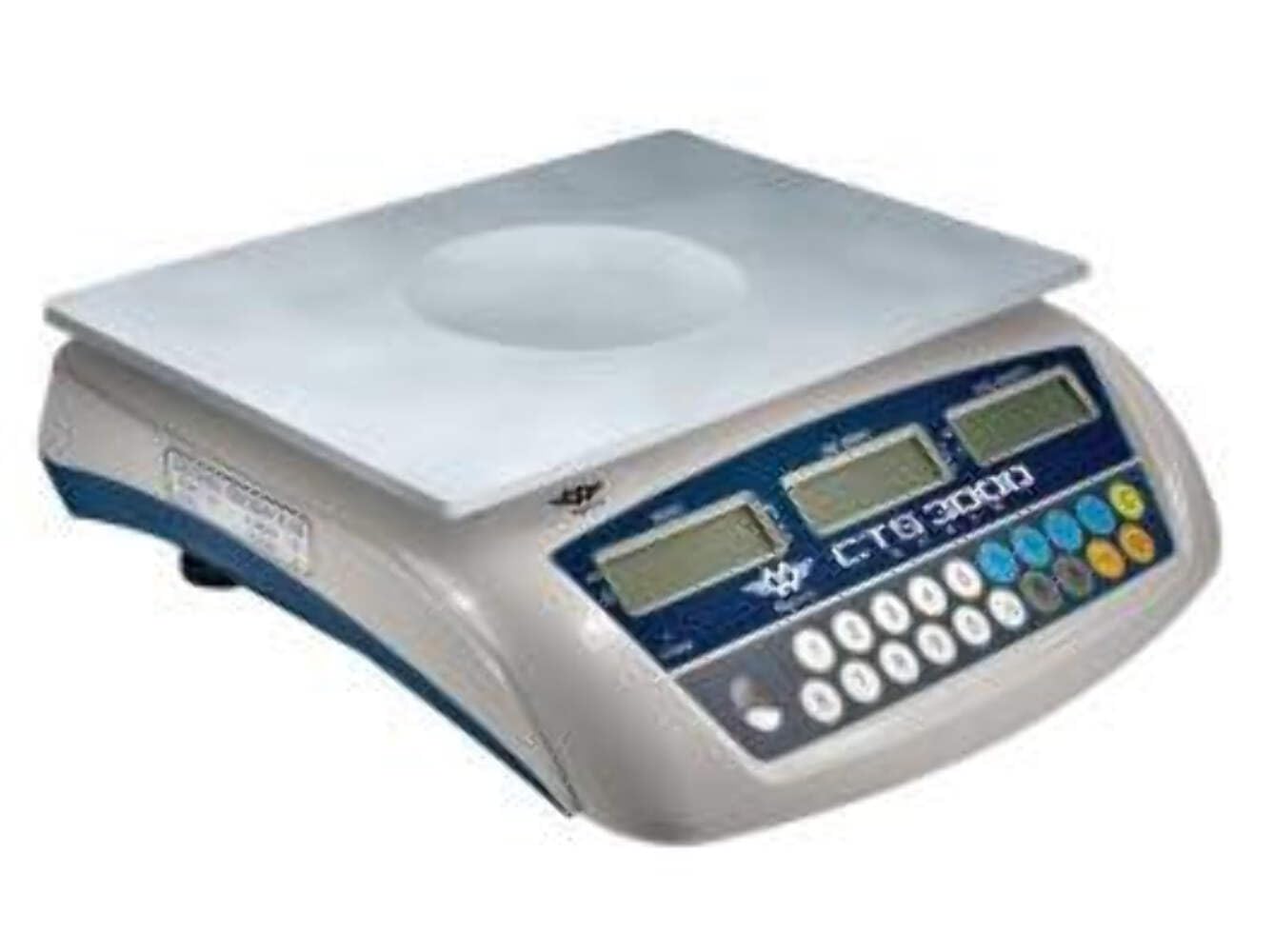
Figure 1: My Weigh SCMCTS30000 Counting Scale. Ensure the leveling feet are adjusted for stability.
3.4 Placing the Platform
Carefully place the stainless steel weighing platform onto the scale base, ensuring it sits securely and does not wobble.
4. Operating Instructions
4.1 Turning On/Off
- To Turn On: Press the [ON/OFF] button. The display will show a self-test sequence and then settle at '0.0g'.
- To Turn Off: Press and hold the [ON/OFF] button until the display turns off.
4.2 Basic Weighing
- Turn on the scale. Ensure the display reads '0.0g'.
- Place the item(s) to be weighed onto the center of the weighing platform.
- Read the weight displayed on the screen.
4.3 Tare Function
The Tare function allows you to subtract the weight of a container, so only the net weight of the contents is measured.
- Place an empty container on the weighing platform. The display will show its weight.
- Press the [TARE] button. The display will reset to '0.0g', indicating the container's weight has been tared.
- Place the items to be weighed into the container. The display will show the net weight of the items.
- To clear the tare, remove all items and the container from the platform, then press [TARE] again.
4.4 Unit Conversion
The SCMCTS30000 supports multiple weighing units.
- Press the [UNIT] button to cycle through available weighing units (e.g., grams, kilograms, pounds, ounces). The active unit will be indicated on the display.
4.5 Counting Function (PCS Mode)
This function allows the scale to count a quantity of identical items based on a sample.
- Place a known sample quantity of items (e.g., 10, 20, 50, 100 pieces) onto the weighing platform.
- Press the [PCS] button. The display will prompt you to select the sample size (e.g., '10 PCS', '20 PCS').
- Use the [UNIT] button to select the sample size that matches the number of items you placed on the platform.
- Press the [PCS] button again to confirm the sample size. The scale will now enter counting mode and display the number of items.
- Add more items to the platform, and the scale will display the total count.
- To exit counting mode, press the [PCS] button again.
Figure 2: Close-up of the SCMCTS30000 display and control buttons for weighing and counting operations.
4.6 Backlight Control
The scale features a green backlit display for improved readability in various lighting conditions.
- The backlight typically activates automatically when the scale is in use. Refer to the scale's specific button layout for a dedicated backlight control if available, or it may be integrated with other functions.
5. Maintenance
5.1 Cleaning
To maintain accuracy and appearance:
- Wipe the scale surface with a soft, damp cloth.
- Do not use abrasive cleaners, solvents, or immerse the scale in water.
- Ensure no liquids enter the scale's interior.
5.2 Battery Care
If using battery power:
- Recharge the battery when the low battery indicator appears on the display.
- For long-term storage, ensure the battery is fully charged and recharge it periodically (e.g., every 3 months) to maintain battery health.
5.3 Storage
When not in use, store the scale in a clean, dry environment, away from extreme temperatures and direct sunlight.
6. Troubleshooting
Refer to the following table for common issues and their solutions:
| Problem | Possible Cause | Solution |
|---|---|---|
| Display shows 'Lo' | Low battery power. | Connect the AC adapter to recharge the battery. |
| Display shows 'OL' or 'EEEE' | Scale is overloaded. | Remove excess weight from the platform. Do not exceed 30,000g. |
| Display shows 'UnSt' | Unstable reading. | Ensure the scale is on a stable, level surface and free from vibrations. Check for drafts. |
| Inaccurate readings | Scale not level, external interference, or calibration required. | Adjust leveling feet. Move scale away from electronic devices. If issues persist, contact support for calibration instructions. |
| Scale does not turn on | No power, dead battery, or faulty adapter. | Check AC adapter connection. Ensure outlet is functional. Charge battery for several hours. |
7. Specifications
Key technical specifications for the My Weigh SCMCTS30000 Counting Scale:
- Brand: My Weigh
- Model: SCMCTS30000
- Maximum Weight Capacity: 30000 Grams
- Readout Accuracy: 0.5 Grams
- Display Type: LCD, LED (Backlit Display)
- Material: Stainless Steel (Platform)
- Power Source: AC Adapter, Rechargeable Battery
- Item Weight: Approximately 7.94 Pounds (3.6 kg)
- Product Dimensions: Approximately 14.6 x 6.5 x 15 inches (37.1 x 16.5 x 38.1 cm)
- Special Features: Dual display, Parts counting function
Figure 3: The My Weigh SCMCTS30000 Counting Scale, illustrating its overall design and stainless steel platform.
8. Warranty Information
My Weigh products are manufactured to high-quality standards. This product is covered by a limited warranty against defects in materials and workmanship. The specific terms and duration of the warranty may vary by region and purchase date. Please retain your proof of purchase for warranty claims. For detailed warranty information, refer to the warranty card included with your product or visit the official My Weigh website.
9. Customer Support
If you encounter any issues not covered in this manual or require further assistance, please contact My Weigh customer support. Have your model number (SCMCTS30000) and purchase information ready when contacting support.
- Website: www.myweigh.com (for product information and support resources)
- Email: Refer to the official website for current support email addresses.
- Phone: Refer to the official website for current support phone numbers.


