
Introduction
This manual provides detailed instructions for the proper use and care of your Calypso K5571/1 digital watch. Please read this manual thoroughly to ensure optimal performance and longevity of your timepiece. Keep this manual for future reference.
Setup
1. Initial Time and Date Setting
Your Calypso K5571/1 watch features a digital display. To set the time and date:
- Press the MODE button (usually on the bottom left) repeatedly until the time setting mode is displayed (often indicated by flashing digits).
- Use the ADJ or SET button (usually top left or right) to select the digit you wish to change (hours, minutes, year, month, day).
- Use the START/STOP or LIGHT button (usually top right or bottom right) to adjust the selected digit up or down.
- Repeat steps 2 and 3 until the correct time and date are set.
- Press the MODE button again to exit the setting mode.
2. Battery Information
The Calypso K5571/1 watch is powered by a battery. When the display becomes dim or functions become erratic, it indicates a low battery. Battery replacement should be performed by a qualified watch technician to ensure water resistance is maintained.
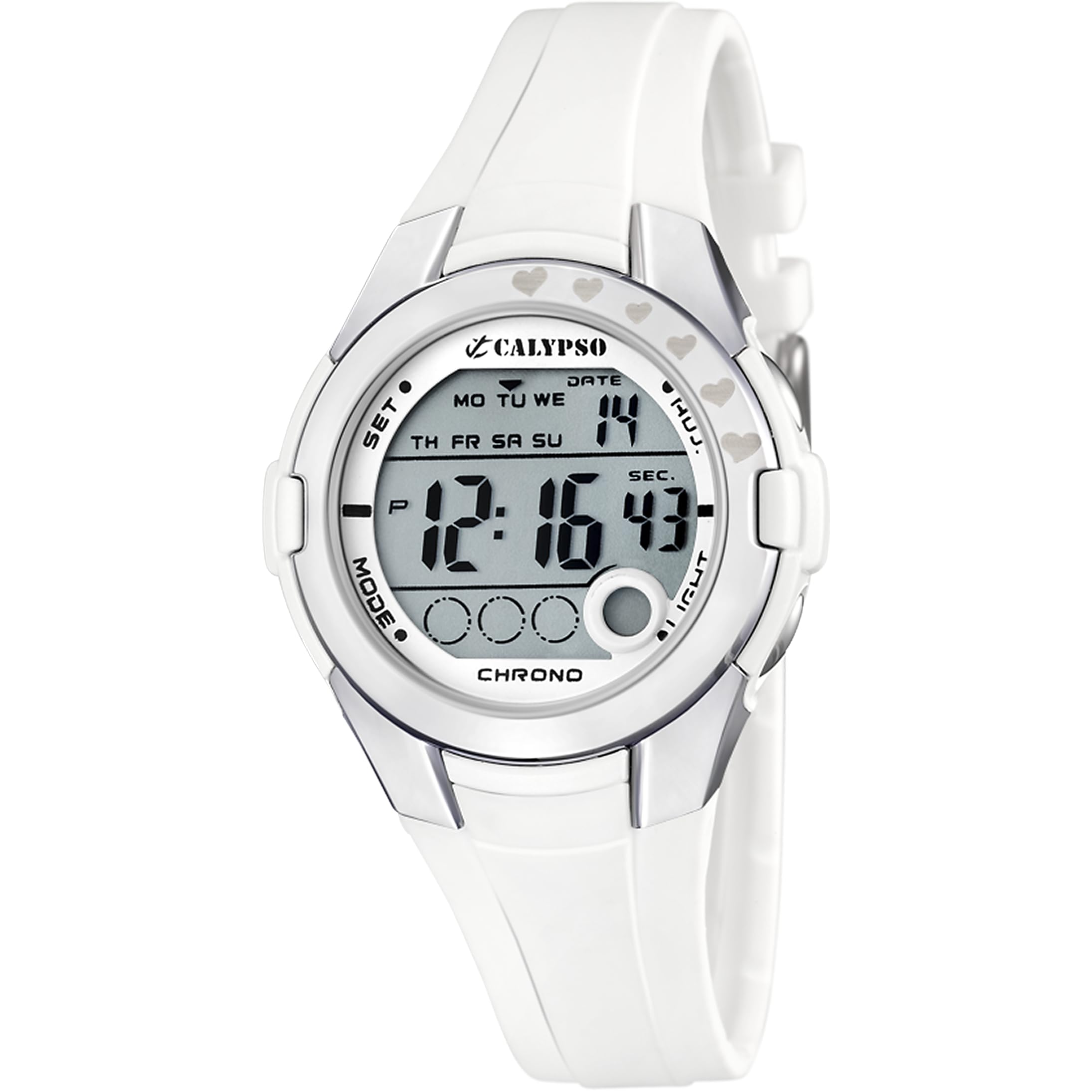
Figure 1: Calypso K5571/1 Digital Watch. This image shows the watch face and strap, illustrating its design.
Operating Your Watch
1. Time Display Modes
Your watch typically displays time in a 12-hour or 24-hour format. Use the MODE button to cycle through different display modes such as time, date, alarm, and stopwatch.
2. Stopwatch Function (Chronomètre)
To use the stopwatch:
- Press the MODE button until the stopwatch display appears (usually showing "00:00:00").
- Press the START/STOP button to begin timing.
- Press START/STOP again to pause or stop the timing.
- Press the RESET button (often the ADJ or LIGHT button in stopwatch mode) to clear the stopwatch to zero.
3. Backlight Function (Eclairage)
To illuminate the display in low-light conditions, press the LIGHT button. The backlight will typically stay on for a few seconds.
4. Water Resistance
The Calypso K5571/1 watch is water-resistant up to 100 meters (10 ATM). This means it is suitable for swimming, showering, and snorkeling. It is not suitable for scuba diving or high-impact water sports. Do not operate buttons while the watch is submerged in water, as this can compromise the water seal.
Maintenance
1. Cleaning Your Watch
The watch features a polyurethane strap and a mineral glass dial window. To clean your watch:
- Wipe the watch case and strap with a soft, damp cloth.
- For stubborn dirt, use a mild soap solution and rinse thoroughly with clean water.
- Avoid using harsh chemicals, solvents, or abrasive cleaners, as these can damage the watch's finish and materials.
- Ensure the watch is completely dry before wearing it again.
2. Battery Replacement
When the battery needs replacement, it is recommended to take your watch to an authorized Calypso service center or a reputable watch repair shop. This ensures that the correct battery type is used and the water resistance seal is properly re-installed.
3. Water Resistance Care
To maintain the water resistance of your watch:
- Avoid exposing the watch to extreme temperature changes (e.g., hot shower followed by cold water).
- Do not press any buttons while the watch is wet or submerged.
- Have the water resistance seals checked periodically, especially if the watch is frequently exposed to water.
Troubleshooting
| Problem | Possible Cause | Solution |
|---|---|---|
| Display is blank or dim. | Low battery. | Replace the battery. |
| Time is incorrect. | Time not set correctly or accidental adjustment. | Refer to the "Initial Time and Date Setting" section to reset the time. |
| Buttons are unresponsive. | Watch may be in a locked mode or battery is very low. | Try pressing the MODE button to cycle through modes. If unresponsive, consider battery replacement. |
| Condensation inside the watch. | Water resistance compromised. | Immediately take the watch to a service center to prevent further damage. |
Specifications
| Feature | Detail |
|---|---|
| Model Number | K5571 |
| Display Type | Digital |
| Movement Type | Quartz |
| Water Resistance Depth | 100 Meters (10 ATM) |
| Band Material Type | Polyurethane |
| Case Material Type | Stainless Steel |
| Dial Window Material Type | Mineral Glass |
| Case Diameter | 38 Millimeters |
| Band Width | 22.1 Millimeters |
| Case Thickness | 13 Millimeters |
| Item Weight | 32 Grams |
| Special Features | Backlight, Stopwatch |
| Power Source | Battery Powered |
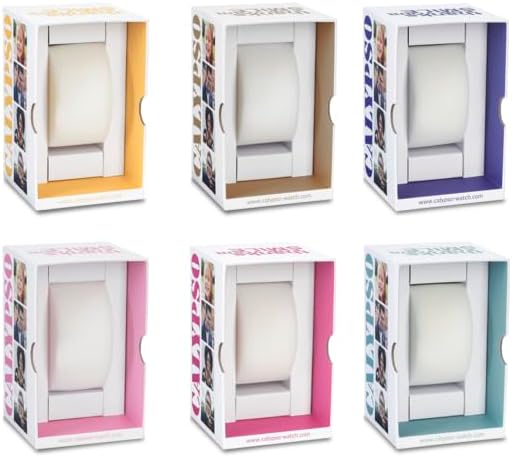
Figure 2: Example Calypso watch packaging. The watch comes in a protective box, which may vary in color.
Warranty Information
Your Calypso K5571/1 watch is covered by a manufacturer's warranty against defects in materials and workmanship. The specific terms and duration of the warranty may vary by region. Please refer to the warranty card included with your purchase or visit the official Calypso website for detailed information.
The warranty typically does not cover:
- Damage resulting from improper use, accidents, or unauthorized repairs.
- Normal wear and tear of the strap, case, or crystal.
- Battery life.
Customer Support
If you encounter any issues or have questions regarding your Calypso K5571/1 watch that are not addressed in this manual, please contact Calypso customer support or visit their official website for assistance. You may find contact information on the product packaging or the warranty card.
For more information, you can visit the Calypso Watches official website.


