
Introduction
Welcome to the instruction manual for Cars 2: The Video Game for Nintendo Wii. This game allows players to step into the world of Cars 2, joining the international training center C.H.R.O.M.E. (Command Headquarters for Recon Operations and Motorized Espionage). Players will choose from over 20 different characters and train to become world-class spies, participating in simulated hazardous missions.
The game expands upon the film's storyline, offering an immersive spy adventure combined with racing action.
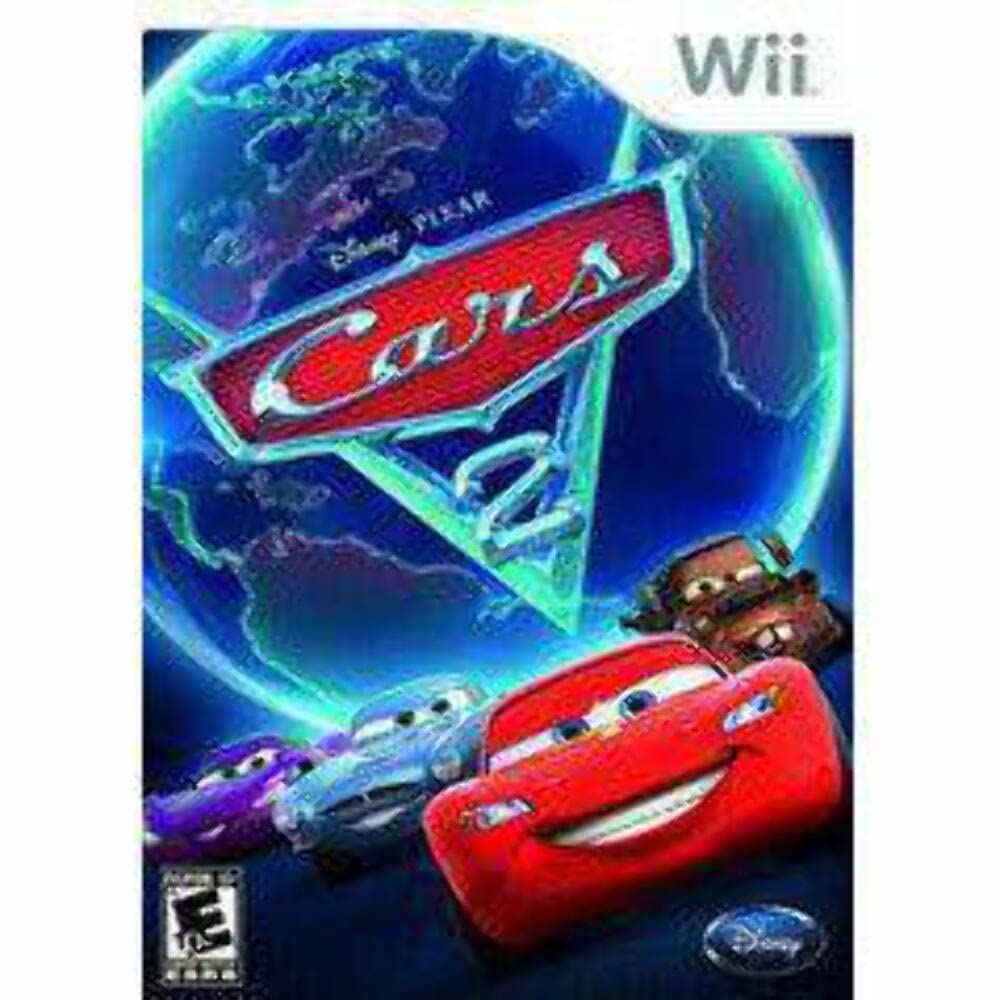
Figure 1: Cars 2: The Video Game for Nintendo Wii box art.
Setup
- Insert Game Disc: Gently insert the Cars 2: The Video Game disc into your Nintendo Wii console's disc slot with the label facing up.
- Power On Console: Turn on your Nintendo Wii console and television.
- Select Game: Navigate to the Disc Channel on the Wii Menu and select the Cars 2: The Video Game icon to start the game.
- Controller Sync: Ensure your Wii Remote(s) are synced with the console. If not, press the SYNC button on the console and then on the remote(s).
- Nunchuk Connection: For certain gameplay modes, connect a Nunchuk controller to the Wii Remote as prompted by the game.
Operating Instructions
Game Modes
- C.H.R.O.M.E. Training: Engage in simulated hazardous missions at the Command Headquarters for Recon Operations and Motorized Espionage. This mode allows players to train and master spy techniques.
- Battle Race: Combine racing with combat using high-tech gadgets to evade and impede adversaries.
- Attack Mode: Focus on offensive strategies, utilizing weapons to take down opponents.
- Survival Mode: Test your endurance and skill against waves of enemies or challenging conditions.
- Multiplayer: All game modes can be played in multiplayer, supporting up to four players for competitive or cooperative gameplay.
Gameplay Features
- Character Selection: Choose from over 20 different characters, including Mater, Lightning McQueen, Finn McMissile, and Holley Shiftwell.
- Spy Gadgets: Utilize a variety of high-tech gadgets and weapons that seamlessly integrate into your vehicle, similar to a "Swiss Army knife" of attachments. These include oil slicks, missiles, machine guns, and EMP bursts.
- Advanced Maneuvers: Perform unique car maneuvers such as backwards driving, air tricks, sidestepping to avoid obstacles, and two-wheel driving.
- World of Cars Online Integration: Connect with World of Cars Online to gain rewards in the video game and unlock new items in the virtual world.
Controls (Standard Wii Remote & Nunchuk)
| Action | Wii Remote Button/Motion | Nunchuk Button/Motion |
|---|---|---|
| Steer | Tilt Wii Remote left/right | Tilt Control Stick left/right |
| Accelerate | Hold 'A' button | Hold 'Z' button |
| Brake/Reverse | Hold 'B' button | Hold 'C' button |
| Use Gadget/Weapon | Press '1' or '2' button | Press 'Z' or 'C' button (if not accelerating/braking) |
| Jump/Perform Air Trick | Shake Wii Remote up | Shake Nunchuk up |
| Drift | Hold 'B' while turning | Hold 'C' while turning |
Note: Specific controls may vary slightly depending on the selected character or in-game context. Refer to the in-game tutorial for precise instructions.
Media Gallery
Official Product Videos
Video 1: Cars 2 - Developer's Diary 1. This video provides insights from the game developers about the creation and features of Cars 2: The Video Game.
Video 2: CARS 2 - Elite 60 Trailer. This trailer showcases gameplay and key features of Cars 2: The Video Game, highlighting the spy-racing action.
Video 3: Cars 2 - Developer's Diary 2. Another developer diary offering further insights into the game's design and development process.
Maintenance
- Disc Care: Keep the game disc clean and free from scratches. Store it in its original case when not in use. Use a soft, lint-free cloth to wipe the disc from the center outwards if cleaning is necessary.
- Console Ventilation: Ensure your Nintendo Wii console has adequate ventilation to prevent overheating during extended gameplay sessions.
- Software Updates: Periodically check for and install any available system updates for your Nintendo Wii console to ensure optimal game performance and compatibility.
Troubleshooting
- Game Not Loading:
- Ensure the disc is clean and free of scratches.
- Verify the disc is inserted correctly into the console.
- Restart the Nintendo Wii console.
- Controller Issues:
- Check if the Wii Remote has fresh batteries.
- Resync the Wii Remote with the console (press SYNC button on console, then on remote).
- Ensure the Nunchuk is securely connected to the Wii Remote.
- Freezing/Lagging:
- Close any other applications running on the Wii.
- Ensure the console is well-ventilated and not overheating.
- Clean the game disc.
- Audio/Video Problems:
- Check all audio/video cables connecting the Wii to your TV.
- Ensure your TV's input is set to the correct source.
If problems persist, consult the Nintendo Wii console's official support resources or contact Disney Interactive customer support.
Specifications
- Genre: Adventure Game
- Number of Players: 1 (up to 4 in multiplayer modes)
- Platform: Nintendo Wii, Nintendo Wii Mini, Nintendo Wii U (compatible)
- Release Date: July 23, 2013
- Language: English
- ESRB Rating: Everyone 10+ (E10+)
- Item Model Number: 02123
- Product Dimensions: 5.3 x 0.5 x 7.4 inches
- Item Weight: 3.68 ounces
- Manufacturer: Disney Interactive
- GTIN/UPC: 885245695460, 712725021238
Warranty and Support
For warranty information and technical support regarding Cars 2: The Video Game, please refer to the official documentation included with your game purchase or visit the official Disney Interactive support website. Support resources typically include FAQs, troubleshooting guides, and contact information for customer service.
Please retain your proof of purchase for any warranty claims.


