
1. Introduction
The Gillette Fusion5 Men's Razor Blade Refills are engineered to deliver optimal performance for a comfortable and close shave. Featuring advanced 5-blade shaving technology, these blades are designed to distribute shaving force across all blades, reducing pressure and irritation. Each cartridge includes a Lubrastrip for enhanced glide and a precision trimmer for hard-to-reach areas.
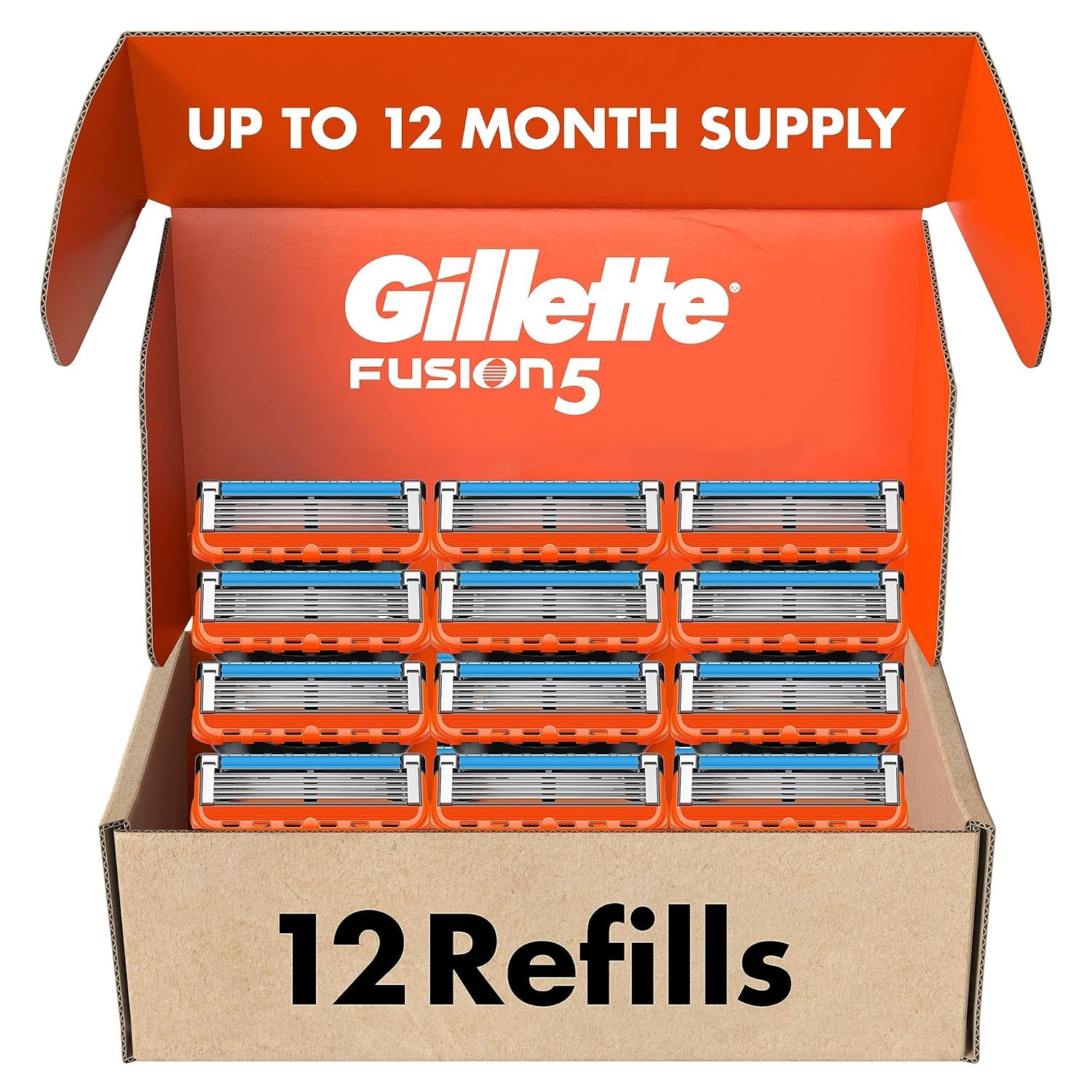
Image 1: Gillette Fusion5 Razor Blade Refills, 12 Count packaging.
2. Setup: Replacing Your Razor Blade
Gillette Fusion5 razor blade refills are designed to fit all Gillette 5-blade razor handles (excluding GilletteLabs handles), ensuring broad compatibility.
2.1. Installation Steps
- Remove Old Cartridge: Locate the release button on your Gillette razor handle (typically on the back or top). Press the button firmly to detach the used blade cartridge.
- Prepare New Cartridge: Carefully remove a new Fusion5 blade cartridge from its packaging. Avoid touching the blades directly.
- Attach New Cartridge: Align the new cartridge with the razor handle. Push the handle firmly into the cartridge until you hear a click, indicating it is securely attached.
- Verify Attachment: Gently tug on the blade cartridge to ensure it is firmly seated and will not detach during use.

Image 2: Gillette Fusion5 blades are compatible with all Fusion5 handles.
3. Operating Instructions
For best results, prepare your skin before shaving. This can include showering or applying a shaving gel or cream to soften hairs and create a smooth surface.
3.1. Shaving Technique
- Apply Shaving Product: Apply a generous amount of shaving gel or foam to the area you intend to shave.
- Gentle Strokes: Use light, even strokes. The Fusion5 blades are designed for efficiency, so excessive pressure is not required. Shave in the direction of hair growth to minimize irritation.
- Flexible Comfort Guard: The flexible comfort guard follows the contours of your face, ensuring a comfortably close shave.
- Precision Trimmer: Utilize the single blade on the back of the cartridge for precise trimming of tricky spots such as sideburns, under the nose, and around facial hair.

Image 3: Achieving a close, long-lasting shave with Gillette Fusion5's 5 blades.

Image 4: The precision trimmer is ideal for hard-to-reach areas like under the nose or sideburns.
3.2. Official Product Videos
Video 1: Official Gillette Shaving Tips for a smooth shave.
Video 2: Official Gillette guide on how to shave for men.
4. Maintenance
Proper maintenance extends the life and performance of your Gillette Fusion5 razor blades.
4.1. Cleaning the Blades
- After each stroke, rinse the blades under running water to clear away hair and shaving cream.
- Do not tap the razor against the sink or wipe it with a towel, as this can damage the delicate blades and lubrication strip.
4.2. When to Replace Blades
The Gillette Fusion5 blades feature an Indicator Lubrastrip that fades to white when you are no longer getting the optimal Gillette Fusion shave. This visual cue signals that it's time to replace your blade cartridge for continued comfort and performance.

Image 5: The larger lubrication strip ensures a smooth glide and indicates when to replace the blade.

Image 6: One Gillette Fusion5 refill can provide up to 20 shaves (based on 3 shaves per week).
5. Troubleshooting
- Irritation or Razor Burn: Ensure you are using a fresh blade. Apply shaving gel generously and shave in the direction of hair growth. Rinse your face with cold water after shaving to close pores.
- Dull Shave: If the Lubrastrip has faded to white, replace the blade cartridge. Dull blades are a primary cause of an uncomfortable shave.
- Difficulty Trimming: For precise trimming, ensure the precision trimmer blade on the back of the cartridge is clean and free of debris. Use short, controlled strokes.
6. Specifications
| Feature | Detail |
|---|---|
| Product Name | Gillette Fusion5 Men's Razor Blade Refills |
| Blade Technology | 5-Blade Shaving Technology |
| Number of Blades | 5 per cartridge |
| Special Features | Lubrastrip (indicator), Precision Trimmer, Flexible Comfort Guard |
| Compatibility | All Gillette 5-blade razor handles (excluding GilletteLabs) |
| Unit Count | 12 Count (Pack of 1) |
| Recommended Skin Type | All |
| Product Dimensions | 6.38 x 3.82 x 1.85 inches |
| Item Weight | 3.2 ounces |
| GTIN (UPC) | 047400510883 |
7. Support Information
For further assistance or inquiries regarding your Gillette Fusion5 razor blade refills, please contact Procter & Gamble customer service:
- Customer Service Hotline: 1-800-445-5388
- Emergency Contact: 1-513-636-5117
- Website: https://www.gillette.com/en/us/home/contactus/emailus.aspx


