
ion B004A20KK4
ion Titanium Gator Digital Flat Iron
Model: B004A20KK4
Important Safety Information
Burn hazard: Surfaces get extremely hot during use. Avoid contact with skin.
Electric shock risk: Keep away from water. Do not use near bathtubs, sinks, or other water sources.
Fire risk: Unplug when not in use. Do not leave unattended when plugged in. Keep out of reach of children.
Bulb Voltage: 110 volts
Legal Disclaimer: Statements regarding dietary supplements have not been evaluated by the FDA and are not intended to diagnose, treat, cure, or prevent any disease or health condition.
Product Overview
The ion Titanium Gator Digital Flat Iron is designed for versatile hair styling, allowing you to straighten, curl, or flip hair with ease. Its advanced features ensure quick heat-up and consistent performance.

Figure 1: Ion Titanium Gator Digital Flat Iron in purple, showcasing its sleek design and digital display.

Figure 2: Product packaging for the Ion Titanium Gator Styling Iron 1", highlighting its titanium plates and styling capabilities.
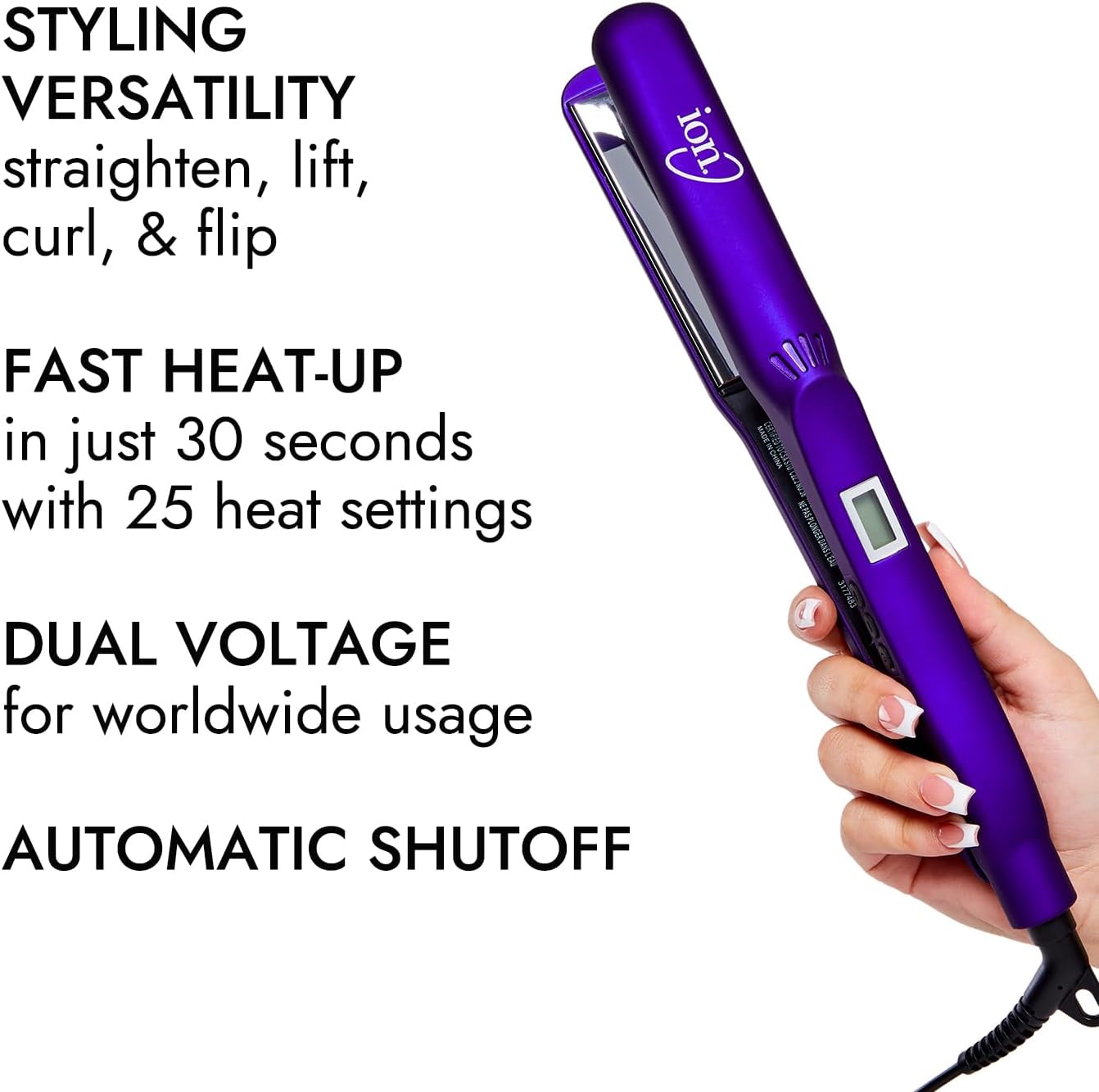
Figure 3: Key features of the flat iron, including styling versatility (straighten, lift, curl, flip), fast heat-up in 30 seconds with 25 heat settings, dual voltage for worldwide usage, and automatic shutoff.
Key Features:
- Digital display with 25 heat settings ranging from 180°F - 450°F.
- Quick heat-up and constant, even heat distribution.
- Titanium plates for smooth styling and reduced frizz.
- Dual voltage for international travel.
Setup
- Unpack: Carefully remove the flat iron from its packaging. Ensure all components are present and undamaged.
- Inspect: Before first use, inspect the appliance for any visible damage to the cord, plug, or plates. Do not use if damaged.
- Power Connection: Plug the flat iron into a standard 110-volt electrical outlet. The dual voltage feature allows for international use with an appropriate adapter (not included).
- Initial Heat-Up: Press the power button to turn on the device. The digital display will illuminate, showing the current temperature.
Operating Instructions
The ion Titanium Gator Digital Flat Iron offers precise temperature control and versatile styling options.
Temperature Adjustment:
- Use the '+' and '-' buttons located on the side of the handle to adjust the temperature.
- The digital display will show the selected temperature, ranging from 180°F to 450°F.
- Allow the iron to reach the desired temperature before use. It heats up quickly.
Straightening Hair:
- Ensure hair is clean, dry, and free of tangles. For best results, apply a heat protectant spray.
- Divide hair into small, manageable sections (approximately 1-2 inches wide).
- Place a section of hair between the plates, close to the roots.
- Gently glide the flat iron down the hair section from roots to ends in a single, smooth motion. Avoid holding the iron in one place for too long to prevent heat damage.
- Repeat for all sections until desired straightness is achieved.
Curling or Flipping Hair:
- For curls, place a section of hair between the plates, then rotate the iron 180 degrees as you glide it down the hair. The rounded edges of the iron help create smooth curls.
- For flips, place the iron at the desired height and gently turn your wrist inward or outward as you glide it through the ends of your hair.
- Experiment with different angles and speeds to achieve various curl or flip styles.
Note: No official product videos from the seller were available for embedding. Please refer to the text instructions for usage guidance.
Maintenance
- Cleaning: Always unplug the flat iron and allow it to cool completely before cleaning. Wipe the plates and exterior with a soft, damp cloth. Do not use abrasive cleaners or immerse the appliance in water.
- Storage: Store the flat iron in a cool, dry place, away from moisture. Ensure the cord is not wrapped tightly around the appliance, as this can cause damage.
- Cord Care: Regularly inspect the power cord for any signs of damage. If the cord is damaged, discontinue use immediately and contact customer support.
Troubleshooting
| Problem | Possible Cause | Solution |
|---|---|---|
| Iron does not heat up. | Not plugged in correctly; Power outlet issue; Appliance malfunction. | Ensure the plug is fully inserted. Test the outlet with another device. If still not working, contact customer support. |
| Hair is not straightening effectively. | Temperature too low; Sections of hair too large; Hair not completely dry. | Increase temperature setting. Work with smaller sections of hair. Ensure hair is completely dry before styling. |
| Hair feels damaged or burnt. | Temperature too high; Holding iron in one place too long; No heat protectant used. | Lower the temperature. Glide the iron more quickly through hair. Always use a heat protectant spray. |
Specifications
- Brand: ion
- Model: B004A20KK4
- Material: Titanium
- Hair Type: All
- Product Benefits: Hair Styling
- Shape: Flat
- Digital Display: Yes
- Heat Settings: 25 (180°F - 450°F)
- Voltage: 110 volts (Dual Voltage)
- Package Dimensions: 13.62 x 5.59 x 2.76 inches
- Weight: 1 Pound
- Manufacturer: Arcadia Beauty Labs LLC
- Country of Origin: China
- First Available Date: October 30, 2010
Warranty and Support
For warranty information, product support, or service inquiries, please refer to the warranty card included with your purchase or contact the manufacturer directly. Keep your proof of purchase for any warranty claims.
Manufacturer: Arcadia Beauty Labs LLC
Related documentsB004A20KK4


Ask a question about this manual
Ask about setup, troubleshooting, compatibility, parts, safety, or missing instructions. Manuals+ will review the question and use this page’s manual context to help answer it.