
Introduction
This manual provides essential information for the assembly, operation, maintenance, and troubleshooting of your HON ValuTask Armless Desk Chair. Please read these instructions carefully to ensure proper use and longevity of your product.
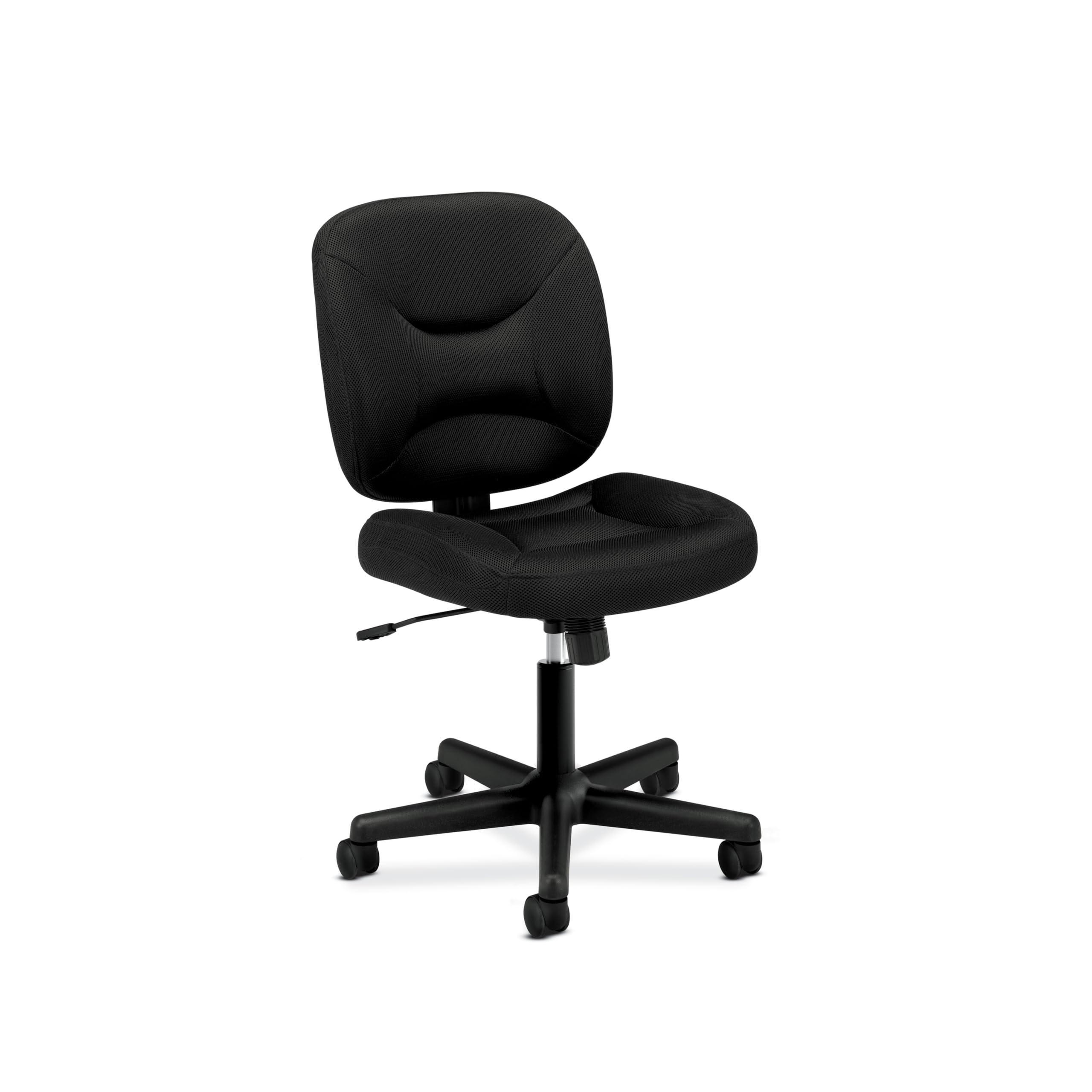
Image: Front view of the HON ValuTask Armless Desk Chair.
Setup and Assembly
Your HON ValuTask Armless Desk Chair requires assembly. Please follow the instructions provided in the package for detailed steps. Ensure all components are present and undamaged before beginning assembly.
Basic Assembly Steps:
- Unpack all components and verify against the parts list in your package.
- Attach the casters to the five-star base.
- Insert the pneumatic cylinder into the center of the base.
- Attach the seat mechanism to the underside of the seat cushion.
- Mount the seat assembly onto the pneumatic cylinder.
- Attach the backrest to the seat assembly.
For visual guidance on the chair's features and potential assembly points, refer to the video below:
Video: Overview of the HON ValuTask Low Back Padded Mesh Armless Office Chair, demonstrating its features and construction. This video is provided by OFM, LLC, a vendor of HON products.
Operating Your Chair
The HON ValuTask chair is designed for comfort and adjustability to suit various users and tasks.
- Pneumatic Seat Height Adjustment: Use the lever located under the seat to raise or lower the chair to your desired height. Ensure your feet are flat on the floor or a footrest for optimal ergonomic posture.
- Tilt-Tension Recline Control: The center-tilt mechanism allows the seat and back to recline together. Adjust the tilt tension knob (usually located under the seat, towards the front) to control the resistance of the recline. Turn clockwise to increase tension, counter-clockwise to decrease.
- Upright Tilt Lock: Lock the chair in an upright position by pushing the tilt lever inwards. Pull the lever outwards to allow for reclining.
- 360-Degree Swivel and Rolling Wheels: The five-star resin base with durable wheels provides full mobility, allowing you to swivel and move around your workspace with ease.
Maintenance
To keep your HON ValuTask chair in optimal condition, follow these simple care instructions:
- Spot Clean: For minor spills or stains on the mesh fabric, use a mild soap and water solution with a soft cloth. Blot the area gently; do not rub vigorously.
- Wipe Clean: Regularly wipe down the chair's frame and base with a damp cloth to remove dust and dirt. Avoid abrasive cleaners.
- Check Connections: Periodically inspect all screws and bolts to ensure they are tight. Tighten if necessary to maintain stability.
Troubleshooting
If you encounter issues with your chair, consider the following basic troubleshooting steps:
- Chair Not Adjusting Height: Confirm the pneumatic cylinder is squarely mounted into the tilt mechanism. If not, remove and re-assemble.
- Mechanism Feels Loose or Unstable: Confirm the mechanism sits on the seat pan in the proper orientation. If not, remove and re-assemble the office chair ergonomic desk chair.
- Squeaking Noises: Check for loose connections and tighten any bolts. Applying a small amount of silicone lubricant to moving parts (e.g., casters, cylinder) can also help.
Specifications
| Feature | Detail |
|---|---|
| Brand | HON |
| Model Name | ValuTask |
| Item Model Number | BSXVL210MM10 |
| Color | Black |
| Product Dimensions | 33.5"D x 24.5"W x 38.25"H |
| Item Weight | 26 pounds |
| Maximum Weight Recommendation | 250 Pounds |
| Back Style | Mesh Back |
| Arm Style | Armless |
| Special Features | Adjustable Height, Adjustable Lumbar, Back Support, Ergonomic, Rolling |
| Furniture Base Movement | Swivel |
| Tilting | Yes (3 Reclining Positions) |
| Fabric Type | Mesh |
Warranty and Support
The HON ValuTask Armless Desk Chair is backed by the HON Limited 5-Year Warranty. This warranty covers defects in materials and workmanship under normal use. For specific details regarding warranty coverage or to obtain support, please refer to the warranty documentation included with your product or visit the official HON website.


