
1. Introduction
The Snark ST-2 All Instrument Clip-On Chromatic Tuner is designed for accurate and fast tuning of a wide range of musical instruments. Utilizing either a high-sensitivity vibration sensor or a built-in microphone, it provides precise pitch detection. Its full-color display offers clear visual feedback, making the tuning process efficient for musicians of all levels. This manual provides instructions for the proper setup, operation, and maintenance of your Snark ST-2 tuner.
2. Features
- Full Color Display: Provides clear and intuitive visual feedback for tuning.
- 360-Degree Rotation: The display can be rotated for optimal viewing from any angle.
- Dual Detection Modes: Features a high-sensitivity vibration sensor for noisy environments and a built-in microphone for acoustic tuning.
- Extended Frequency Range: Suitable for tuning all instruments, including guitars, basses, violins, ukuleles, and wind instruments.
- Tap Tempo Metronome: A visual metronome function to assist with rhythm practice.
- Pitch Calibration: Adjustable reference pitch from 415Hz to 466Hz.
- Transpose Function: Allows for tuning transposing instruments or when using a capo.
- "Stay-Put" Clip: Securely attaches to instrument headstocks or music stands.
3. Package Contents
The Snark ST-2 package includes:
- 1 x Snark ST-2 All Instrument Clip-On Chromatic Tuner
Note: The required CR2032 Lithium Metal battery may be packaged separately within the product box to ensure freshness. Please check all packaging materials carefully.
4. Setup
4.1. Battery Installation
- Locate the battery compartment on the back of the tuner unit.
- Open the compartment cover.
- Insert one CR2032 Lithium Metal battery, ensuring the positive (+) side faces upwards.
- Close the battery compartment cover securely.
4.2. Attaching the Tuner
- Gently open the clip mechanism.
- Attach the tuner securely to the headstock of your instrument or to a music stand. Ensure the rubber pads of the clip make firm contact without damaging the instrument's finish.
- Adjust the tuner's neck and display to an optimal viewing angle. The display rotates 360 degrees for flexibility.
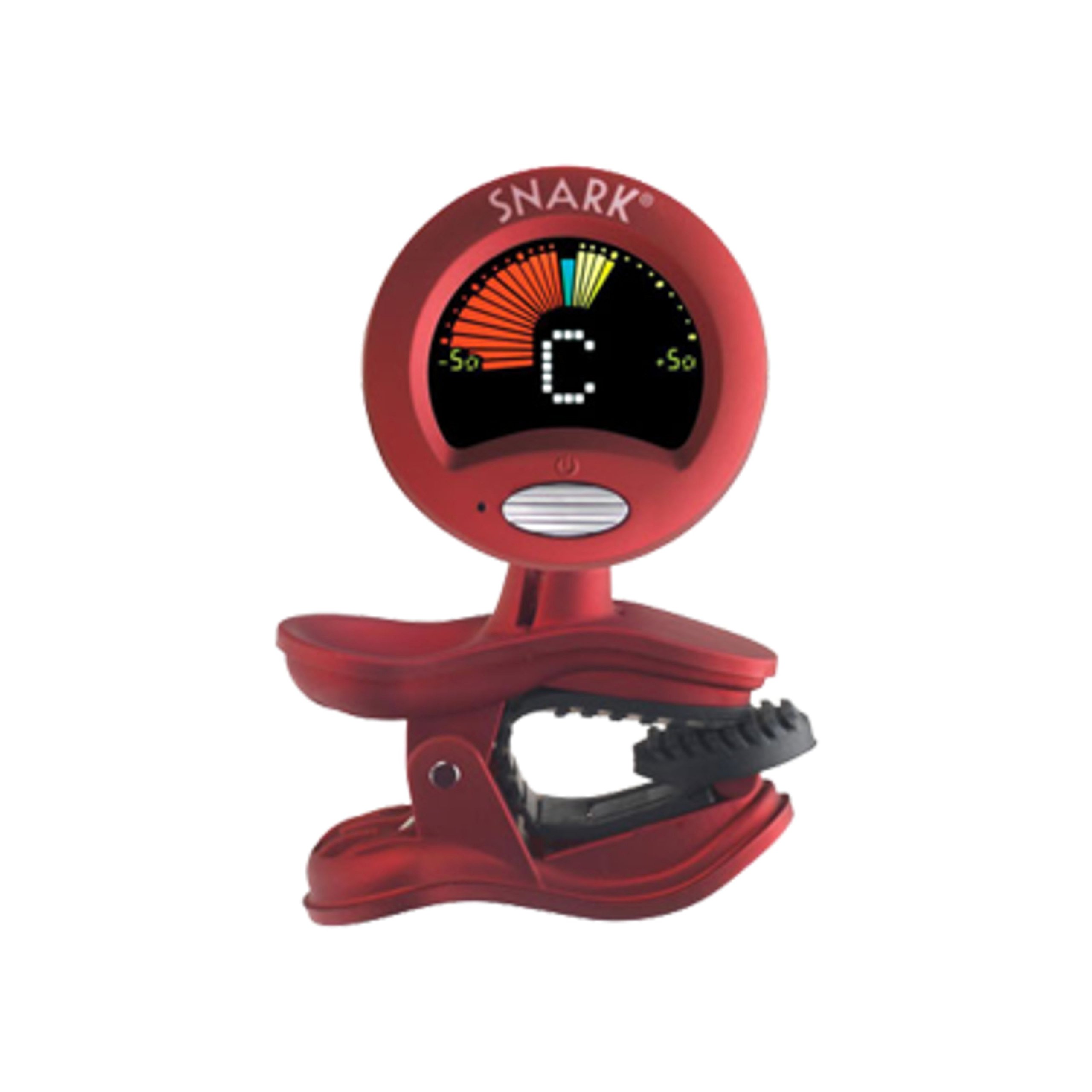
Image: The Snark ST-2 All Instrument Clip-On Chromatic Tuner. The display shows '442 Hz' and 'A#', indicating the current pitch and reference frequency. The tuner is red with a black clip.
5. Operating Instructions
5.1. Power On/Off
Press and hold the power button (usually located near the display) for a few seconds to turn the tuner ON or OFF.
5.2. Tuning Process
- Select Input Mode: The tuner automatically detects input via its vibration sensor when clipped to an instrument. For tuning instruments not directly clipped or in very quiet environments, the built-in microphone can be used. The tuner typically defaults to vibration mode.
- Play a Note: Pluck a single string or play a single note on your instrument.
- Read the Display:
- The display will show the note name (e.g., E, A, D, G, B, E for guitar) and indicate if it is sharp (#) or flat (b).
- A visual indicator (often a needle or bar) will move to show how close the note is to being in tune.
- Adjust your instrument's tuning peg until the note name is correct and the visual indicator is centered, typically turning green or blue to signify accurate pitch.
5.3. Tap Tempo Metronome
To activate the metronome, press the 'TAP' button (if available, or cycle through modes). Tap the button at your desired tempo, and the tuner's display will show a visual pulse (e.g., a flashing heart icon) at that tempo. This is a visual metronome and does not produce an audible click.
5.4. Pitch Calibration (A4)
The standard reference pitch for A4 is 440Hz. To adjust this, press the 'CALIBRATE' or 'A4' button (if available, or cycle through settings). Use the up/down buttons to set the desired reference frequency between 415Hz and 466Hz. This is useful for tuning with other instruments that may use a different standard.
5.5. Transpose Function
The transpose function allows you to tune instruments that are not in standard concert pitch or to compensate for a capo. Consult your instrument's specific requirements or capo position for appropriate transpose settings. Refer to the tuner's on-screen prompts or dedicated transpose button to adjust this setting.
6. Maintenance
- Cleaning: Wipe the tuner with a soft, dry cloth. Do not use liquid cleaners or solvents, as they may damage the display or casing.
- Storage: Store the tuner in a cool, dry place away from direct sunlight and extreme temperatures. Remove the battery if the tuner will not be used for an extended period to prevent leakage.
- Battery Replacement: Replace the CR2032 Lithium Metal battery when the display dims or the tuner fails to power on. Follow the battery installation steps in Section 4.1.
7. Troubleshooting
- Tuner does not power on:
- Ensure the battery is correctly installed with the positive (+) side facing up.
- Replace the battery with a fresh CR2032 Lithium Metal battery.
- Inaccurate tuning readings:
- Ensure the tuner is securely clipped to the instrument's headstock for optimal vibration detection.
- If using the microphone mode, minimize ambient noise.
- Check the battery level; a low battery can affect accuracy.
- Ensure only one string or note is sounding at a time.
- Display is dim:
- The battery may be low. Replace it with a fresh CR2032 Lithium Metal battery.
8. Specifications
| Specification | Detail |
|---|---|
| Model Number | SN-2_124967 |
| Dimensions | 2 x 2 x 2 inches (approximate) |
| Weight | 1.23 ounces (approximate) |
| Battery Type | 1 x CR2032 Lithium Metal (included) |
| Material | Plastic, Metal |
| Color | Red |
| Frequency Range | Extended (suitable for all instruments) |
| Pitch Calibration Range | 415Hz - 466Hz |
9. Warranty and Support
For warranty information and customer support, please refer to the documentation included with your purchase or visit the official SNARK website. Keep your proof of purchase for any warranty claims.


