
Introduction
This manual provides essential information for the safe and efficient operation of your Severin BM3990 Bread Maker. Please read these instructions carefully before first use and keep them for future reference. The Severin BM3990 is designed to simplify the bread-making process, offering fully automatic kneading and baking for a variety of bread types, pizza dough, and cakes.
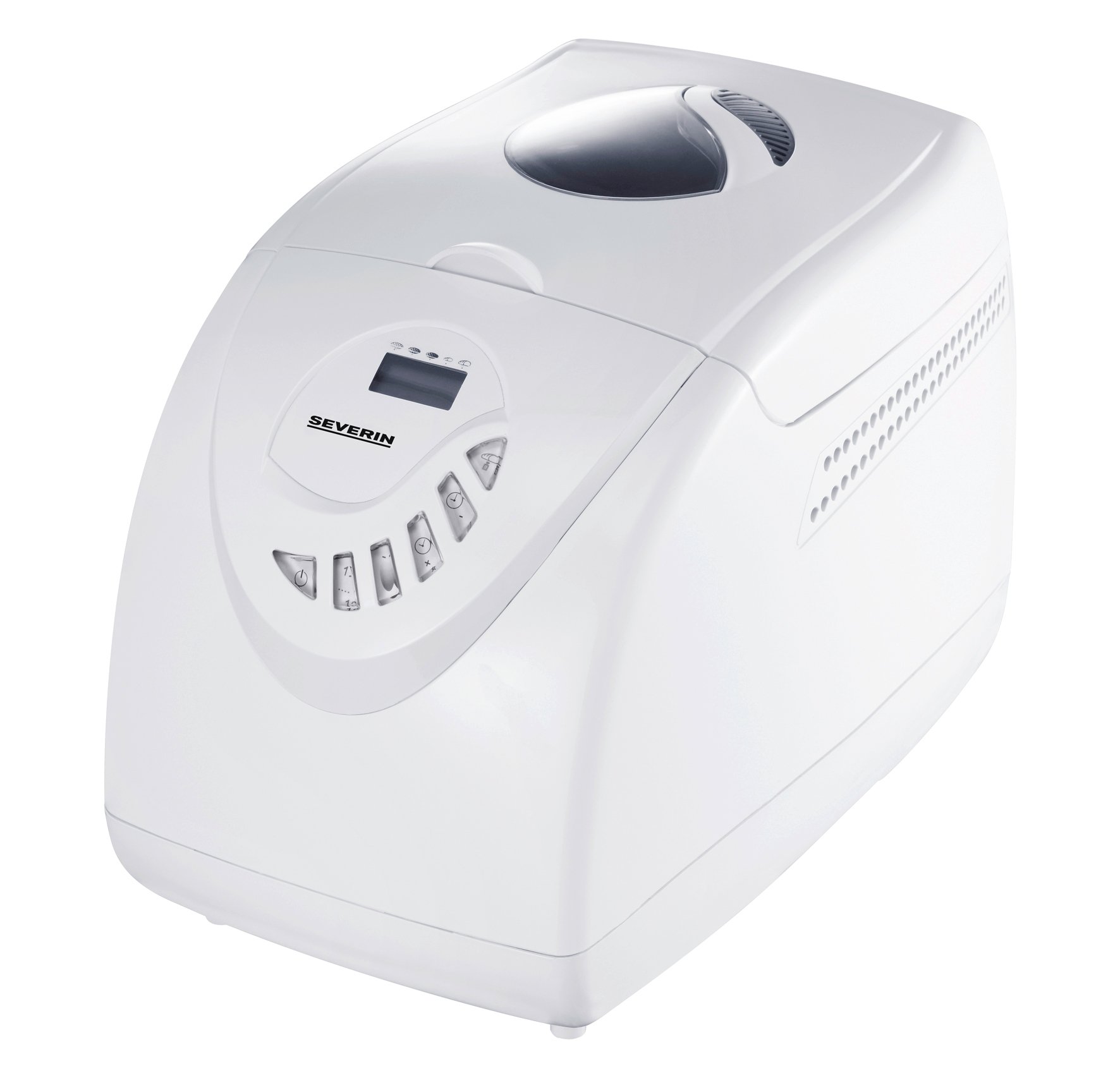
Image: The Severin BM3990 Bread Maker, a compact appliance designed for automatic bread preparation.
Safety Instructions
To prevent injury or damage, always observe the following safety precautions:
- Read all instructions before operating the appliance.
- Do not immerse the appliance, cord, or plug in water or other liquids.
- Keep the appliance out of reach of children.
- Unplug the appliance from the outlet when not in use and before cleaning.
- Do not operate any appliance with a damaged cord or plug.
- Avoid contact with moving parts.
- Do not place the appliance on or near a hot gas or electric burner, or in a heated oven.
- Ensure adequate ventilation around the appliance during operation.
- The appliance housing is designed with cool-touch technology, but caution should still be exercised around the lid and viewing window during and immediately after baking.
Product Overview
The Severin BM3990 Bread Maker features a user-friendly design with multiple functions to assist in baking. Key components and features include:
- Control Panel: An intuitive LED display and baking cycle selector for easy program selection.
- Baking Pan: A detachable non-stick baking pan for easy removal of bread and cleaning.
- Lid with Viewing Window: Allows monitoring of the baking process without opening the lid.
- Kneading Blade: Located inside the baking pan for automatic dough preparation.
- Cool-Touch Housing: Designed to remain cool to the touch during operation.
- Memory Function: Retains program settings for up to 5 minutes in case of a power failure.
- Acoustic Signal: Notifies the user when to add complementary ingredients.

Image: Side view of the Severin BM3990 Bread Maker, highlighting its compact design.
Setup
- Unpacking: Carefully remove the bread maker and all accessories from the packaging. Retain packaging for future transport or storage.
- Initial Cleaning: Before first use, wash the detachable baking pan and kneading blade with warm, soapy water. Rinse thoroughly and dry completely. Wipe the exterior of the appliance with a damp cloth.
- Placement: Place the bread maker on a stable, flat, heat-resistant surface, away from direct sunlight and heat sources. Ensure there is adequate space around the appliance for ventilation.
- Inserting the Baking Pan: Place the kneading blade onto the shaft inside the baking pan. Insert the baking pan into the bread maker, ensuring it is securely locked in place.
Operating Instructions
Follow these steps for baking bread with your Severin BM3990:
- Add Ingredients: Add ingredients to the baking pan in the order specified by your recipe (typically liquids first, then dry ingredients, with yeast last). Ensure the kneading blade is in place.
- Close Lid: Close the lid securely.
- Plug In: Plug the bread maker into a grounded electrical outlet.
- Select Program: Use the control panel to select one of the 12 available programs. The LED display will show the selected program and remaining time.
- Select Crust Setting: Choose from 3 crust settings (light, medium, dark) using the appropriate button.
- Start Baking: Press the Start/Stop button to begin the baking cycle. The bread maker will automatically knead, rise, and bake.
- Adding Ingredients: An acoustic signal will sound during certain programs, indicating the time to add additional ingredients like fruits, nuts, or seeds.
- Keep Warm Function: After baking is complete, the bread maker will automatically switch to a keep-warm function for up to one hour.
- Remove Bread: Once the cycle is complete and the bread has cooled slightly, carefully remove the baking pan using oven mitts. Invert the pan to release the bread.
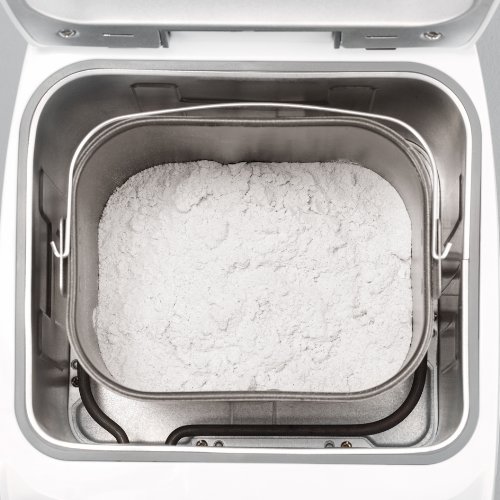
Image: The detachable baking pan with flour, ready for other ingredients.
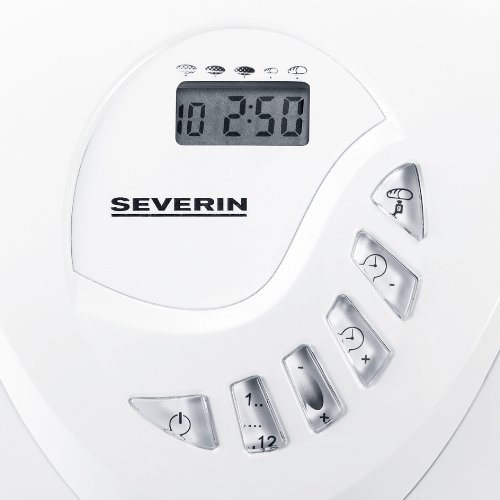
Image: The control panel with LED display and buttons for program selection and timer adjustment.
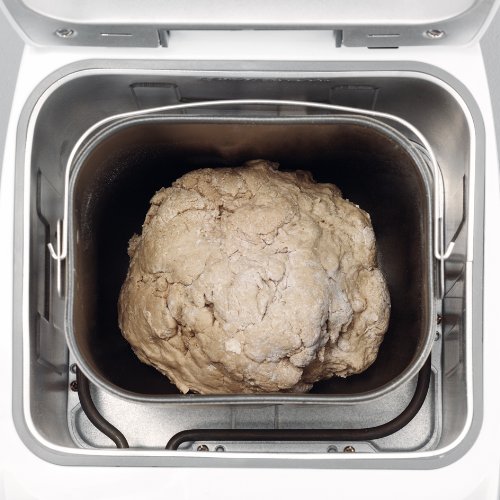
Image: Dough inside the baking pan during the kneading or rising phase.
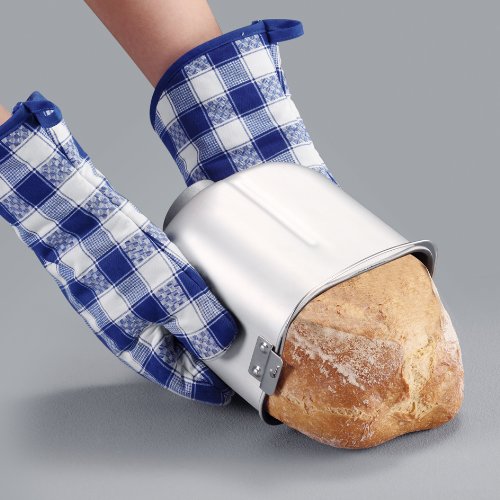
Image: A user carefully removing a freshly baked loaf of bread from the non-stick baking pan using oven mitts.
Maintenance and Cleaning
Regular cleaning ensures the longevity and optimal performance of your bread maker.
- Always unplug the appliance and allow it to cool completely before cleaning.
- The detachable non-stick baking pan and kneading blade should be washed with warm, soapy water. Avoid abrasive cleaners or scouring pads that could damage the non-stick coating.
- Wipe the exterior of the bread maker with a dry cloth. Do not use harsh chemicals or immerse the main unit in water.
- The detachable lid can be wiped clean with a damp cloth.
- Ensure all parts are completely dry before reassembling or storing the appliance.
Troubleshooting
If you encounter issues with your bread maker, refer to the following common solutions:
- Appliance does not turn on: Check if the power cord is securely plugged into a working outlet.
- Bread does not rise: Ensure yeast is fresh and active. Verify ingredient measurements are accurate. Check that the correct program was selected.
- Bread is too dense or crumbly: Adjust liquid-to-flour ratio. Ensure ingredients are at room temperature.
- Kneading blade stuck in bread: Allow bread to cool slightly before removal. If the blade remains, carefully extract it using a non-metallic utensil.
- Uneven baking: Ensure the bread maker is placed on a level surface.
For persistent issues, please contact customer support.
Specifications
| Feature | Specification |
|---|---|
| Model Number | BM3990 |
| Capacity | 3.5 litres (approx. 750g to 1000g bread) |
| Power Output | 600 Watts |
| Operating Voltage | 220-230 Volts |
| Dimensions (LxWxH) | 27.5 x 41 x 31 Centimeters |
| Item Weight | 6.42 Kilograms |
| Number of Programs | 12 |
| Crust Settings | 3 (Light, Medium, Dark) |
| Color | White |
Warranty and Support
Your Severin BM3990 Bread Maker comes with a 1-year warranty from the date of purchase, covering manufacturing defects under normal use. Please retain your proof of purchase for warranty claims.
For technical assistance, troubleshooting beyond this manual, or warranty service, please contact Severin customer support. Contact details can typically be found on the manufacturer's official website or in the product packaging.