Introduction
The Logitech B100 Wired Mouse is a reliable and essential peripheral designed for comfortable and efficient computer use. This optical mouse features an ambidextrous design, making it suitable for both right and left-handed users. With its 800 DPI sensitivity, it provides precise cursor control for various tasks, from document editing to web navigation. Its plug-and-play functionality ensures immediate usability without complex setup.
This manual provides detailed instructions for setting up, operating, maintaining, and troubleshooting your Logitech B100 mouse.
Package Contents
Before you begin, please ensure all items are present in the package:
- Logitech B100 Wired Mouse
- Quick Start User Guide (this document)
Setup
The Logitech B100 mouse is designed for simple plug-and-play installation. No additional software or drivers are typically required for basic functionality.
Connecting the Mouse
- Locate an available USB port on your computer or laptop.
- Insert the USB connector of the Logitech B100 mouse firmly into the USB port.
- Your operating system should automatically detect and install the necessary drivers. This process usually takes a few seconds.
- Once installed, the mouse cursor should appear on your screen and respond to movement.

Image: The Logitech B100 mouse showing its USB connector, ready for plug-and-play setup.
Operating the Mouse
The B100 mouse offers standard three-button functionality with a scroll wheel for intuitive navigation.
Basic Functions
- Left Click: Used for selecting items, opening files, and activating links.
- Right Click: Opens context menus, providing additional options for selected items.
- Scroll Wheel: Used to scroll up and down through documents and web pages.
- Middle Click (Scroll Wheel Button): Can be pressed to open links in new tabs or activate auto-scrolling in some applications.
Ambidextrous Design
The symmetrical design of the Logitech B100 allows for comfortable use by both right-handed and left-handed individuals. Simply position the mouse as preferred for your dominant hand.

Image: A hand demonstrating comfortable use of the Logitech B100 mouse, highlighting its ergonomic design.
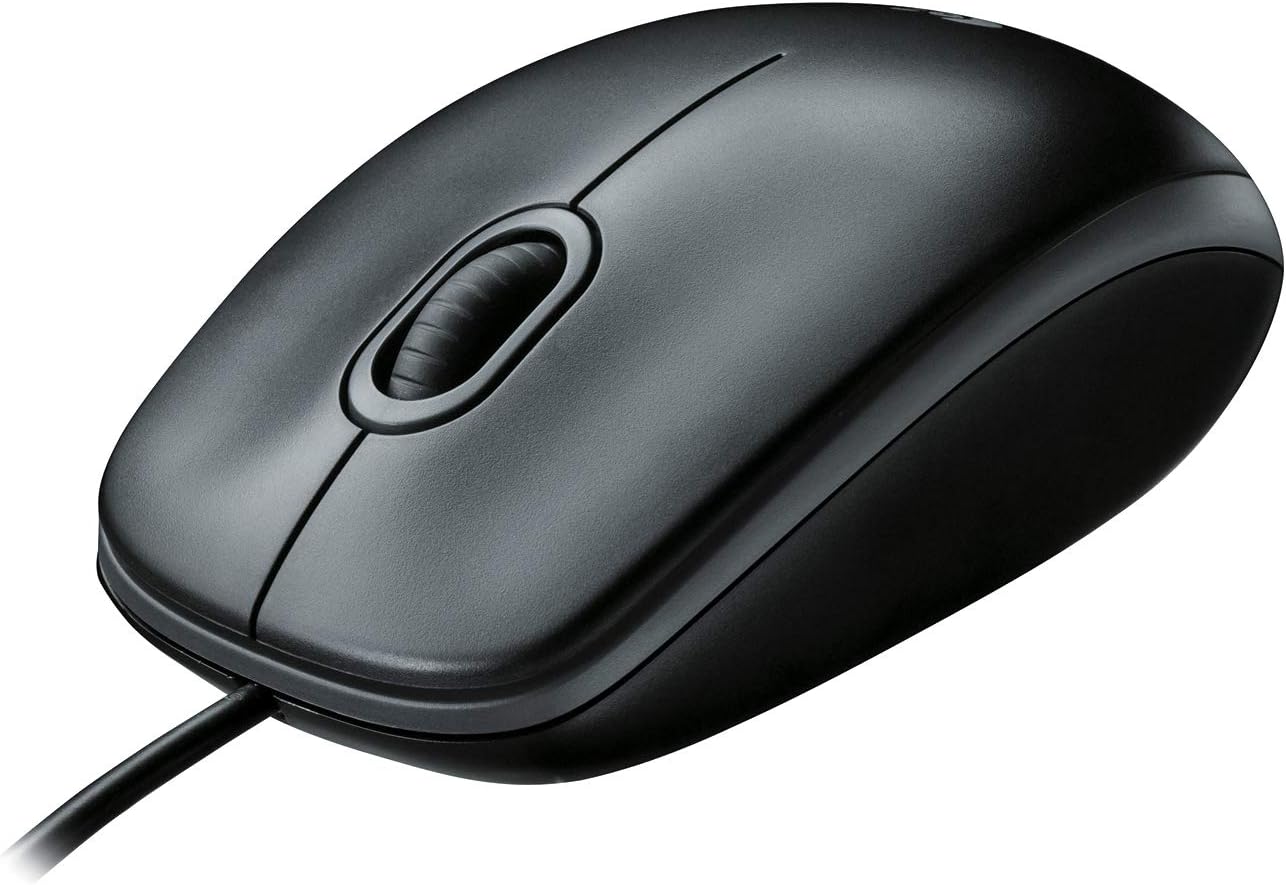
Image: A clear top-down view of the Logitech B100 wired mouse, showcasing its classic design.
Maintenance
To ensure optimal performance and longevity of your Logitech B100 mouse, follow these simple maintenance guidelines:
- Cleaning: Use a soft, lint-free cloth slightly dampened with water or a mild cleaning solution to wipe the surface of the mouse. Avoid harsh chemicals or abrasive materials.
- Optical Sensor: Periodically check the optical sensor on the bottom of the mouse for dust or debris. Gently clean it with a cotton swab if necessary.
- Cable Care: Avoid sharp bends or excessive pulling on the USB cable to prevent damage.
- Storage: When not in use, store the mouse in a clean, dry environment away from extreme temperatures.

Image: The underside of the Logitech B100 mouse, showing the optical sensor and product labeling.
Troubleshooting
If you encounter issues with your Logitech B100 mouse, try the following troubleshooting steps:
- Mouse Not Responding:
- Ensure the USB cable is securely plugged into a working USB port. Try a different USB port.
- Restart your computer.
- Check if the optical sensor on the bottom of the mouse is clean and unobstructed.
- Erratic Cursor Movement:
- Clean the optical sensor.
- Ensure you are using the mouse on a clean, non-reflective, and uniform surface. Mouse pads are recommended.
- Buttons or Scroll Wheel Not Working:
- Restart your computer.
- Try connecting the mouse to a different computer to determine if the issue is with the mouse or the computer's software/drivers.
For more detailed troubleshooting, you may refer to the official Troubleshooting Guide (PDF) provided by Logitech.
Specifications
| Feature | Detail |
|---|---|
| Model Number | 910-001439 |
| Connectivity | USB (Wired) |
| Movement Detection Technology | Optical |
| DPI Sensitivity | 800 DPI |
| Color | Black |
| Dimensions (LxWxH) | 1.49 x 2.44 x 4.44 inches (37.8 x 62 x 112.8 mm) |
| Weight | 3.84 ounces (108.86 grams) |
| Cable Length | Not specified |
| Operating System Compatibility | Windows 10, 11 or later, Linux, Chrome OS, macOS 10.5 or later |
| Special Features | Ambidextrous design, Plug-and-Play |

Image: A diagram illustrating the physical dimensions (length, width, height) of the Logitech B100 mouse.
Warranty and Support
The Logitech B100 Wired Mouse is engineered by Logitech, a leader in computer peripherals. This product is serviced and supported exclusively by Logitech in accordance with their terms and conditions.
For warranty information, technical support, or customer service, please contact Logitech directly through their official support channels. You can typically find support contact details on the Logitech website or within the product packaging.
For general information about Logitech products, you can visit the Logitech Store on Amazon.


