
1. Introduction
The Xpelair GX6 is a standard 150mm (6 inch) axial extractor fan designed for efficient ventilation in large bathrooms, domestic kitchens, utility rooms, and small commercial offices. This fan is suitable for direct ventilation to the outside and can be mounted on walls, windows, or panels using the provided universal mounting kit. It features silent shutter operation, an aesthetically pleasing and easy-to-clean cover, and an integrated finger guard. The design prioritizes ease of maintenance. All Xpelair GX6 fans comply with Building Regulations Mechanical Ventilation for Kitchens.
2. Safety Information
- Always disconnect the power supply before installation, maintenance, or cleaning.
- Installation must be carried out by a qualified electrician in accordance with national wiring regulations and local building codes.
- Ensure the fan is correctly earthed as it is rated as a Class 1 appliance.
- Do not operate the fan if any part is damaged or if the casing is open.
- Keep children and unauthorized persons away from the fan during operation and maintenance.
- Ensure that the air supply to the fan is not obstructed.
3. Setup and Installation
The Xpelair GX6 fan is designed for versatile mounting on walls, windows, or panels. A universal mounting kit is included. Ensure the chosen location allows for direct ventilation to the outside and provides adequate space for installation and maintenance.
3.1. Wall Mounting
For wall mounting, a hole diameter of 203mm is typically required. Refer to the diagram below for visual guidance on component placement and assembly.
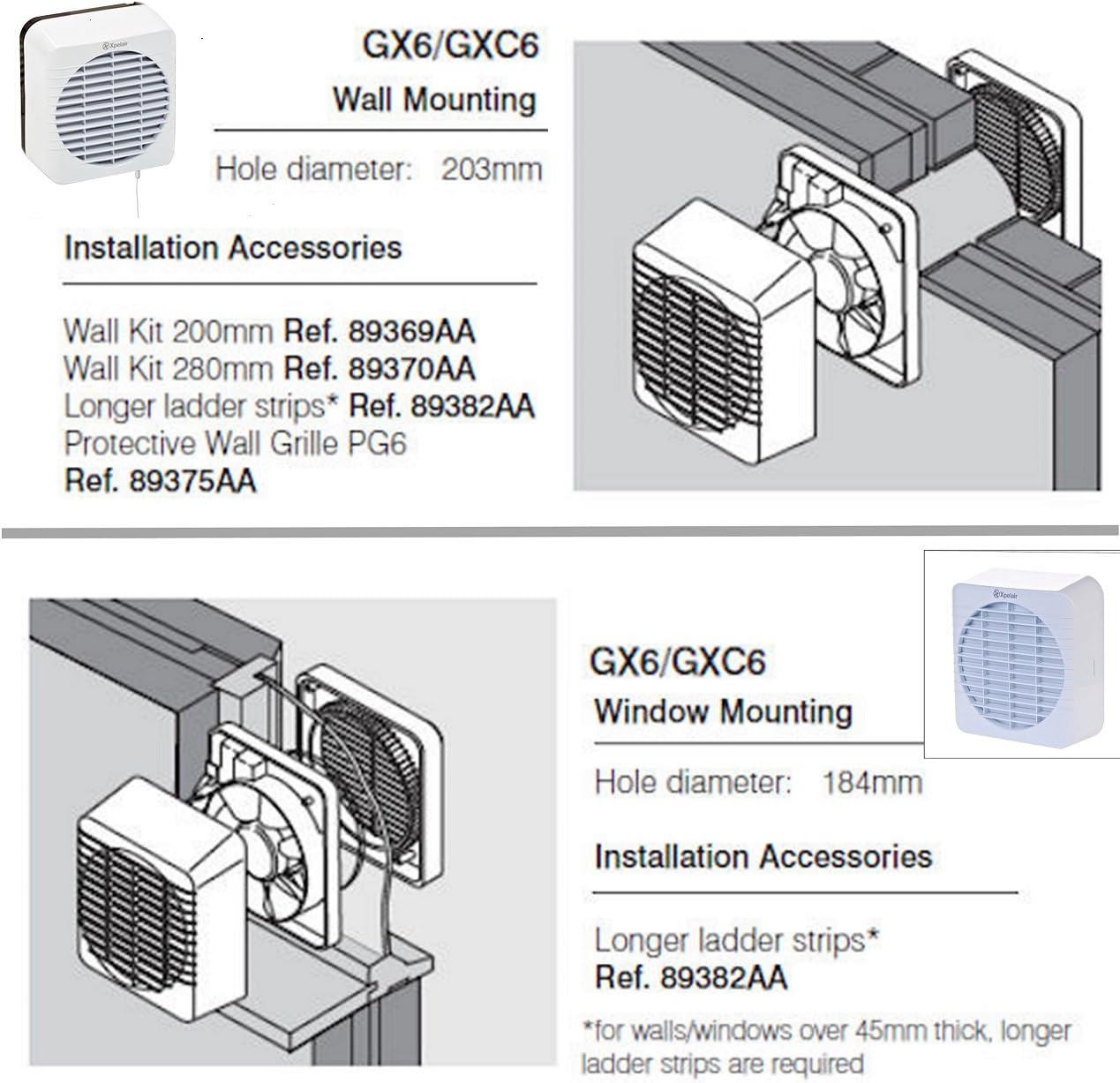
Figure 1: Diagram illustrating the components and setup for wall mounting the Xpelair GX6 fan. Note the required hole diameter of 203mm.
3.2. Window Mounting
For window mounting, a hole diameter of 184mm is typically required. The diagram below provides a visual reference for window installation.
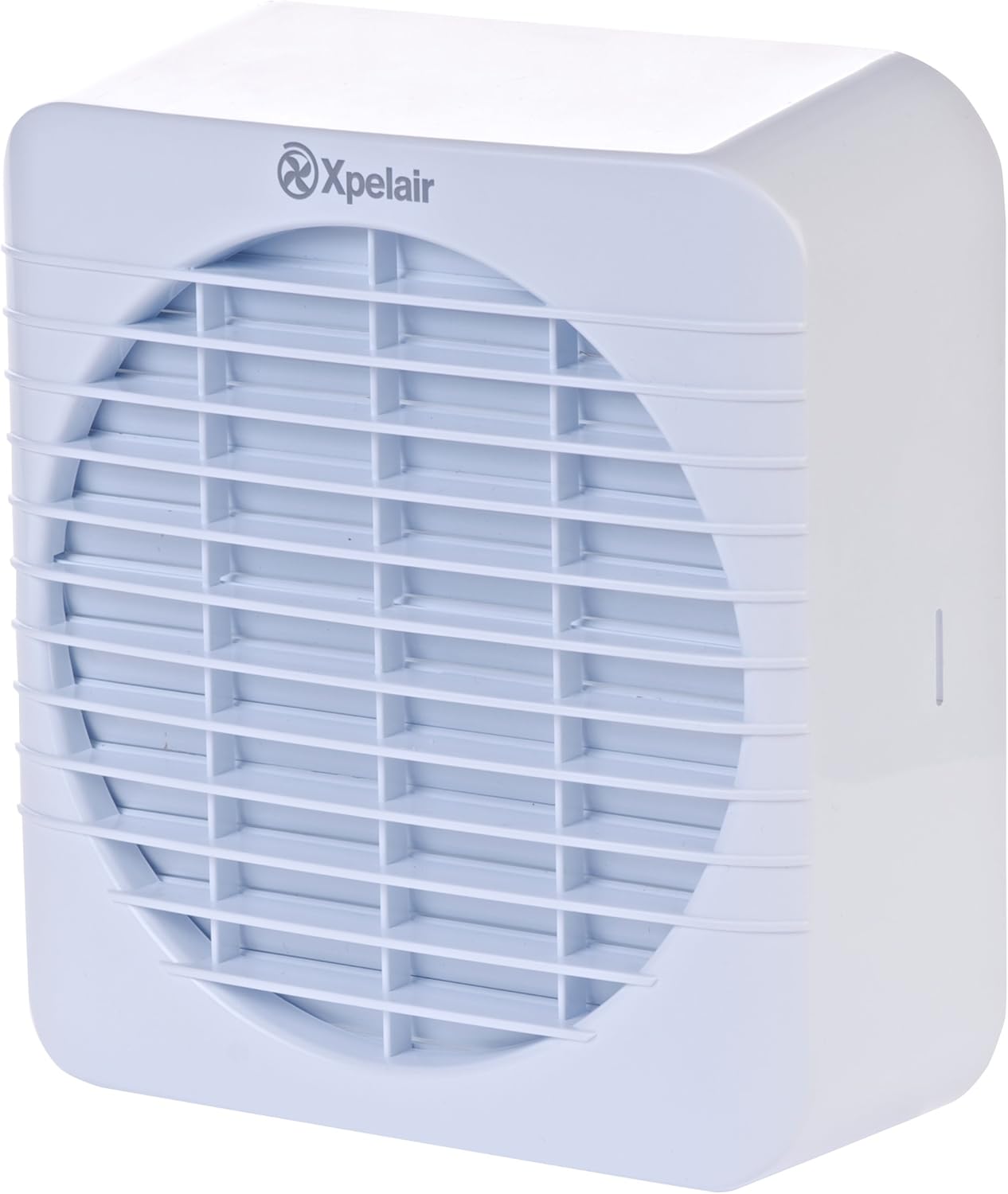
Figure 2: Diagram illustrating the components and setup for window mounting the Xpelair GX6 fan. Note the required hole diameter of 184mm.
3.3. Detailed Dimensions
Consult the detailed dimensions diagram for precise measurements required for cutting and fitting. This ensures proper integration into your chosen mounting surface.

Figure 3: Technical drawing showing detailed dimensions (A-K) for the Xpelair GX6 fan, including hole diameters for installation.
3.4. Electrical Connection
All electrical wiring must be performed by a qualified electrician. Ensure the power supply is isolated before commencing any wiring. The fan is designed to be operated via the lighting circuit, which also controls the integral run-on timer.
4. Operating Instructions
The Xpelair GX6 is a single-speed extract fan designed for straightforward operation.
- Activation: The fan is typically activated by switching on the room's lighting circuit.
- Run-on Timer: An integral run-on timer allows the fan to continue operating for a set period after the light is switched off. This timer is adjustable from 2 to 20 minutes.
- Electro-Thermal Shutter: The fan incorporates an integral electro-thermal shutter that opens when the fan is active and closes when it is off, preventing drafts and heat loss.
- Remote Control: Some models may include a remote control for additional operational flexibility. Refer to specific product packaging or supplementary documentation for remote control functionality.
5. Maintenance
Regular maintenance ensures optimal performance and longevity of your Xpelair GX6 fan. The fan features an easy-to-clean cover and a design focused on simple maintenance.
5.1. Cleaning the Fan
- Disconnect Power: Always ensure the power supply to the fan is completely disconnected at the mains before attempting any cleaning.
- Remove Cover: Carefully unclip or unscrew the front cover of the fan.
- Clean Surfaces: Wipe the exterior and interior surfaces of the cover and the fan body with a soft, damp cloth. A mild detergent can be used if necessary. Avoid abrasive cleaners.
- Clean Blades: Gently clean the fan blades to remove any dust or debris. Be careful not to bend or damage the blades.
- Reassemble: Once all parts are dry, carefully reattach the cover, ensuring it is securely fastened.

Figure 4: Exploded view of the Xpelair GX6 fan, showing its main components for assembly and maintenance reference.
6. Troubleshooting
If you encounter issues with your Xpelair GX6 fan, refer to the following troubleshooting guide:
- Fan Not Operating:
- Check if the power supply is connected and switched on.
- Verify that the lighting circuit (if used for activation) is functioning correctly.
- Ensure all wiring connections are secure (consult a qualified electrician if unsure).
- Excessive Noise:
- Disconnect power and check for any obstructions (e.g., debris) in the fan blades or grille.
- Ensure the fan is securely mounted and all screws are tightened. Loose components can cause vibration.
- Poor Extraction Performance:
- Check if the fan grille or ducting is blocked by dust or debris.
- Ensure the electro-thermal shutter is opening fully when the fan is active.
- Verify that the installation hole diameter is correct for optimal airflow.
If problems persist after following these steps, contact a qualified electrician or Xpelair customer support.
7. Specifications
Key technical specifications for the Xpelair GX6 extractor fan:
| Feature | Value |
|---|---|
| Model | GX6 (90800AW) |
| Fan Type | Axial Extract Fan |
| Extract Performance (m³/h) | 266 |
| Extract Performance (l/s) | 74 |
| Sound Pressure Level (dB(A) @3m) | 37 |
| Electrical Power Rating | 30W |
| Hole Diameter (Window Mounting) | 184mm |
| Hole Diameter (Wall Mounting) | 203mm |
| Weight | 1.9 Kg |
| Number of Speeds | 1 |
| Controller Type | Lighting Circuit / Remote (optional) |
| Material | Plastic |
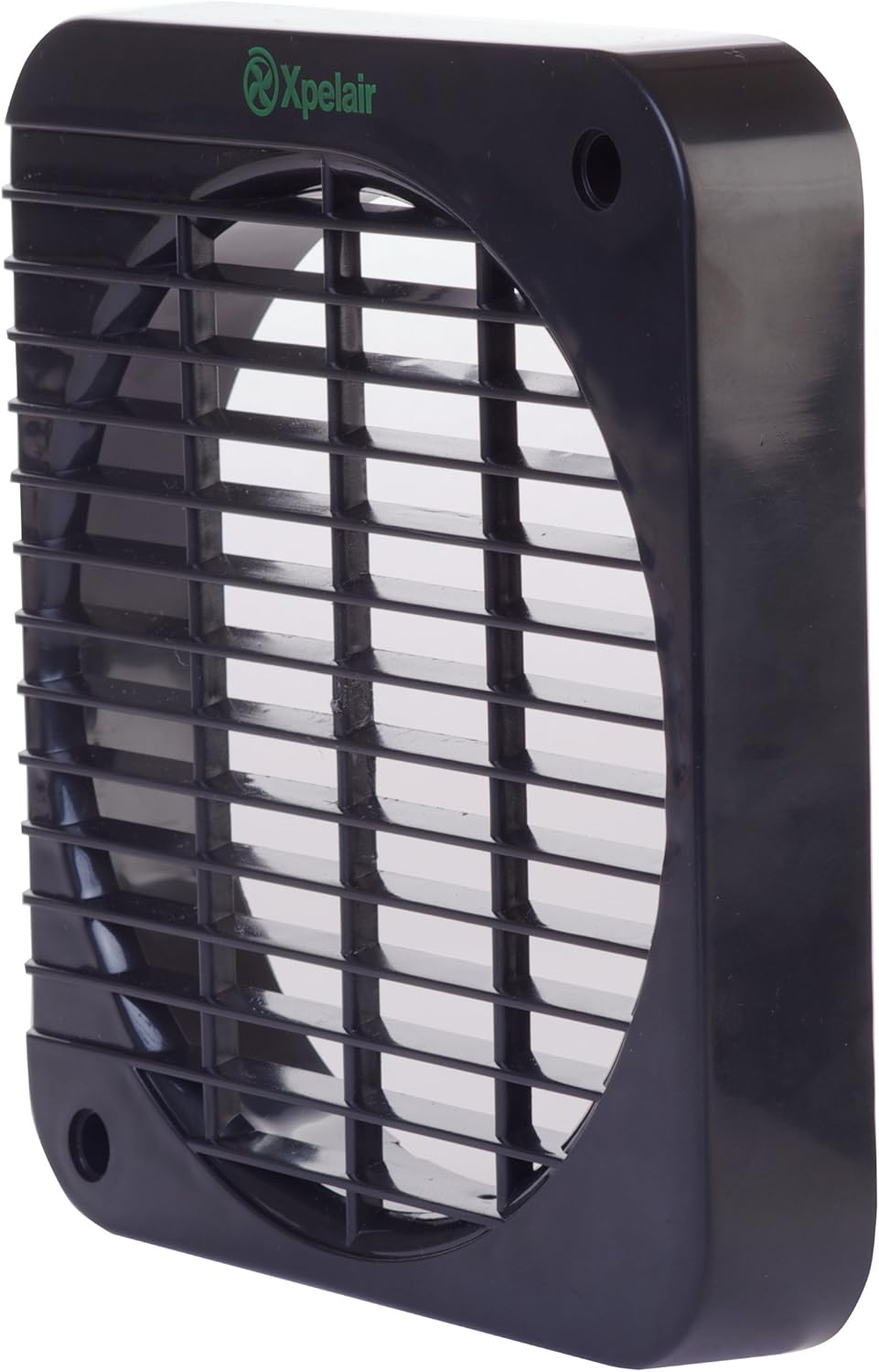
Figure 5: Image displaying key specifications for the Xpelair GX6 fan, including air flow, sound level, and power rating.
8. Warranty
The Xpelair GX6 extractor fan comes with a three-year guarantee from the date of purchase. This warranty covers defects in materials and workmanship under normal use. Please retain your proof of purchase for any warranty claims. The warranty does not cover damage caused by improper installation, misuse, or unauthorized repairs.
9. Support
For further assistance, technical support, or to inquire about replacement parts, please contact Xpelair customer service. Refer to the official Xpelair website or your product packaging for the most up-to-date contact information.
- Online Resources: Visit the official Xpelair website for FAQs, product registration, and additional support documents.
- Contact Information: Refer to your product's packaging or the Xpelair website for phone numbers and email addresses for customer support in your region.


