
Introduction
The Playskool Alphie Booster Pack - Music and Sounds is an expansion set designed to enhance the learning experience with your Playskool Alphie robot (sold separately). This pack introduces a variety of music and sound-related activities through a set of double-sided cards and a dedicated game cartridge. It aims to engage children aged 3 and up with musical concepts, instrument recognition, and sound exploration.
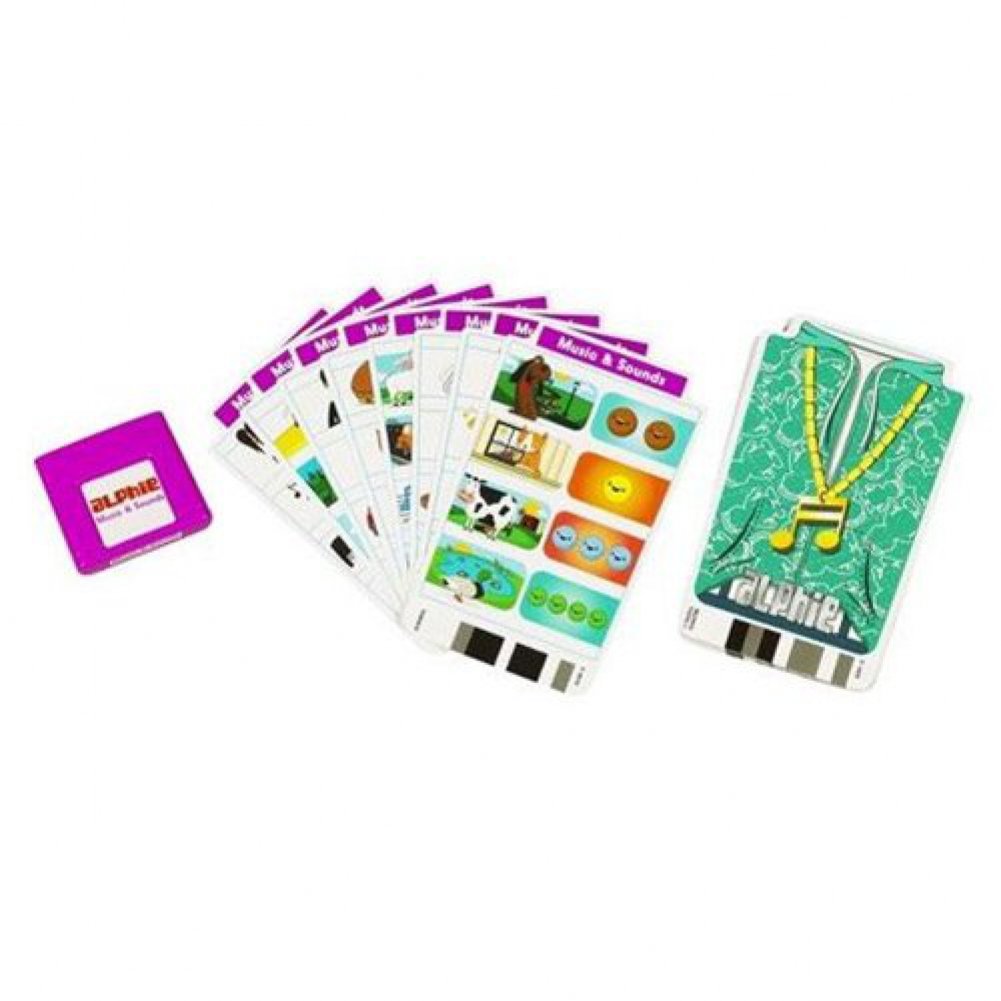
Image: The Playskool Alphie Booster Pack - Music and Sounds, showing the product packaging with the Alphie robot and various cards.
Setup
To begin using the Music and Sounds Booster Pack, follow these steps to integrate it with your Playskool Alphie robot:
- Locate the Cartridge Slot: On your Alphie robot, identify the cartridge slot, typically located in the middle section.
- Remove Existing Cartridge: If another game cartridge is currently inserted, gently remove it. The original Alphie cartridge is usually white.
- Insert Music and Sounds Cartridge: Take the purple game cartridge from the Music and Sounds Booster Pack. Carefully insert it into Alphie's cartridge slot until it clicks securely into place.
- Organize Cards: The booster pack includes 25 double-sided cards. These cards are color-coded to match the purple Music and Sounds cartridge. Ensure you are using the correct cards with the corresponding cartridge.
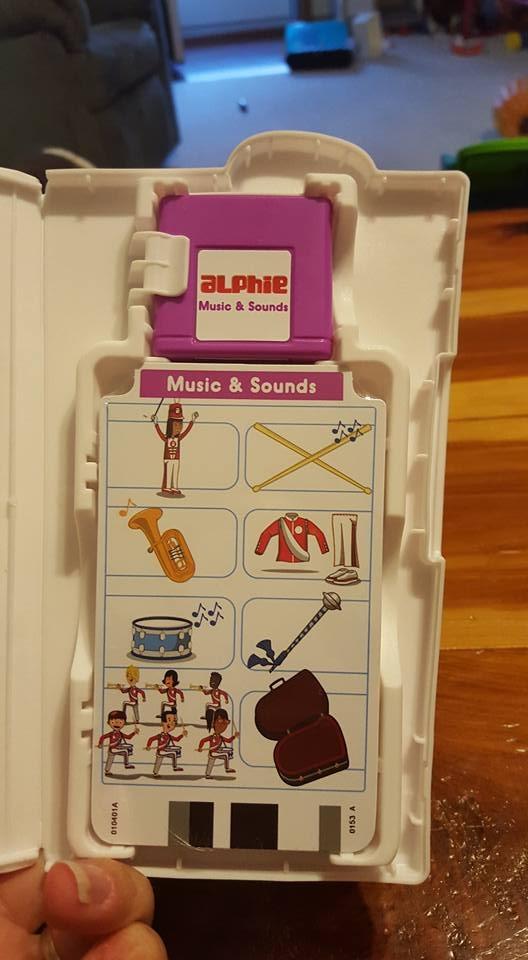
Image: A close-up view of the Playskool Alphie Booster Pack cards and the purple game cartridge, ready for insertion into the Alphie robot.
Operating Instructions
Once the Music and Sounds cartridge is installed, Alphie is ready to interact with the booster pack cards. The activities are designed for single-player engagement.
Using the Cards:
- Select a double-sided card from the Music and Sounds pack.
- Insert the card into Alphie's card reader slot.
- Alphie will prompt your child with questions or activities related to music and sounds.
- Children can respond by pressing the corresponding buttons on Alphie's interface.
Activity Types:
The booster pack offers over 300 questions across various musical themes, including:
- Musical Genres: Introduction to different music styles like Salsa, Blues, and Jazz.
- Instrument Sounds: Identification and recognition of various musical instruments.
- Ear Training: Activities designed to develop auditory skills.
- Common Nursery Songs: Interactive play with familiar tunes.
- Sound Matching: Matching sounds to objects or categories.
- Rhythmic Dictation: Basic rhythm recognition and reproduction.
- Counting and Spelling: Integration of early literacy and numeracy skills within a musical context (e.g., "Count the music notes," "Which instrument starts with the sound Fffff").
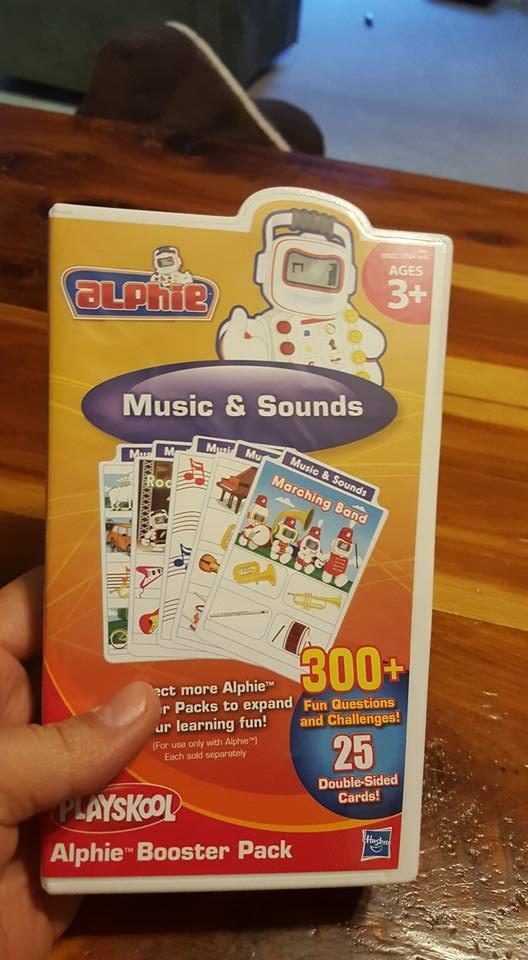
Image: The Playskool Alphie robot with a music card inserted, demonstrating how the cards are used during play.
Maintenance
Proper care of your Music and Sounds Booster Pack will ensure its longevity and continued functionality.
- Card Handling: The cards are made of paper material and can bend or tear if handled roughly. Encourage gentle handling to prevent damage.
- Storage: Utilize the provided case for the cards and cartridge when not in use. This protects them from damage and keeps them organized. Store in a dry place away from direct sunlight and extreme temperatures.
- Cleaning: If cards become dirty, gently wipe them with a dry, soft cloth. Avoid using liquids or abrasive cleaners.
Troubleshooting
If you encounter issues while using the Music and Sounds Booster Pack, consider the following:
- Cards Not Reading:
- Ensure the purple Music and Sounds cartridge is securely inserted into Alphie's slot.
- Verify that the card is inserted correctly into Alphie's card reader.
- Inspect the card for any bends, tears, or significant wear that might prevent Alphie from reading it. While minor bends might still allow functionality, severe damage can cause issues.
- Confirm that the cards being used are from the Music and Sounds pack and match the inserted purple cartridge. Alphie will not read cards from other packs if the incorrect cartridge is installed.
- No Sound or Incorrect Sounds:
- Check the batteries in your Alphie robot. Low batteries can affect sound output.
- Ensure Alphie's volume is turned up.
- Language Incompatibility:
- This booster pack is designed for English language use. If your Alphie robot is configured for a different language or if you have cards in another language, they may not be compatible.
If problems persist, refer to the main Playskool Alphie robot instruction manual or contact Playskool customer support.
Specifications
| Brand | Playskool |
| Model Number | 19522 |
| UPC | 698887409346, 653569509363, 698997619765, 754295513263 |
| GTIN | 00653569509363 |
| Age Range | 36 months to 1176 months (3 to 98 years) |
| Included Components | 25 Double-Sided Cards, 1 Game Cartridge |
| Unit Count | 25.0 Count (cards) |
| Material Type | Paper |
| Item Dimensions (L x W x H) | 0.67 x 4.57 x 7.52 inches |
| Item Weight | 16 ounces |
| Theme | Music |
| Educational Objective | To help children learn the alphabet and associated skills in a fun and engaging way, potentially through the use of music and sounds. |
Warranty and Support
Specific warranty information for the Playskool Alphie Booster Pack - Music and Sounds is not provided in this document. For details regarding warranty coverage, product support, or to report any issues not covered in the troubleshooting section, please contact Playskool customer service directly. You can typically find contact information on the product packaging or on the official Playskool website.